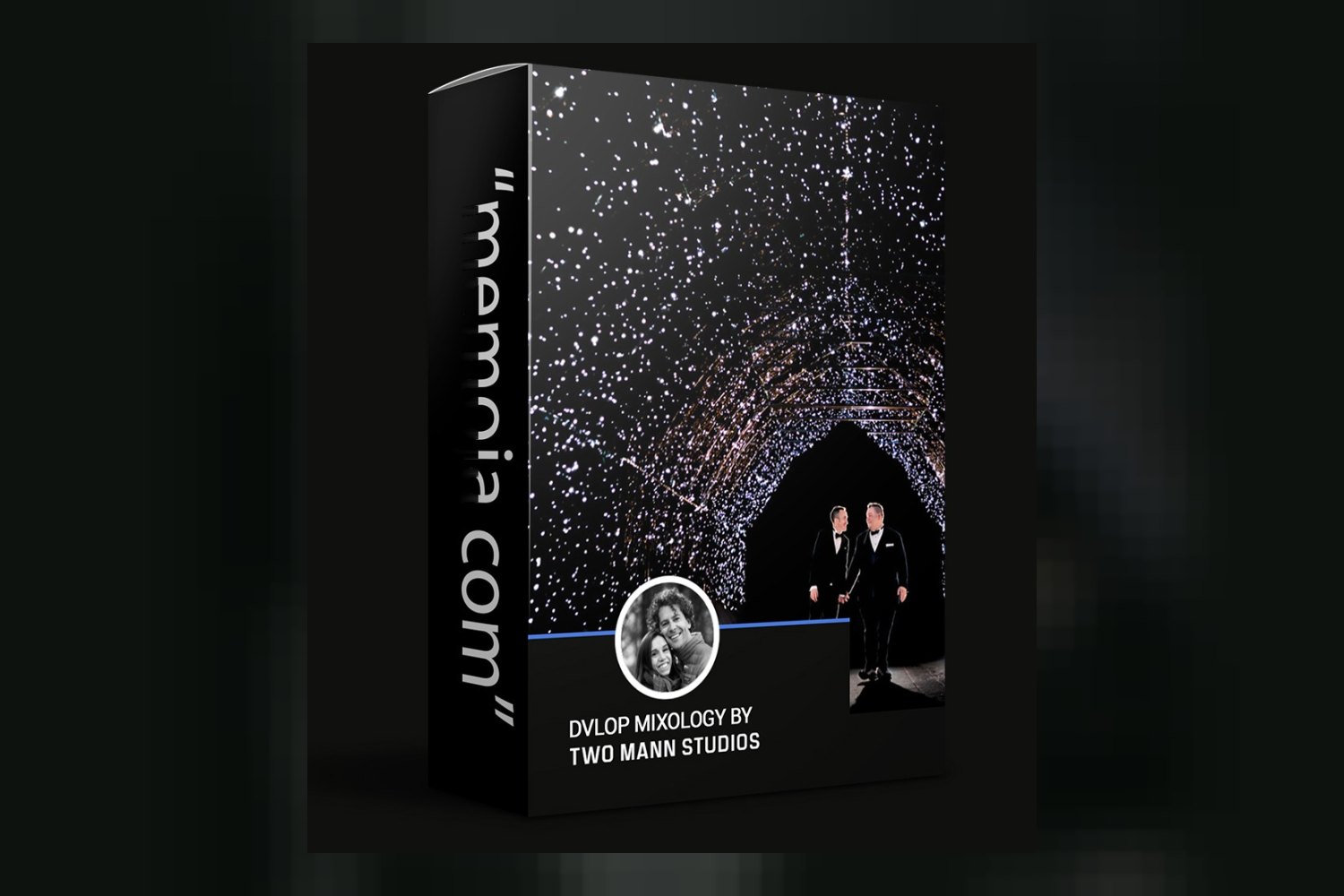
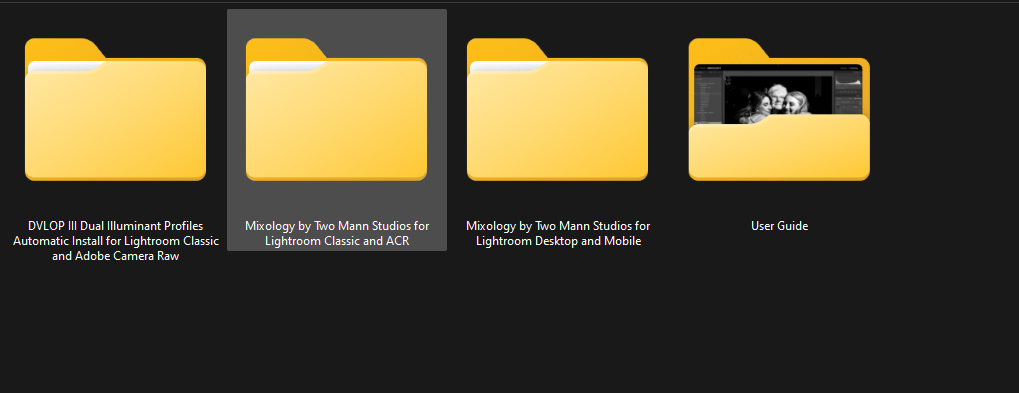
You’re looking at DVLOP Mixology by Two Mann Studios. This is a collection of presets, modifiers, and brushes designed to give your photographs that bold, daring, and captivating Two Mann Studios look. It’s built for photographers shooting weddings, portraits, or outdoor adventures, from aspiring to seasoned pros. Just be aware right off the bat that some key features need specific Adobe Lightroom Classic or Camera Raw versions.
What’s actually in the pack
On paper, this pack offers a solid set of tools to dial in a specific aesthetic. You get 3 core color presets: Mannhattan, Mannhattan Extra, and Mezcalita. Mezcalita, the creator says, is specifically designed for appealing and realistic skin tones, which is a big deal for portrait and wedding photographers. There’s also 1 signature black and white preset called Ristretto, which sounds like it’ll pack a punch.
Beyond the main presets, you’ll find a lot of fine-tuning options. The pack includes 24 one-click modifiers – 11 for color and 9 for black and white, plus others like Contrast, Dynamic Range, Warming Grade, Cooling Grade, Lift Black Point, Lighten Blacks, Matte, and Two Mann Sharpen. These modifiers are like little micro-adjustments you can stack on top of your chosen preset. To me, this is the strongest part of the offering because it gives you flexibility without starting from scratch every time.
Then there’s the Two Mann Punch Slider, which is integrated into all three Mixology presets. You can adjust it from 0 to 200, letting you really push or pull the intensity of the look. That’s a clever way to bake in control. Finally, you get 10 Two Mann Brushes for local adjustments: Dodge, Burn, Blue Skies, Mountains, Warming, Cooling, Sunset Warmer, Skin Toner, Skin Smoother, and Hair Defrizzer. There are also User Guide Videos included, which is always helpful for getting started, especially with a system this detailed.
Which cameras and profiles it’s built for
From what the creator publishes, DVLOP Mixology needs Adobe Lightroom Classic 7.3 or later, or Adobe Camera Raw 10.4 or later. If you’re using Lightroom mobile, the presets are included, but you’ll need Lightroom Desktop to sync them over. That’s a pretty standard setup for DVLOP packs.
A key detail here is the Dual Illuminant camera profiles. These are only available for Lightroom Classic and Adobe Camera Raw users. What this means in practice is that the presets are designed to adapt better to different lighting conditions. If you’re relying solely on Lightroom Mobile, you won’t get the benefit of these profiles. The presets are also ISO Adaptive, but only if you’re on Lightroom Classic 9.3 or later. This is important because it means the look should hold up better across different ISO settings, which is a real time-saver in post-production if your software supports it.
If your version of Lightroom Classic is older than 7.3, or your Adobe Camera Raw is older than 10.4, then this pack won’t work for you. And if you’re a mobile-only editor, you’ll miss out on the Dual Illuminant profiles and need to use Desktop to sync. It’s not explicitly stated which camera manufacturers or specific log profiles these are optimized for, so you’d need to test them with your particular camera files to see how they perform.
What kind of footage and mood it suits
Given that Two Mann Studios are internationally acclaimed wedding photographers known for their bold, daring, and captivating style, it’s no surprise that DVLOP Mixology is made for wedding photography. Their work finds “magic in the ordinary,” so you can expect these presets to enhance everyday scenes with a unique flair.
The pack is also listed for portrait photography and outdoor adventure photography. The inclusion of brushes like “Blue Skies,” “Mountains,” “Sunset Warmer,” and “Skin Toner” really backs this up. If you’re looking to add a dramatic, vibrant, and slightly punchy feel to your images, whether they’re of a couple on their wedding day, a solo portrait, or a landscape with people, this aesthetic seems to fit.
The Mezcalita preset, specifically formulated for appealing and realistic skin tones, tells me they’ve thought about human subjects. If you shoot a lot of people in varying environments and want a consistent, yet striking, look that still keeps skin looking natural, this could be a good starting point. I’d expect a slightly desaturated or richly toned feel based on their “bold” style, but with careful attention to highlights and shadows.
Where it fits in a grading workflow
This pack is built entirely around Adobe Lightroom Classic and Adobe Camera Raw, with mobile support for presets if you sync via the desktop app. This means it’s designed to be used early in your workflow, typically right after import, as a foundation for your image grading.
You’d apply one of the 4 core presets (Mannhattan, Mannhattan Extra, Mezcalita, or Ristretto B&W) as your initial look. Then, you’d layer on the 24 one-click modifiers to tweak things like contrast, dynamic range, and color temperature. The Two Mann Punch Slider gives you an easy way to adjust the overall intensity of the preset, which is great for matching images or giving a consistent feel across a series. Finally, for local adjustments like dodging, burning, or enhancing specific elements like skies or skin, you’d use the 10 Two Mann Brushes. This workflow makes sense for efficiency: global adjustments first, then refine locally.
Since the presets are ISO Adaptive (for Lightroom Classic 9.3+), they should react intelligently to different ISO settings, which means less manual tweaking for noise or color shifts across varying light conditions. The Dual Illuminant camera profiles also suggest they’re designed to react well to different white balances. So, you’d apply the preset, then make your basic corrections (white balance, exposure if needed), and then get into the modifiers and brushes for the creative grade.
Limits and who should skip it
This DVLOP Mixology review would be incomplete without addressing its limits. If you’re not using Adobe Lightroom Classic or Adobe Camera Raw, this pack isn’t for you. The Two Mann Brushes, which offer a lot of local control, specifically require these desktop applications. So, if your workflow is entirely in other software like Capture One, Luminar, or even a different version of Photoshop that doesn’t include ACR, you’ll be out of luck.
Also, if you’re primarily a mobile photographer or editor, you should probably skip this. While Lightroom mobile presets are included, you need Lightroom Desktop to sync them. More importantly, you won’t get the benefit of the Dual Illuminant camera profiles or the ISO Adaptive Presets unless you’re on specific, newer versions of Lightroom Classic and ACR. These are features that significantly enhance the quality and adaptability of the presets, and losing them means you’re not getting the full value.
So, if your software is older than Lightroom Classic 9.3 or if you primarily edit on a tablet or phone, this pack will either not work, or you’ll miss out on some of its key advantages.
So, is DVLOP Mixology a good fit?
If you’re an Adobe Lightroom Classic user with version 9.3 or later, especially if you shoot weddings, portraits, or adventure and aim for that bold, dramatic Two Mann Studios look, then DVLOP Mixology by Two Mann Studios looks like a strong contender. The combination of core presets, numerous modifiers, a Punch Slider, and targeted brushes gives you a lot of control to apply a consistent aesthetic efficiently. However, if you’re relying heavily on Lightroom Mobile or older desktop software, you’ll hit compatibility walls and miss out on some of the pack’s most useful features.
Questions people ask
What software is compatible with DVLOP Mixology?
DVLOP Mixology is compatible with Adobe Lightroom Classic 7.3 or later, and Adobe Camera Raw 10.4 or later. Lightroom mobile presets are included but require Lightroom Desktop for syncing.
How many presets are included in the Mixology pack?
The DVLOP Mixology pack includes 3 color presets (Mannhattan, Mannhattan Extra, and Mezcalita) and 1 black & white preset (Ristretto), totaling 4 core presets.
Do the Two Mann Brushes work with Lightroom Mobile?
No, the Two Mann Brushes require Adobe Lightroom Classic or Adobe Camera Raw and are not compatible with Lightroom Mobile.
What is the Two Mann Punch Slider?
The Two Mann Punch Slider is a control integrated into all 3 Mixology presets, allowing users to adjust the intensity of the preset from 0 to 200.
Prefer to buy directly from Two Mann Studios at full price? See the official page.