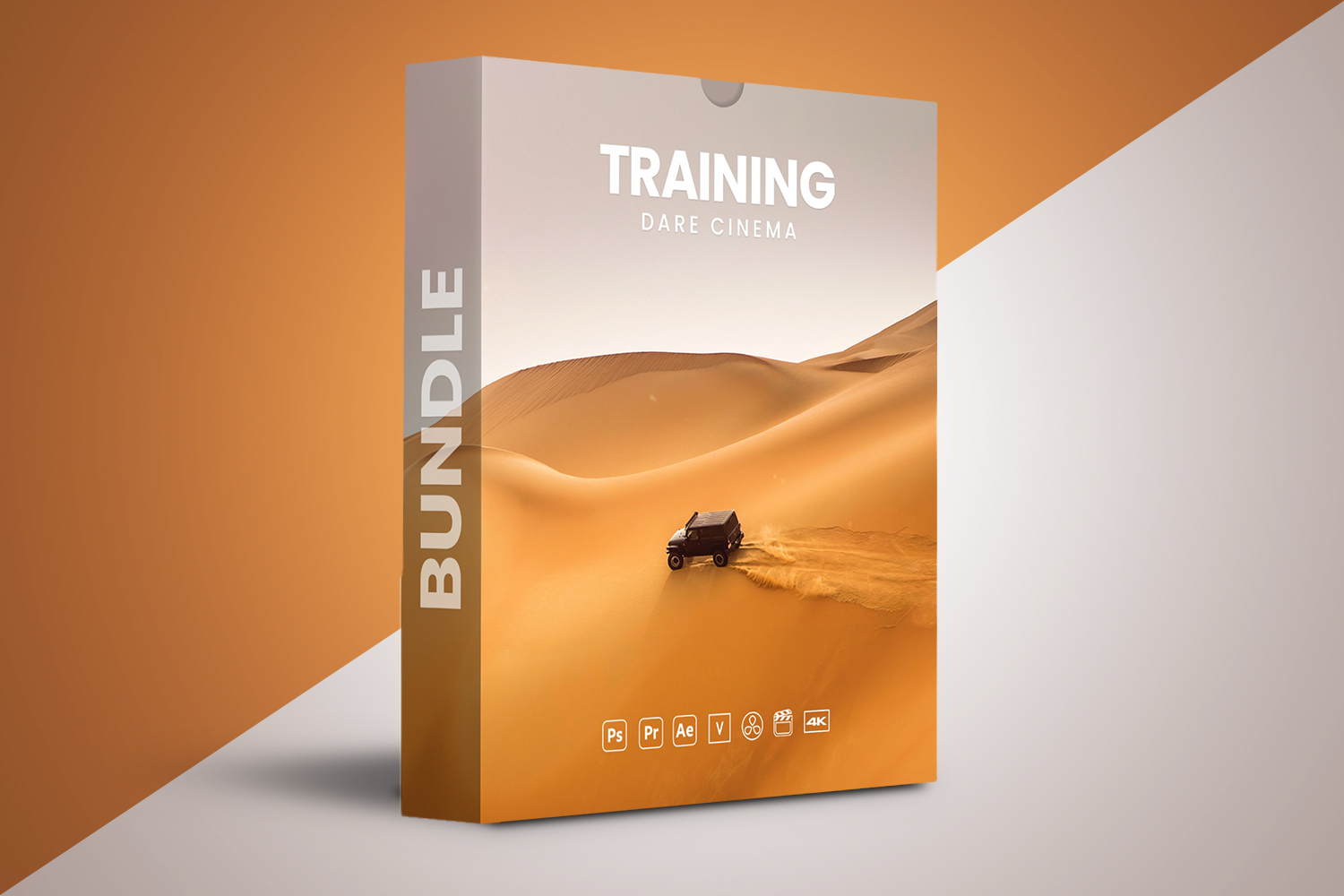

Okay, so you’re looking at the Dare Cinema Complete Training Bundle and wondering if it’s the real deal. On paper, it’s a collection of six individual courses bundled together, aiming to give you a complete curriculum for filmmaking. It looks like it’s built for anyone from absolute beginners to those who want to polish up existing skills, covering everything from basic photography to professional video editing. The main catch? The creator doesn’t publish details about specific software versions or operating system requirements, which can be a pain if you’re trying to plan your setup.
What the Dare Cinema Bundle Covers in Detail
This bundle is designed as an all-in-one curriculum, linking together six distinct courses. It offers a pretty thorough learning path, moving from foundational photography all the way to advanced video editing and some unique motion techniques. In total, you’re looking at 88 lessons with a runtime of 12 hours and 59 minutes.
Let’s break down what’s inside:
- Beginning Photography (33 LESSONS | 3H 54M): This is where it all starts. If you’re new to cameras or just want to solidify your understanding of exposure, composition, and light, this course looks like it covers the fundamentals. It’s the longest module by lesson count and runtime, which makes sense for building a strong base.
- DSLR Video – Cinemagraphs (9 LESSONS | 1H): This module focuses on creating cinemagraphs – those cool still photos with subtle, repeating motion. It’s a unique skill that can make your content stand out, and it’s nice to see it included here.
- Animating Still Photos – Titles & Motion (8 LESSONS | 1H 39M): This part is for anyone interested in bringing static images to life. It also covers titles, which are essential for professional-looking video content. If you’re a graphic artist or animator, this could be a standout section for you.
- Making Films From Your Photos (11 LESSONS | 3H 39M): This course bridges the gap between still photography and filmmaking. It teaches you how to string together your images and create narrative, which is a key step for photographers looking to expand into visual storytelling.
- Premiere: Editing Quickstart (17 LESSONS | 2H 17M): As the name suggests, this is your introduction to Adobe Premiere Pro, which is industry-standard software for video editing. This course aims to get you up and running quickly with essential editing skills.
- DSLR Video – Camera Angles (10 LESSONS | 1H 8M): This module focuses on a crucial aspect of video production: how to effectively use camera angles to tell your story and create visual impact. It’s about more than just pointing and shooting; it’s about intentional filmmaking.
Judging by this module list, the strongest part of this bundle is its sheer breadth. It doesn’t just stick to one area; it covers foundational photography, transitions into video, explores creative techniques like cinemagraphs, and then moves into the practicalities of editing. This thorough path, from mastering photography basics to creating captivating motion graphics and professional video edits, looks solid on paper.
What’s Not Clear or Is Thin in the Dare Cinema Curriculum
This is where things get a bit fuzzy. While the curriculum itself seems well-structured, the practical details about the software and hardware requirements are somewhat sparse. The creator doesn’t specify the exact Adobe Premiere Pro versions that are compatible with the courses. This can be a real headache. If you’re running an older version, or you’ve just bought the latest, you might wonder if the interface and features shown in the lessons will match what you see on your screen.
Similarly, the sources don’t mention any operating system requirements. Will the course material and software work best on Windows, macOS, or does it not matter? For a course that deals with software and hardware, these are pretty important details that are just missing. You’ll need a DSLR camera, but there are no recommendations on specific brands or models, which could leave beginners guessing.
From my perspective, this lack of specific technical information is the weakest point of the published curriculum. It leaves too much guesswork for the student, especially for absolute beginners who might not know what to look for.
What You’ll Need to Get Started with Dare Cinema
Based on the facts, you’ll need two main things to make the most of this bundle: Adobe Premiere Pro and a DSLR camera. The “Premiere: Editing Quickstart” course specifically teaches you how to use this software, so having it is non-negotiable for that part of the curriculum. DSLR cameras are mentioned directly in two course titles (“DSLR Video – Cinemagraphs” and “DSLR Video – Camera Angles”), indicating they’re central to the practical exercises.
Beyond the gear, the course states it’s for “absolute beginners to those looking to refine existing skills,” so technically, there are no *prerequisites* in terms of prior experience. However, you’ll obviously need access to the required software and hardware to actually apply what you learn.
Who the Dare Cinema Bundle is For
This bundle casts a pretty wide net, which makes sense given its thorough nature. It’s made for:
- Aspiring filmmakers: If you’re starting from scratch and want a structured path to learn the basics and beyond, this looks like a solid foundation.
- Photographers seeking expansion into video, motion, and visual storytelling: Many photographers already own a DSLR. This bundle seems tailored to help them transition their skills and gear into the video world, especially with courses like “Making Films From Your Photos.” You might find the Paul Nicklen Masterclass interesting if your primary focus remains photography, but this bundle is for moving beyond stills.
- Videographers aiming for professionalism: Even if you’re already shooting video, the sections on camera angles, cinemagraphs, and editing quickstarts could help you refine your craft and produce more polished work.
- Graphic artists and animators interested in animating still photos and incorporating motion graphics: The “Animating Still Photos – Titles & Motion” course is directly aimed at this group, offering skills to add dynamic elements to their work.
- Content creators (bloggers, YouTubers, social media managers): If you’re creating content for online platforms and want to step up your video production quality, from basic shooting to editing and unique motion techniques, this bundle could provide the necessary skills.
Essentially, if you’re looking for a broad, practical curriculum that starts with photography and builds towards professional video and motion, and you’re comfortable with the idea of learning Adobe Premiere Pro and using a DSLR, this bundle seems designed for you.
Who is Dare Cinema and Why It Matters
The creator behind this bundle is Dare Cinema. Now, the facts don’t provide any background information about Dare Cinema – no specific instructors, no industry experience, no portfolio links. This is a common situation with online courses where the brand is the creator. Without knowing their specific track record or style, it’s harder to judge their specific pedagogical approach or unique insights.
However, what we *can* tell from the curriculum itself is that they’ve put together a very broad and logically progressing learning path. The choice to unite six individual courses into one package and cover everything from basic photography to advanced video editing and unique motion techniques suggests a deep understanding of the overall filmmaking pipeline. Even without a specific “star instructor” profile, the content structure promises a thorough and foundational yet advanced understanding of essential skills.
Who Should Skip This Bundle
While the Dare Cinema Complete Training Bundle is thorough, it’s not for everyone. You should probably skip this if:
- You don’t plan on using Adobe Premiere Pro: The “Premiere: Editing Quickstart” course makes it clear that this software is central to the editing instruction. If you prefer DaVinci Resolve, Final Cut Pro, or another editor, a significant portion of the bundle won’t be directly applicable to your workflow.
- You don’t own or plan to buy a DSLR camera: “DSLR Video – Cinemagraphs” and “DSLR Video – Camera Angles” mean a DSLR is a core tool for the video aspects. If you’re only shooting on a smartphone or a mirrorless system and aren’t looking to invest in a DSLR, these sections might not serve you.
- You need exact software version compatibility: As mentioned, the creator doesn’t specify which versions of Adobe Premiere Pro are covered. If you absolutely need to know that the course will perfectly match your software version, this ambiguity might be a dealbreaker.
- You’re an advanced professional looking for niche, highly specialized training: While the bundle covers foundational to “advanced understanding,” it’s structured as a broad curriculum. If you’re already an expert in specific areas like advanced color grading for specific camera profiles (like S-Log3 or ProRes RAW) or high-end visual effects, this bundle might be too general for your needs.
- You require specific operating system requirements to be published upfront: If you’re very particular about system compatibility before purchasing, the lack of this information could be a reason to hold off.
So, Is This Dare Cinema Bundle For You?
If you’re a beginner or intermediate creator looking for a broad, practical curriculum to master filmmaking from the ground up, covering photography, video, and motion graphics with Adobe Premiere Pro and a DSLR, the Dare Cinema Complete Training Bundle looks like a strong contender. However, if you need precise technical specifications for software versions or operating systems, or if you’re an advanced user seeking highly specialized training, you might want to look elsewhere.
Questions people ask
What specific software versions are required for the courses?
The creator doesn't specify the exact software versions compatible with the courses, only mentioning Adobe Premiere Pro.
What are the system requirements for running the software used in the courses?
The creator doesn't specify operating system requirements.
Are there any prerequisites for taking this bundle?
The bundle is designed for "absolute beginners to those looking to refine existing skills," so no prior experience is explicitly required, but you will need Adobe Premiere Pro and a DSLR camera.
What kind of DSLR camera is recommended?
The creator mentions "DSLR cameras" are compatible but does not specify any particular brands, models, or types of DSLR camera.
Prefer to buy directly from the creator at full price? See the official page.