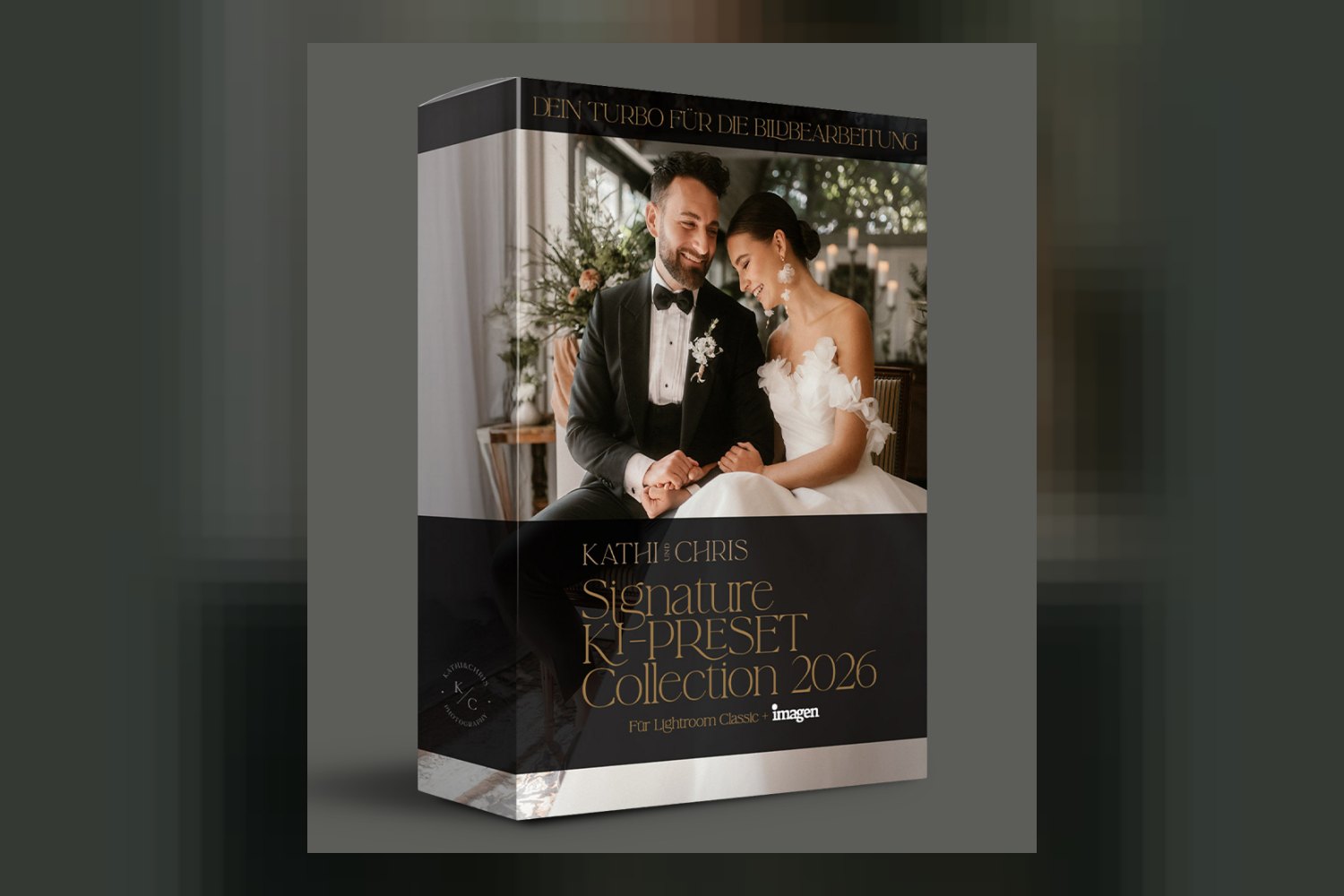
The KCP Signature AI Preset Collection by Kathy and Chris is an AI-powered editing solution built on Imagen AI technology, designed specifically for wedding photography workflows. It’s clearly made for professional wedding photographers and anyone looking for a modern approach to editing. The main catch, right off the bat, is that you’ll need both an Imagen AI account and Adobe Lightroom, preferably Lightroom Classic, to use it.
What you get with the KCP Collection
This isn’t just a simple pack of presets; it’s a whole system. The core of it is the KCP-Signature AI-Profile 2026 (Version 4, from November 2025). The creator says this AI profile was trained using thousands of RAW files and then validated and refined with feedback from 150 experienced photographers. That’s a serious amount of data and real-world testing, which is good to see.
Beyond the AI profile, you also get a matching Lightroom Classic Preset Package. This is important because it means you’re not just relying on the AI for every single edit; you have traditional presets to work with, presumably for fine-tuning or specific looks the AI might not hit perfectly every time. The creator doesn’t specify how many individual presets are in this package, so I can’t tell you if it’s a handful or a thorough set.
To help you get started, the collection includes thorough video tutorials. That’s a must for anything AI-powered or workflow-specific like this. You also get free future updates, which suggests this is a living product that Kathy and Chris plan to keep refining, especially with the AI profile already being at Version 4. Access to an exclusive WhatsApp group is a nice touch for community and support, which can be invaluable when you’re adopting new tech in your workflow.
Finally, if you’re new to Imagen AI, there’s a bonus: 1500 free images to test the Imagen AI platform, provided you sign up via a specific link. That’s a decent chunk of free processing to see if the whole Imagen AI ecosystem works for you before committing to their service.
Camera compatibility and core requirements
When it comes to camera compatibility, the creator states the KCP Signature AI Preset Collection works with virtually every camera model. That’s a pretty broad claim, and if it holds true, it means you shouldn’t have to worry about whether your specific Canon, Nikon, Sony, or Fuji RAW files will play nice with the AI profile. They don’t list specific camera models or sensor types, but the “virtually every” claim suggests a wide-ranging training dataset for the AI.
However, the compatibility claim comes with two big requirements. First, you absolutely need Adobe Lightroom (preferably Lightroom Classic). If you’re using something else like Capture One, Luminar, or even just regular Lightroom CC without the Classic features, this collection isn’t for you. It’s built into a specific ecosystem.
Second, and this is a significant point, you need an Imagen AI account. The KCP Signature AI Preset Collection is built *upon* Imagen AI technology, so it’s not a standalone product you can just drop into Lightroom. Imagen AI is a third-party service, and while the collection offers 1500 free images for new Imagen users, you’ll still be integrating with another platform. This isn’t a simple preset install; it’s adopting a new, AI-driven workflow that requires a subscription to another service.
What kind of wedding photography it suits
This collection is clearly designed for professional wedding photographers and the “modern photographer” who shoots weddings. Judging by the details, it’s aimed at those who are looking to drastically cut down on their post-processing time without sacrificing quality or consistency. The creator claims it can reduce post-processing time by up to 90% and process 1,000 images in 10-20 minutes. If those numbers hold up in your workflow, that’s a massive time saver for busy wedding photographers.
It’s also designed to handle the often-challenging environments of wedding photography. The creator says the AI profile handles situations like underexposure, harsh backlighting, and unwanted color shifts. If you’ve ever shot a wedding, you know these are common issues, from dark reception halls to bright outdoor ceremonies. An AI that can consistently correct these across thousands of images is a big deal for maintaining a cohesive look.
The optional automatic enhancements, like retouching, cropping, and straightening, also point to a tool for efficiency. For a wedding photographer delivering hundreds or thousands of images, having these basic corrections automated can save hours, especially if they’re consistent. It seems suited for photographers who value speed and consistency in their initial cull and edit, allowing them to spend more time on creative work or other parts of their business.
Where it fits in a grading workflow
This collection is positioned right at the start of your post-production workflow, specifically for bulk editing and color correction. Since it’s built on Imagen AI and requires Adobe Lightroom (preferably Classic), that’s your ecosystem. The heavy lifting, the “hardware agnostic processing,” is handled by Imagen AI’s cloud-based platform. This means your computer doesn’t need to be a beast to process thousands of RAW files quickly.
You’d likely import your RAW files into Lightroom Classic, then send them to Imagen AI with the KCP-Signature AI-Profile applied. The AI does its magic, color correction, exposure adjustments, and potentially those optional retouching, cropping, and straightening enhancements. The processed images then come back into Lightroom Classic, ready for your final review and any specific, nuanced adjustments you want to make by hand using the matching Lightroom Classic Preset Package or your own manual edits.
It sounds like a tool meant to get you 90% of the way there, letting you focus on the last 10% of creative finessing rather than the grind of basic corrections. For a high-volume wedding photographer, this means less time staring at a screen trying to match colors across different lighting conditions and more time delivering galleries or working on albums.
Limits and who should skip it
The biggest limits are the core requirements. If you’re not using Adobe Lightroom, especially Lightroom Classic, this product isn’t for you. It’s deeply integrated into that software. Likewise, if you’re not planning to use or subscribe to Imagen AI, then you won’t be able to use the KCP Signature AI Preset Collection either, as it’s built upon that platform. This isn’t a standalone preset pack; it’s a workflow integration.
So, if you primarily use Capture One, Photo Mechanic, or another RAW editor, you should skip this. If you prefer to manually edit every single image from scratch without any AI assistance, or if you’re philosophically opposed to using third-party AI services for your core editing, then this won’t be a good fit. It’s also probably not for hobbyists or photographers who only shoot a few weddings a year, as the investment in both Lightroom Classic and an Imagen AI subscription might not justify the time savings. This is for professionals with high volume.
My take: should you get it?
If you’re a professional wedding photographer already using Lightroom Classic and you’re drowning in your post-processing, the KCP Signature AI Preset Collection looks like a very strong contender. The promise of cutting editing time by up to 90% and handling challenging lighting scenarios through AI is incredibly appealing for a high-volume business. The AI profile being trained on thousands of RAW files and validated by 150 pros suggests a solid solution, which is its strongest point.
However, if you’re not committed to the Adobe Lightroom ecosystem or are hesitant to integrate a third-party AI service like Imagen AI into your core workflow, then you should definitely pass. Its weakest point is arguably its reliance on these two external platforms, which means additional subscriptions and a new learning curve. But if those aren’t blockers for you, this could be a significant upgrade to your efficiency.
For another take on wedding photography presets, you might find Muse Two In One Bundle by Vicky Baumann Review helpful, though it focuses on traditional presets rather than AI. Also, the DVLOP Mixology by Two Mann Studios Review explores another popular option for wedding photographers that might offer a different approach to batch editing.
Questions people ask
What software do I need to use the KCP Signature AI Preset Collection?
You need Adobe Lightroom, preferably Lightroom Classic, and an Imagen AI account to use the KCP Signature AI Preset Collection.
How much time can I save with this AI preset collection?
According to the creator, the KCP Signature AI Preset Collection can reduce your post-processing time by up to 90%, allowing you to process 1,000 images in 10-20 minutes.
What is included in the KCP Signature AI Preset Collection?
The collection includes the KCP-Signature AI-Profile 2026 (Version 4), a matching Lightroom Classic Preset Package, thorough video tutorials, free future updates, and access to an exclusive WhatsApp group. New Imagen AI users also get 1500 free images to test the platform.
Is the KCP Signature AI Preset Collection compatible with my camera?
The creator states that the KCP Signature AI Preset Collection is compatible with virtually every camera model.
Prefer to buy directly from Kathy and Chris at full price? See the official page.