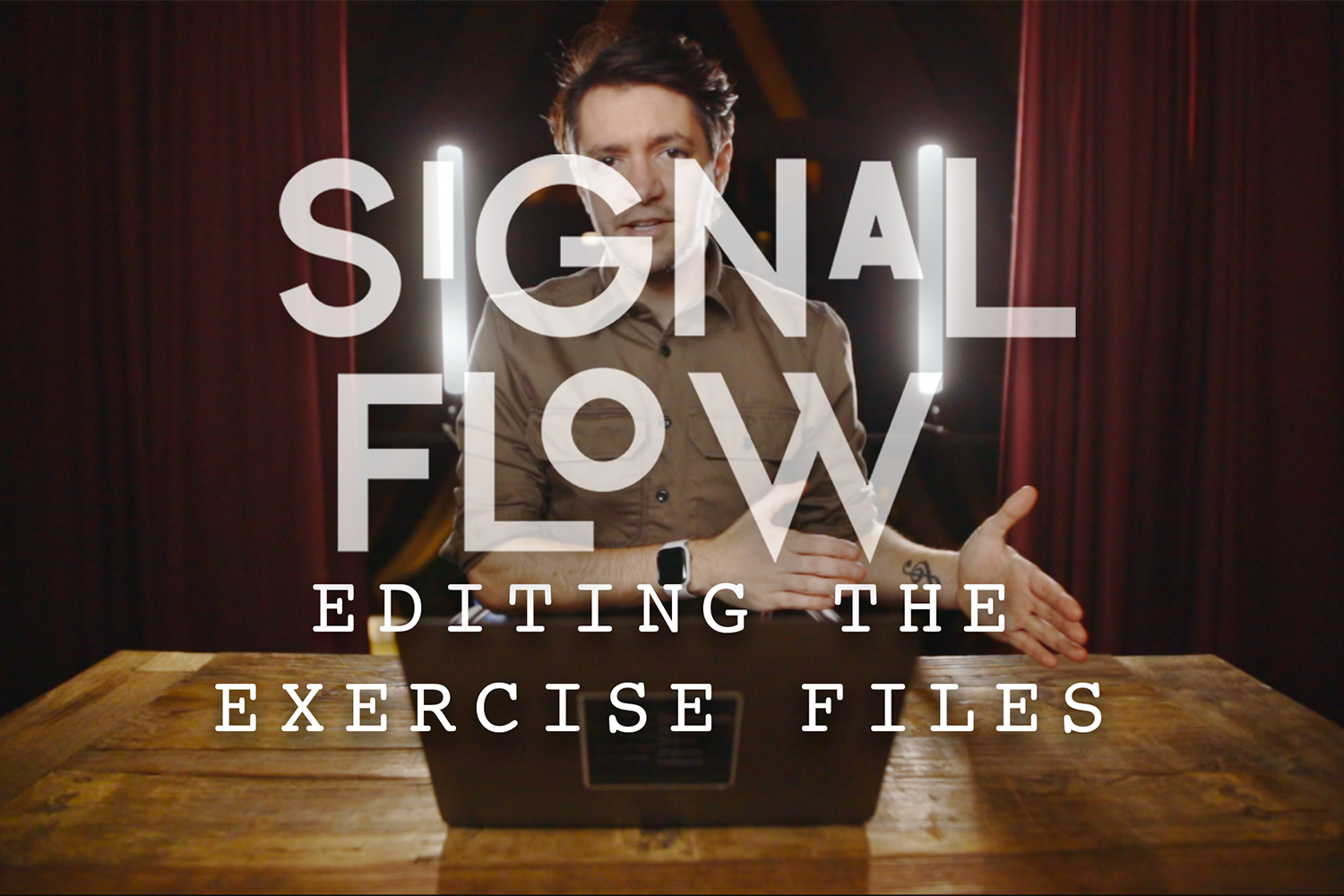

The Signal Flow and Editing Workshop by Sam Hurd is a unique offering that combines video tutorials with a suite of highly technical editing tools: presets and custom 3D LUT Creative Profiles. It’s built for serious photographers, especially wedding and portrait specialists, who want to push the boundaries of what Lightroom can do. The main catch? Some optimization and export features are still ‘coming soon,’ so you’re not getting the full package just yet.
What the Workshop Tutorials and Creative Profiles Cover
On paper, this workshop isn’t just about applying a look; it’s about understanding a deeper technical approach to editing. The core of the package includes detailed workshop tutorials and exercise files, which is good because you’ll need them to grasp the more complex tools.
The main draw here, beyond the tutorials, is the extensive collection of editing tools. These break down into two main categories: presets and 3D LUT Creative Profiles. The presets are described as an ISO adaptive collection designed for “interpixel editing,” which, according to the creator, means leveraging camera calibration to apply a custom 3D LUT for color and tone interpretation. This is a significant detail, as it suggests capabilities not usually found in Lightroom alone.
You get 2 core looks with a dozen modifiers to tweak them. The specific presets listed are:
- Signal Flow Preset
- Signal Flow + Preset
- Signal Flow Binary Preset
- Bit Crusher Preset
- Bit Crusher Plus Preset
- Bit Crusher Binary Preset
These names imply varying intensities or interpretations of the core “Signal Flow” and “Bit Crusher” looks. Beyond these, the workshop includes specific utility tools like the “Decay Tool,” designed for muting highlights, and the “Jpeg Finalizer Tool,” which aims for a “cooked” look, presumably to give JPEGs a more finished or stylized appearance directly in Lightroom.
The 3D LUT Creative Profiles are where things get even more technical and, frankly, interesting if you’re into advanced color grading. The workshop includes a bespoke creative profile called “BitDepth,” which the creator says re-interprets colors for richer tones. This profile also comes blended with the DVLOP X platform. You’ll find several variations:
- BitDepth X Profile (3D LUT Creative Profile)
- BitDepth BW Profile (3D LUT Creative Profile)
- Custom 3D LUT base profile for use with JPEG sources
- BitDepth Standard (3D LUT Creative Profile)
- Flat 3D LUT with nothing applied (useful for building your own looks or for analysis)
- Final Bit Depth 3D LUT
- CIE Chromaticity lut analysis of Bit Depth
The inclusion of a custom 3D LUT for JPEG sources is a nice touch, as these files often behave differently than RAWs. The CIE Chromaticity analysis also suggests a deep get into color science, which is a strong indicator of the technical depth provided.
Who Sam Hurd Is and Why His Background Matters
Sam Hurd isn’t your typical course creator. His background began in political news and celebrity portrait photography in DC, which typically demands quick thinking and adapting to diverse, often challenging lighting situations. He later moved into wedding photography, specifically “to promote inventive ideas.” This isn’t someone who just stumbled into photography; he intentionally seeks to innovate and push boundaries.
His stated focus on “photographic techniques that transform difficult shooting environments” shines through in the technical nature of this workshop. If you’re struggling with inconsistent lighting at events or want to achieve a specific, unique style that transcends standard Lightroom adjustments, his experience suggests he’s built tools to address those exact pain points. This isn’t a course on basic posing or simple exposure adjustments; it’s for photographers who’ve hit a wall with conventional methods and are looking for advanced solutions from someone who has solved similar problems professionally.
He also provides specific gear bag insights for weddings, engagements, and portraits, which is a practical bonus from someone with his on-the-ground experience.
Who This Workshop is For, and the Skill Level It Assumes
Based on the creator’s description, the Signal Flow and Editing Workshop is made for:
- Photographers committed to elevating their craft
- Wedding photography specialists
- Portrait photography specialists
- Photographers aspiring to achieve distinctive and artistic image styles
The creator doesn’t explicitly state a required skill level, but judging by the technical depth of “interpixel editing,” 3D LUTs, and custom creative profiles, I’d say this isn’t for beginners. If you’re just learning how to use the basic sliders in Lightroom, you’ll likely feel overwhelmed. This seems designed for intermediate to advanced photographers who already have a solid grasp of their camera and existing editing software and are ready to experiment with more complex color science and workflow innovations. It’s for those who understand the ‘why’ behind basic edits and are now looking for the ‘how’ behind pushing creative and technical limits.
What You Need Before You Start
To use the Signal Flow and Editing Workshop, you’ll need specific software. The compatibility list is pretty clear:
- Adobe® Lightroom® Classic 7.3 or later
- Adobe® Camera Raw 10.4 or later
- Lightroom mobile (though with a specific requirement)
For Lightroom mobile presets to work, you absolutely need Lightroom Desktop for syncing. So, if your workflow is purely mobile, this isn’t for you. The workshop materials themselves are delivered as video tutorials with exercise files, and of course, the presets and 3D LUT Creative Profiles. No specific camera gear is listed as a requirement, but given Sam Hurd’s background, I’d assume photographers using professional-grade cameras capable of shooting RAW would get the most out of these advanced tools.
What’s Missing, Thin, or Unclear from the Published Curriculum
The biggest gap I see, looking at the facts, is that two specific modules are listed as “coming soon.” These are the “Lightroom Optimization module” and the “Export Settings (Grain, NR, Sharpening) module.”
For a workshop that’s about a “signal flow” and aims to be thorough, having these two crucial elements missing is a notable limitation. Workflow optimization and precise export settings are fundamental to a complete editing process, especially for professionals delivering client work. It means you’ll be getting a powerful set of tools and techniques for the creative part of the edit, but you’ll have to rely on your existing knowledge or other resources for the final steps of optimizing performance and delivering polished files.
While the workshop delivers on advanced color and tone, the creator doesn’t publish details about how much of the content specifically addresses correcting overexposed photos or other common image issues beyond the “Decay Tool” for highlights. The focus is very much on artistic transformation rather than corrective measures.
Who Should Skip It
You should probably skip the Signal Flow and Editing Workshop if:
- You’re a beginner photographer or new to Lightroom. The technical depth of 3D LUTs and “interpixel editing” is likely to overwhelm you if you’re not already comfortable with fundamental editing concepts.
- You’re looking for a complete, end-to-end workflow solution right now. The “coming soon” status of the Lightroom Optimization and Export Settings modules means you’ll be missing crucial parts of a full workflow. If you need a thorough guide that covers everything from import to final delivery, you might want to wait or look elsewhere.
- You primarily use Lightroom mobile without a desktop sync setup. The requirement for Lightroom Desktop to sync mobile presets means it’s not a standalone mobile solution.
- You’re not interested in highly distinctive, artistic image styles. This workshop is clearly aimed at achieving “distinctive and artistic” looks, not just clean, natural edits. If your style is more traditional or documentary with minimal heavy grading, some of these tools might be overkill.
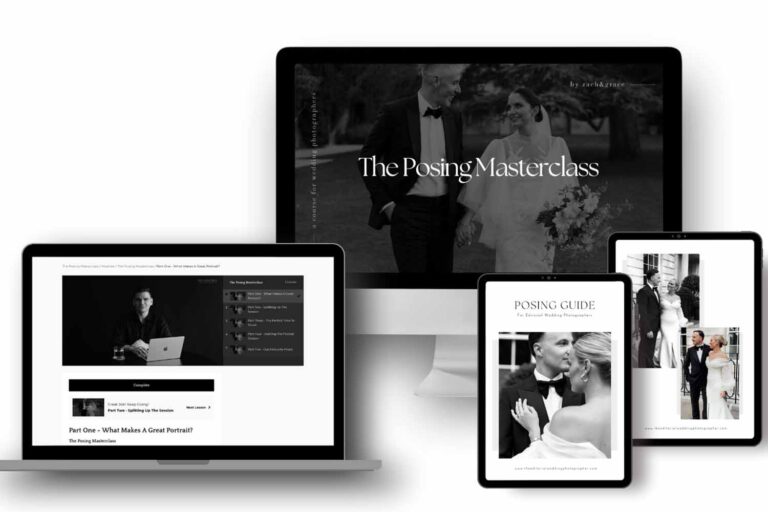
If you’re looking for foundational posing guidance, for example, a course like The Posing Masterclass by Zach and Grace would be a better fit, as this workshop is squarely focused on post-processing techniques.
So, Should You Get It?
If you’re a wedding or portrait photographer with solid Lightroom skills, keen to push creative boundaries with advanced color and tone manipulation, the Signal Flow and Editing Workshop looks like a powerful set of tools. The “BitDepth” creative profile and “interpixel editing” promise unique looks not easily achieved otherwise. However, if you need a complete workflow solution that includes optimization and export settings, or if you’re a beginner, I’d hold off for now until those “coming soon” modules are released and integrated.
Questions people ask
What software is compatible with Signal Flow?
The Signal Flow and Editing Workshop is compatible with Adobe® Lightroom® Classic 7.3 or later, Adobe® Camera Raw 10.4 or later, and Lightroom mobile (requiring Lightroom Desktop for syncing).
What specific presets are included in the Signal Flow pack?
The pack includes an ISO adaptive collection with 2 core looks and a dozen modifiers, specifically: Signal Flow, Signal Flow +, Signal Flow Binary, Bit Crusher, Bit Crusher Plus, Bit Crusher Binary, Decay Tool, and Jpeg Finalizer Tool.
Does Signal Flow include tutorials on workflow optimization?
A Lightroom Optimization module is listed as "coming soon," so it is not currently included in the workshop.
Are there any tools included for correcting overexposed photos?
The workshop includes a "Decay Tool" for muting highlights, which can assist with areas of overexposure, but the creator does not publish details on other specific tools for correcting overexposed photos.
Prefer to buy directly from Sam Hurd at full price? See the official page.