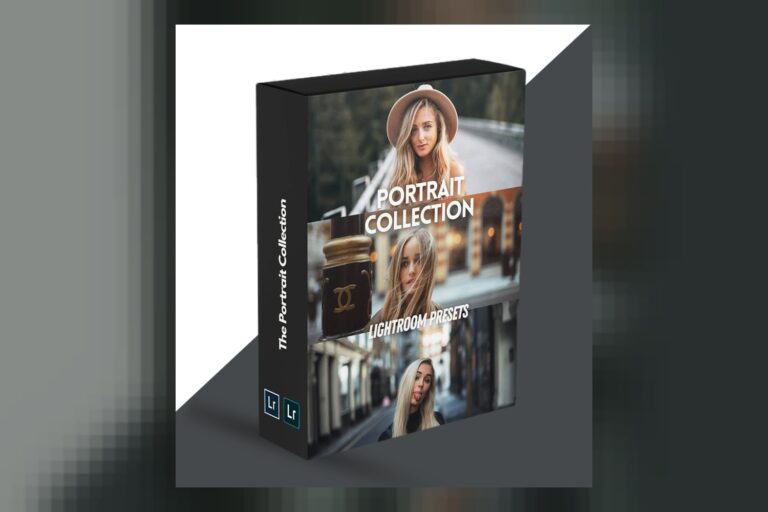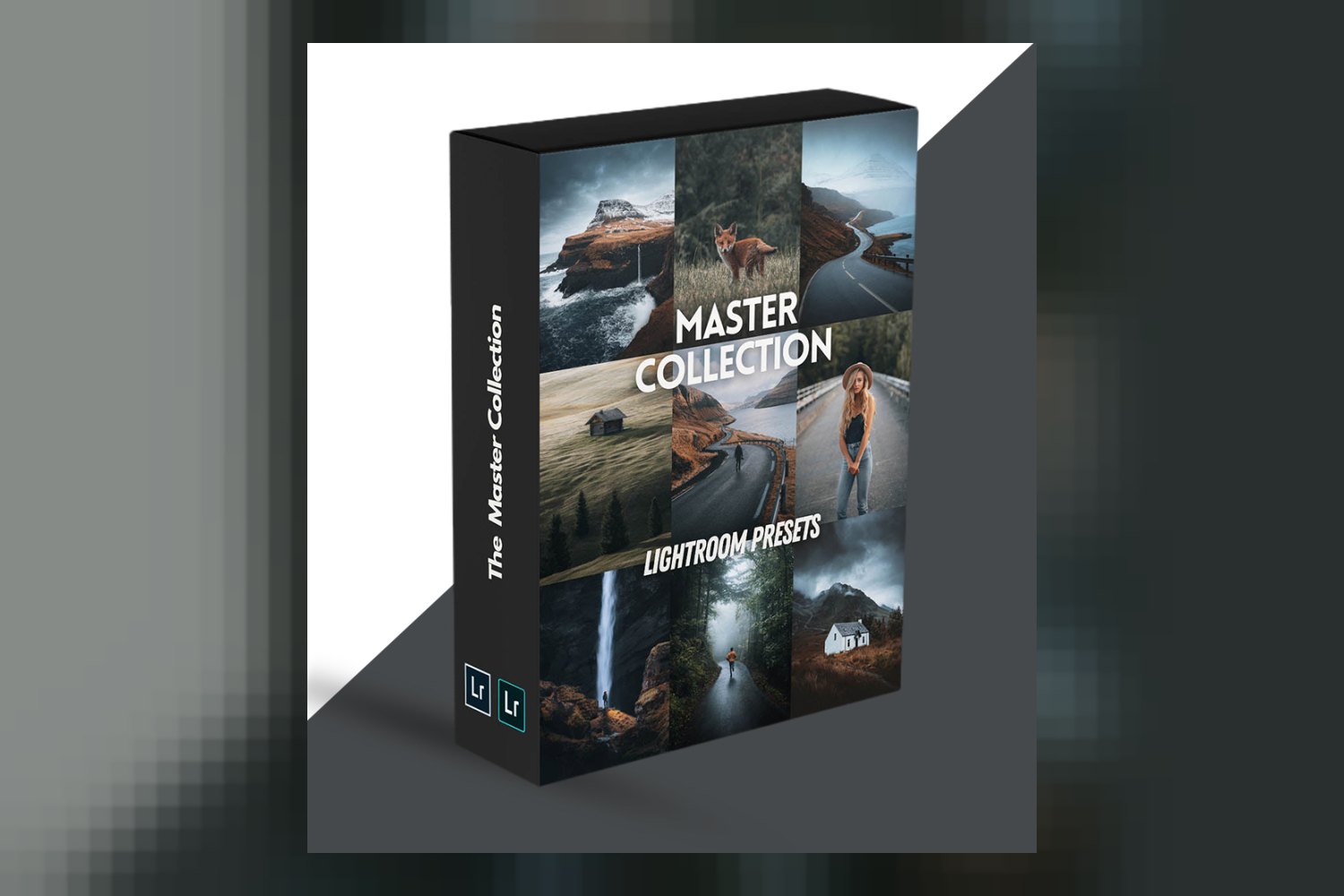
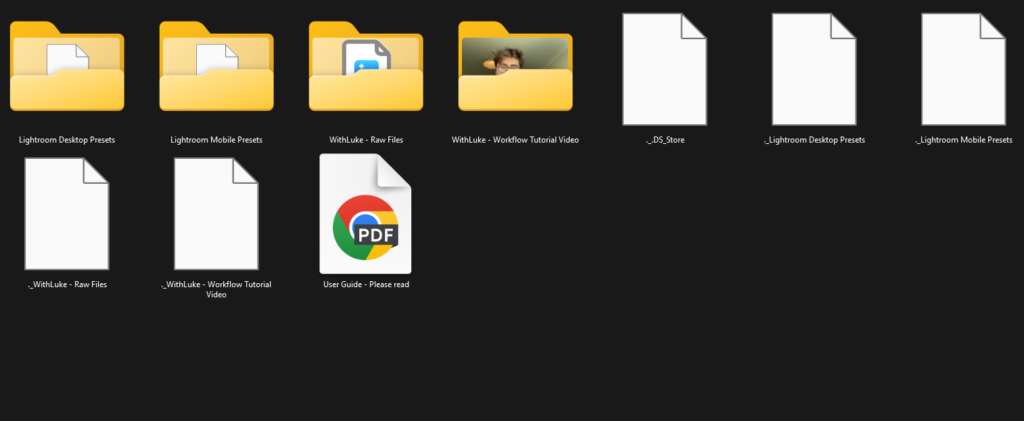
The Master Collection Presets by WithLuke is a huge pack of 150 Lightroom presets, designed as a comprehensive toolkit for photographers. It’s aimed squarely at everyone from budding enthusiasts to seasoned professionals, covering a massive range of photography styles. Just be clear upfront: this collection is strictly for still images in Lightroom or Camera Raw, so don’t expect any video compatibility here.
What comes inside this preset pack
So, you’re looking at The Master Collection Presets by WithLuke, and the first thing you notice is the sheer volume. This isn’t some small, niche pack; it contains a whopping 150 presets in total. That’s a lot of starting points for your edits.
From what the creator, WithLuke, publishes, the collection breaks down like this:
- 75 Landscape Presets
- 20 Portrait Presets
- 15 Commercial Presets
- 15 Wildlife Presets
- 15 Aerial (Drone) Presets
- 10 Urban Presets
- 10 Bonus Desert Presets
That’s a pretty diverse spread, isn’t it? It tells me WithLuke isn’t just throwing random settings at you; there’s a clear intention behind grouping these. He’s also included presets from his Cinematic, Timeless, Portrait, Aerial, and Legacy Collections, which implies a range of distinct aesthetic styles within the overall package. This isn’t just 150 variations on a single theme.
Beyond the core looks, you’re also getting some crucial tools for fine-tuning. There are 10 Tone Curve Sets and 10 Split Tone Sets, plus some Film Grain Shortcuts. These aren’t full-blown presets themselves, but they’re excellent additions for someone who wants to take a base preset and then add their own specific flavor, like pushing the shadows slightly cooler or adding a subtle grain. For me, as someone who grades client work, having these kinds of modular adjustments is key. It means you’re not just stuck with a fixed look; you can easily layer on your own touches.
A standout detail for me is the inclusion of 30 RAW files for you to edit. This is a brilliant move. If you’re a beginner, it means you have actual professional-grade images to practice on without having to go out and shoot them yourself. If you’re more experienced, it’s a great way to test drive the presets on various scenarios and see how they react to different lighting and subjects. Plus, it comes with a User Guide and Installation Tutorial, which is pretty standard but always good to have, especially for anyone new to Lightroom presets.
In terms of format, these are standard Lightroom presets, and they’re also compatible with Adobe Photoshop Camera Raw. So, if you live in Bridge and Camera Raw for your photo editing, you’re covered too.
Cameras this collection works with, and what if yours isn’t listed
One of the first things I check with any preset pack is what cameras it’s actually been tested on. According to WithLuke, The Master Collection Presets have been tested on images from Canon, Sony, Nikon, Panasonic, Fuji, mobile cameras, and drone cameras. That’s a pretty exhaustive list, covering the vast majority of digital cameras out there.
So, if you’re shooting with one of those brands, you can be pretty confident the presets will behave as intended. They’re designed to work with your camera’s native files, whether they’re RAW or JPEGs from your mobile phone. The creator specifically mentions compatibility with “all previous Lightroom versions” as well as the current desktop and mobile apps, which is a nice touch for those who might not be on the absolute latest software version.
What happens if your camera isn’t on that list? Well, presets apply adjustments to the image data itself, so in theory, they should still work with files from other cameras like Olympus, Leica, or even older models. However, the creator is only claiming tested compatibility with the listed brands. This means while they’ll likely apply, the exact “look” might need more tweaking to match the intended aesthetic, simply because each camera brand renders colors and tones slightly differently at the base level. It’s not a deal-breaker, but it’s something to be aware of if you’re outside the major brands.
Now, from a colorist’s perspective, I’m always looking for mention of log profiles. The creator doesn’t publish any specific details about compatibility with log profiles (like S-Log3, V-Log, or F-Log) for still images. For pure photography presets, this isn’t usually a primary concern, as most photographers aren’t shooting stills in log. However, if you’re someone who pulls stills from video footage shot in a log profile and hopes these presets will act as a conversion LUT, the facts don’t explicitly support that. You’d likely need to convert your log stills to a standard Rec.709 color space first before applying these presets for the best results, otherwise, you might get some funky contrast or color shifts.
What kind of photos and moods these presets are for
Judging by the sheer number and breakdown of the presets, WithLuke has clearly designed The Master Collection Presets to be a very versatile tool. It’s made for a huge array of shooting styles and moods, which makes sense given the creator’s background working with leading global brands and a massive Instagram audience. You don’t get that kind of reach by specializing in just one thing.
On paper, these presets are built for:
- Landscape photography
- Portraits
- Night photography
- Urban environments
- Commercial work
- Wildlife photography
- Aerial photography
That’s pretty much everything, isn’t it? The inclusion of specific sets like “Cinematic,” “Timeless,” and “Legacy” collections within the 150 presets suggests a wide range of aesthetic outcomes. You’re probably going to find looks that are dramatic and moody, some that are clean and classic, and others that lean into specific visual trends. This breadth is a major selling point if you shoot a variety of subjects and don’t want to buy multiple smaller packs.
The creator states these presets are designed to speed up your workflow and act as a base for edits. This is a common and very practical use for presets. Instead of starting from scratch every time, you can click a preset, get 80% of the way there, and then fine-tune the rest to your specific image. It’s not about being a one-click magic solution, but a powerful accelerant to your editing process. The fact that WithLuke also says they can be used as a learning tool to understand editing techniques is a big plus. With 30 RAW files to practice on, you can reverse-engineer the presets and see exactly what adjustments were made, which is invaluable for developing your own grading eye.
How this fits into your editing workflow
Let’s talk workflow. These are Lightroom presets and Adobe Photoshop Camera Raw compatible presets. This means your primary tools for using them are Adobe Lightroom (desktop or mobile) or Adobe Photoshop. If those are your go-to applications for photo editing, you’re all set.
The core idea here is efficiency. As a colorist, I know how much time it takes to get a consistent look across a set of images. Presets, when used correctly, cut down on that initial setup time significantly. WithLuke’s collection is designed to “act as a base for edits.” This tells me you’ll apply a preset, and then you’ll still be expected to make your own adjustments. Think of it as getting a strong foundation for a house; you still need to build the walls and decorate, but the hard part of laying the slab is done.
This means your workflow would generally be: import images, make any essential global corrections (like white balance or exposure if they’re severely off), then apply a preset to establish the overall look and feel. After that, you’d go in and make specific adjustments to contrast, colors, sharpness, local adjustments, or crop and straighten. The 10 Tone Curve Sets and 10 Split Tone Sets included are perfect for customizing that base look without creating a whole new preset. They allow you to add subtle shifts that make the image uniquely yours.
Since these are specifically for Lightroom and Camera Raw, they slot right into a standard photography post-production pipeline. If you shoot commercially, for instance, applying a consistent base look with these presets across hundreds of product shots could save you hours. For a landscape photographer, finding the perfect moody or vibrant start to an image is half the battle, and these presets offer plenty of options there.
Limits and who should probably skip this
Alright, so we’ve covered a lot of good ground, but no product is for everyone. It’s important to be clear about where The Master Collection Presets might not fit for your specific needs.
The biggest and most obvious limit, judging from the facts, is that there’s no mention of compatibility with video editing software. This means if you’re a videographer looking for LUTs to grade your footage in Premiere Pro, DaVinci Resolve, or Final Cut Pro, this isn’t the product for you. These are specifically designed for still image editing within Adobe’s photography ecosystem.
While the presets work across a wide range of cameras, the creator doesn’t publish details on operating system compatibility. This isn’t usually a major hurdle since Lightroom and Photoshop run on both Mac and Windows, but if you’re running a very niche OS or older system, it’s a detail that isn’t explicitly addressed (though highly unlikely to be an issue). More importantly, as I touched on earlier, there’s no specific mention of log profiles or other file formats like .cube. If you’re a professional who specifically needs presets designed to handle log-captured stills or requires .cube files for broader compatibility with other grading software, you won’t find that detail here.
So, who should skip The Master Collection Presets? If your primary goal is video grading, look elsewhere. If you’re hoping these presets will magically convert your S-Log3 stills into a perfect Rec.709 base without any prior conversion, the creator doesn’t publish that capability. And if you’re someone who prefers to build every single look from scratch and finds a large number of presets overwhelming, then this might just be more than you need. The strength of its breadth could be a weakness for a hyper-specialized artist who already has a very defined, unique workflow.
So, should you get these presets?
If you’re a photographer using Adobe Lightroom or Camera Raw, and you shoot a variety of subjects, from landscapes to portraits, commercial work to drone shots, The Master Collection Presets offers a massive head start. It’s particularly strong for those who want to speed up their workflow or use the included RAW files to learn editing techniques. However, if your main focus is video editing or you need highly specialized log profile support for your stills, you’ll need to look for a different tool.
Questions people ask
What software is compatible with The Master Collection Presets?
The Master Collection Presets are compatible with Adobe Lightroom Desktop, Adobe Lightroom Mobile app (including all previous Lightroom versions), and Adobe Photoshop Camera Raw.
What types of photography are these presets suitable for?
These presets are suitable for a wide range of photography types including landscape, portraits, night photography, urban environments, commercial work, wildlife photography, and aerial photography.
Are these presets compatible with mobile editing?
Yes, The Master Collection Presets are compatible with the Adobe Lightroom Mobile app, allowing for editing on the go.
How many presets are included in The Master Collection?
The Master Collection includes 150 presets in total, along with 10 Tone Curve Sets, 10 Split Tone Sets, and Film Grain Shortcuts.
Prefer to buy directly from WithLuke at full price? See the official page.