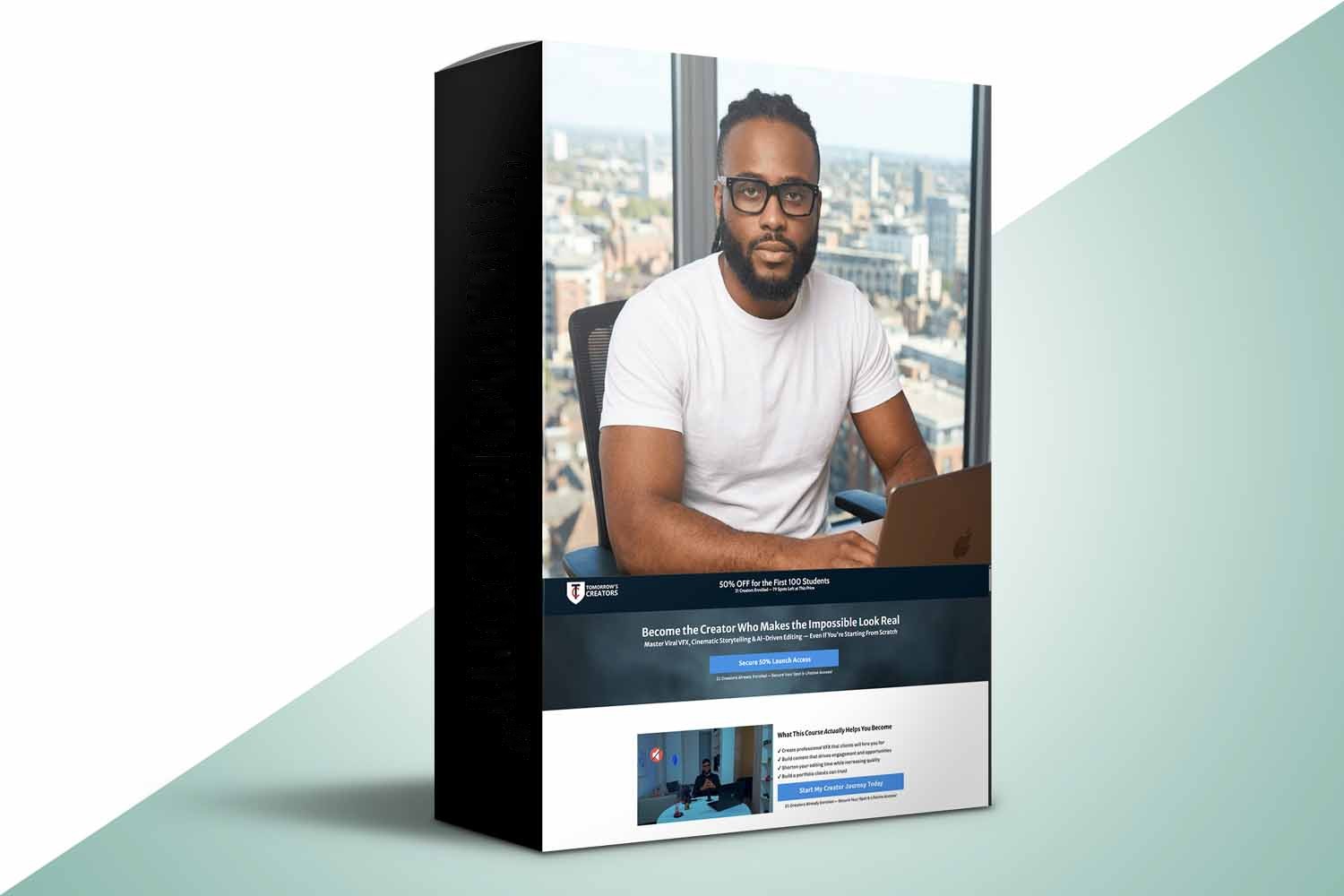
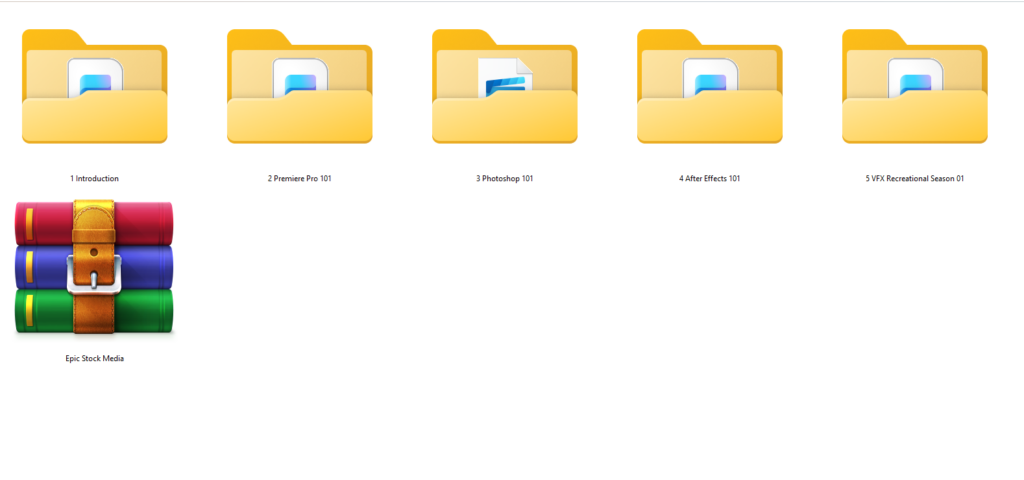
So, you’re looking at the Visual Effects Video Creator by Tomorrows Creators. On paper, it’s an online masterclass that promises to teach you professional visual effects (VFX) and how to integrate AI into your workflow. It’s built for a really broad audience, from complete beginners to experienced creators, and even small business owners looking to step up their visuals. The main thing to know upfront is that while it leans on AI, the creator is clear: this isn’t for people who expect AI to do all the heavy lifting or deliver instant virality without actual effort.
What the Masterclass Covers
Let’s get into what the Visual Effects Video Creator by Tomorrows Creators actually offers in its curriculum. The course is broken down into four core modules, plus some important extras:
- Module 1, Core Skills: This module aims to build your foundation, covering essential editing techniques and introducing advanced AI-assisted workflows for professional video production. It sounds like the necessary groundwork before diving into the flashier stuff.
- Module 2, Visual Effects Mastery: Here’s where the course gets specific with After Effects. You’ll learn the fundamentals of the software and how to create cinematic and impactful visual effects. This is probably the heart of the “VFX” part of the title.
- Module 3, Viral Content Techniques: This one focuses on the practical application for social media, aiming to teach you the secrets behind viral visuals and engaging short-form content, specifically optimized for platforms like TikTok and Instagram. This module seems particularly relevant for today’s content economy.
- Module 4, Monetization Roadmap: This module is interesting because it goes beyond just skills. It lays out actionable strategies to turn your content creation abilities into consistent online earnings. The creator details a three-step journey: ‘Build Your Portfolio’ (in the first 30 days), ‘Start Earning’ (between 30 and 90 days), and ‘Grow to Consistent Income’ (90 days and beyond). That structured approach to earning potential is a definite standout detail.
Beyond the modules, the course includes a certificate of completion, which is a nice touch for showing off your new skills, and email support if you get stuck. You also get lifetime access to the course, and that includes all future updates and additions, which is always a big plus in a fast-changing field like AI and VFX.
Who’s Behind This and Why Their Experience Matters
The person behind Tomorrows Creators and this masterclass is Justice John, also known as King J Visual. He’s a London-based digital creator and VFX Artist, and the creator’s published background states he has over a decade of experience in the field. That’s a good chunk of time to be hands-on with visual effects.
His resume includes collaborations with big names like Microsoft and HPE, an Adobe endorsement (which, for an After Effects-focused course, really signals a deep understanding of the software), and he even won “Best Music Video” at the 2022 Africans in Diaspora Music Awards.
Why does this matter for you? Well, it suggests you’re learning from someone with real-world, high-stakes experience. The Microsoft and HPE collaborations imply a professional standard and potentially a corporate client perspective, while the music video award points to a knack for creating engaging, impactful visuals – exactly what you’d want for “viral content techniques” and “cinematic” effects. His experience really underpins the course’s promise to teach you how to build a lucrative career and master professional VFX.
Who This Course is Aimed At, and Your Starting Point
The Visual Effects Video Creator is designed for a pretty broad spectrum of people, which is often a challenge for courses but also means it tries to cast a wide net. From what the creator publishes, it’s pitched at “Beginner to experienced creators.”
Specifically, this course is made for:
- Content creators and influencers who want those viral-worthy visuals without spending endless hours editing.
- Beginners who are genuinely eager to learn VFX mastery, with AI integrated to help you along.
- Small business owners who need high-quality product visuals, boosted by VFX and AI, for their marketing. If you’re a small business owner who wants to create high-quality product videos for social media without hiring a full VFX team, this course aims to show you how.
- Freelancers and editors looking to speed up their workflow and potentially increase their earning potential in freelance VFX editing.
- Students and teenagers who want to build essential, future-proof content creation skills.
- Storytellers and filmmakers who want to use AI to amplify their creative vision.
So, if you’re somewhere in that range, from someone just starting out to an editor who wants to add AI tools and a strong monetization strategy to their toolkit, this course is trying to serve you. It sounds like it aims to take you from a basic understanding to a professional output.
What You’ll Need Before You Start
One of the standout claims for this course is that you don’t need expensive equipment to get started. The creator explicitly states ‘No expensive equipment is required,’ which is great news if you’re on a budget or just testing the waters.
What you will need, according to the requirements, is a ‘willingness to learn, experiment, and refine your craft.’ That’s less about gear and more about mindset, which is fair for any skill-based course.
In terms of software, the course is built around After Effects fundamentals, as seen in Module 2. However, the compatibility list is quite extensive, mentioning Photoshop, Premiere Pro, DaVinci Resolve, and CapCut. This suggests that while After Effects might be the primary focus for VFX, the principles or workflows you learn could be applied or integrated with these other popular tools. It also mentions compatibility with platforms like TikTok and Instagram, reinforcing the focus on short-form, viral content. The creator doesn’t publish specific required software versions, which is a detail you might want to consider if you’re running older software.
What’s Unclear from the Course Description
While the Visual Effects Video Creator masterclass lays out a compelling curriculum and promises a lot, there are a couple of details that aren’t immediately clear from the published information.
First, the creator doesn’t specify the exact course video runtime. This is a common gap in online course descriptions, but it makes it hard to gauge the actual depth of instruction or how much time you’ll need to dedicate to watching the lessons. Will it be 5 hours or 50? That’s a pretty big difference for planning.
Second, there’s no mention of required software versions for After Effects, Photoshop, Premiere Pro, or any of the other compatible tools. While the course doesn’t demand expensive equipment, knowing if you need the absolute latest version of After Effects or if an older version will suffice could be important for some potential students. If you’re working with older software, this is a detail that matters for compatibility.
Who Should Probably Skip This
This masterclass isn’t for everyone, and the creator is pretty clear about who should probably look elsewhere. Judging by the published limitations, you should skip the Visual Effects Video Creator if:
- You’re expecting AI to do all the work for you. The course emphasizes AI-assisted workflows, not AI doing everything automatically. If you’re looking for a magic button, this isn’t it.
- You’re chasing instant virality without putting in any effort. The course promises viral content techniques, but it’s grounded in learning actual skills, not quick, no-work shortcuts.
- You’re only looking for superficial presets and quick-fix shortcuts. Again, this points back to the idea that it’s about genuine VFX mastery rather than just applying filters.
So, if you’re only looking for a quick button-push solution or a magic bullet for viral content without putting in the time to learn the craft, then, judging by the course’s stated limits, this isn’t for you. It seems to be built for people willing to put in the work.
So, Is It Right For You?
Ultimately, the Visual Effects Video Creator by Tomorrows Creators looks like a strong contender if you’re committed to learning professional visual effects and integrating AI in a hands-on way. The instructor’s extensive experience and the structured monetization roadmap are definite strong points on paper. If you’re a beginner eager to learn genuine VFX or an experienced creator looking to add AI and a solid earning strategy, and you’re willing to put in the effort, it seems well-suited. However, if you’re after quick fixes, shortcuts, or expect AI to handle everything, you’ll likely be disappointed.
Questions people ask
What software is taught or compatible with the course?
The course delves into After Effects fundamentals, and is compatible with Photoshop, Premiere Pro, DaVinci Resolve, and CapCut. The creator doesn't specify exact required software versions.
What is the instructor's experience?
The instructor, Justice John (King J Visual), is a London-based digital creator and VFX Artist with over a decade of experience, collaborations with Microsoft and HPE, an Adobe endorsement, and a "Best Music Video" award.
How long do I have access to the course materials?
You get lifetime access to the course, including all future updates and additions, once you purchase it.
Is a certificate provided upon completion?
Yes, the course includes a certificate of completion once you finish the masterclass.
Prefer to buy directly from Tomorrows Creators at full price? See the official page.