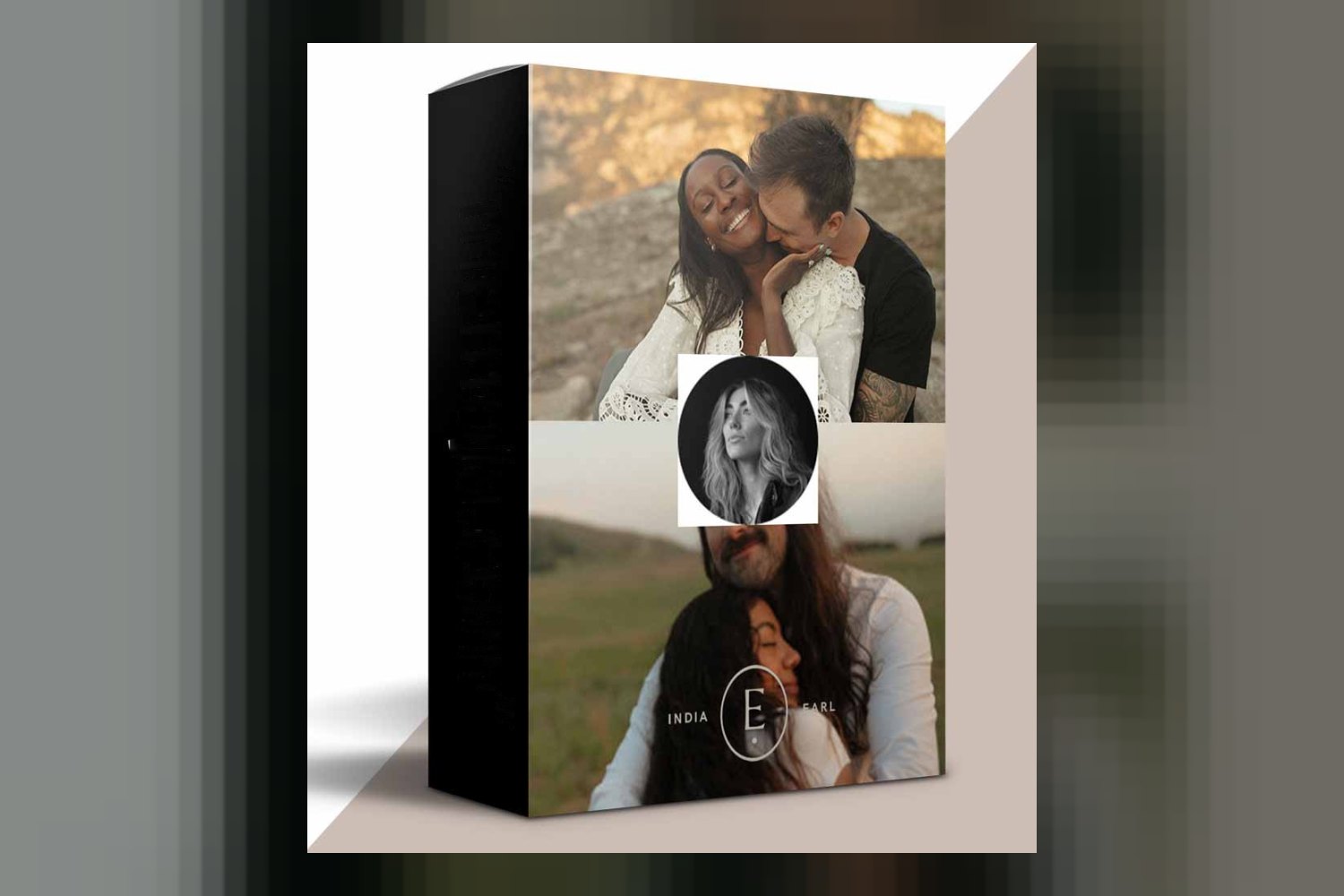
You’re looking at India Earl’s Dvlop Cine Presets and want to know if they’re right for your workflow. On paper, these presets are designed to give your portrait and wedding photography a cinematic, timeless feel while keeping skin tones natural. They’re built for photographers who want to tell compelling visual stories. The main catch? If you’re hoping to use the mobile presets, you’ll need Lightroom Desktop to sync them.
What comes in the Dvlop Cine Presets pack?
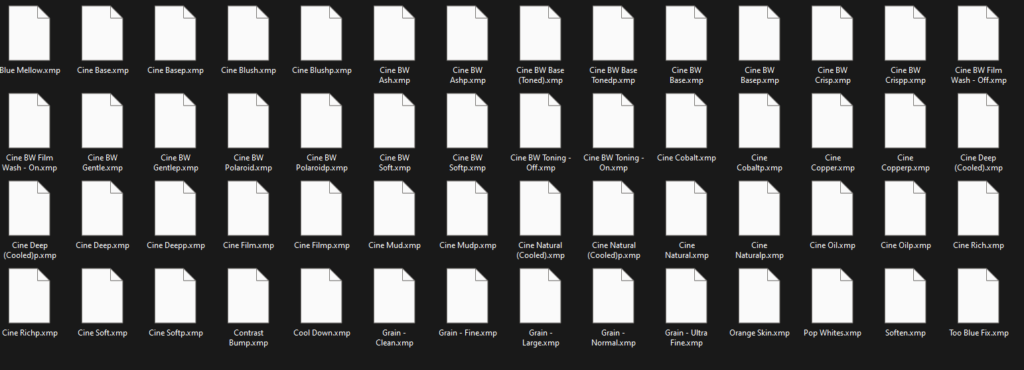
This collection gives you a good set of starting points and tools to refine your images. You get 13 Cine Color Presets and 7 Cine Black & White Presets, making for 20 core looks. That’s a solid number to offer variety without overwhelming you.
Beyond the main presets, India Earl includes some practical extras. There are Cine Modifiers and Cine Brushes, which means you’re not just getting a one-click look, but also tools for local adjustments and fine-tuning. That’s a good sign for someone who wants control over the final image.
For photographers on the go, Cine Mobile Presets are part of the deal. The pack also includes Cine Education, which is always valuable. This education covers editing demos and even camera settings, giving you insight into India Earl’s process, which is helpful for understanding how to get the most out of the presets.
Two more technical but important inclusions are DVLOP Dual Illuminant Profiles and DVLOP ISO Adaptive Presets. These aren’t just fancy names; they’re built-in DVLOP technology designed to ensure consistency. Dual Illuminant Profiles help your images maintain a consistent look even when shot under different light sources (like mixing natural light with artificial light). ISO Adaptive Presets mean the look of your images should hold up across various ISO settings, which is a big deal if you’re shooting in varied conditions, from bright daylight to low-light receptions.
Where the Cine Presets fit in your editing software
These are Lightroom presets, plain and simple. You’ll need Adobe Lightroom Classic 7.3 or later, or Adobe Camera Raw 10.4 or later, to run the main presets. If you’re a Lightroom mobile user, they’re compatible there too, but remember that Lightroom Desktop is a requirement for syncing them to your mobile device.
The DVLOP technology is designed to integrate deeply. The DVLOP Dual Illuminant Profiles need Adobe Lightroom Classic or Adobe Camera Raw to work. For the DVLOP ISO Adaptive Presets, you’ll need Lightroom Classic 9.3 or later. So, if you’re running older versions of Lightroom Classic, you might miss out on some of the consistency benefits that these advanced profiles offer.
A notable workflow detail is that these presets are tuned for Impossible Things AI Editing. This means they blend natively in Lightroom Classic without needing additional training for the AI. If you’re already using or considering AI editing tools in Lightroom, this Dvlop Cine Presets review finds that native integration could save you some headaches and speed up your workflow significantly.
What kind of images and feeling these presets are designed for
From what the creator publishes, these presets aim for a specific aesthetic. They’re all about amplifying natural characteristics and tones to create cinematic and timeless images. If you’re into a super-stylized, artificial look, this isn’t it. The focus is on retaining realism while adding a polished, film-like quality.
A big priority here is natural skin tones. As a colorist, I know how crucial this is, especially for portrait and wedding work. It means the presets are designed not to make your subjects look orange or magenta, but to keep their complexions true-to-life. This is paired with gentle contrast, rich colors, and dynamic exposure control, which work together to give your images depth without being overly dramatic. You get a balance of softness and grit, which suggests a nuanced look rather than something flat or overly punchy.
The presets are also described as adaptable for all lighting conditions. That’s a big claim for any preset pack, but the inclusion of the DVLOP Dual Illuminant Profiles and ISO Adaptive Presets suggests a technical foundation to back that up. If you’re a wedding photographer, for example, you often shoot in wildly different lighting scenarios on the same day, so having presets that can handle that consistency is key.
Considering India Earl’s background, known for capturing emotion and deep connection in nature for portraits and weddings, the aesthetic makes sense. You’re getting tools designed by someone who values emotive storytelling and a natural, connected feel in her work.
Cameras and color profiles: what you need to know
When it comes to specific camera models or distinct log profiles (like S-Log3, V-Log, etc.), the creator doesn’t publish a list of what the Dvlop Cine Presets are specifically built for. This isn’t uncommon for Lightroom presets, which typically work with RAW files from most cameras that Lightroom itself supports.
However, the DVLOP Dual Illuminant Profiles and DVLOP ISO Adaptive Presets are the key technical features here. These profiles work within Adobe Camera Raw (and thus Lightroom Classic) to interpret your camera’s RAW data. They’re designed to help normalize the color and exposure response across different lighting situations and ISO sensitivities. This means the presets should apply more consistently to your RAW files, regardless of the specific camera brand, as long as your camera’s RAW files are well-supported by Adobe software.
So, while you won’t find a list of “best cameras for these presets,” the underlying DVLOP technology aims to provide a more universal and robust application across various camera systems, by handling the raw data in a more intelligent way before the preset “look” is applied.
Limits and who should skip the Cine Presets
Every product has its limitations, and the Dvlop Cine Presets by India Earl are no exception. The biggest one, plainly stated, is that you need Lightroom Desktop to sync the mobile presets. If you only use Lightroom on your phone or tablet and don’t have access to the desktop version, then the mobile presets won’t be usable for you. That’s a deal-breaker if mobile editing is your sole focus.
Also, to take full advantage of the DVLOP ISO Adaptive Presets, you’ll need Adobe Lightroom Classic 9.3 or later. If you’re running an older version, you can still use the core presets, but you’ll miss out on the consistency benefits offered by the ISO-adaptive technology, which is a significant part of what makes these presets powerful across varied shooting conditions. Similarly, the DVLOP Dual Illuminant Profiles require Lightroom Classic or Adobe Camera Raw.
Finally, if the “cinematic and timeless images,” “natural skin tones,” and “balance of softness and grit” aesthetic isn’t what you’re after for your portrait and wedding work, then these presets likely aren’t for you. They’re clearly designed for a specific visual style, and if your vision is very different (e.g., highly desaturated, extreme colors, or very flat), you’ll probably find yourself fighting against the presets rather than working with them.
So, are Dvlop Cine Presets by India Earl right for you?
If you’re a portrait or wedding photographer who primarily works in Lightroom Classic, values natural skin tones, and wants a cinematic, timeless look that holds up across different lighting and ISOs, these presets are a strong contender. The included education and DVLOP technology add real value. However, if you’re a mobile-only editor without Lightroom Desktop, or if you’re on a very old version of Lightroom Classic, you won’t get the full experience and might want to look elsewhere.
Questions people ask
What software is compatible with these presets?
Dvlop Cine Presets by India Earl are compatible with Adobe Lightroom Classic 7.3 or later, Adobe Camera Raw 10.4 or later, and Lightroom mobile. Specific features like ISO Adaptive Presets require Lightroom Classic 9.3 or later.
How many presets are included in the pack?
The pack includes 13 Cine Color Presets and 7 Cine Black & White Presets, for a total of 20 core presets. It also comes with Cine Modifiers and Cine Brushes.
Are mobile presets included, and what are the requirements for using them?
Yes, Cine Mobile Presets are included. However, you need Lightroom Desktop to sync them to your mobile device.
What kind of education or tutorials are provided?
The Dvlop Cine Presets include "Cine Education," which features editing demos and guidance on camera settings.