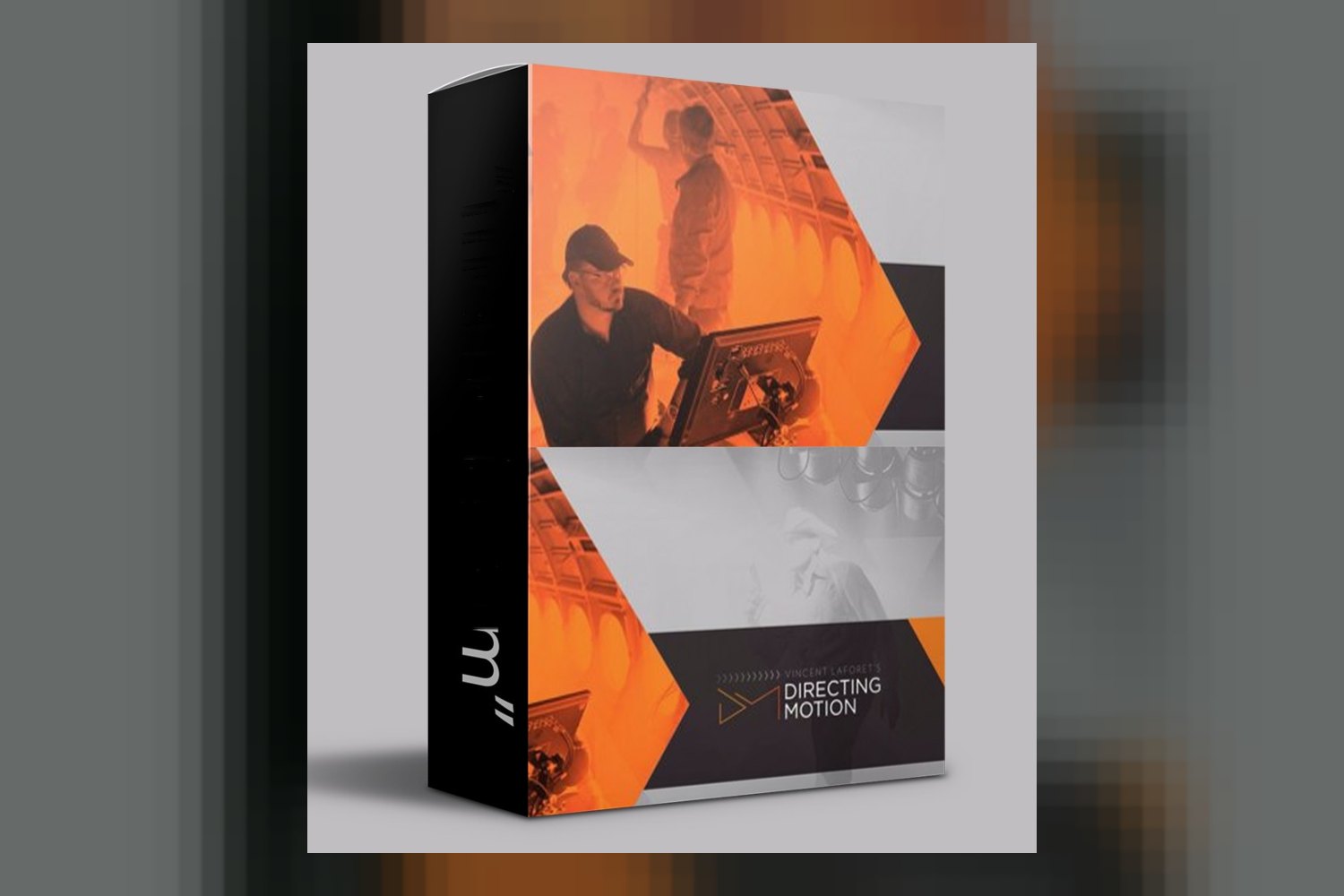
The Vincent Laforet Directing Motion by Vincent Laforet course is a thorough filmmaking program focused on teaching directors, cinematographers, and content creators how to use camera movement effectively. It promises to equip you with the essential skills to command the language of motion, regardless of your current experience level. If you’re looking to understand not just how to move a camera but why and when, this course aims to deliver that from a Pulitzer-Prize winning perspective.
What You Get Inside the Directing Motion Course
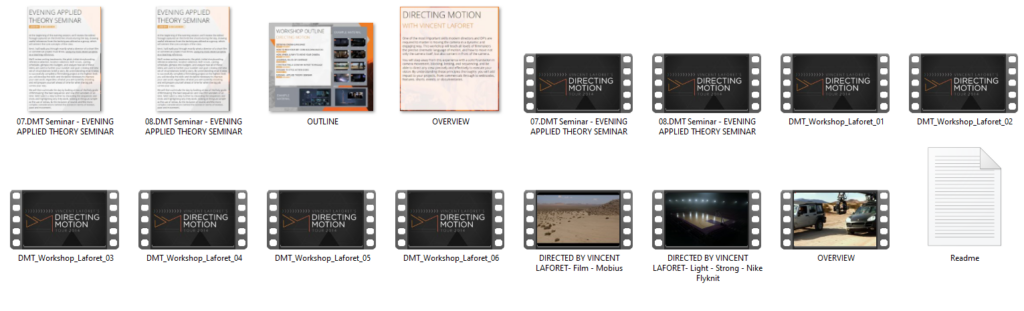
From what the creator publishes, this course is packed into 9 modules, totaling 6 hours and 27 minutes of content. It’s all downloadable, which is always a plus if you like to watch offline or keep the lessons for future reference.
Here’s a breakdown of the specific modules:
- The Language of Camera Motion: This sounds like the foundational theory, setting the stage for understanding movement.
- Live Demo: Introduction to Motion: You get a practical demonstration right after the theory, which is great for seeing concepts in action.
- How, When and Why to Move the Camera: This module seems to be the core of the course, focusing on the decision-making behind camera movement.
- Live Demo: Universal Rules of Coverage: Another live demo, this one likely shows how to apply principles of scene coverage with motion.
- Constructing Scenes to Engage: This module suggests a focus on storytelling through camera work, aiming to keep your audience hooked.
- Live Demo: Dynamic TV-Style Action Scene: This is a promising one, offering a look at how to shoot something complex and fast-paced.
- One Shot Wonders: This module probably looks at complex, long takes, which can be challenging but incredibly rewarding to master.
- Post Production of Live Demos: This is crucial. It shows you the editing side of the live demonstrations, including multi-camera shoot editing workflows. The creator says it’s compatible with Adobe Premiere Pro.
- Case Study: Nike TVC: A real-world example of a high-end corporate commercial from Vincent Laforet’s own portfolio. This is definitely a standout detail.
Beyond the modules, the course includes analysis of classic film examples from Hollywood’s greatest, covers directing actors in both pre-production and on set, and explains how to execute moves on both Hollywood-level production equipment and more accessible alternatives. Subtitles are available in English.
How You’d Use This Day-to-Day
If you’re a filmmaker, director, or even a content creator running your own shoots, the Vincent Laforet Directing Motion review makes it clear this course is designed to directly impact your on-set decisions. You’d use the theories on camera movement to plan your shots, decide when a static shot is better than a moving one, and how to make those movements meaningful rather than just flashy.
Let’s say you’re shooting a short film for a client, or even a YouTube video with cinematic aspirations. You’d pull from the “How, When and Why to Move the Camera” module to consciously choose your camera path and speed, making sure it serves the narrative. The live demos, especially the “Dynamic TV-Style Action Scene,” would be your blueprint for tackling more complex sequences.
The course specifically mentions covering directing actors in pre-production and on set. This means you could be using what you learn here to communicate more effectively with your talent, ensuring their performance aligns with your camera’s movement. And if you’re worried about gear, Laforet discusses executing moves on both high-end and accessible equipment, which is super practical if you’re not working with a Hollywood budget.
For editors, the “Post Production of Live Demos” module, with its focus on Adobe Premiere Pro and multi-camera workflows, would be directly applicable. If you’re regularly cutting projects with multiple camera angles, this section could refine your technique and speed up your process. The Nike TVC case study, meanwhile, offers a masterclass in how a professional production comes together, from concept to final cut.
Who This Filmmaking Course Suits
This course targets a broad audience, from “filmmakers” and “directors” to “cinematographers,” “content creators,” “videographers,” and “anyone passionate about film.” The creator states it’s for “all levels,” which on paper suggests it aims to be foundational enough for beginners but insightful enough for those with some experience.
I think this course would be particularly strong for someone who understands the basics of operating a camera but feels their shots lack intentionality or impact when it comes to movement. If you’ve been relying on simple pans and tilts and want to improve your visual storytelling, Laforet’s expertise in “the language of motion” sounds like exactly what you need.
Given Vincent Laforet’s background, a Pulitzer-Prize winning photographer and commercial director for huge brands like Apple and Nike, this course looks incredibly valuable for anyone aspiring to commercial work or high-end narrative filmmaking. The “Case Study: Nike TVC” is a golden nugget for those who want to peek behind the curtain of professional commercial production.
Also, if you’re an editor working with multi-camera footage and using Adobe Premiere Pro, the post-production module could be quite helpful in streamlining your workflow and understanding the director’s intent better. The emphasis on both high-end and accessible equipment means it’s relevant whether you’re shooting on an Arri Alexa or a mirrorless camera.
Limits and Who Should Skip It
While the course is broad in its appeal (“all levels”), sometimes that means it might not dive as deeply into advanced, niche techniques as a specialist course would. For seasoned cinematographers who already have a strong command of complex camera movement and its language, some of the foundational modules might feel like a refresher rather than entirely new information. However, the commercial case study and insights from a director of Laforet’s caliber could still offer fresh perspectives.
A key limitation I see, based on the facts, is the specific post-production compatibility. The course mentions “Adobe Premiere Pro.” If you primarily edit in DaVinci Resolve, Final Cut Pro, or Avid, while the principles of multi-camera editing are universal, the software-specific guidance might not be directly transferable. The creator doesn’t publish details about other software being covered.
The course focuses specifically on “commanding the language of motion.” This means it’s not a general filmmaking course covering lighting, sound design, screenwriting, or broader directing principles beyond camera and actor movement. If you’re looking for an all-encompassing guide to filmmaking from scratch, this course might only cover one crucial aspect. For a more general editing course, you might look at something like Zero To Hero Video Editing Course by GIGL Review.
Finally, while “downloadable content” is great, the course duration is 6 hours and 27 minutes. If you’re expecting an encyclopedic, hundreds-of-hours close look, this course is more concise, focusing tightly on its stated topic.
So, should you get it?
If you’re a filmmaker or content creator who wants to master intentional camera movement and understand the “why” behind every shot, this course by Vincent Laforet looks like a solid investment. Especially if you use Adobe Premiere Pro for editing and aspire to create more cinematic and engaging visual stories, the blend of theory, live demos, and a high-end commercial case study seems incredibly valuable. However, if your primary need is general filmmaking education, or deep gets into software other than Premiere Pro, you might find its specific focus too narrow.
Questions people ask
What is the total duration of the course?
The course has a total runtime of 6 hours and 27 minutes.
Are subtitles available for the course?
Yes, subtitles are available in English.
What software is covered in the post-production module?
The post-production module covers workflows compatible with Adobe Premiere Pro.
Can individual modules be purchased separately?
The creator doesn't say.
Prefer to buy directly from Vincent Laforet at full price? See the official page.