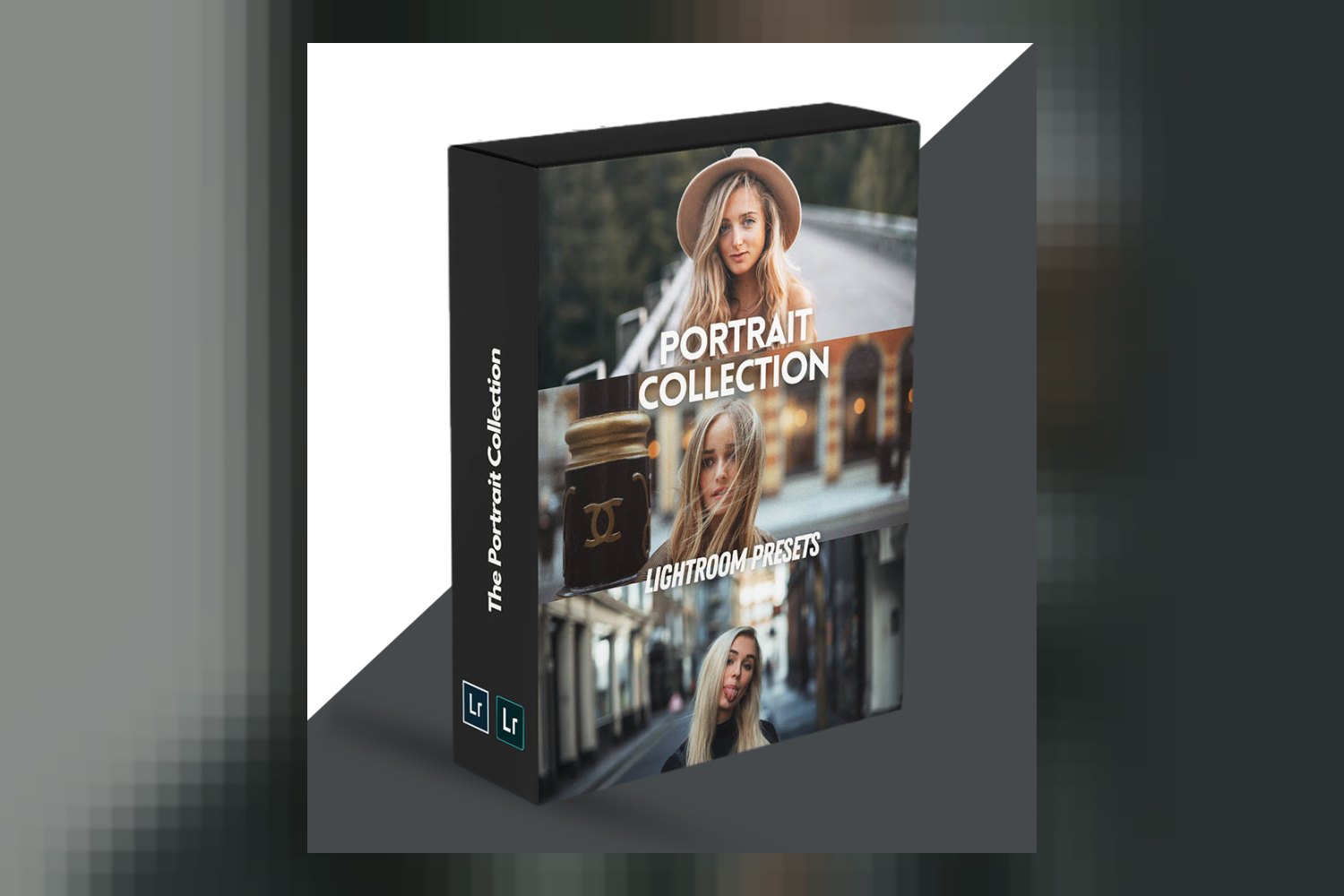

The Portrait Collection by WithLuke Presets is a pack of 35 Lightroom presets designed to give your portrait photos a cinematic grade while keeping skin tones looking natural. It’s built for any photographer, from beginner to pro, aiming to speed up their workflow and achieve a consistent look. However, the main catch is that it’s exclusively for Adobe Lightroom users and won’t work with other editing software.
What You Get in The Portrait Collection Pack
So, what exactly are you buying with The Portrait Collection by WithLuke Presets? It’s a bundle of 35 distinct Lightroom presets. These aren’t just random filters; they’re billed as tools to apply a “cinematic grade” specifically to portraits. The creator, Luke Stackpoole, spent years on visual experimentation and meticulous color tweaking to design these. The core promise here is that these presets are engineered to retain natural skin tones in your images, which is a pretty big deal for portrait work.
These presets come in the standard Lightroom preset format, meaning they’re directly usable within Adobe Lightroom. You don’t need to convert anything or mess with external files beyond importing them once into your Lightroom setup.
Where These Presets Fit in Your Workflow
If you’re already using Adobe Lightroom for your photo editing, these presets slot right in. They’re compatible with both Adobe Lightroom Desktop (all versions) and Adobe Lightroom Mobile (all versions), which is handy if you do a lot of your initial editing or even full edits on an iPad or phone.
From what the creator publishes, these presets are meant to apply a “cinematic grade.” This usually implies they’re a finishing touch, applied after you’ve done your basic corrections like exposure, white balance, and contrast. Think of them as a stylistic overlay rather than a foundational correction tool. The creator also makes a pretty strong claim that they dramatically speed up your workflow. If you’re sifting through hundreds of portrait shots from a shoot, applying a consistent, professional-looking grade with one click can save a ton of time compared to tweaking each photo manually.
Beyond just speeding things up, the creator also positions these as an effective way to learn editing. The idea is you can apply a preset and then work backward, dissecting the adjustments Luke Stackpoole made to achieve that specific look. For aspiring photographers or those looking to deepen their understanding of color grading, that’s a legitimate learning strategy. It’s like having an experienced colorist show you their recipe and letting you reverse-engineer it.
What Kind of Photos and Mood They Suit
The name says it all: “The Portrait Collection.” These 35 presets are designed specifically for portrait photography. The goal is to give these portraits a “cinematic” feel. Now, “cinematic” can mean a lot of things, but given Luke Stackpoole’s background and the emphasis on natural skin tones, I’d expect something with depth, perhaps a bit of moodiness, but without looking overly stylized or artificial. The kind of look you might see in a well-graded film still, focused on people.
The standout detail about “retaining natural skin tones” is really critical for portraiture. Many presets can mess with skin tones, making them too orange, too green, or just flat. The claim that these are “engineered with an understanding of human complexion to ensure skin tones remain true to life and are not over-processed” suggests a thoughtful design. If you’re a wedding photographer, for example, delivering consistent, beautiful skin tones across hundreds of images is a non-negotiable, and this collection aims to provide a streamlined path to achieving that consistent, professional look.
So, if you shoot portraits – whether it’s for clients, fashion, or just personal projects – and you’re looking for a consistent, professional, cinematic aesthetic that respects natural skin tones, this bundle seems to be right in your wheelhouse.
Which Cameras and Log Profiles These Presets Are Built For
This collection boasts pretty broad compatibility when it comes to camera brands. According to the facts, these presets work with images from Canon, Sony, Nikon, Panasonic, and Fuji cameras. That covers most of the major players in the photography world, which is a good sign for accessibility. They even support mobile camera files, so if you’re taking high-quality portraits on your phone and editing in Lightroom Mobile, you’re good to go.
What’s missing, though, is any mention of specific log profiles. From my perspective as someone who grades client work, this is a pretty significant detail, especially for more seasoned professionals. Many modern cameras, particularly those used for high-end portraiture or commercial work, can shoot in flat log profiles (like Sony S-Log3, Canon C-Log, Panasonic V-Log, etc.) to maximize dynamic range. These raw-like files require a specific conversion or LUT before applying a creative grade. If you shoot in a log profile, and the preset isn’t explicitly designed for it or doesn’t include a conversion step, you’ll need to handle that conversion yourself before applying the preset. Otherwise, you might get unexpected color shifts or a very flat, desaturated look.
So, if you shoot standard picture profiles (Rec. 709 or similar) from any of the supported camera brands, you should be fine. If you shoot in a log profile, you’ll need to factor in an additional step to normalize your footage before applying these presets, or accept that they might not perform as intended without that initial conversion.
Limits and Who Should Skip It
Let’s talk about where this collection hits its limits. The biggest one is software compatibility. The Portrait Collection is only for Adobe Lightroom. If you use other photo editing software like Photoshop, Capture One, or Affinity Photo for your primary RAW processing and grading, these presets simply won’t work for you. Don’t buy them expecting to convert them or find a workaround; that’s not what they’re built for.
Another clear limitation is that this bundle does not cover video editing. If you’re looking for LUTs for video footage or presets for Premiere Pro or DaVinci Resolve, this isn’t it. This is purely for still images in Lightroom.
And as I mentioned, the lack of information on log profile support is a potential issue for professional photographers who shoot in a flat profile. If you’re a seasoned pro routinely shooting S-Log3 or V-Log and you don’t have a solid workflow for converting that footage to Rec. 709 before applying creative grades, you might find yourself doing extra work or not getting the results you expect straight out of the box.
So, skip The Portrait Collection if:
- You don’t use Adobe Lightroom (Desktop or Mobile).
- You primarily edit video.
- You shoot exclusively in log profiles and don’t have a robust pre-grading workflow.
- You need presets for subjects other than portraits (e.g., landscapes, architecture, product photography), as these are specifically designed for human subjects.
My Take: Should You Get The Portrait Collection?
If you’re a portrait photographer who lives in Adobe Lightroom and wants a reliable way to achieve consistent, cinematic grades that maintain natural skin tones, then The Portrait Collection by WithLuke Presets looks like a solid fit. Luke Stackpoole’s background and the meticulous design process described definitely make these presets sound credible. However, if you’re a Capture One user, primarily shoot video, or rely heavily on log profiles without a clear pre-grading strategy, you’re better off looking elsewhere. This is a specialized tool for a specific workflow, and it’s important to know if your workflow aligns with it.
Questions people ask
What software is required to use The Portrait Collection presets?
You need Adobe Lightroom Desktop (all versions) or Adobe Lightroom Mobile (all versions) to use The Portrait Collection presets.
Are these presets compatible with Lightroom Mobile?
Yes, The Portrait Collection presets are compatible with Adobe Lightroom Mobile (all versions).
What camera brands are supported by these presets?
The presets are compatible with images from Canon, Sony, Nikon, Panasonic, Fuji cameras, and mobile camera files.
Do these presets help maintain natural skin tones?
Yes, The Portrait Collection presets are specifically designed to retain natural skin tones in images, engineered with an understanding of human complexion.
Prefer to buy directly from WithLuke Presets at full price? See the official page.