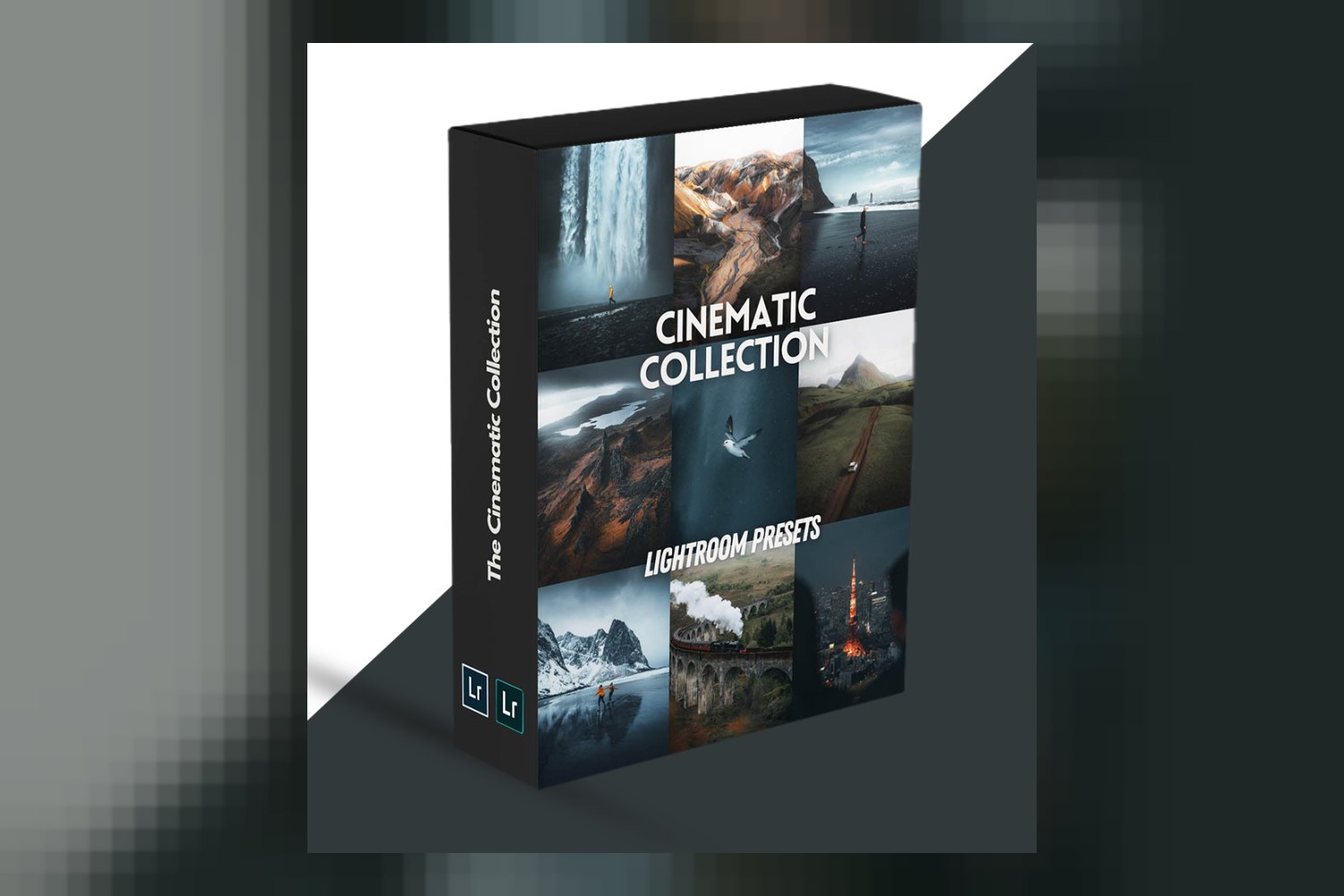
“The Cinematic Collection by WithLuke Presets” is a pack of 40 presets for Adobe Lightroom, designed to give your photos a consistent, dramatic look. It’s pitched for a wide range of photographers, from enthusiastic amateurs just starting out to seasoned professionals with years in the game. The creator, Luke, brings serious credentials to the table, with a client portfolio of leading brands and over 1,000,000 followers on Instagram. On paper, it aims to suit diverse photography styles, including landscapes, portraits, lifestyle, and commercial work. The main catch, judging from the published details, is that while the collection offers broad compatibility, some technical specifics about the presets themselves aren’t explicitly laid out.
What’s in the pack: 40 presets, RAW files, and a guide
This collection bundles 40 presets in total. The creator breaks them down into 30 Landscape Presets, 5 Portrait Presets, 4 Creator Presets, and 1 Astro Preset. Right away, that heavy skew towards landscapes tells you where the main focus lies. If you shoot a lot of outdoor scenes, this allocation makes a lot of sense for you.
Beyond the presets, you also get 10 RAW files directly from Luke, the creator. This isn’t just a bonus; it’s a practical learning tool. You can load these RAWs into Lightroom, apply a preset, and then analyze exactly how Luke achieves his looks. It helps you understand the adjustments and apply that knowledge to your own images, rather than just blindly applying a filter. For me, the inclusion of these 10 RAW files is the strongest part of this package. It moves beyond just selling a “look” and offers a real opportunity to learn from a creator with a proven track record.
A User Guide is also included. This should help you get oriented, explaining how to install the presets and perhaps offering tips on adapting them to different lighting conditions or camera types.
One detail the creator doesn’t publish is the specific file format for the presets. While Lightroom generally handles preset imports smoothly without you needing to worry too much, knowing if they’re .xmp or an older format would offer clearer technical insight for some users. It’s not a deal-breaker, but it’s a piece of information I usually look for.
Where these presets fit in your workflow
These presets are built specifically for Adobe Lightroom, both the Desktop version and the Lightroom Mobile app. This means they are for still image editing. They’re compatible with “all legacy Lightroom versions,” which is convenient if you’re not always on the absolute bleeding edge of software updates.
Think of these as powerful jumping-off points. You’ll apply one that gets you close to your desired cinematic feel, then you’ll undoubtedly tweak it further – adjusting exposure, white balance, contrast, and color grades to suit your specific image and creative vision. No preset is truly “one-click” for every photo, especially if you’re aiming for a professional finish.
From what the creator states, these presets are “fully iso-adaptive.” This is a solid technical detail. It suggests the presets are built with some intelligence, aiming for more consistent results across images shot at different ISOs. This could potentially reduce the amount of post-application adjustment you need to do for noise or color shifts when working with varying light conditions.
It’s worth noting there’s no mention of compatibility with video editing software. This makes perfect sense, as these are Lightroom presets for photography. But if you’re a hybrid shooter looking for a single look across stills and motion, you’d need separate tools for video work.
What kind of footage and mood it suits
The Cinematic Collection is explicitly “crafted to suit a wide variety of shooting conditions.” It targets landscapes, portraits, lifestyle photography, and commercial photography. The breakdown of 30 Landscape, 5 Portrait, 4 Creator, and 1 Astro Preset reinforces that the collection is primarily geared towards outdoor and travel photography, with a strong emphasis on scenic shots.
When a creator says “cinematic,” I think of rich, sometimes muted, color palettes, perhaps subtle split toning, deep shadows, and a strong sense of mood or drama. It’s rarely about super-bright, poppy colors. If that aligns with your aesthetic, then these could be a good fit. If you’re looking for vibrant, airy, or hyper-realistic looks, you might be fighting against the core intent of these presets. The versatility promised across portraits and commercial work suggests they can be adapted, but expect the core flavor to lean towards that dramatic, film-like feel.
Which cameras it is built for, and what happens if yours isn’t on the list
The good news here is broad compatibility: the presets are designed to work on files from Canon, Sony, Nikon, Panasonic, and Fuji cameras. That covers most major professional and enthusiast camera systems out there. They also support “multiple mobile camera RAW files,” which is a big plus if you use your smartphone for serious photography and shoot in RAW mode, giving you much more editing flexibility than JPEGs.
The creator doesn’t specify what happens if you use another brand, like Olympus/OM System or Leica. If you shoot with a camera brand not explicitly listed, the presets *can* still work, but you should expect to do more fine-tuning. Different camera manufacturers have unique color science, meaning a preset optimized for a Sony file might render colors quite differently on an Olympus RAW, especially in skin tones or specific hues. The fact that they are “fully iso-adaptive” should help with overall consistency, but camera-specific color profiles are still a factor.
The fact that they work with RAW files is crucial. Presets applied to JPEGs have far less flexibility and can break an image much faster. Always shoot RAW if you want the most out of any preset, and these are built with that in mind.
Limits and who should skip it
For me, the weakest part is that the creator doesn’t state the specific file format of the presets, nor are there any operating system requirements published beyond “Adobe Lightroom.” While not showstoppers, these are basic technical details I’d expect to see from a professional product. It’s not a deal-breaker, but it hints at a slight lack of transparency for the technically minded user.
You need Adobe Lightroom to use these presets. If you don’t use Lightroom and prefer Capture One, Affinity Photo, or another editor, then this collection simply won’t work for you. Furthermore, if you’re looking for presets specifically for video editing, these aren’t it. They’re photo-only tools for Lightroom users.
Skip this collection if your primary editing software isn’t Adobe Lightroom, or if you’re looking for presets specifically designed for video editing. Also, if your photographic style is consistently bright, high-key, or saturated, the “cinematic” aesthetic might require too much adjustment to be practical for your workflow. The heavy landscape focus also means if you exclusively shoot studio portraits or macro, many of these presets might not be directly applicable to your specific needs without significant modification.
So, is The Cinematic Collection right for your workflow?
If you’re a photographer using Adobe Lightroom, shooting RAW files with Canon, Sony, Nikon, Panasonic, or Fuji cameras, and you’re aiming for a versatile cinematic look across landscapes, portraits, or commercial work, then this collection looks like a strong contender. The inclusion of 10 RAW files from creator Luke is a real bonus for learning and practice. However, if you don’t use Lightroom, primarily shoot video, or are looking for highly specific technical details that aren’t published, you might want to hold off.
Questions people ask
What software is required to use The Cinematic Collection presets?
You need Adobe Lightroom Desktop or the Adobe Lightroom Mobile app to use The Cinematic Collection presets.
How many presets are included in The Cinematic Collection?
The Cinematic Collection includes 40 presets in total. These are broken down into 30 Landscape, 5 Portrait, 4 Creator, and 1 Astro preset.
Are The Cinematic Collection presets compatible with mobile Lightroom?
Yes, The Cinematic Collection presets are compatible with both Adobe Lightroom Desktop and the Adobe Lightroom Mobile app.
What camera brands are supported by The Cinematic Collection presets?
The presets are designed to work on files from Canon, Sony, Nikon, Panasonic, and Fuji cameras, as well as multiple mobile camera RAW files.
Prefer to buy directly from WithLuke Presets at full price? See the official page.