You’re looking at the Cinematic LUTs by Henryk to give your footage a professional polish. So, what’s actually inside, who’s it built for, and what’s the catch? This is a collection of over 20 LUTs designed to give video footage a professional, cinematic color-grade. It’s aimed at a broad audience, from filmmakers to YouTubers, and the creator says it’s suitable for “all levels.” The main thing to consider is the lack of detail on specific camera compatibility or the LUT file formats themselves.
What the pack contains: count, looks, and file formats
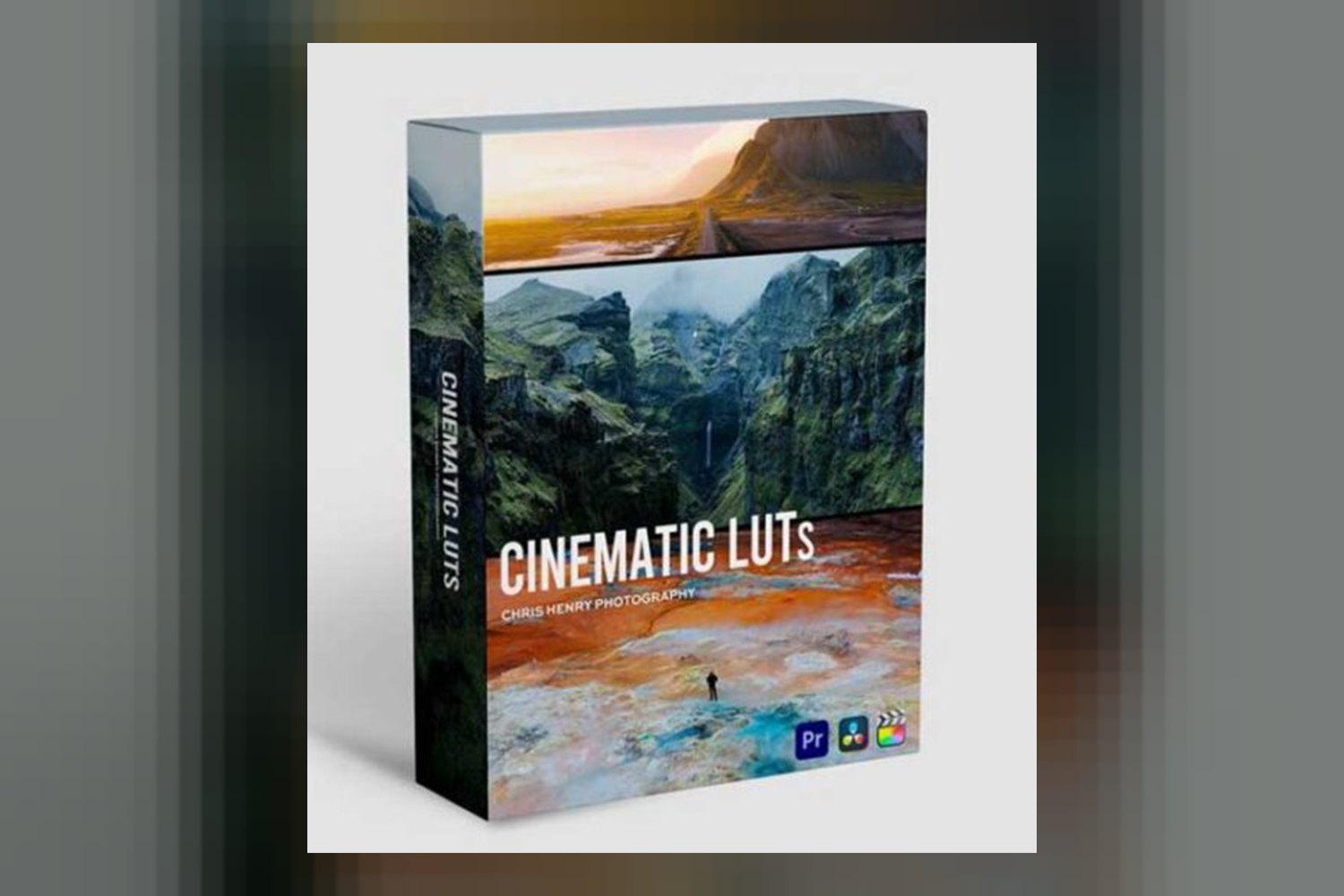
Henryk’s collection delivers “over 20 Unique Cinematic LUTs.” The creator, an expert in visual arts, has distilled years of experience into these, so you’re buying into his “signature style and commitment to excellence.” On paper, these LUTs aim to give your footage a “slick, cinematic color-grade” and achieve a “professional, polished aesthetic and ‘film look’.” You also get a short video tutorial to help you get started.
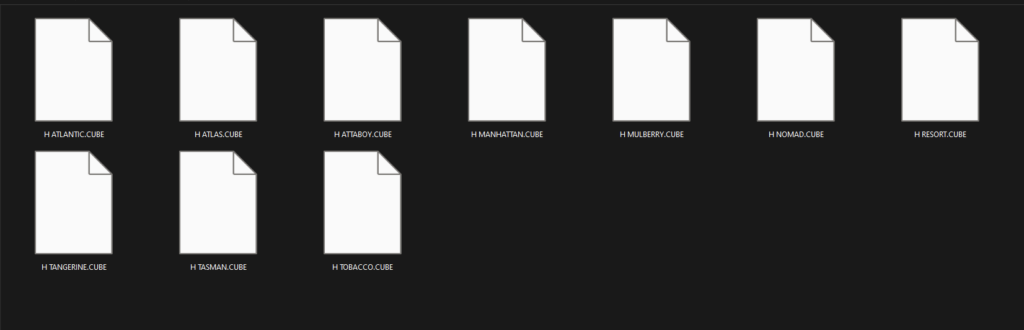
From what Henryk publishes, the focus here is definitely on that broad cinematic vibe rather than niche or period-specific looks. It’s about getting that modern, polished film aesthetic efficiently. What isn’t mentioned, though, is the specific file format for these LUTs. Most LUTs come as .cube files, which are widely compatible, but without confirmation, it’s an assumption. If you need to use them in software not explicitly listed, this detail could matter.
Which cameras and log profiles these LUTs are for
This is where things get a bit vague, which can be challenging for working professionals. The creator doesn’t publish any information on specific camera compatibility or which log profiles these LUTs are designed for. Most cameras today can shoot in a flat, log format (like Sony S-Log3, Canon C-Log, Panasonic V-Log, or Blackmagic RAW) to maximize dynamic range. When you apply a LUT, it often expects your footage to be in a specific color space, like Rec.709, or a particular log profile.
Since Henryk doesn’t specify, you’ll need to approach these LUTs assuming they are primarily designed for Rec.709 footage or at least footage that has already been converted from a log profile to a standard color space. If you shoot in a flat log profile, you’ll likely need to apply a basic log-to-Rec.709 conversion LUT first, before applying one of Henryk’s cinematic LUTs. This extra step ensures you’re not crushing blacks or blowing out highlights by applying a grading LUT to already flat footage. For a comparison, some LUT packs explicitly state their compatibility, like the Sony SLog3 Cinematic LUTs by Cinem8, which are built specifically for S-Log3.
If your workflow depends on precise log profile handling, this lack of information means you’ll have to do some testing yourself to see how they perform with your camera’s footage. It’s not a deal-breaker for everyone, especially for aspiring creatives using standard profiles or already converted footage, but it’s a key consideration.
What kind of footage and mood it suits
Judging by the creator’s description, these LUTs are for anyone wanting to achieve a “professional, polished aesthetic and ‘film look'” without diving deep into color theory. Henryk’s background as a visual arts expert suggests these looks are curated and reflect his signature style, aiming for a consistent, high-quality cinematic feel. They are designed to “simplify complex color grading” and provide “instant solutions for common color grading challenges.”
This tells me the LUTs are likely versatile enough for a range of content, from short films and documentaries to YouTube vlogs and corporate videos, where a general cinematic feel is desired. If you’re shooting a wedding video on a Sony A7 IV in a standard Rec.709 profile and want to quickly add a dramatic, filmic tone, these could be a good fit. They seem built for enhancing footage across various genres, focusing on that broad, appealing “cinematic” mood rather than very specific artistic or vintage looks.
Where these LUTs fit in your grading workflow
Henryk’s LUTs are compatible with the major editing platforms: Adobe Premiere Pro, Davinci Resolve, and Final Cut Pro. This covers most content creators and videographers out there. The inclusion of a short video tutorial is a plus, especially since the product is for “all levels.” I’d expect this tutorial to cover installation and basic application within these NLEs.
In a typical grading workflow, you’d usually perform primary corrections first, adjusting exposure, white balance, and contrast to get a clean image. Then, you’d apply a LUT like one of Henryk’s to set the overall look and feel. After the LUT, you might do secondary corrections, like skin tone adjustments or isolating specific colors, to fine-tune the image. Since these LUTs are designed to simplify color grading, they’re meant to be a significant step in achieving your desired aesthetic quickly, rather than a final minor tweak.
Limits and who should skip it
The biggest limits here come from the information that isn’t published. As I mentioned, we don’t know the specific file formats of the LUTs (like .cube or .3dl). While .cube is standard, without confirmation, you can’t be 100% sure about compatibility beyond the listed software. More importantly, there’s no information on specific camera compatibility or log profiles. This is a critical gap for anyone shooting in a professional log format who needs precise control over their color pipeline.
There are also no details on operating system requirements, though this is usually handled by your NLE’s requirements. This means you should probably skip the Cinematic LUTs by Henryk if:
- You primarily shoot in specific log profiles (like S-Log3, C-Log, V-Log) and need LUTs specifically designed for those profiles without an extra conversion step.
- You use an editing software not listed (e.g., Avid Media Composer, Vegas Pro) and need confirmation on file format compatibility.
- You’re an experienced colorist looking for extremely niche, granular control, or very specific film emulations. These seem more geared towards broad cinematic appeal and simplification.
So, should you get Henryk’s Cinematic LUTs?
If you’re a content creator, videographer, or editor working primarily with Rec.709 footage or footage that’s already converted to a standard color space, and you want to quickly add a polished, cinematic look without needing deep color theory knowledge, this pack could be a solid pick. However, if you’re a professional who relies on a precise log workflow with specific camera profiles, the lack of published information means you’d be buying somewhat blind, and might need to add extra steps to your process.
Questions people ask
What file format are the LUTs in?
The creator doesn't publish the specific file formats of the LUTs (e.g., .cube or .3dl).
Are these LUTs compatible with other editing software?
The LUTs are explicitly listed as compatible with Adobe Premiere Pro, Davinci Resolve, and Final Cut Pro. Compatibility with other editing software is not mentioned.
Do these LUTs work with footage from any camera?
The creator does not provide information on specific camera compatibility or log profiles. You may need to test them with your specific camera's footage, especially if shooting in a log format.
Is the video tutorial for beginners?
Yes, the product is described as suitable for "all levels," and includes a short video tutorial to help users get started.
Prefer to buy directly from Henryk at full price? See the official page.