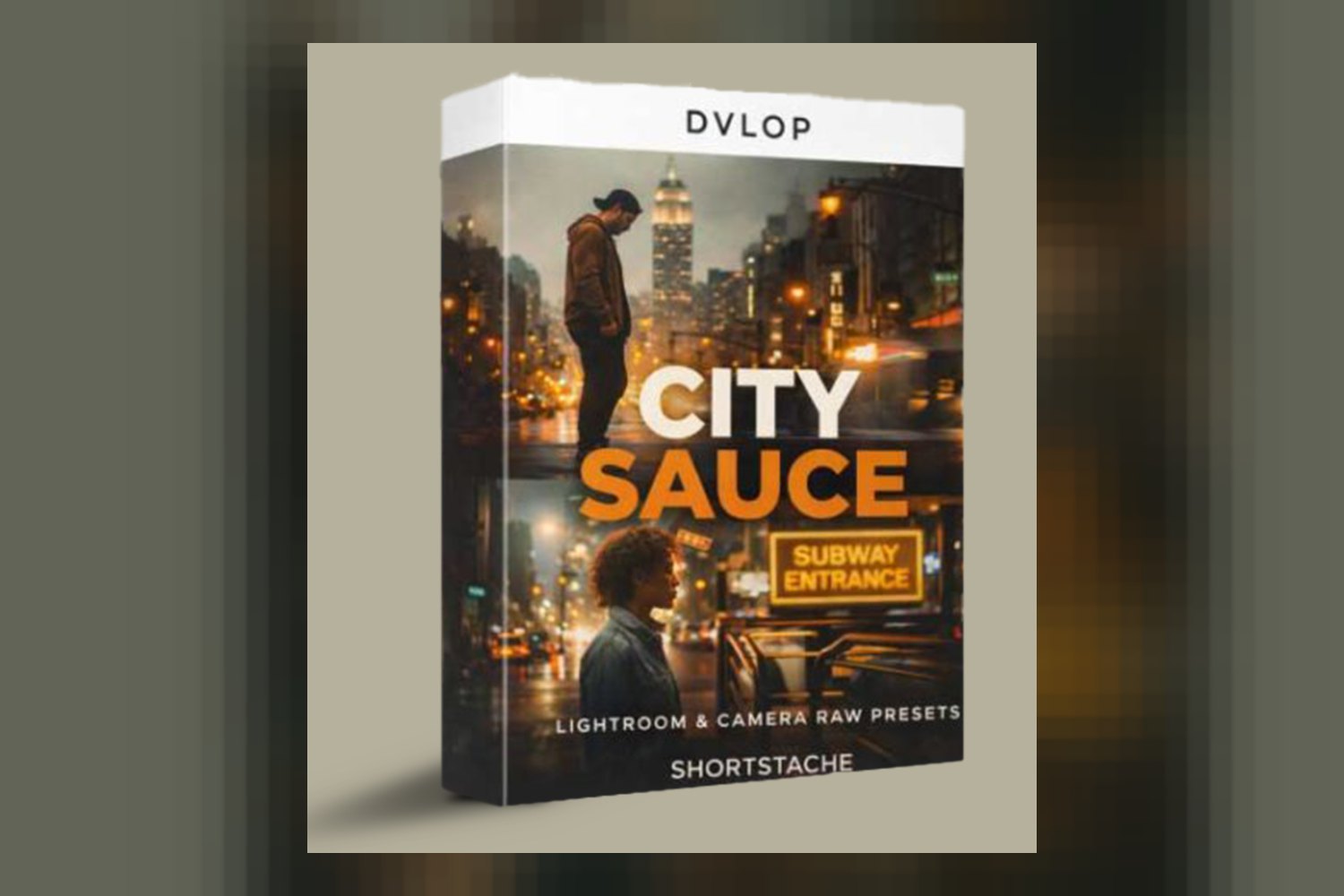
So, you’re looking at the Dvlop City Sauce Presets by Shortstache. What you’re getting here is a collection of presets and modifiers aimed at giving your digital images that film-inspired, urban vibe. It’s built for photographers and editors who already know their way around Lightroom and are keen to nail down a distinct, cohesive aesthetic, especially if you love classic film looks or shoot a lot of cityscapes and lifestyle stuff. The main catch is that while it promises broad adaptability, the creator doesn’t publish details on specific camera model compatibility or supported operating systems, which can be a bit of a blind spot.
What you get in the Dvlop City Sauce pack
This pack isn’t huge, but it’s focused. You’re getting 7 distinct presets, which is a decent number to give you some variety without overwhelming you. Four of these are color presets, named after urban locales: Chelsea, SoHo, Williamsburg, and a new one called Hudson Yards. The creator says Hudson Yards actually blends elements from Chelsea, SoHo, and Williamsburg, so it sounds like a good starting point if you want a mix of those styles.
Then you’ve got three black and white presets, which Shortstache calls Monokrome. Monokrome 1 is your standard offering, but Monokrome 2 + Grain and Monokrome 3 get more specific. Monokrome 2 + Grain is directly inspired by Kodak Tri-X 400 120 film stock and comes with grain already baked in, which is a nice touch if you’re chasing that specific look. Monokrome 3 takes its cues from Ilford HP5 Plus film stock. Knowing these specific film stocks is helpful because it gives you a clear expectation of the aesthetic.
Beyond the main presets, the pack also includes a few modifiers. You get Push / Pull modifiers, which is a direct nod to traditional film development techniques. This suggests you can tweak exposure and contrast in a way that mimics how film reacts when pushed or pulled in the lab. There are also Grain Strong / Weak modifiers, inspired by 120 film grain. These allow you to add or lessen the film grain effect on your images, giving you control over the texture without having to rely solely on the baked-in grain of Monokrome 2.
On paper, this sounds like a well-thought-out collection for someone who wants specific film looks applied digitally. The inclusion of modifiers is key because it adds flexibility. You’re not just getting a static look; you get tools to fine-tune it.
Fitting these presets into your color grading workflow
From the compatibility list, it’s clear these Dvlop City Sauce Presets are designed for Adobe’s ecosystem. You’ll need Adobe Lightroom Classic 7.3 or later, or Adobe Camera Raw 10.4 or later. That means if you’re working with older versions of Lightroom or ACR, you’re out of luck. Make sure your software is up to date before you consider this pack.
The good news is that Lightroom Mobile presets are included. That’s a big plus for anyone who edits on the go or wants to maintain a consistent look across their mobile and desktop work. However, there’s a requirement you need to pay attention to: you need LR Desktop to sync those Lightroom Mobile presets. So, you can’t just download them straight to your phone and start editing; you’ll need the desktop version as a hub.
As for where these fit in your workflow, presets like these usually come in after your basic exposure and white balance corrections. They’re designed to apply a specific look, not to fix fundamental image problems. Garrett, the creator, is a renowned lifestyle photographer with a keen eye for color, so I’d expect these presets to be fairly solid in how they handle different lighting situations, especially given they use DVLOP Dual Illuminant Profiles and DVLOP ISO Adaptive Presets. This suggests they’re built to react intelligently to varying light temperatures and ISO settings, which is a significant advantage over simpler, static presets.
If you’re someone who shoots with a modern digital camera and then does your initial raw adjustments in Lightroom or ACR, these presets would drop in nicely to give your images that finishing aesthetic. They’re not designed for heavy lifting in terms of correction, but rather for stylistic application. This is pretty standard for professional-grade presets.
What kind of footage and mood the presets suit
Shortstache, or Garrett, is known for his storytelling and focus on design, photography, and videography, with a knack for color. This definitely comes through in the stated purpose of these presets: a film-inspired, urban aesthetic. So, if you’re an urban and lifestyle photographer, this is directly in your wheelhouse. The preset names like Chelsea, SoHo, and Williamsburg scream city life, so it’s a safe bet they’ll look great on street photography, cityscapes, and portraits shot in urban environments.
But the creator also says these presets are adaptable for landscape, interior, exterior, and even portrait photography. That’s a broader claim than just “urban,” and it suggests the looks aren’t so niche that they only work in one specific context. For instance, a preset designed to evoke a certain film stock often has a versatile color palette that can translate well to different subjects. The Push / Pull and Grain modifiers will help here too, allowing you to dial back the “urban grit” if you’re applying them to a softer landscape or a clean interior shot.
If you’re a film photography lover, especially of classic black and white stocks like Kodak Tri-X 400 or Ilford HP5 Plus, the Monokrome presets are a strong draw. You’re getting digital emulations of those specific looks, which can save you a lot of time trying to recreate them from scratch. For color theory enthusiasts, the promise of “harmonious palettes” suggests a thoughtful approach to color grading, which is something I always appreciate. It means the colors within the presets are designed to work well together, providing a cohesive feel across your work.
This collection is strongest, I think, for those who appreciate the subtle nuances of film. It’s not about big, dramatic color shifts, but rather a refined, consistent aesthetic. If your current work feels a bit too “digital” and you want to inject some of that analog character, these presets seem like a solid candidate. It fits perfectly if you’re shooting, say, a fashion editorial in a city setting, or capturing everyday moments with a cinematic touch.
Which cameras and profiles are supported, and what if yours isn’t listed?
This is where things get a bit vague, and it’s something I always look for. The Dvlop City Sauce Presets utilize DVLOP Dual Illuminant Profiles and DVLOP ISO Adaptive Presets. This is good news because these technologies are designed to make presets react more consistently across different lighting conditions and ISO sensitivities. It means the presets shouldn’t fall apart if you shoot in a mix of daylight and artificial light, or if you crank up your ISO in darker scenes. That’s a professional-grade feature and generally means better results than basic presets.
However, the creator doesn’t specify which camera models are supported. This is a pretty significant gap. While DVLOP’s technology usually aims for broad compatibility, the performance of presets can still vary between camera manufacturers and even specific models, especially when it comes to how raw files are interpreted. If you shoot S-Log3 on a Sony A7S III, for example, you’d want to know how well these presets translate. Without that information, you’re taking a bit of a gamble.
So, what happens if your camera isn’t on a list that isn’t provided? Typically, presets are designed for standard raw files. If you’re shooting a flat profile like Log, you’d generally apply a conversion LUT first to bring the footage to a more standard rec.709 gamma before applying a creative preset. Since Shortstache is a videographer too, I’d hope these DVLOP presets are solid enough to handle various camera raw outputs, but without explicit mention, it’s an assumption. For similar discussions on camera compatibility with creative tools, you might find this review of Cine Collection DJI Mavic 2 Pro LUTs & Tools Pack by SpectrumGrades useful, as it highlights the importance of specific camera support.
My opinion here is that while the DVLOP technology is a strong indicator of quality and adaptability, the lack of a specific camera compatibility list is the weakest part of the offering’s description. It leaves a crucial question unanswered for many potential buyers. You’ll likely need to experiment or seek out user reviews from people with your specific camera model to be sure.
Limits and who should skip these presets
Let’s talk about where these presets might not fit. The biggest limit I see is the lack of specific camera model support. If you’re using a niche camera, or you’re very particular about how presets interact with your specific camera’s raw files, you might find yourself wishing for more transparency. It means you can’t be 100% sure how they’ll perform with your gear until you try them, and that’s not ideal for everyone.
Another point to consider is the software compatibility. You absolutely need Adobe Lightroom Classic 7.3 or later, or Adobe Camera Raw 10.4 or later. If you’re still on an older version of Lightroom, or if you use Capture One, Luminar, or any other raw editor, these presets just won’t work for you. And remember, Lightroom Desktop is a requirement for syncing the mobile presets. So, if your workflow is entirely mobile or relies on different software, these aren’t for you.
You should also skip this pack if you’re looking for presets that do heavy correctional work. These are stylistic tools. They’re not going to fix major exposure issues or correct wildly off white balances. You’ll need to handle those fundamental adjustments first. Also, if you’re not a fan of the film look or an urban aesthetic, then obviously these aren’t designed for your taste. If you prefer super clean, bright, or highly saturated looks, these might lean too much into a moody, filmic vibe for you.
Finally, if you’re a complete beginner to photo editing, these might be a bit much. The description says they’re for “experienced editors aiming to refine their style.” While presets are generally easy to apply, understanding how to use the Push / Pull and Grain modifiers effectively, and knowing how to adapt them across different types of photography (urban, landscape, portrait), requires a foundational understanding of color and light.
So, should you get Dvlop City Sauce Presets?
If you’re an experienced Adobe Lightroom or Camera Raw user, you love the film aesthetic, and you predominantly shoot urban, lifestyle, or even varied subjects like landscapes and portraits, these Dvlop City Sauce Presets by Shortstache could be a great addition to your toolkit. The specific film stock inspirations and versatile modifiers are a strong draw for anyone wanting a cohesive, refined look. However, if you’re using older software, another raw editor, or if you’re absolutely reliant on explicit camera compatibility lists, you might want to hold off or look elsewhere.
Questions people ask
What specific film stocks inspired these presets?
Monokrome 2 + Grain is inspired by Kodak Tri-X 400 120 film stock, and Monokrome 3 is inspired by Ilford HP5 Plus film stock.
How many color and black & white presets are included?
The pack includes 4 color presets (Chelsea, SoHo, Williamsburg, Hudson Yards) and 3 black & white presets (Monokrome 1, Monokrome 2 + Grain, Monokrome 3).
Can these presets be used for non-urban photography?
Yes, according to the creator, the presets are adaptable for urban, landscape, interior, exterior, and portrait photography.
Are these presets compatible with older versions of Lightroom Classic or Camera Raw?
No, they require Adobe® Lightroom® Classic 7.3 or later, or Adobe® Camera Raw 10.4 or later.
Prefer to buy directly from Shortstache at full price? See the official page.