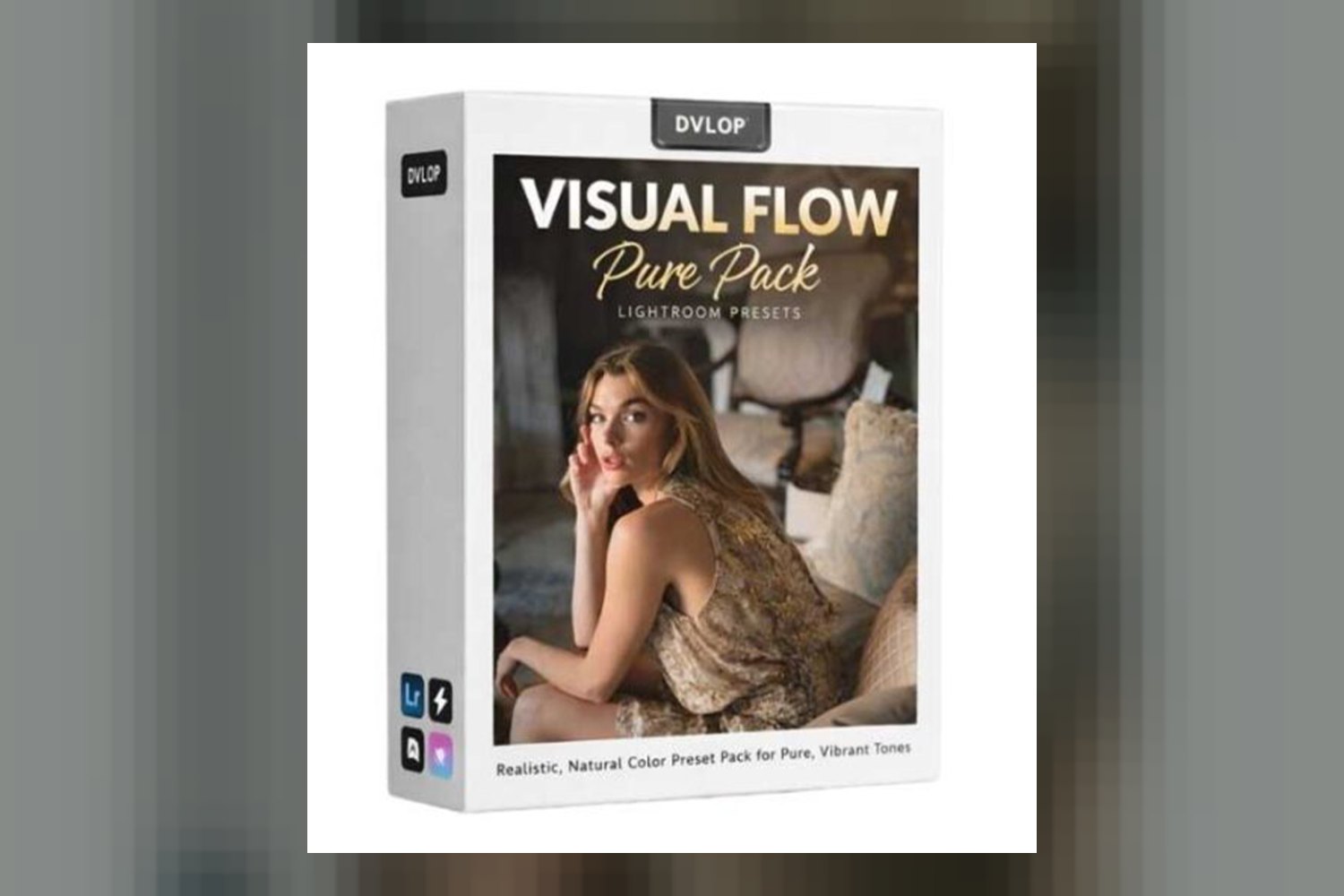
The Dvlop Pure Pack by Visual Flow is a collection of 10 Lightroom presets that promise a clean editorial look with a subtle matte finish. It’s built for photographers shooting weddings, portraits, and general lifestyle, and it uses some interesting tech to keep colors consistent. The main catch, on paper, is that any AI Retouching Toolkit features, if you were expecting them within the DVLOP ecosystem, are desktop-only. Let’s dig into what this pack actually offers.
What’s in the Dvlop Pure Pack?
From what the creator publishes, the Dvlop Pure Pack by Visual Flow includes the Pure Pack Installer, which is powered by DVLOP, and 10 Lighting Condition-Based Presets. That’s it. You’re getting a focused set of tools here, not an overwhelming library of hundreds of options.
The core of the pack is those 10 presets. The creator says they’re specifically “tailored for specific lighting conditions,” which is a smart approach. Instead of guessing, you’re meant to pick the preset that matches your scene’s light. The overall aesthetic is described as a “clean editorial look with a subtle matte finish,” drawing inspiration from “cinematic 35mm film.” That soundbite is pretty clear: think a modern, slightly desaturated, filmic vibe, not punchy, high-contrast digital.
What’s not explicitly stated in the facts is the exact file format of these presets. Since it comes with an “Installer powered by DVLOP,” it’s probably not just a drag-and-drop .xmp file. It suggests a more integrated system, which makes sense given the unique camera profile technology it uses. While I can’t say for sure, if you’re used to just dropping .xmp files into your Lightroom folder, this might be a slightly different installation process.
How the Dvlop Pure Pack Handles Different Cameras and Profiles
This is where the Dvlop Pure Pack gets interesting, especially for someone like me who deals with all sorts of camera files. A standout detail here is that it “uses DVLOP’s camera profile technology for consistent colors regardless of camera make and model.” This is a big deal. If you’ve ever tried to apply the same preset to images shot on a Sony, then a Canon, then a Fujifilm, you know how wildly different the results can be. Skin tones shift, blues turn purple, greens go yellow, it’s a mess.
The promise of “consistent colors” across brands means the presets should ideally look similar whether you shot with a Canon R5, a Nikon Z7, or a Fuji X-T4. This is a huge time-saver in post-production, especially if you or your second shooter use different camera systems. The creator also states that the pack “maintains natural skin tones,” which, if true, is a mark of well-engineered presets. Nobody wants orange or sickly green skin from a preset.
What the creator doesn’t publish is a list of specific camera profiles it supports or if there are any limitations for niche cameras or older models. However, the claim of “regardless of camera make and model” suggests a solid system. From a colorist’s perspective, this patent-pending “Lighting Condition Based Development” combined with cross-camera consistency is the strongest part of this offering. It solves a genuine, common problem for photographers.
What Kind of Photos and Mood It Suits
The Dvlop Pure Pack is explicitly “made for photographers,” specifically for “weddings, portraits, [and] general lifestyle photography.” The look itself, “clean editorial with a subtle matte finish, inspired by cinematic 35mm film”, tells you a lot about the mood it’s aiming for. Think elegant, timeless, slightly muted, and sophisticated, rather than bright, airy, or heavily stylized.
If you’re a wedding photographer looking for a consistent, refined look across hundreds of images, this pack sounds like it could fit. The “one-click presets tailored for specific lighting conditions” should help speed up your culling and initial grading, letting you match the mood of an indoor ceremony, an outdoor golden hour portrait, or a reception with mixed lighting without too much tweaking. For portrait photographers, that natural skin tone promise is key. And for general lifestyle, it implies a versatility that can handle diverse everyday scenes while maintaining a cohesive style.
It wouldn’t be my first choice if you’re after something super vibrant, high-contrast, or overtly dramatic. If your style leans towards punchy colors, deep blacks, or a very specific, stylized look (like dark and moody or extremely bright and pastel), this “clean editorial” aesthetic might feel too subtle for you. It’s built for a particular kind of visual storytelling, and it’s important to know if that aligns with your vision.
Where the Pure Pack Fits in Your Workflow
The compatibility list for the Dvlop Pure Pack is pretty broad, which is good. You can use it with “Adobe Lightroom 4 or later (Classic),” “Adobe Camera Raw CS6 or later,” “Adobe Lightroom CC Desktop 1.4 or later,” and “Adobe Lightroom Mobile.” This covers pretty much any current Adobe photography workflow, from desktop to mobile. The fact that it works on Lightroom Mobile is a definite plus for photographers who do a lot of initial edits or client previews on the go.
These are presets, so they’re designed for the initial stages of your grading workflow, typically after basic exposure and white balance corrections, but before any detailed retouching or local adjustments. The “one-click” nature suggests a quick application to get a strong baseline look. You’d apply the appropriate lighting condition preset, then fine-tune it to taste. Because it’s a DVLOP product, it’s designed to integrate fairly smoothly into the Adobe ecosystem, which is where most photographers live for raw image processing.
Since it’s built on DVLOP’s camera profile technology, the presets are designed to interpret your raw files correctly from the start. This means you shouldn’t have to fight the preset to get natural colors, especially skin tones. It sounds like it’s intended to be a solid foundation, rather than a fragile effect you need to babysit. If you’re looking for presets that are more like creative LUTs for video, this might not be the same kind of tool, as it’s firmly rooted in Lightroom’s still image processing. For a different DVLOP offering, you might check out Is Dvlop Cine Presets by India Earl Worth It? A Colorist’s Breakdown.
Limits and Who Should Skip the Dvlop Pure Pack
Every tool has its limitations, and the Dvlop Pure Pack is no different. The main point to consider is that if any “AI Retouching Toolkit” features are part of your expected DVLOP experience, the creator states they are “for desktop only, not mobile.” While the Pure Pack’s contents don’t explicitly list an AI Retouching Toolkit, if you’re investing in the DVLOP ecosystem for advanced AI features and also plan to do significant mobile work, that’s a compatibility gap you need to be aware of. It means your mobile workflow will be limited to applying the 10 core presets, not any AI-powered enhancements.
You should probably skip the Dvlop Pure Pack if your primary editing environment is not Adobe Lightroom or Camera Raw. While its compatibility is broad within Adobe, if you’re using Capture One, DxO PhotoLab, or another raw processor, these presets simply won’t work. Also, if you’re looking for a pack with a huge variety of wildly different looks, 10 presets, even if they’re intelligently designed, might feel too restrictive. This pack is about refinement and consistency within a specific aesthetic, not broad experimentation.
So, is the Pure Pack for you?
If you’re a wedding, portrait, or lifestyle photographer who uses Adobe Lightroom and values color consistency across different cameras, the Dvlop Pure Pack by Visual Flow looks like a solid contender. Its strength lies in its intelligent camera profiling and lighting condition-based presets for a clean, matte editorial style. However, if mobile AI retouching is a useful for you, or if you prefer non-Adobe software, you’ll want to look elsewhere.
Questions people ask
What software is compatible with the Pure Pack?
The Pure Pack is compatible with Adobe Lightroom 4 or later (Classic), Adobe Camera Raw CS6 or later, Adobe Lightroom CC Desktop 1.4 or later, and Adobe Lightroom Mobile.
How many presets are included in the Pure Pack?
The Pure Pack includes 10 Lighting Condition-Based Presets.
What kind of look does the Pure Pack achieve?
The Pure Pack is designed to provide a clean editorial look with a subtle matte finish, inspired by cinematic 35mm film, while maintaining natural skin tones.
Does the Pure Pack work with different camera brands?
Yes, it uses DVLOP's camera profile technology to ensure consistent colors regardless of your camera's make and model.
Prefer to buy directly from Visual Flow at full price? See the official page.