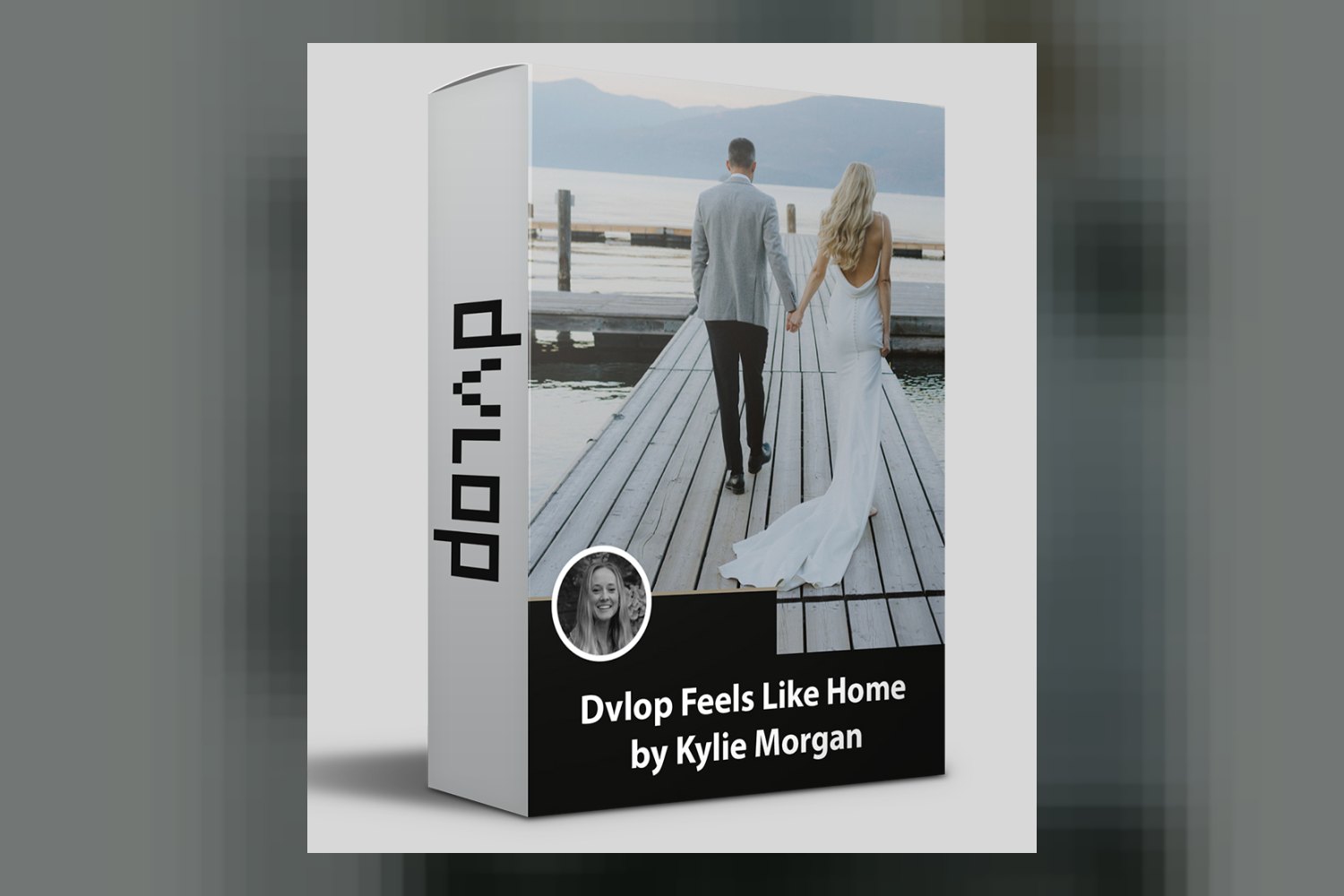
You’re looking at Dvlop Feels Like Home by Kylie Morgan, a collection of presets designed to give your photos a warm, emotional, and nostalgic feel. It’s pitched by creator Kylie Morgan, an Idaho & PNW based Lifestyle & Wedding photographer, primarily at wedding, lifestyle, and portrait photographers who want consistent, emotive results. The main catch right off the bat is that you’ll need Adobe Lightroom Classic 7.3 or later on your desktop for these to work fully, especially if you plan to use the mobile versions.
What the Dvlop Feels Like Home Presets Include
On paper, this pack isn’t just a handful of presets. You get a total of 10 distinct tools: 3 core presets and 7 modifiers. The main preset is called “Feels Like Home,” which sets the overall tone, and there are two variations: “FLH – Film Edition” for a filmic touch, and “FLH – B+W Edition” for monochrome conversions. The creator says these are all about true-to-color tones with a warm and golden pop, a focus on skin tones, low contrast, and creamy soft whites. That’s a pretty specific aesthetic, which is good for knowing if it’s right for you.
Beyond the base looks, you also get 7 “FLH Modifiers.” These aren’t full presets but rather small, precise adjustments you can stack on top. They include “Extra Punch,” “Grain,” “Afternoon Light,” “Golden Punch,” “Indoor Light,” “Green Assist,” and “Sunset Keeper.” These sound like fine-tuning tools for handling different lighting situations or adding specific stylistic elements. From what the creator publishes, the specific file formats for these presets, like whether they’re .xmp files, aren’t explicitly stated, but they are standard Lightroom presets.
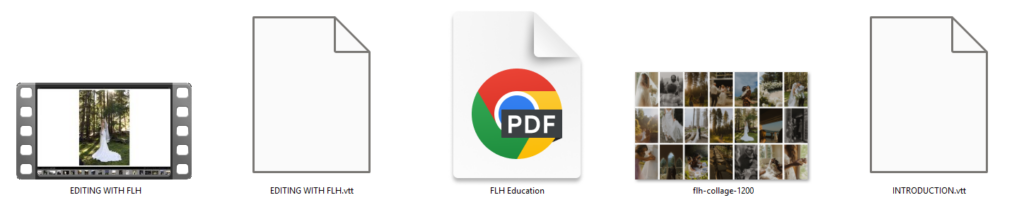
It’s not just presets, either. Kylie Morgan includes an “FLH Education PDF guide” that explains camera settings and how the presets interact with the modifiers. There are also “Tutorial Videos” that walk you through edits of over 30 photos in various lighting. For anyone looking to understand the creator’s workflow, these educational components are a strong point.
Camera Compatibility and DVLOP’s Tech
When it comes to compatibility, you’ll need Adobe Lightroom Classic 7.3 or later, or Adobe Camera Raw 10.4 or later. That means if you’re on an older version of Lightroom, you’ll need to update. A key detail for mobile users is that while “Lightroom mobile presets” are included, you’ll need Lightroom Desktop to sync them to your mobile device. So, if you’re a mobile-only editor, this pack isn’t for you.
The Dvlop Feels Like Home presets leverage two specific DVLOP technologies: Dual Illuminant Profiles and ISO Adaptive Presets. This is important because it means the presets are designed to react intelligently to different lighting conditions (e.g., natural light versus artificial light) and varying ISO settings. In theory, this helps maintain consistency across your images, whether you’re shooting in bright sun or low light, or pushing your camera’s ISO. This kind of underlying tech suggests a more solid and adaptable preset system than a simple, generic LUT.
However, the creator doesn’t provide a specific list of supported cameras. This is a common gap with some preset packs. While DVLOP’s tech aims for broad compatibility, if you shoot with a less common camera brand or an older model, you might wonder how well these will perform. Most modern cameras from major brands like Canon, Nikon, Sony, and Fujifilm should be fine, but without a list, you can’t be 100% sure for your specific gear. If you’re a Sony shooter for example, you might want to check if others have had good results with this specific pack.
What Kind of Footage and Mood it Suits
Judging by the creator’s description, this pack is all about creating a very specific mood: warm, emotional, and nostalgic. Kylie Morgan focuses on preserving details and fleeting moments for her clients, and the presets reflect that. They promise true-to-color tones, which means they’re not going for an overly stylized or desaturated look, but rather a natural base with a “warm and golden pop.” The emphasis on “creamy soft whites” and “low contrast” suggests a gentle, airy aesthetic rather than something punchy or dramatic.
If you’re a wedding photographer, a lifestyle photographer, or a portrait artist who wants to evoke feelings of “home, safety, comfort, and remembrance,” this is right up your alley. Imagine a bright, airy wedding with soft light, or family portraits with a golden hour glow – that’s the kind of vibe these presets seem to be built for. The “Afternoon Light,” “Golden Punch,” and “Sunset Keeper” modifiers further reinforce this focus on warm, natural light scenarios. The “Indoor Light” modifier suggests it’s also designed to handle less-than-ideal interior lighting, aiming to maintain that warm, soft quality.
Conversely, if your style leans towards edgy, high-contrast, moody, or very vibrant and punchy images, this pack probably isn’t a match. It’s designed for a specific kind of beauty, not for every type of photographic expression. For instance, if you’re after a bold, editorial look, you might find these too soft or subtle. You can read up on other DVLOP presets like DVLOP Mixology if you need a different style.
Where it Fits in a Grading Workflow
These are presets for Adobe Lightroom Classic and Camera Raw, which means they’re designed to be applied early in your photo editing workflow, typically *before* you do extensive local adjustments or retouching. They’re meant to establish the base look, the overall color grade, and the tonal qualities of your image. Since they include DVLOP’s Dual Illuminant and ISO Adaptive Profiles, they’re built to be a strong foundation for a consistent look across a full gallery, which is crucial for client work like weddings or large portrait sessions.
The modifiers are where you’d fine-tune that base look. You’d apply the main preset, then layer on modifiers like “Grain” for texture or “Green Assist” to tweak specific color hues that might be problematic in an outdoor setting. The inclusion of an “Education PDF guide” and “Tutorial Videos” that walk through 30+ photos in various lighting scenarios is a huge plus here. This suggests that Kylie Morgan intends for you to learn her workflow, not just apply a one-click solution. You’re meant to understand *why* and *how* to use the presets and modifiers to achieve consistent results in different situations.
So, in your workflow, you’d import your RAW files into Lightroom, apply a base preset (like “Feels Like Home”), then use the modifiers to tweak it for each image’s specific needs, perhaps “Afternoon Light” for a backlit shot or “Indoor Light” for a reception photo. After that, you’d move onto your standard retouching, cropping, and export process. This structured approach, supported by the educational content, looks like it could significantly speed up your editing while maintaining a coherent aesthetic.
Limits and Who Should Skip It
Like any product, Dvlop Feels Like Home by Kylie Morgan isn’t for everyone. The most obvious limitation is the software requirement: you need Adobe Lightroom Classic 7.3 or later or Camera Raw 10.4 or later. If you’re using an older version or a different photo editing software entirely, these simply won’t work for you. And remember, if you want the mobile presets, you *must* have Lightroom Desktop to sync them. Mobile-only users who don’t have a desktop Lightroom subscription are out of luck.
Another point to consider is the lack of a specific list of supported cameras. While DVLOP’s technology is generally solid, it’s always best practice to know if your specific camera body has been tested. If you’re working with less common camera systems or very old DSLRs, you might find the results aren’t as consistent or true to what’s advertised. The creator also doesn’t mention operating system compatibility, though generally, if your OS supports the required Adobe software, you should be fine.
Finally, if the “warm, emotional, nostalgic, low contrast, creamy soft whites” aesthetic doesn’t align with your artistic vision, then you should definitely skip this. These presets are designed for a very particular look. If your clients expect vibrant, punchy colors, or a moody, dramatic style, these presets will work against you, and you’ll spend more time trying to undo their effects than benefiting from them. This isn’t a versatile “general purpose” pack; it’s specialized.
My Take: Who It’s For
From what I can tell, Dvlop Feels Like Home by Kylie Morgan looks like a solid choice for wedding, lifestyle, and portrait photographers who are drawn to a warm, soft, and emotive aesthetic. The inclusion of 3 base presets, 7 modifiers, and especially the detailed education PDF and tutorial videos, makes this pack stand out as more than just a quick fix. If you want to learn a specific workflow and achieve consistent, beautiful results with a focus on natural light and skin tones, and you’re already using recent Adobe Lightroom desktop software, this could be a great fit. But if you’re a mobile-only editor, use different software, or prefer a dramatically different visual style, you’re better off looking elsewhere.
Questions people ask
What software is compatible with Dvlop Feels Like Home presets?
The presets are compatible with Adobe Lightroom Classic 7.3 or later and Adobe Camera Raw 10.4 or later. Lightroom Desktop is required to sync mobile presets.
What kind of aesthetic do these presets create?
They create a warm, emotional, and nostalgic aesthetic with true-to-color tones, a golden pop, low contrast, and creamy soft whites, focusing on skin tones.
Are there any tutorials or guides included with the preset pack?
Yes, the pack includes an "FLH Education PDF guide" detailing camera settings and preset interaction, plus "Tutorial Videos" with walkthrough edits of over 30 photos.
Can I use these presets on my mobile device?
Yes, Lightroom mobile presets are included, but you must have Lightroom Desktop to sync them to your mobile device.
Prefer to buy directly from Kylie Morgan at full price? See the official page.