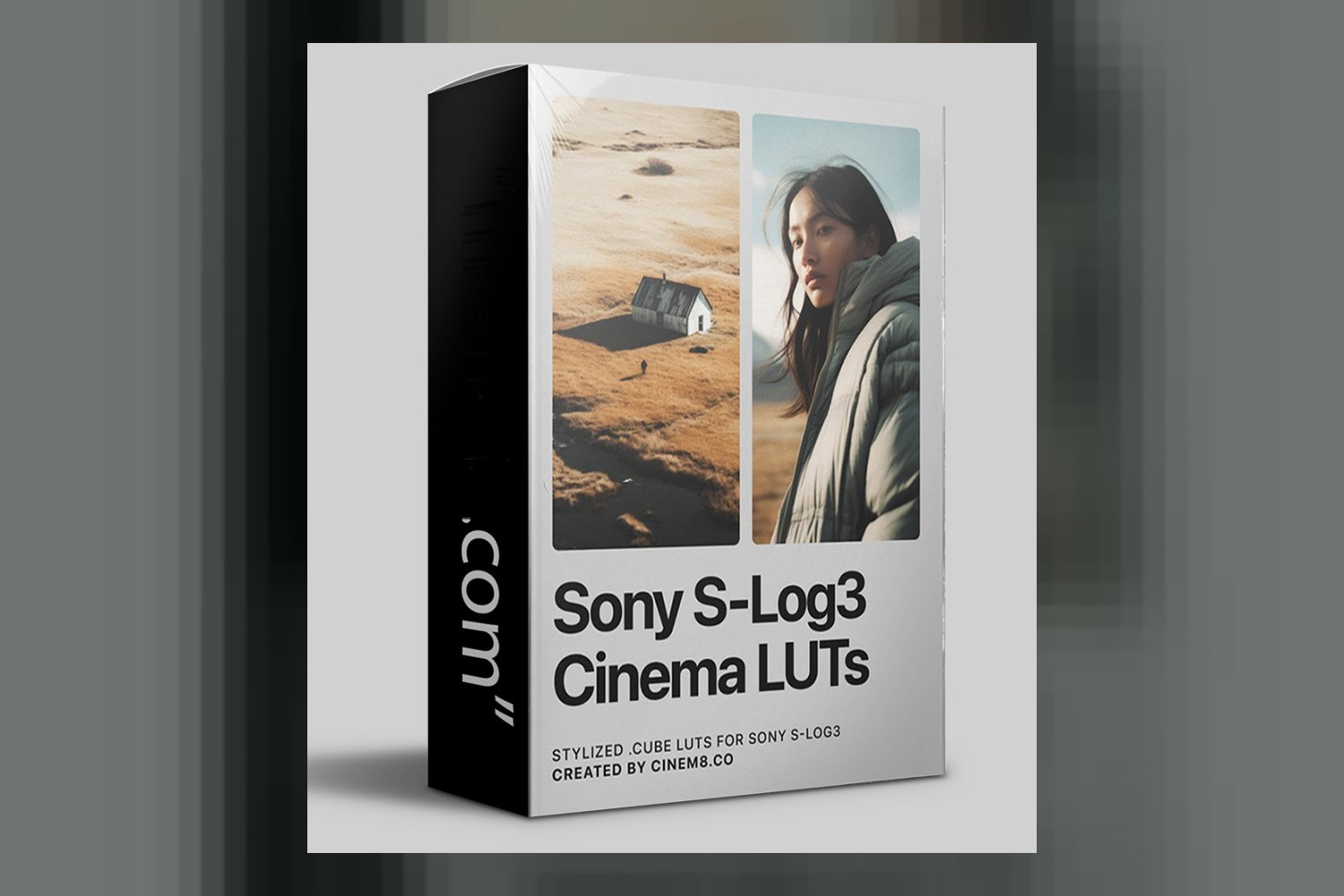

So, you’re looking at the Sony SLog3 Cinematic LUTs by Cinem8. Let’s get straight to it: this is a collection of Look Up Tables designed to give your videography rich, filmic colors and natural contrast. It’s built specifically for Sony shooters using SLog3, and that’s the main catch right up front. If you’re not shooting SLog3 on a Sony camera, you can probably stop reading now.
What you get in this pack
The core of this offering is 20 .cube LUTs, split into two distinct groups. First, you get 10 Stylized SLog3 LUTs. These are your actual color grading tools, designed to apply those “rich, filmic colors” and “natural contrast” the creator promises. On paper, these sound like the kind of looks that save you a ton of time in post, especially if you’re aiming for a consistent aesthetic across your projects.
The stylized LUTs come in the common 33x .cube format. That’s a decent resolution for grading LUTs, offering a good balance between accuracy and file size. What I find particularly strong about this pack, though, is the second set of LUTs: 10 In-Camera Monitoring LUTs.
These monitoring LUTs are pretty clever. The creator includes them in both 33x and 17x sizes. The smaller 17x size can be useful if your camera or monitor has memory or processing limitations, though most modern Sony cameras handle 33x fine. More importantly, these are specialized for 1.3 stops ETTR (Expose To The Right). If you’re not familiar, ETTR is a technique to maximize dynamic range and minimize noise by overexposing slightly, then bringing it down in post. Having monitoring LUTs built specifically for this workflow means you can confidently expose with ETTR in mind, seeing a more normalized image on your field monitor or in-camera EVF, without guessing.
Beyond the LUTs themselves, the pack also includes a “Thorough Tutorial.” The creator doesn’t publish details about what that tutorial covers, like its length, specific topics, or format, so I can’t tell you if it’s a quick installation guide or a deep get into grading with these specific LUTs. For aspiring videographers, especially, a solid tutorial could be a big plus, but we just don’t know what’s in it.
Which cameras and log profiles are supported
This is where the Sony SLog3 Cinematic LUTs review gets really specific. Cinem8 crafted these LUTs for a very particular ecosystem: Sony mirrorless cameras that use Sony’s new color science and native SLog3 profiles. The compatibility list is quite extensive for Sony shooters:
- Sony FX2, FX30, FX3
- Sony A7SIII, A7IV, A7RV
- Sony A7CII, A7C
- Sony ZV-E1
Basically, if you’re shooting on any of Sony’s popular, more recent mirrorless cameras that offer SLog3, you’re likely covered. The creator specifically optimized them for SLog3 / S-Gamut3.Cine footage. That’s important because it means they expect that particular color space and gamma curve as input. They even highlight that the LUTs work directly with this footage, “bypassing the need for an initial Rec.709 conversion.” That’s a huge time-saver and a good sign of precise engineering, as skipping that conversion step helps preserve your dynamic range better.
What happens if your camera isn’t on that list, or you shoot a different log profile? Well, the creator is very clear: these are “Only for Sony SLog3 / S-Gamut3.Cine footage.” They don’t mention compatibility with other camera brands or log profiles at all. So, if you’re shooting Canon C-Log, Panasonic V-Log, or even Sony’s older SLog2, these LUTs aren’t for you. You’d need a different set of LUTs designed for those specific profiles.
What kind of footage and mood it suits
Judging by the creator’s description, these LUTs aim for a “rich, filmic” look with “natural contrast.” This usually translates to a more cinematic aesthetic, moving away from a flat, video-like image. Think subtle color shifts, pleasing skin tones, and controlled highlights and shadows, all while preserving the broad dynamic range that SLog3 is known for.
The fact that they’re “meticulously optimized to work directly with SLog3 / S-Gamut3.Cine footage” and respond to “the unique characteristics of advanced Sony sensors” tells me they’re likely designed to handle the often-tricky nuances of Sony’s color science. This suggests they’d be a good fit for projects where color accuracy and a polished, professional look are paramount. I’d expect them to handle a wide range of shooting scenarios well, from interviews and documentaries to short films and wedding videography, assuming you’re going for that “cinematic” vibe.
The included in-camera monitoring LUTs, especially with the 1.3 stops ETTR optimization, further cement this product’s suitability for serious videographers who want to make the most of their SLog3 footage from capture through post. It means you can be more confident in your exposure decisions in the field, knowing you’re preserving as much information as possible for grading later.
Where it fits in a grading workflow
In terms of your actual workflow, these LUTs are pretty flexible once you’re in post. They come as standard .cube LUTs, which means they’ll work with “any popular video editing software that utilizes .cube LUTs.” The creator specifically names:
- Final Cut Pro X
- Adobe Premiere Pro
- DaVinci Resolve
- CapCut
The inclusion of CapCut is interesting, suggesting a nod to content creators who might do some editing on mobile. This broad compatibility is definitely a strong point. You can drop these into your NLE (Non-Linear Editor) of choice and apply them as a creative look. Since they’re designed for SLog3 / S-Gamut3.Cine footage *without* needing a Rec.709 conversion first, they’d typically be applied as one of the first steps in your grading chain, after any initial exposure or white balance corrections, but before more finessed secondary grading.
This approach helps maintain the integrity of your log footage. You wouldn’t want to apply a Rec.709 conversion LUT only to then apply a creative LUT on top of that, as it can often crush your blacks or blow out your highlights. These Cinem8 LUTs seem built to avoid that common pitfall, which is a sign of good design. For someone like me who grades client work every week, efficiency and preserving dynamic range are key, and these LUTs appear to be engineered with that in mind.
If you’re already using PowerGrades in DaVinci Resolve for more complex cinematic looks, you might be interested in seeing how these compare to something like the RealFilm PowerGrade by Cine Source, though these are standard LUTs, not PowerGrades.
Limits and who should skip it
The biggest, most unavoidable limit with the Sony SLog3 Cinematic LUTs by Cinem8 is right in the name and hammered home by the creator: they are “Only for Sony SLog3 / S-Gamut3.Cine footage.” If you don’t shoot on a Sony camera, or if your Sony camera doesn’t offer SLog3, or if you prefer to shoot in a different log profile (like SLog2 or HLG), then these LUTs simply won’t work as intended for you. Trying to force them onto different log footage will likely give you unpredictable and undesirable results, making your footage look broken rather than cinematic.
The creator also doesn’t specify any minimum software version compatibility for Premiere Pro, FCPX, Resolve, or CapCut. While .cube LUTs are generally backward compatible, very old software versions *could* theoretically have issues, though this is rare. Similarly, there’s no mention of operating system compatibility, but again, .cube files are universal, so it’s unlikely to be an issue unless the tutorial has specific OS requirements (which we don’t know).
So, skip this if you’re a Canon, Panasonic, FUJIFILM, or Nikon shooter. Skip it if you shoot standard Rec.709 or HLG on your Sony. Skip it if your Sony camera is an older model that doesn’t offer SLog3. This is a highly specialized tool for a specific kind of shooter.
So, should you get it?
If you’re a dedicated content creator, seasoned filmmaker, or aspiring videographer who shoots exclusively on a Sony mirrorless camera utilizing SLog3 / S-Gamut3.Cine, then this pack looks like a strong contender. The optimization for SLog3 directly, the in-camera monitoring LUTs with ETTR, and the broad software compatibility are all very compelling. However, if you’re not in the Sony SLog3 camp, or if you dabble with other camera brands or log profiles, these LUTs simply aren’t for your workflow.
Questions people ask
What Sony cameras are compatible with these LUTs?
These LUTs are compatible with Sony FX2, FX30, FX3, A7SIII, A7IV, A7RV, A7CII, A7C, ZV-E1, and other Sony mirrorless cameras utilizing Sony's new color science and native SLog3 profiles.
Do I need to convert my SLog3 footage to Rec.709 before applying these LUTs?
No, the creator states these LUTs are optimized to work directly with SLog3 / S-Gamut3.Cine footage, bypassing the need for an initial Rec.709 conversion.
What video editing software can I use with these LUTs?
You can use these .cube LUTs with Final Cut Pro X, Adobe Premiere Pro, DaVinci Resolve, CapCut, and any popular video editing software that utilizes .cube LUTs.
How many LUTs are included in the pack?
The pack includes 10 Stylized SLog3 LUTs for color grading and 10 In-Camera Monitoring LUTs, totaling 20 LUTs.
Prefer to buy directly from Cinem8 at full price? See the official page.