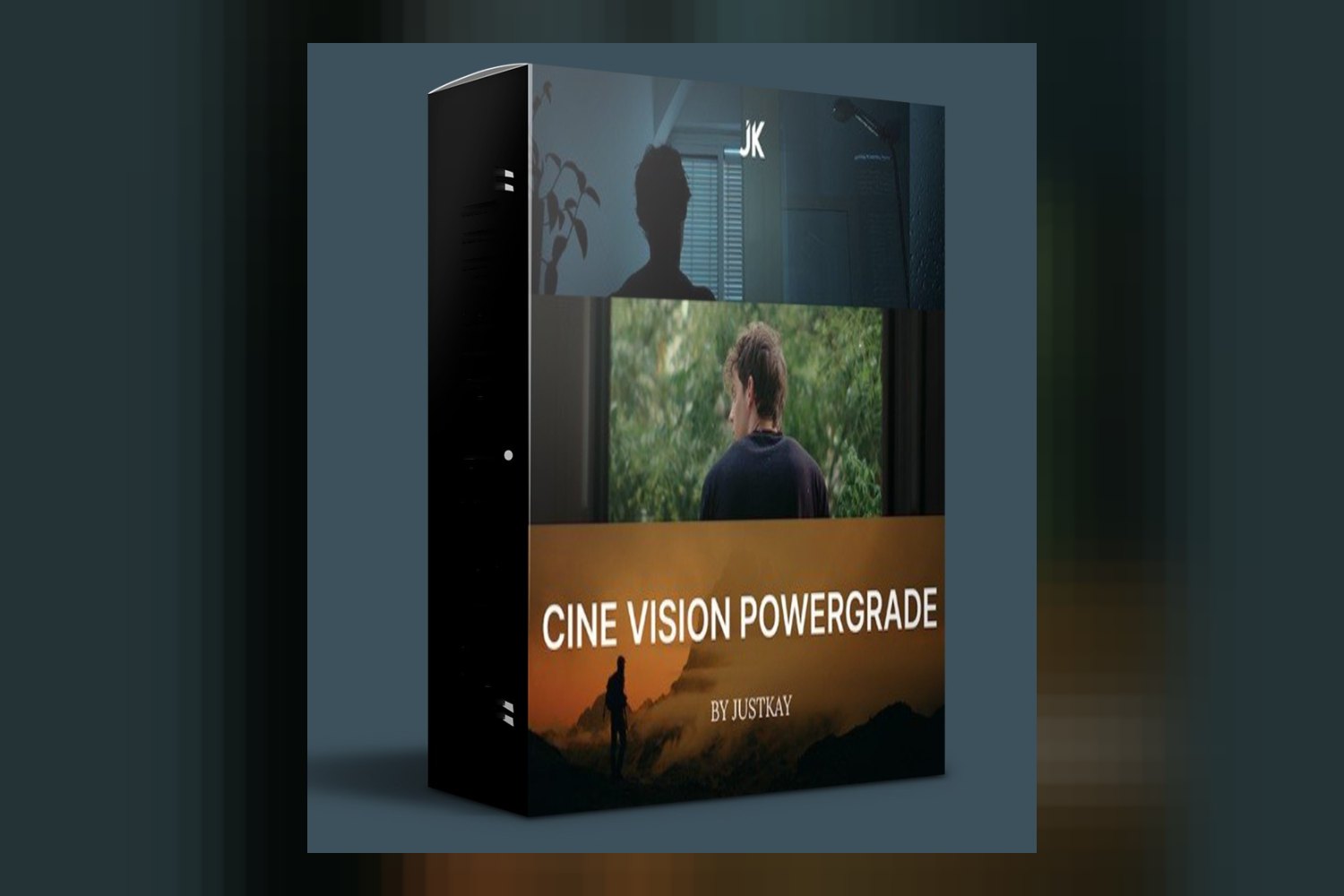

So, you’re looking at the Justkay True Tone Luts & Powergrade collection, huh? On paper, it’s a set of color grading LUTs and a Powergrade, designed by expert colorist Justkay, to give your footage a dramatic, timeless cinematic vibe with an ARRI-style look. It’s pitched at professional filmmakers, wedding videographers, commercial advertisers, and even YouTube creators. The biggest catch right off the bat? The creator doesn’t tell us what file formats are included for the LUTs or Powergrade, nor which software they’re actually compatible with. That’s a pretty big unknown for a product like this.
What you get with Justkay True Tone Luts & Powergrade
The core of this product is a collection of LUTs and a Powergrade. Now, the creator doesn’t specify *how many* LUTs are in this collection, which is a detail I’d usually want to know. “A collection” could mean anything from three to three dozen, so that’s a bit vague if you’re trying to gauge variety.
What we do know is the intent behind these tools: they’re designed to give your footage a “dramatic and timeless cinematic aesthetic.” That’s a strong claim, and it’s backed up by the specific goal of achieving an “ARRI-style look.” If you’ve ever worked with ARRI footage, you know it’s renowned for its beautiful, natural-looking roll-off into highlights and shadows, and especially for its pleasing skin tones. The creator also specifically states these tools ensure “colors remain balanced and skin tones natural,” which is absolutely critical for any professional-level grading tool.
The inclusion of a “professional Powergrade” is a significant detail. If you’re familiar with DaVinci Resolve, you know Powergrades are a big help. They’re not just a single node; they’re entire node structures, often complex, that can be saved and applied across projects. This usually means more control and a more sophisticated look than a simple LUT can provide on its own. It suggests that if you’re a Resolve user, you’re getting something beyond a basic lookup table. However, without knowing the specific software compatibility, we can’t assume Resolve, but Powergrades are inherently a Resolve feature. If it’s *not* for Resolve, then the term “Powergrade” is being used very loosely, or it’s a proprietary format for some other software. The creator doesn’t publish the specific file formats for either the LUTs or the Powergrade, which, as a working colorist, makes me raise an eyebrow. Are they .cube files? .dctl? Something else? This matters for knowing where you can use them.
Which cameras and log profiles it’s built for
This is where the Justkay True Tone Luts & Powergrade collection really shines, at least on paper. The compatibility list is extensive and specific, which is a huge plus. The creator states it’s optimized for:
- Canon footage
- Sony footage
- Panasonic footage
- iPhone LOG footage
- DJI D-Log footage
- Blackmagic footage
- LOG footage (generally)
- Rec709 footage (generally)
That’s a broad spectrum. If you’re shooting on a Canon C70, a Sony FX3, a Panasonic GH6, an iPhone 15 Pro, a DJI Mavic 3, or a Blackmagic Pocket Cinema Camera, the creator says these tools are specifically tailored for your footage. That’s a lot of ground covered, which is excellent. They aren’t just saying “for LOG footage”; they’re naming specific brands and formats.
The fact that it’s “tailored to enhance both LOG & Rec709 footage” is also important. This means you don’t necessarily have to convert your Rec709 footage to LOG or vice-versa before applying these. For LOG footage, it implies the LUTs handle the conversion to Rec709 (or a similar display space) while applying the look. For Rec709 footage, it suggests the LUTs are designed to apply the aesthetic without crushing blacks or blowing out highlights, which can often happen when applying a LOG-to-Rec709 LUT directly to already-Rec709 footage.
What happens if your camera isn’t on the list? Well, if you shoot in a LOG profile (like Nikon’s N-Log, or Fujifilm’s F-Log), the general “LOG footage” compatibility might mean it works, but you’d be taking a bit of a gamble. The named profiles suggest a higher degree of optimization. If you shoot Rec709, it should theoretically work fine, as Rec709 is a standardized color space. But for optimal results and the promised “True Tone” and “ARRI-style look,” sticking to the explicitly listed camera brands and LOG profiles would be the safest bet.
What kind of footage and mood it suits
From what the creator publishes, the Justkay True Tone Luts & Powergrade collection is all about achieving a “dramatic and timeless cinematic aesthetic” with an “ARRI-style look.” This isn’t for bright, poppy, overly saturated social media content. This is for projects that need a more sophisticated, filmic, and somewhat serious tone. Think of it like this:
- Weddings: If you’re a wedding videographer aiming for a classic, elegant, and film-like feel rather than a hyper-realistic or overly stylized look, this could be a strong contender. The emphasis on natural skin tones is crucial for client satisfaction in wedding work.
- Narrative Filmmaking: For independent creators or professional filmmakers working on short films, documentaries, or features, that ARRI-style look is often the holy grail. It implies a high-quality, professional finish that’s often sought after.
- Commercials & Brand Content: Advertisers looking for a premium, high-production-value aesthetic for their clients would find the “dramatic and timeless” qualities appealing. It helps improve brand perception.
- YouTube Creators & Vloggers: This is a broad category, but if your content leans towards cinematic travel vlogs, short documentary-style pieces, or high-quality product reviews, this could give your footage a significant boost in production value. It’s probably not for the average daily vlogger who just wants a quick, bright look.
The core promise here is sophistication and a specific, highly desired filmic aesthetic. If your goal is a gritty, hyper-stylized, or overtly colorful look, this might not be the right fit. It’s clearly aiming for a refined, natural-but-dramatic quality.
Where it fits in a grading workflow
This is where things get a bit murky because of the missing information. The creator doesn’t state specific software compatibility, which is a major point of friction for me. Most LUTs are .cube files and can be imported into just about any NLE or grading software (DaVinci Resolve, Adobe Premiere Pro, Final Cut Pro, Avid Media Composer, etc.). However, a Powergrade is inherently a DaVinci Resolve feature. If this product truly includes a “Powergrade,” then it strongly implies that DaVinci Resolve is the intended primary software.
Assuming standard .cube LUTs and a DaVinci Resolve Powergrade, here’s how it generally fits into a workflow:
- Before: You’d typically start with basic technical corrections. This means getting your white balance right, setting your exposure, and ensuring your footage is properly de-noised if needed. You want a clean, neutral image before you apply any creative look.
- Application:
- For LUTs: Once your footage is technically corrected (often called a “primary correction”), you’d apply the LUT. If you’re working with LOG footage, the LUT usually handles the conversion to Rec709 (or a similar display space) while applying the creative look. If you’re working with Rec709 footage, the LUT applies the look directly.
- For the Powergrade: If it is indeed a DaVinci Resolve Powergrade, you’d apply this after your initial technical corrections. A Powergrade often contains a complex node tree that might include primary adjustments, secondary adjustments (like skin tone isolation), and the creative look itself. This gives you much more control. You can get into the node tree, adjust individual elements, or even tweak the intensity of the look. This is a far more professional and flexible approach than a simple LUT. For a deep get into what a Powergrade can do, you might want to check out reviews of similar Resolve-specific products like the Ultimate Powergrade Davinci Resolve by Loris Marie.
- After: After applying the LUT or Powergrade, you’d typically do any final “look adjustments” – subtle tweaks to contrast, saturation, vignettes, film grain, or specific secondary corrections to really dial in the final image.
The fact that Justkay, an expert colorist, “relies on this collection daily” suggests it’s a solid tool designed for a professional workflow, likely within DaVinci Resolve given the Powergrade. But again, the lack of explicit software compatibility is a significant hurdle.
Limits and who should skip it
Alright, let’s be direct about the downsides. There are two major gaps in the information provided by the creator, and they’re pretty important:
- Specific file formats for the LUTs and Powergrade are not stated. This means you don’t know if they’re standard .cube files that will work in most NLEs, or if they’re in a proprietary format.
- Specific software compatibility is not stated. This is the big one. While the term “Powergrade” strongly points to DaVinci Resolve, it’s not explicitly mentioned. If you’re an Adobe Premiere Pro user, a Final Cut Pro X editor, or someone who uses other software, you’re buying blind on this crucial detail.
Because of these unknowns, here’s who I think should probably skip the Justkay True Tone Luts & Powergrade, at least for now:
- Beginners who are not using DaVinci Resolve. If you’re just starting out and don’t have a clear understanding of color management or different software workflows, the lack of information on compatibility will make this a frustrating experience. You need clear guidance on where to even *put* these files.
- Anyone who absolutely needs to know software compatibility before purchasing. If your workflow is strictly in FCPX or Premiere Pro and you don’t use Resolve, you simply don’t know if this product will work for you. It’s a gamble.
- Those who prefer a very bright, punchy, or aggressively stylized look. The stated aesthetic is “dramatic and timeless cinematic” with an “ARRI-style look,” which implies natural skin tones and balanced colors, not over-the-top saturation or extreme grading.
If you’re not shooting on one of the explicitly listed camera brands (Canon, Sony, Panasonic, iPhone LOG, DJI D-Log, Blackmagic), and you’re not shooting in a general LOG or Rec709 profile, then you might also find that the optimization isn’t there for your specific footage.
So, should you get it?
The Justkay True Tone Luts & Powergrade seems designed for serious video creators who want a high-quality, filmic, ARRI-style aesthetic for their footage and are shooting with common professional cameras or LOG profiles. The fact that Justkay himself, an expert colorist, uses it daily is a strong endorsement. However, the complete lack of information on specific file formats and software compatibility is a significant red flag. If you’re a DaVinci Resolve user who shoots on Canon, Sony, or Blackmagic and you’re comfortable taking a chance on the format, this could be a powerful addition to your toolkit for achieving a sophisticated cinematic look. But if you’re not a Resolve user, or if you need absolute certainty about software compatibility before you buy, I’d hold off until the creator publishes more transparent details.
Questions people ask
What file formats are included?
The creator doesn't state the specific file formats for the LUTs and Powergrade.
Which editing software is this compatible with?
The creator doesn't state specific software compatibility, though the term "Powergrade" typically refers to features within DaVinci Resolve.
How many LUTs are in the collection?
The creator doesn't state the exact number of LUTs included in the collection.
Does it work with all camera brands?
It is optimized for Canon, Sony, Panasonic, iPhone LOG, DJI D-Log, and Blackmagic footage, as well as general LOG and Rec709 footage. Other camera brands are not explicitly listed.
Prefer to buy directly from the creator at full price? See the official page.