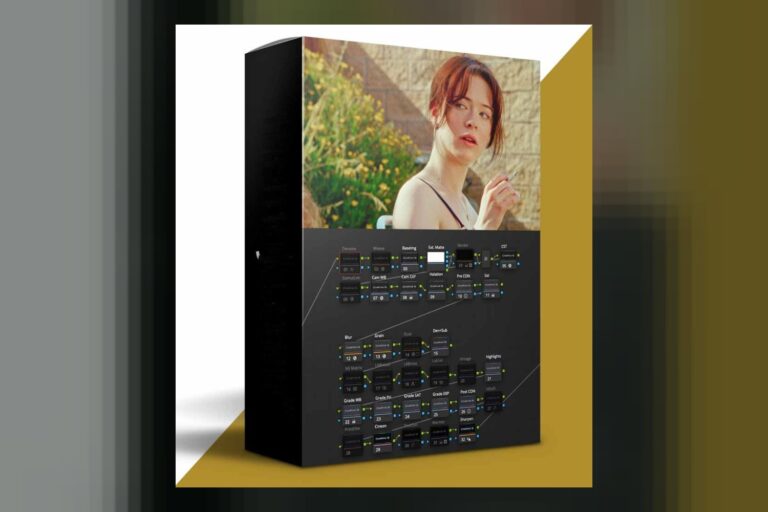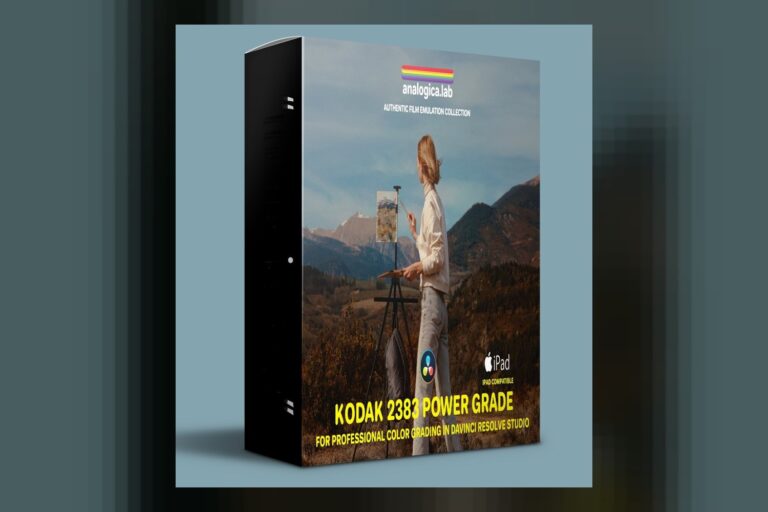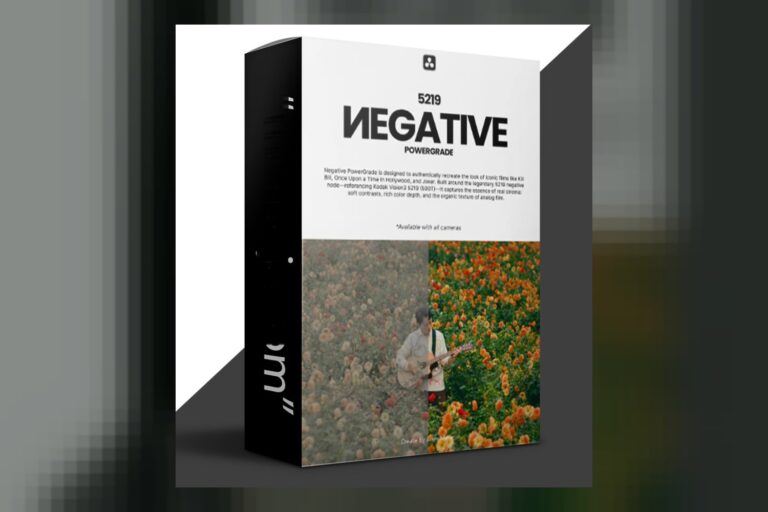

You’re looking for that vintage film vibe, and you’ve stumbled upon the Film Emulation LUTs and Power Grades by Preset Curator. So, what exactly is inside this thing, who is it really for, and what’s the catch? Well, it’s a collection of LUTs and PowerGrades designed to nail those classic film looks, aimed squarely at filmmakers, videographers, and content creators working in DaVinci Resolve or other editing apps. The main catch, from what I can tell, is that it doesn’t specify which log profiles these LUTs are built for, which can be a real headache.
What’s in the pack: count, looks, file formats
From what Preset Curator publishes, this pack gives you over 20 Premium LUTs and PowerGrades. They also mention an additional 550 stylized LUTs, which sounds like a lot of creative options on top of the specific film emulations. Those core “Premium” looks are built around some iconic film stocks: you get Kodak 2383 emulation for that classic cinematic color, Fuji 3513 LUTs for those distinctive Fuji 35mm tones, and some Fujicolor C200-inspired LUTs if you’re after vibrant, true-to-life colors. They also say it supports 35mm, 16mm, and 8mm film styles, which means you’re getting a range of looks from super clean to gritty. Plus, it includes authentic film grain and texture, which is crucial for selling the film look.
As for formats, you’ll get standard CUBE files, which are super versatile. If you’re a DaVinci Resolve user, you’re also getting PowerGrades in DPX and DRX formats. PowerGrades are great because they often give you more control within Resolve than a simple LUT, letting you tweak nodes and adjustments. Everything is an instant download, so you can get started right away.
Where it fits in a grading workflow
Given the inclusion of PowerGrades, this pack clearly targets DaVinci Resolve users, where you can integrate these looks directly into your node tree. The CUBE files, though, mean you can use them in a wide range of editing tools and software, which is pretty standard for LUTs. Think Premiere Pro, Final Cut Pro, even Photoshop or After Effects if you’re applying them to stills or motion graphics.
Now, about where these fit in your workflow – before or after color correction? The creator states these are “designed not to crush detail, preserving sharpness and natural light.” To me, that usually means they’re intended to be applied *after* you’ve done your primary color correction, like setting white balance, exposure, and getting your contrast roughly where you want it. A good film emulation LUT or PowerGrade shouldn’t be destroying your highlights or shadows, and this claim suggests they’ve tried to make them play nice. So, you’d likely get your footage to a good Rec. 709 starting point, and then drop one of these on top to get the desired film look.
What kind of footage and mood it suits
The whole point of this pack is “vintage film.” So, if you’re trying to escape the sterile, digital look of modern cameras, this is what it’s for. The Kodak 2383 emulation suggests big-budget cinematic vibes, the kind you see in Hollywood features. Fuji 3513 brings classic, perhaps slightly cooler or desaturated tones, often associated with a different era of film. And Fujicolor C200 aims for something more vibrant and true-to-life, which might be a good middle ground if you want filmic but not overly stylized.
The addition of 550 stylized LUTs really opens it up for broader “creative choices.” This means you’re not just getting a few specific film emulations, but a whole library for different moods. I’d say this pack is great if you’re shooting narrative films, music videos, or even stylized vlogs where you want a consistent, high-quality film aesthetic. For example, if you’re shooting a short film with a specific 80s or 90s vibe, one of the Fuji or Kodak emulations could be a strong starting point. The included film grain and texture will obviously lean into that authentic, retro feel.
Which cameras and log profiles it’s built for, and what happens if yours is not on the list
The compatibility list is fairly broad: DaVinci Resolve, a wide range of editing tools and software, Panasonic GH5, mirrorless cameras, and even iPhones. That’s a decent range, showing they’re thinking about a lot of different shooters. But here’s the kicker, and it’s a big one for me as a colorist: the creator doesn’t publish any specific information about which log profiles these LUTs are designed for. You know, like S-Log3, V-Log, Canon Log, or even just Rec. 709.
This is a significant detail. A LUT is essentially a mathematical formula that transforms color and tone. If it’s designed to take a specific log gamma (like S-Log3 from a Sony camera) and convert it to a pleasing film look, applying it directly to, say, V-Log footage from a Panasonic GH5 without an intermediate conversion can give you some pretty wonky results. Your colors could be off, your contrast might be extreme, or you could introduce unwanted color shifts. It’s like trying to fit a square peg in a round hole.
So, if you shoot S-Log3 on a Sony A7S III, or Blackmagic RAW, or any other log format that isn’t specifically mentioned, you’ll likely need to do a conversion to Rec. 709 *before* applying these LUTs. This isn’t necessarily a dealbreaker, but it adds a step to your workflow and means you might not get the “one-click” result you’re hoping for straight out of the box with your log footage. The fact that they list specific cameras like the Panasonic GH5 (which often shoots V-Log) without mentioning V-Log specifically makes me wonder if these are generally designed for standard Rec. 709 input, or if they’ve somehow made them magically adaptable across different log gammas without specific conversions built-in, which would be unusual.
Limits and who should skip it
The biggest limitation, as I’ve hammered on, is the lack of clarity on log profile compatibility. If you’re a professional who shoots exclusively in log and relies on precise color management, not knowing if these LUTs are designed for your specific camera’s log format is a definite drawback. You’ll likely need to do some testing and potentially add a log-to-Rec. 709 conversion step before applying these, which isn’t the end of the world, but it’s an extra step and introduces variables. This is a common issue with general LUT packs, and it’s where specialized PowerGrades or LUTs designed for specific camera systems really shine. If you want to see how other creators tackle this, you might check out a review like the 35MM KODAK 2383 PowerGrade by PowerGrade Review, which often gets into camera-specific considerations.
Another thing is that while “over 20 Premium LUTs and PowerGrades” plus “550 stylized LUTs” sounds like a lot, the quality and distinctiveness of those 550 “stylized” ones can vary greatly in generic packs. Sometimes, they’re just minor variations of a few core looks. Without seeing them, it’s hard to judge. So, if you’re expecting 570 truly unique, distinct looks, you might need to manage expectations.
I’d say skip this pack if you’re a colorist who needs highly technical, precise LUTs designed for specific log workflows and expects them to work flawlessly without any intermediate steps. Also, if you’re looking for an “ultimate” solution that covers every single film stock ever made with exact recreations, this pack, while good, probably isn’t that. It seems to focus on a few key, popular film looks.
On the flip side, what looks strongest here is the inclusion of specific film emulations like Kodak 2383 and Fuji 3513, alongside the promise of authentic grain and texture. That’s a good foundation for film looks. The PowerGrades for DaVinci Resolve are also a strong point, offering better integration for Resolve users.
Final thoughts on these film looks
So, should you get it? If you’re a filmmaker or content creator who wants to add a classic, vintage film aesthetic to your footage and you’re comfortable with potentially adding a log-to-Rec. 709 conversion step for your camera’s footage, then this pack gives you a lot of creative options. But if you’re a stickler for precise log profile handling and need a solution that explicitly supports your camera’s gamma out of the box, then you might want to look elsewhere or be prepared to do some extra legwork.
Questions people ask
What specific film stocks are emulated in this pack?
The pack includes Kodak 2383 emulation, Fuji 3513 LUTs, and Fujicolor C200-inspired LUTs.
What software is compatible with these LUTs and PowerGrades?
The LUTs (CUBE format) are compatible with a wide range of editing tools and software, and the PowerGrades (DPX and DRX formats) are for DaVinci Resolve.
How many LUTs and PowerGrades are included in total?
The pack includes over 20 Premium LUTs and PowerGrades, plus an additional 550 stylized LUTs.
Do these LUTs work with footage from any camera type?
The creator states compatibility with Panasonic GH5, mirrorless cameras, and iPhones, and a wide range of editing software. However, specific log profile compatibility (e.g., S-Log3, V-Log) is not published, which means you might need to convert your log footage to Rec. 709 before applying these LUTs.
Prefer to buy directly from Preset Curator at full price? See the official page.