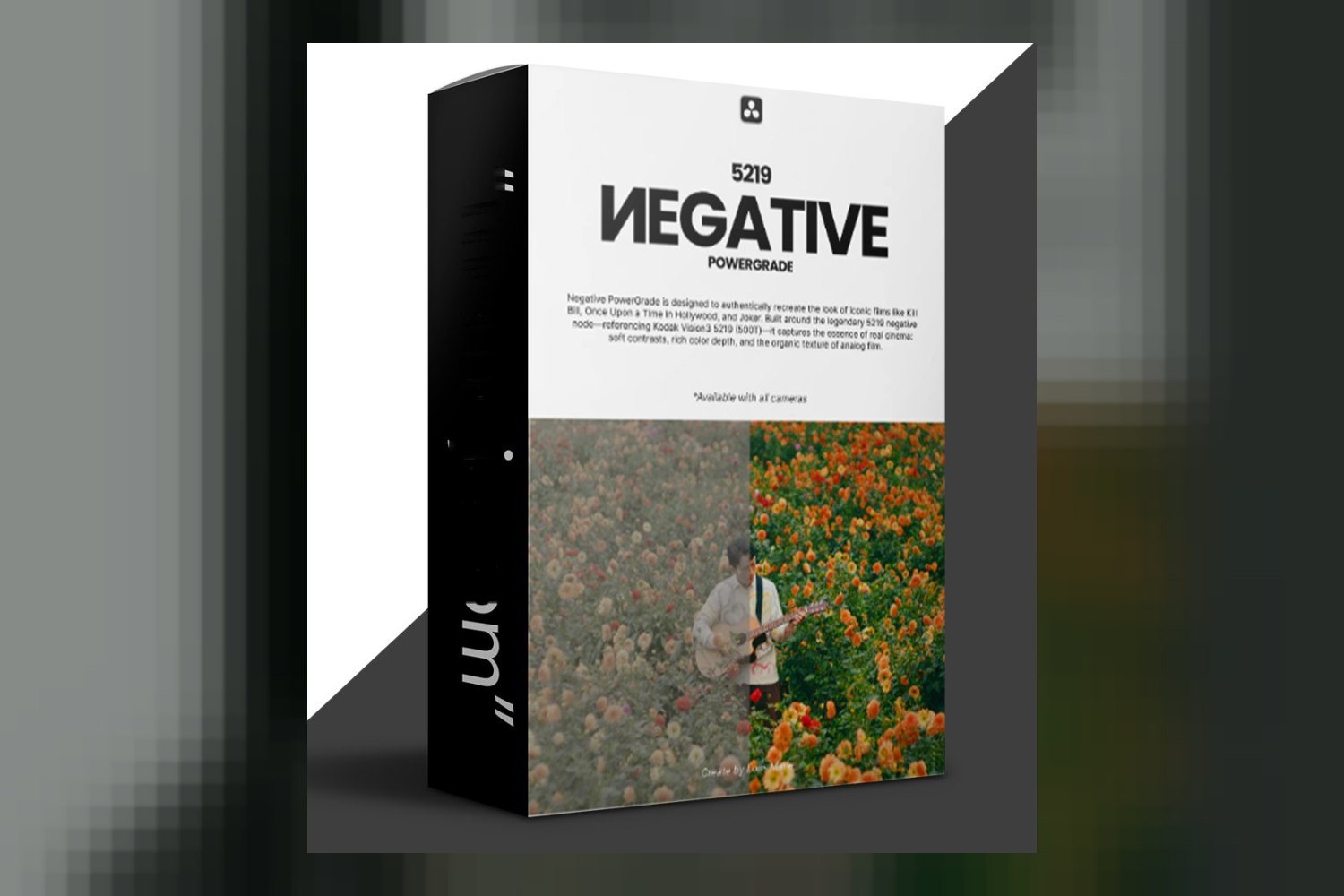
So, you’re looking at the Negative Powergrade Davinci Resolve by Loris Marie and wondering if it’s the right fit for your workflow. On paper, this is a meticulously crafted foundation, specifically engineered to emulate the characteristics of film negatives right inside DaVinci Resolve. It’s pitched for everyone from professional colorists to content creators, promising a filmic base without locking you into a specific style. But there’s a key requirement upfront: you’ll need to do your own initial color correction to balance shots before applying it.
What you get in the pack
Unlike some packs that give you a whole library of varied looks, the Negative Powergrade Davinci Resolve by Loris Marie is focused on one thing: a single Negative Powergrade. That’s it. It’s not a collection of different film stocks or stylistic LUTs; it’s presented as one solid framework designed to mimic the nuanced color science and dynamic range of a film negative.
The creator states this singular Powergrade is meant to serve as a versatile creative foundation. You’re supposed to build upon it with your own nodes, creative LUTs, and fine-tuning adjustments. So, if you’re expecting a bunch of ready-to-use looks, that’s not what this offers. It’s a starting point, not a finishing line.
Which cameras and footage it’s for
The creator says this Powergrade is compatible with DaVinci Resolve, which is pretty standard for a Powergrade. What’s not specified in the product details is which camera systems or specific log profiles (like Arri LogC, Sony S-Log3, Canon C-Log, etc.) it’s specifically optimized for. This is a pretty big gap if you ask me.
When you’re dealing with a “film negative emulation,” the way it interacts with different camera gammas and color spaces is crucial. A Powergrade that works great with, say, Arri Alexa footage might not translate as smoothly to a Sony a7S III’s S-Log3 without some specific tweaks. The fact that the creator publishes that it works for “any type of footage” (one of the FAQ seeds) suggests it’s designed to be broadly adaptable, but it likely means *you’ll* be doing more of that initial color correction work to get your footage into a neutral starting point that the Powergrade can then interpret effectively. If you shoot a variety of camera types, be prepared to do some homework on getting your footage consistent before applying this.
What kind of footage and mood it suits
This Powergrade is all about emulating the rich, complex characteristics of film negatives. That means it’s aiming for a specific aesthetic: the look and feel of film, with its particular way of handling highlights, shadows, and color transitions. The creator claims it maximizes the latitude of your footage, retaining detail in both the bright and dark areas, which is a hallmark of good film emulation.
This sounds ideal if you’re chasing that classic, organic film look for your projects. Think cinematic narratives, documentaries, or even high-end commercial work where a digital, video-like aesthetic just won’t cut it. It promises consistent results across different projects or even varying shots within the same project, which is a huge time-saver if it delivers. If you’re going for a clean, hyper-real, or highly stylized vibrant look that isn’t rooted in film, this probably isn’t your first stop. It’s built for a specific kind of mood: deep, nuanced, and textural.
Where it fits in your grading workflow
This is a DaVinci Resolve-specific tool, as the name makes clear. You’re installing a Powergrade, which means it’s a node tree that you can save and reuse across projects in Resolve. That’s a powerful way to work, as you can easily append it to your existing node structures.
The crucial detail here, and I can’t stress this enough as a working colorist, is the requirement for “initial color correction to balance shots.” This isn’t a “one-click and done” solution. You need to get your footage looking neutral and properly exposed *before* you even touch this Powergrade. This usually means establishing your primary corrections – balancing white point, black point, gamma, and getting your exposure dialed in. Only then do you apply the Negative Powergrade Davinci Resolve by Loris Marie. This positions it as a creative ‘look’ layer that comes after your technical foundation is solid, allowing it to truly build upon a balanced image and avoid amplifying existing color casts or exposure issues. It reduces the need for extensive manual adjustments *after* it’s applied, not before.
Limits and who should skip it
The creator points out that this Powergrade “does not lock users into a specific style.” For some, that’s a huge plus – it means it’s adaptable. But if you’re looking for a collection of diverse, pre-built film stock emulations or a range of distinct creative looks, this isn’t it. You get one negative emulation, and you’re expected to do the work to customize it to your specific vision.
The biggest “skip it if” point, judging by the facts, comes back to the requirement for initial color correction. If you’re a beginner who struggles with balancing shots, or if you’re someone who just wants to drop a look on uncorrected footage and call it a day, this isn’t going to magically fix your problems. In fact, it’ll probably just make unbalanced footage look worse, or at least not as good as it could. This product assumes you have a foundational understanding of color correction and can achieve a balanced image first. If you primarily work outside of DaVinci Resolve, then obviously, this Powergrade won’t work for you at all.
So, should you get it?
If you’re a colorist or filmmaker already comfortable with DaVinci Resolve and solid in your initial color correction skills, and you’re specifically after a high-quality film negative foundation to build your own custom looks, this Negative Powergrade looks like a strong contender. The promise of maximizing latitude and providing consistent results is appealing for professional workflows. However, if you’re a beginner hoping for a magic button, or someone looking for a wide variety of ready-to-use looks, you might find yourself doing more work than you expected or needing to brush up on your primary grading skills first.
Questions people ask
What is a Powergrade?
A Powergrade in DaVinci Resolve is a saved node tree that can be easily applied and reused across different projects and clips, allowing for consistent looks and workflows.
How do I install the Negative Powergrade in Davinci Resolve?
The creator does not publish specific installation instructions for the Negative Powergrade, but generally, Powergrades are imported through the DaVinci Resolve gallery.
Can this Powergrade be used with any type of footage?
According to the creator, this Powergrade can be used with any type of footage, provided you perform initial color correction to balance shots beforehand.
Does this Powergrade include specific LUTs?
No, the product contents specify only the "Negative Powergrade" itself. It's designed to be a foundation you can build upon with your own creative LUTs and adjustments.
Prefer to buy directly from Loris Marie at full price? See the official page.