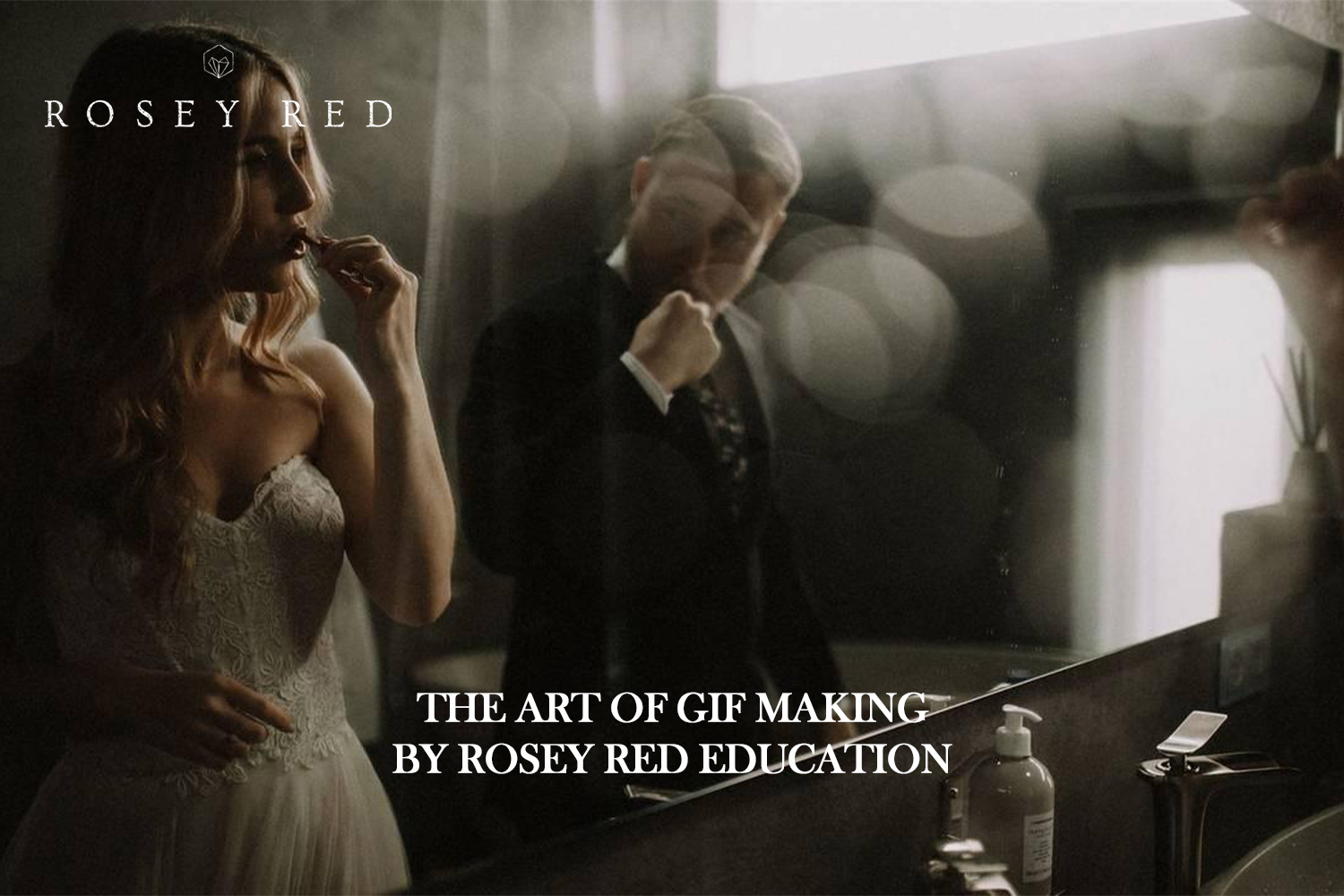

So, you’re looking into The art of gif making by Rosey Red Education. This course is pitched as a creative and philosophical look into GIF making, moving past basic how-to to explore storytelling and business value. It’s explicitly for advanced users, from artists to business owners. The main catch, right off the bat, is that the creator doesn’t tell you what software or tools you’ll need, which is a pretty significant omission for an advanced offering.
What this GIF making course covers
Rosey Red Education says this isn’t just another tutorial on hitting record and export. The course promises a “creative and philosophical look into the art of GIF making,” which I find pretty interesting. It aims to go “beyond the simple act of creating a GIF and digs deep into its heart.” On paper, that sounds like a good way to differentiate from the flood of basic tutorials out there.
According to the creator, the course shares “secrets and insights from years of shooting GIFs.” This could be genuinely valuable, as practical experience often reveals nuances that textbooks miss. They also state it teaches you how to utilize GIFs to add value to your business and how to use them to tell a story. This focus on practical application for business and narrative seems like the strongest aspect of the course if you’re looking to integrate GIFs strategically rather than just technically.
The content itself includes a “solid downloadable guide packed with key information and practical exercises.” That’s good; a guide you can refer back to and work through is often more effective than just watching videos. You also get “easy-to-follow video tutorials that demonstrate techniques step-by-step.” This combo of theory and demonstration is a standard, effective approach for online learning.
Overall, judging by the standout details, this course is less about the exact button presses in a specific program and more about the ‘why’ and ‘how’ of impactful GIF creation, aiming to help users “deviate beyond the status quo and experience maximum growth.”
What’s missing or unclear from the curriculum
This is where things get a bit hazy. While the course promises a close look, it doesn’t specify some pretty fundamental details.
- No software or tools mentioned: The most glaring gap is that the creator doesn’t list any specific software or tools required. For an “Advanced” course, this is a big deal. Are we talking Photoshop? After Effects? A dedicated GIF app? Knowing this upfront is crucial for anyone considering buying, as they might not have the necessary tools or want to invest in new ones.
- Video tutorial specifics: We know there are video tutorials, but the course page doesn’t mention how many there are or their total duration. That makes it hard to gauge the depth of the practical content.
- Specific topics: Beyond the general scope of “creative and philosophical” and “telling a story,” the course doesn’t detail specific GIF techniques or types of GIFs you’ll learn to make. This leaves potential buyers guessing about the exact skills they’ll acquire.
Without these details, it’s tough to tell if the course aligns with your current toolkit or specific learning goals. It feels like you’re buying into a concept without the full picture of the practical execution.
What you need before you start
The creator says this course is for an “Advanced” skill level. This means you shouldn’t be coming in cold. You’re expected to have a solid foundation in whatever software or tools are used to create GIFs, even if the course doesn’t name them. If you’re completely new to motion graphics, video editing, or even just basic image manipulation, this course likely isn’t for you.
Because the specific requirements aren’t published, I’d assume you need a decent computer capable of running creative software and perhaps a camera if you’re looking to shoot your own source material for GIFs. But that’s just an educated guess based on the subject matter, not anything the course creator has stated.
Who this course is for, and the level it assumes
Rosey Red Education has a pretty broad target audience for this one, but they emphasize the “Advanced” skill level. It’s made for:
- Artists: If you’re already creating art and want to explore a new, dynamic medium.
- Business owners & small business owners: Particularly those “seeking innovative marketing strategies” or looking to add value to their business through unique visual content.
- Photographers: If you’re looking to “add a unique dimension to your shoots” beyond still images.
- Videographers: For those “wanting to condense narratives” into short, impactful loops.
- Digital artists: If you’re “exploring new mediums” and want to leverage GIFs creatively.
- Creative professionals: Specifically those who “feel stuck in a ‘shell of static, safe mediocrity'” and want to push boundaries.
The common thread here is people who are already creating and working in a creative or business capacity, but want to deepen their understanding of GIFs and use them more effectively and creatively. It’s not for beginners who need to learn how to open Photoshop or use basic editing tools. You should already be comfortable with your existing creative workflow and ready to apply philosophical concepts to it.
Who made it and why that matters
This course comes from Rosey Red Education, an education platform that says it’s “dedicated to fostering growth for artists and business owners alike.” Their stated goal is to provide tools to help creatives overcome common hurdles in art and business. What’s particularly relevant here is that they draw “from years of accumulated experience in shooting and utilizing GIFs.”
This background is important because it aligns directly with the course’s stated focus. They’re not just teaching GIF making; they’re teaching it from the perspective of someone who has actually used GIFs extensively for creative and business purposes. This suggests the insights they share, the “secrets” and “philosophical look”, will be grounded in real-world application, rather than just theoretical knowledge. It implies they understand the challenges creatives face in integrating GIFs into their work and business strategies.
Who should skip it
You should probably pass on The art of gif making by Rosey Red Education if:
- You’re a beginner: The “Advanced” skill level isn’t just a suggestion. If you’re not already comfortable with creative software and basic editing principles, you’ll likely feel lost.
- You need specific software tutorials: If you’re looking for a step-by-step guide on how to make a GIF in Photoshop, After Effects, or any other specific program, this course probably won’t deliver. The lack of software mentions is a red flag here.
- You have limited time: Without knowing the duration or number of video tutorials, it’s hard to commit if you have a tight schedule.
- You prefer a highly structured, detailed curriculum: The course is light on specific topics covered beyond the general scope. If you need a precise list of techniques or modules, this might feel too vague.
- You don’t want to think philosophically: If you just want the technical how-to and aren’t interested in the creative and philosophical aspects of GIF making, this course’s core focus might not resonate with you.
My take on this advanced GIF course
If you’re an advanced creative or business owner already making GIFs and you’re looking to improve your thinking and application, this course’s “philosophical” and “value-adding” approach could be exactly what you need. The creator’s background suggests genuine experience in using GIFs strategically. However, if you’re trying to learn a specific software or need a step-by-step technical guide, or if you’re not already advanced, I’d hold off until Rosey Red Education publishes more details about the tools and specific techniques covered.
Questions people ask
What software do I need for this course?
The creator doesn't say. Specific software or tools required are not mentioned in the course details.
How many video tutorials are included?
The creator doesn't say. The duration or number of video tutorials is not specified.
Is this course suitable for beginners?
No, the course is explicitly labeled as "Advanced" and is intended for those with existing creative and technical skills.
What specific GIF techniques will I learn?
The creator doesn't say. The specific topics covered within the guide or tutorials are not detailed beyond the general scope of creative and philosophical GIF making, storytelling, and adding business value.
Prefer to buy directly from Rosey Red Education at full price? See the official page.