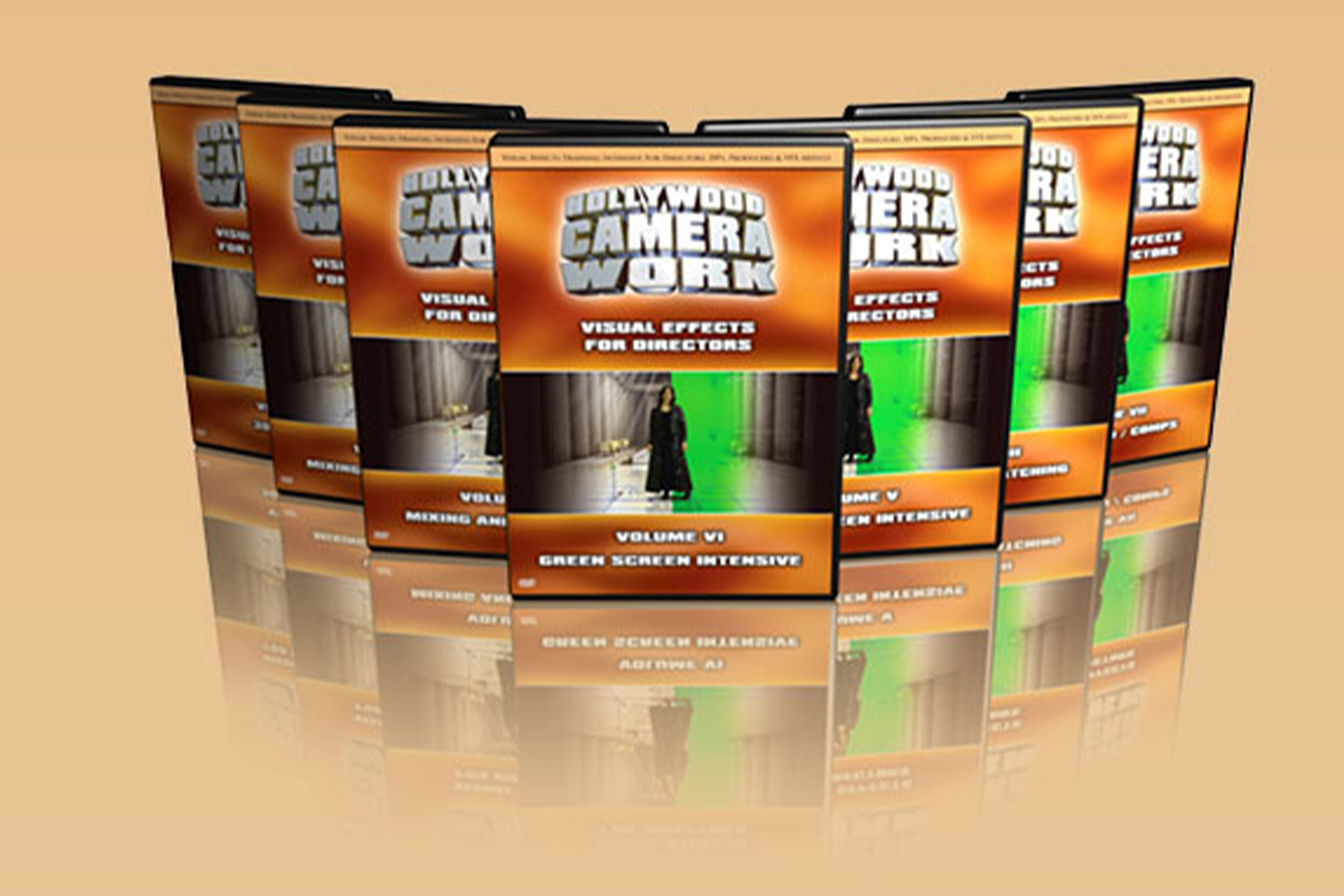

If you’re wondering what you get with Visual Effects For Directors by Hollywood Camera, here’s the deal: it’s a 7-volume training series aimed at teaching directors, cinematographers, and other film professionals how to effectively shoot for visual effects. The main catch, right upfront, is that this isn’t a software tutorial. It’s about understanding the on-set decisions that make post-production VFX possible, efficient, and affordable.
What the 7-Volume Series Covers
This course is broken down into seven distinct volumes, each focusing on a different aspect of visual effects from a practical, on-set perspective. Judging by the module list, it covers a huge amount of ground, starting from the basics and moving into quite complex territory.
Volume I: 3D Primer
This volume kicks things off with the fundamentals of 3D. It covers shading and mapping, simple and advanced lighting techniques, and how to use modeling tools to create objects and characters. It also touches on image-based modeling, basic animation principles, character rigging, and character animation. This isn’t about teaching you to become a 3D artist, but rather giving you the core concepts so you understand what’s possible and what’s required from the 3D side of things.
Volume II: Mixing And Matching
Here, the series moves into compositing. You’ll get a primer on compositing, learn about node-based compositing, and techniques for pulling a matte. It covers garbage matting and rotoscoping, plus how to composite even without a matte. The volume then gets into tracking, explaining 2D tracking, how trackers actually work, and the specifics of planar tracking, including how to shoot your footage to make planar tracking successful. Finally, it covers camera matching.
Volume III: Mixing And Matching, Part Two
This continues the “mixing and matching” theme, focusing heavily on how live-action and 3D interact. It covers shooting specifically for matchmoving and explores motion control. A big part of this volume is about smoothly blending elements: matching lighting and shadows between live-action and 3D, how to cast 3D shadows into live-action footage (and the tricky “double-shadows problem”), and how to handle live-action elements receiving shadows from 3D. It also covers casting and receiving reflections and light, matching the overall camera look, and how live-action can affect 3D elements in a shot.
Volume IV: Mixing And Matching, Part Three
The third part of “Mixing And Matching” flips the script, looking at how 3D affects live-action. This is where virtual props come in. There’s a motion capture primer, covering body tracking and face tracking. The course also details object removal techniques and crowd replication. This volume sounds like it’s getting into some of the more “invisible” VFX work, as well as the kind of large-scale effects you see in blockbusters.
Volume V: Green Screen Intensive
As the title suggests, this volume is all about green screen. It breaks down the two main kinds of green screen and three shooting approaches. You’ll learn when to choose green versus blue screen, and the importance of color sampling. It covers back-drop green screen setups, and then gets into the nitty-gritty of building and painting a green screen cyc (cyclorama) stage. Lighting a cyc is covered, along with handling solids and transparency, and preventing or dealing with spill.
Volume VI: Green Screen Intensive, Part Two
This continues the deep get into green screen, focusing on practical execution. It covers placing tracking markers correctly, matching lighting direction, quality, and ratio, and how to extract and even fake shadows. You’ll learn about green screen elements receiving shadows and light from virtual environments, and casting and receiving reflections. The volume also addresses physical contact between actors and virtual elements, virtual set direction, working with giant green screens, warping techniques, and provides a cinematography checklist for green screen shoots. This is clearly where the creator makes good on the promise of showing you how to optimize your on-set work.
Volume VII: Simulation And Comps
The final volume gets into more advanced VFX concepts. It covers physics simulations, particles and fluids, instantiation, cloth, hair, and demolition effects. It also addresses digital stunt people. While it mentions “fusion nodes,” the creator makes it clear this isn’t software training; it’s likely discussing the *concept* of nodal compositing. The volume finishes with shot analysis, breaking down complex scenes like an F-16 over the ocean, a T-Rex chase, a car crash, garden shadows, and an embassy shootout. This analytical approach reinforces the idea of understanding the *how* and *why* behind complex shots.
Who Made It and Why That Matters
The course comes from Hollywood Camera. The creator doesn’t publish any specific background information for Hollywood Camera, so I can’t tell you their specific credentials or experience beyond the name itself. On one hand, it means you’re relying purely on the published curriculum to judge the quality and depth of the training. On the other hand, the detailed breakdown of the 7 volumes and the specific techniques mentioned, especially those focusing on building and lighting a green screen cyc for less than $700, suggests a strong practical, production-oriented background. It hints at someone who’s been in the trenches and understands both high-budget and low-budget realities.
Who This Visual Effects Training is For
This series is made for a surprisingly broad audience: Directors, DPs (Directors of Photography), Visual Effects Artists, Visual Effects Supervisors, Producers, Production Managers, Art Directors, Production Crew, Writers, and Cinematographers. That’s a lot of hats! The creator doesn’t state a specific skill level, but given the “3D Primer” in Volume I, it seems designed to bring people up to speed on VFX concepts, even if they’re not VFX artists themselves. It’s clearly aimed at professionals who need to understand the VFX pipeline from a production standpoint, especially how to shoot footage that will work well in post-production. If you’re a director who wants to avoid costly reshoots because of a misunderstanding about green screen, or a DP who needs to light a scene knowing how it will be composited, this looks like it fits.
What You Need Before You Start
The creator doesn’t list any specific compatibility, software, or equipment requirements for taking the course itself. This makes sense, because it’s concept training, not software-specific tutorials. You don’t need a specific 3D application or compositing suite to learn the ideas. What you will need, judging by the content, is a desire to understand the visual effects process from a practical, on-set perspective. If you’re looking to apply these concepts, you’ll eventually need access to film production equipment (cameras, lights, green screen materials) and potentially visual effects software (like a 3D package or a compositing tool like Nuke or After Effects), but the course itself won’t teach you how to use that software. You’ll need to bring your own ambition to learn the technical craft of filmmaking alongside the VFX principles.
What Is Missing, Thin, or Unclear From the Published Curriculum
The biggest, clearest gap with Visual Effects For Directors by Hollywood Camera is that it “Does not provide software-specific training or tutorials.” This is a stated limitation, not a hidden one. So, if you’re hoping to learn how to use Maya, Blender, Nuke, After Effects, or any other specific VFX software, you’ll need to look elsewhere. This course teaches the *principles* and *on-set techniques* for visual effects, not the button-pushing. Another thing that’s not published is the creator’s specific background or credentials, which, as I mentioned, means you’re trusting the depth of the curriculum itself to prove the expertise behind it.
Who Should Skip It
You should absolutely skip this if your main goal is to learn a specific piece of VFX software. If you want to become proficient in ZBrush, understand the ins and outs of DaVinci Resolve Fusion, or master keying in After Effects, this isn’t the course for you. The creator is upfront about this limitation. Also, if you’re not involved in the practical side of film or video production (i.e., you’re not a director, DP, producer, or part of the on-set crew), some of the on-set optimization and shooting techniques might be less relevant to your specific needs. While VFX artists are listed, their benefit would be in understanding the production side better, not in learning new software skills.
So, Should You Get It?
If you’re a director, cinematographer, or producer who needs to understand how to shoot visual effects efficiently and effectively, especially to optimize your post-production budget and workflow, then Visual Effects For Directors by Hollywood Camera looks like it could be a strong fit. It clearly focuses on the crucial on-set decisions that make or break a VFX shot, covering both high-budget and practically no-budget techniques. However, if you’re looking for hands-on software training, you’ll need to find other resources to complement this conceptual approach.
Questions people ask
Is this course suitable for beginners in visual effects?
The creator doesn't state a specific skill level, but the inclusion of a "3D Primer" in Volume I suggests it aims to teach core VFX concepts to those new to the field, particularly from a production perspective.
What software is taught in this course?
This course does not provide software-specific training or tutorials. It focuses on the concepts and on-set techniques for visual effects.
Can I purchase individual volumes or only the full set?
The creator publishes this as a "7-volume training series" and "7 DVD set", implying it's sold as a complete package. There is no information about purchasing individual volumes.
What are the technical specifications of the video files?
The course is delivered as a 7 DVD set and DRM-Free MP4 downloads, using the H.264 codec. Each volume is approximately 1.5GB, and the downloads are in SD quality with English subtitles.
Prefer to buy directly from hollywood camera at full price? See the official page.