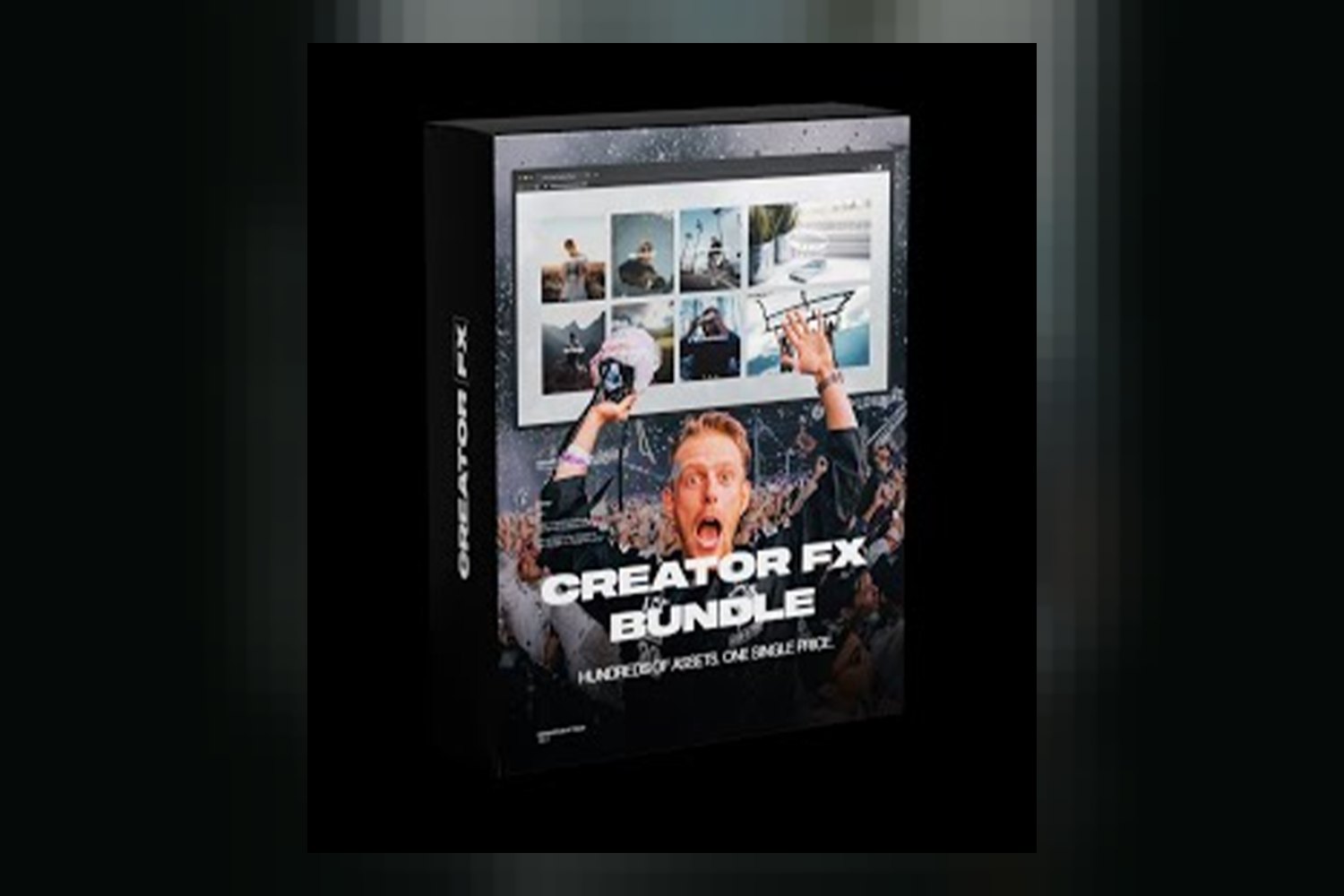

The Complete Cfx Collection by Creator Fx is an all-in-one bundle of creative assets for filmmakers, YouTubers, digital artists, and pretty much any content producer looking to beef up their visual and audio game. It promises to streamline your workflow and deliver industry-grade tools for creators of all skill levels. The main catch, right off the bat, is that Creator Fx doesn’t publish details about what software or camera systems these assets actually support, or even what file types you’ll be working with.
What’s Actually Inside the Complete Cfx Collection
Judging by the list Creator Fx publishes, this collection is packed with a broad range of assets covering visual effects, motion graphics, color correction, sound design, and even educational content. On paper, the sheer range here is impressive, aiming to equip you with tools for almost any part of the content creation process.
Here’s a breakdown of what Creator Fx says you get:
- Dynamic Transitions: This module includes a variety of effects like cinematic wipes, glitch effects, zoom transitions, and smooth pans. While the creator doesn’t specify how many transitions are included or for which software, the description suggests a good variety for video editing.
- Professional Templates & Plugins: You’ll find editable intro/outro templates, motion graphic elements, and utility plugins here. Again, the specific software these templates and plugins are built for isn’t mentioned, which is a big unknown for anyone using a particular editor.
- Strong Textures & Overlays: This part of the collection offers assets like dust, light leaks, grunge, and futuristic effects. These are typically image or video files that you layer over your footage or designs to add visual flair.
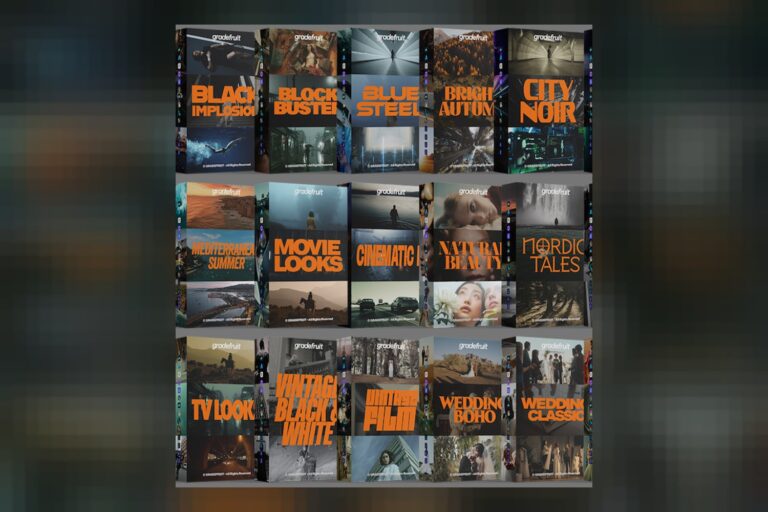
- Color Grading Presets & LUTs: The creator mentions “a spectrum of LUTs and presets.” The good news is they claim these color tools are optimized for various cameras and lighting conditions. However, without knowing specific camera profiles (like Canon C-Log, Sony S-Log3, ProRes RAW, etc.) or target color spaces, it’s hard to tell how useful they’ll be for a precise color workflow. If you need more specific details on what’s inside a LUT bundle for example, you might want to check out the Master Bundle LUTs by GradeFruit breakdown.
- Impactful Typography & Graphic Elements: This section provides animated title sequences, stylish lower thirds, and kinetic typography options. These are essential for professional-looking videos and often come as editable templates.
- Immersive Sound FX: You get a range of audio assets including essential foley sounds, atmospheric beds, cinematic whooshes, impacts, and risers. Sound effects like these are crucial for adding polish and impact to both video and graphic projects.
- Exclusive Tutorials: Creator Fx says these offer expert guidance and insights, along with tips and tricks. This is a nice addition, especially since the collection is aimed at all skill levels. It suggests there’s some guidance on how to actually use the assets, which is helpful given the lack of other specifics.
Overall, the contents cover a lot of ground. The strongest part, I think, is the sheer breadth of assets. It’s designed as an all-in-one package, which means less hunting around for individual pieces. My weakest point for this section is the lack of specific numbers or types for things like plugins or LUTs, which makes it tough to gauge the true depth of each category.
Who This Asset Bundle is Made For
The Complete Cfx Collection by Creator Fx is designed for a really wide audience, from seasoned professionals to aspiring creators, and everyone in between. According to Creator Fx, it’s built for “all skill levels,” which suggests the assets are approachable even if you’re just starting out, but also high-quality enough for professional projects.
Specifically, Creator Fx lists:
- Digital artists
- Filmmakers
- Content producers
- Video editors working on commercials, music videos, or short films
- YouTubers
- Graphic designers
- Independent creators
If you’re an independent creator who wears many hats, shooting, editing, doing motion graphics, and sound design, this collection is positioned to save you time and reduce stress, as Creator Fx puts it. Imagine you’re a YouTuber who handles everything from shooting to editing and sound design, and you want a single package to boost your production value across the board. This collection aims to be that solution.
The creator also highlights that each component is crafted to integrate smoothly into your existing workflow, which would be a big plus for anyone trying to speed up their post-production.
How You’d Use Complete Cfx Collection Day-to-Day
If you pick up the Complete Cfx Collection, you’d likely use it as a sort of digital toolbox for your daily creative tasks. For instance, if you’re a video editor, you’d pull dynamic transitions like zoom transitions or cinematic wipes to move between scenes in your commercial or music video edits, giving them a more polished, energetic feel.
When you’re starting a new video, you could grab one of the editable intro/outro templates to quickly create a professional-looking opening or closing sequence, saving you from building it from scratch every time. For lower thirds or animated titles, the typography elements would be your go-to, adding sleek text overlays for interviews or product showcases.
Graphic designers might use the textures and overlays, think dust or grunge effects, to add depth and atmosphere to their static images or motion graphics. Filmmakers, especially those working on short films, would probably lean heavily on the Color Grading Presets & LUTs to establish a consistent look across their footage, and then layer in the immersive sound effects, cinematic whooshes and impacts, to enhance the emotional punch of key scenes.
And for anyone, the exclusive tutorials would be there to guide you, helping you get the most out of the assets and maybe even teach you a few new tricks for integrating them effectively. The idea is that instead of spending hours creating these assets yourself or searching for individual pieces, you’d have a library ready to go, designed to meet high industry standards and streamline your workflow.
Limits and Who Should Skip It
Here’s the big one: Creator Fx doesn’t publish specific software compatibility or file formats. This is a significant limitation when you’re buying a collection of digital assets. If you’re a video editor, you need to know if these transitions and templates work with your specific version of Premiere Pro, DaVinci Resolve, Final Cut Pro, or After Effects.
The same goes for camera compatibility. While the color tools are “optimized for various cameras,” that’s pretty vague. If you shoot weddings on a Sony A7 IV and deliver in Premiere, you’ll need LUTs that play nice with your S-Log3 footage. Without specific information, you’re essentially buying blind on a crucial technical detail.
Creator Fx also doesn’t list specific runtimes or resolutions for any of the assets. Are the textures 4K? Are the transitions built for 1080p or 8K projects? These details matter for project quality and workflow efficiency.
So, who should skip it? If you’re a seasoned professional with a highly specialized workflow, relying on specific software or camera systems, and you need to know exact technical compatibility before you invest, you should definitely hold off. If you require assets formatted for a particular software or color space, or if you need to know the resolution of the overlays and templates, Creator Fx hasn’t published that information. Until Creator Fx publishes a detailed list of compatible software and supported file types, or specific camera profiles for the LUTs, it’s a gamble for anyone with specific technical needs.
Should You Get the Complete Cfx Collection?
If you’re an independent creator just starting to build out your asset library and you prioritize a wide array of tools over highly specific technical details, the Complete Cfx Collection by Creator Fx *could* be a good fit, assuming it works with your setup. It’s designed to be an all-in-one solution for boosting production value across different types of content.
However, if you’re a seasoned pro with a highly specialized workflow or you simply need to know exact software and camera compatibility before you buy, you’ll likely want to wait until Creator Fx publishes more details. Without that critical information, it’s impossible to tell if these industry-grade tools will actually integrate smoothly into *your* existing workflow.
Questions people ask
What software is compatible with the Complete Cfx Collection?
The creator states the collection is compatible with "leading software," but specific software compatibility (e.g., Adobe Premiere Pro, DaVinci Resolve, Final Cut Pro) is not listed.
What specific types of transitions are included?
The collection includes dynamic transitions such as cinematic wipes, glitch effects, zoom transitions, and smooth pans. The exact number of transitions is not specified.
Are there tutorials for all skill levels?
Yes, the collection includes "Exclusive Tutorials" offering expert guidance, insights, tips, and tricks, designed to be helpful for creators of all skill levels.
What kind of sound effects are in the collection?
The collection features "Immersive Sound FX" including essential foley sounds, atmospheric beds, cinematic whooshes, impacts, and risers.
Prefer to buy directly from Creator Fx at full price? See the official page.