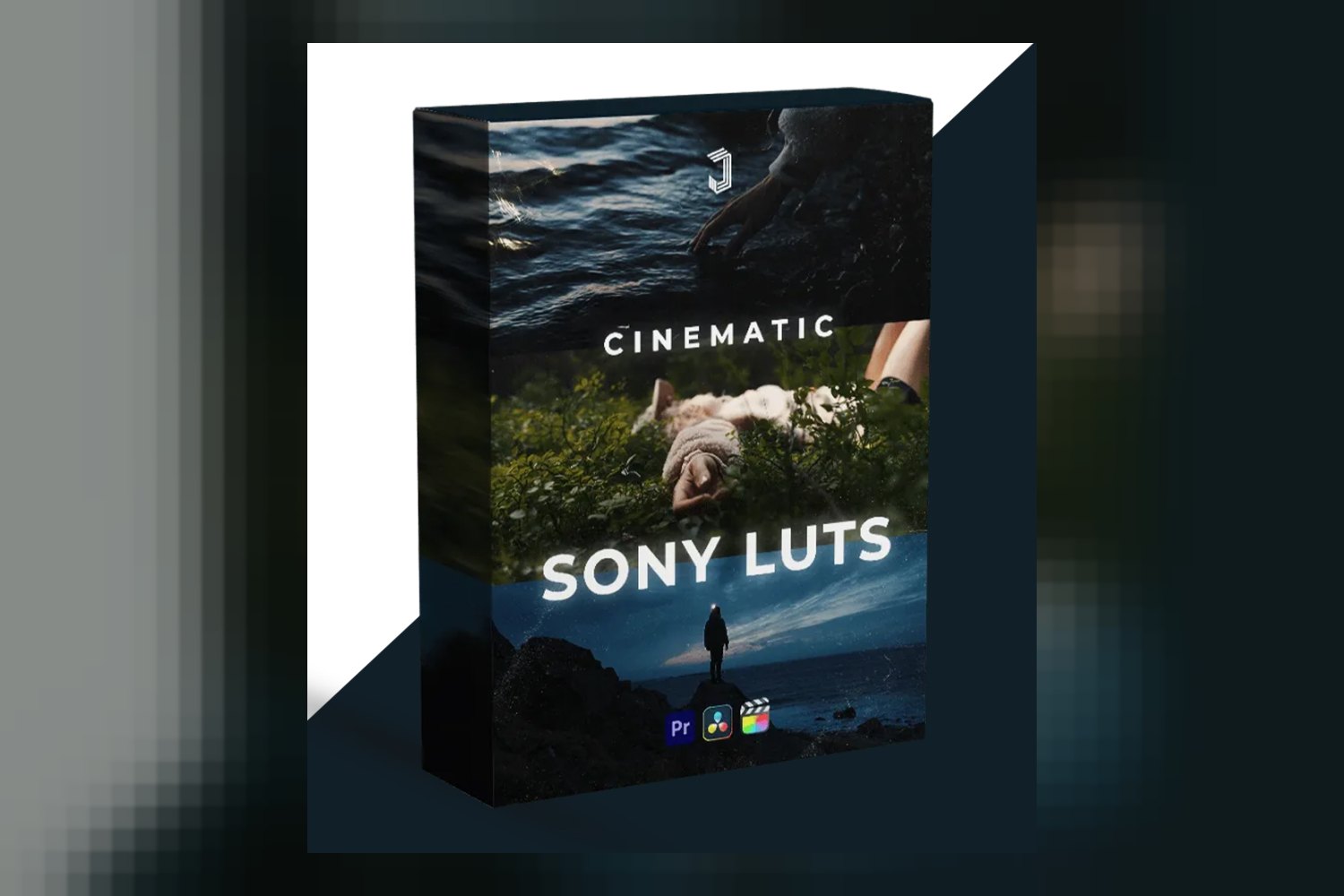

So, you’re looking at the Sony LUT Pack by Jacob Nordin. Straight up, this is a collection of 6 custom Look-Up Tables specifically designed to give your Sony S-Log3 footage a cinematic color grade. It’s built for folks shooting on Sony cameras, from YouTube creators to documentary filmmakers, who want to speed up their grading. The main catch, right off the bat, is that there are no refunds since it’s a digital product, so you’ll want to be sure it’s what you need.
What’s Actually in This Pack
Jacob Nordin’s pack keeps it pretty focused. You’re getting 6 custom S-Log3 LUTs. These aren’t just generic looks; the creator has given them distinct names that hint at their style:
- JN1 – Natural
- JN2 – Filmic
- JN3 – Teal
- JN4 – Warm
- JN5 – Gold
- JN6 – Cine
On paper, having six distinct looks tailored for S-Log3 is a solid offering. It suggests you’re getting some variety, from a clean “Natural” base to more stylized options like “Teal” or “Filmic.”
Beyond the LUTs themselves, the pack includes a “Color Grading Mini Course for S-Log3 LUTs” which is specifically for DaVinci Resolve. This is a significant detail. LUTs are often seen as a one-click solution, but getting good results usually means understanding how to use them properly. A mini-course, even a short one, can be super helpful for understanding the workflow, especially if you’re relatively new to color grading or DaVinci Resolve.
All the LUTs come in the widely compatible .cube format, which is a good standard. The whole download is delivered as a .ZIP file, and there’s also a PDF “Getting started guide” to walk you through the initial setup, which is pretty standard for digital products like this.
Which Cameras and Log Profiles These LUTs Are Built For
This is where the “Sony” in the product name really matters. The creator states these LUTs are “specifically developed for optimal performance with any Sony camera shooting in S-Log3, S-Gamut3.Cine.” If you shoot on a Sony camera and use S-Log3, this is the part that matters most to you. The promise is a direct conversion of S-Log3 (S-Gamut3.Cine) footage to Rec.709 with a single click, which is the standard color space for most displays and broadcasts.
What if you don’t shoot on Sony or use a different log profile? The creator does mention that the LUTs “can be adapted for footage from other camera manufacturers by making minor contrast and saturation adjustments.” My take? While that’s technically true for many LUTs, the fact that these are so precisely tuned for Sony S-Log3 means you’re likely to get the best results if you stick to the intended camera system. If you’re shooting Canon Log, Panasonic V-Log, or ARRI LogC, you’re probably going to have more work to do to get a pleasing image, and they won’t be a one-click solution. If you’re a non-Sony shooter looking for a streamlined workflow, this pack might not be your best bet, or at least be prepared for extra tweaking.
What Kind of Footage and Mood These LUTs Suit
Judging by the names of the 6 looks, Natural, Filmic, Teal, Warm, Gold, Cine, Jacob Nordin is aiming for a range of “cinematic” vibes. The “Natural” look suggests a clean, balanced starting point that still offers a filmic aesthetic, not just a flat conversion. “Filmic” implies a more traditional film-like quality, perhaps with desaturated shadows or a specific color cast.
When you see “Teal” and “Warm,” those are pretty clear indicators of popular modern cinematic looks. “Teal and orange” is a staple, so a dedicated “Teal” LUT would push those cool blue-greens. “Warm” and “Gold” would lean into richer, warmer skin tones and sunnier aesthetics, which are great for lifestyle, travel, or even some narrative work. “Cine” is a bit more ambiguous, but often implies a polished, high-contrast, stylized look.
These looks, combined with the S-Log3 base, make this pack seem well-suited for a variety of projects where you want a polished, professional look without starting from scratch. Think short films, music videos, vlogs with a higher production value, or social media content that needs to stand out. The creator’s requirement that “white balance and exposure are reasonably accurate before application” is crucial here. These aren’t magic fixes for poorly shot footage; they’re designed to enhance properly exposed S-Log3 footage.
Where This Pack Fits in Your Grading Workflow
The compatibility list for these LUTs is quite broad, which is a big plus. They work with industry-standard professional software like Adobe Premiere Pro, DaVinci Resolve, and Final Cut Pro X. This means whether you’re editing on a Mac or PC, or using different NLEs, you should be able to integrate them easily.
What’s really interesting is the inclusion of Adobe Photoshop in the compatibility list. While Photoshop isn’t a video editor, many photographers or graphic designers might use it for single frames from video, or even for grading short video clips if they’re not getting into a full NLE. And for mobile-first creators, the support for Premiere Rush (Mobile app) and VN Editor (Mobile app) is a smart move. It means you could potentially apply these cinematic grades directly on your phone or tablet, which is huge for content creators on the go.
In terms of workflow, the requirement for accurate white balance and exposure before applying the LUTs tells you how to use them. These are not meant to be your first step in grading. You’d typically correct your footage (white balance, exposure, basic contrast) in your NLE, and then apply one of Jacob Nordin’s LUTs as your creative look. That’s a standard and effective way to use LUTs, ensuring a clean image before you stylize it. The included Color Grading Mini Course for S-Log3 LUTs in DaVinci Resolve is probably the strongest aspect of this pack for anyone serious about getting good results. It tells me the creator isn’t just selling LUTs, but also trying to educate users on proper application, at least within Resolve.
Limits and Who Should Skip It
The biggest, clearest limit is that the creator “Does not offer refunds due to being a digital product.” This is a common practice for digital goods, but it means you really need to be sure this is what you want before you buy. If you’re on the fence about whether your footage will respond well, or if you’re not sure about the specific looks, you’re taking a risk. This is where a clear understanding of your own workflow and creative needs becomes vital.
Another point, which isn’t a “limit” in the product itself but a user requirement, is the need for “white balance and exposure are reasonably accurate before application.” If you’re someone who often struggles with getting proper exposure or white balance in-camera, or you’re hoping a LUT will magically fix poorly shot footage, then this pack isn’t for you. It’s built for footage that’s already technically sound and just needs that final creative push.
So, you should probably skip this if:
- You primarily shoot on non-Sony cameras and aren’t prepared to do extra tweaking.
- You don’t shoot in S-Log3.
- You’re looking for a “fix-it-all” solution for badly exposed or white-balanced footage.
- You’re uncomfortable with a no-refund policy for a digital product.
So, is it a good fit for your toolkit?
If you’re a Sony S-Log3 shooter who wants to streamline your cinematic grading workflow and you use any of the compatible software, this Sony LUT Pack by Jacob Nordin looks like a solid option. The inclusion of a mini-course for DaVinci Resolve is a huge bonus, moving it beyond just a simple LUT download. But if you’re not shooting Sony S-Log3 or you’re hoping for a magic bullet for bad footage, you should probably look elsewhere.
Questions people ask
What cameras are these LUTs compatible with?
The LUTs are specifically developed for optimal performance with any Sony camera shooting in S-Log3, S-Gamut3.Cine. They can be adapted for footage from other camera manufacturers with minor adjustments.
What software do these LUTs work with?
These LUTs are compatible with Adobe Premiere Pro, Davinci Resolve, Final Cut Pro X, Adobe Photoshop, Premiere Rush (Mobile app), and VN Editor (Mobile app).
What is included in the pack?
The pack includes 6 custom S-Log3 LUTs, a Color Grading Mini Course for S-Log3 LUTs (Davinci Resolve), a .ZIP file download, and a Getting started guide (PDF).
How do I use these LUTs with S-Log3 footage?
The LUTs convert S-Log3 (S-Gamut3.Cine) footage to Rec.709 with a single click, but require that white balance and exposure are reasonably accurate before application for optimal results.
Prefer to buy directly from Jacob Nordin at full price? See the official page.