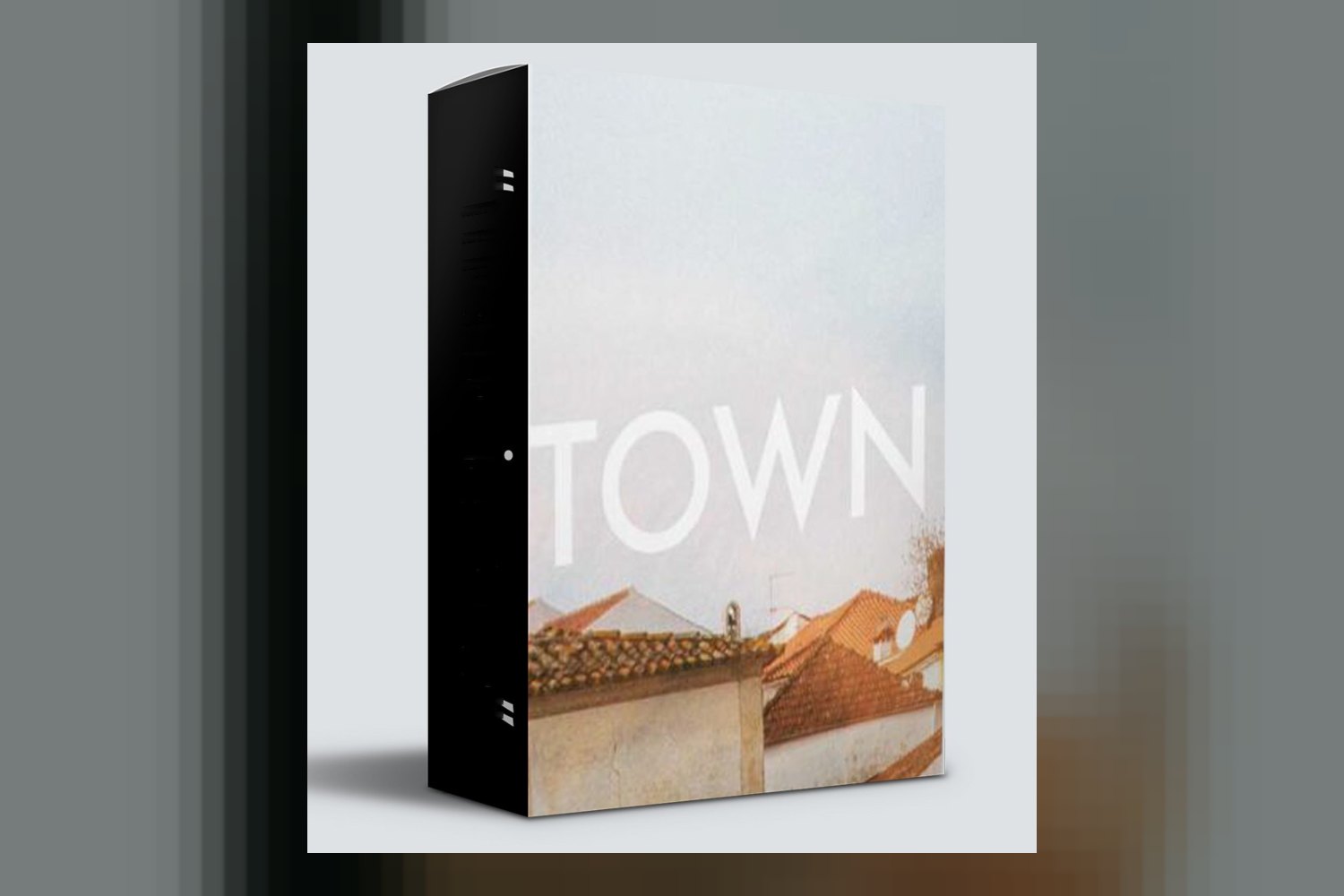

Alright, so you’re looking at Cinegrain’s Town LUTs. On paper, it’s a collection of color lookup tables and DaVinci Resolve PowerGrades designed to give your footage a specific ‘Town’ aesthetic. It’s built for pretty much anyone in post-production, from editors to colorists, but the main thing to know upfront is that while it sounds versatile, the exact count of LUTs isn’t published.
Cinegrain, as a creator, is a trusted name in high-quality visual assets, known for their visual reference library and DaVinci Resolve Grades. That background suggests these LUTs are coming from a place of solid color science and experience, which is always a good sign when you’re looking for grading tools.
What you actually get in the pack
The core of the Town LUTs pack is, as the name suggests, Lookup Tables. These are standard LUT files, which means they’re pretty much universally compatible with any major video editing software or image manipulation platform you’re likely using. We’re talking DaVinci Resolve, Adobe Photoshop, After Effects, Baselight, Flame, Nuke, and Premiere Pro – a really broad list, which is great for flexibility.
What really stands out here, though, is the inclusion of full Node Trees for DaVinci Resolve PowerGrade. For me, as someone who grades client work every week, this is the strongest part of the offering. A simple LUT just applies a transform; a PowerGrade gives you the actual node structure, adjustments, and thought process behind the look. It’s like getting the recipe, not just the finished dish. This means you can reverse-engineer, tweak, and truly customize the look to fit your specific footage, rather than just slapping on a preset and hoping for the best.
The creator says these are curated color palettes derived from professional DaVinci Resolve Grades and visual references. That implies a solid foundation, not just some random aesthetic. The entire pack comes in at a tiny 12 MB file size, which is optimized for quick acquisition and efficient storage. That’s a small detail, but it means it won’t hog your drive or take ages to download.
The main gap here is that the exact number of LUTs isn’t specified. You’re buying a “collection” but don’t know if that’s 5 or 50. For a colorist or editor, knowing the variety you’re getting is pretty important, especially if you’re looking for a broad range of looks within that ‘Town’ aesthetic.
Which cameras and log profiles it’s built for
The creator doesn’t explicitly state which specific cameras or log profiles these Town LUTs are built for. This is pretty common for general-purpose LUTs, but it’s something to be aware of. When a LUT isn’t designed for a specific log curve (like S-Log3, V-Log, or Arri LogC), it’s usually meant to be applied to a “rec.709” or “standard” gamma image, or after you’ve already converted your log footage to a more normalized color space. So, if you shoot S-Log3, this is the part that matters: you’ll likely need to do your log-to-rec.709 conversion first, then apply the Town LUTs.
That said, because they include the full Node Trees for DaVinci Resolve PowerGrade, you actually have a lot more flexibility than with a simple LUT pack. A good PowerGrade will often have nodes set up for different log conversions or at least make it clear where you’d insert your own log transform. This means even if your camera’s log profile isn’t explicitly mentioned, a colorist or experienced editor can easily adapt the PowerGrade to work with their footage. If you’re new to grading and expect a one-click solution for your specific camera’s log footage, you might need to do a little more work, or learn about log conversion first.
What kind of footage and mood the ‘Town’ aesthetic suits
The big selling point for the Town LUTs is their “distinct ‘Town’ aesthetic.” The creator says these palettes are “inspired by real-world references.” Without seeing examples, I’d interpret “Town” as implying something grounded, perhaps a bit desaturated, with specific color shifts that evoke a sense of urban or suburban environments, maybe a hint of nostalgia or a certain grit. Think realistic, perhaps slightly muted tones, likely with a focus on natural light and shadows, rather than overly vibrant or fantastical colors.
This kind of aesthetic would fit a lot of different projects. If you’re a filmmaker shooting a documentary about city life, a short film with an indie vibe, or even commercials needing a relatable, everyday feel, these could be right up your alley. For photographers, it could lend a consistent look to street photography or portraiture that aims for a less-than-perfect, natural feel. Given the broad “made for” list that includes game developers and 3D artists, I’d assume it’s not overly contrasty or stylized, making it adaptable to different lighting scenarios.
However, if you’re shooting vibrant, high-energy events like a tropical wedding or a neon-lit music video, a “Town” aesthetic might not be the best fit straight out of the box. It seems designed for a more specific, perhaps understated, mood. You could adapt it with the PowerGrades, but if your core desire is bright, poppy colors, you might find yourself fighting against the inherent look.
Where it fits in a grading workflow
The Town LUTs are designed for smooth integration across post-production workflows. This is evident from the extensive compatibility list: DaVinci Resolve, Adobe Photoshop, After Effects, Baselight, Flame, Nuke, Premiere Pro, and “virtually all major video editing software and image manipulation platforms.” That’s about as universal as it gets for color tools.
In a typical grading workflow, you’d usually apply a LUT like this after your initial technical corrections. This means you’d first make sure your exposure, white balance, and contrast are all where they should be. If you’re working with log footage, you’d convert it to a working color space (like Rec.709) before applying the Town LUT. This ensures the LUT is working on a properly normalized image, giving you the intended look without introducing unwanted color shifts or clipping.
For DaVinci Resolve users, the PowerGrade Node Trees are a big help. You’d likely load the PowerGrade, and it would give you a starting point with a pre-built node structure. This isn’t just a simple “look” node; it’ll probably have primary corrections, secondary selections, and creative adjustments already laid out. You can then go in and adjust any part of it – change saturation in specific colors, fine-tune contrast curves, or modify specific color shifts – making it incredibly powerful for advanced customization. This is far more solid than just applying a .cube file in Premiere Pro, though the standard LUTs will still work fine for editors looking for a quick, consistent look.
Limits and who should skip it
While the Town LUTs by Cinegrain seem like a solid offering, there are a few limits and situations where you might want to skip it.
First, the most obvious gap is the lack of information on the exact number of LUTs included. You’re buying a collection, but you don’t know how many distinct looks you’re getting. If you’re someone who likes to know precisely what’s in the box, this could be a point of hesitation. It makes it hard to gauge the value or variety of the pack.
Second, specific software versions aren’t mentioned. While LUTs are generally forward-compatible, and the compatibility list is broad, if you’re on a very old or very new beta version of software, you might want to double-check if there are any known issues. That’s a minor point, but worth considering for some.
Operating system compatibility is also not explicitly stated, though again, standard LUTs and PowerGrades are typically cross-platform (Mac and Windows). If you’re on a Linux-based system or something less common, it’s a detail to clarify.
You should probably skip this pack if:
- You’re specifically looking for a large quantity of diverse looks. Without knowing the number of LUTs, it’s a gamble.
- You need a “one-click” solution for specific log footage (like Arri LogC or S-Log3) without any prior knowledge of log conversion. While the PowerGrades offer flexibility, they still require some understanding of grading workflow.
- Your projects consistently demand extremely vibrant, high-contrast, or fantastical color grades. The “Town” aesthetic sounds more grounded and specific, which might require more work to adapt for drastically different looks.
- You exclusively work in software that doesn’t support .cube LUTs or DaVinci Resolve PowerGrades, though given the compatibility list, that’s highly unlikely for most professionals.
The requirement is simply “Compatible video editing software or image manipulation platform.” If you don’t have that, then these LUTs aren’t for you. But honestly, if you’re reading this, you probably do.
So, should you get it?
If you’re an editor, colorist, or filmmaker who uses DaVinci Resolve and wants a specific, grounded “Town” aesthetic with the flexibility of full Node Trees, then the Town LUTs by Cinegrain look like a strong contender. The PowerGrade inclusion is a huge plus for customization. However, if you need a clear count of the looks you’re getting or if your projects demand wildly different aesthetics, you might want to consider if this specific pack is the right fit.
Questions people ask
How many LUTs are included in the Town LUTs pack?
The creator does not specify the exact number of LUTs included in the pack.
What specific software versions are compatible with these LUTs?
The creator states compatibility with "virtually all major video editing software and image manipulation platforms" including DaVinci Resolve, Adobe Photoshop, After Effects, Baselight, Flame, Nuke, and Premiere Pro, but specific software versions are not mentioned.
Can these LUTs be used on Mac and Windows operating systems?
Operating system compatibility is not explicitly stated by the creator.
Are there any tutorials included for using the DaVinci Resolve Node Trees?
The creator does not mention whether tutorials are included for using the DaVinci Resolve Node Trees.
Prefer to buy directly from Cinegrain at full price? See the official page.