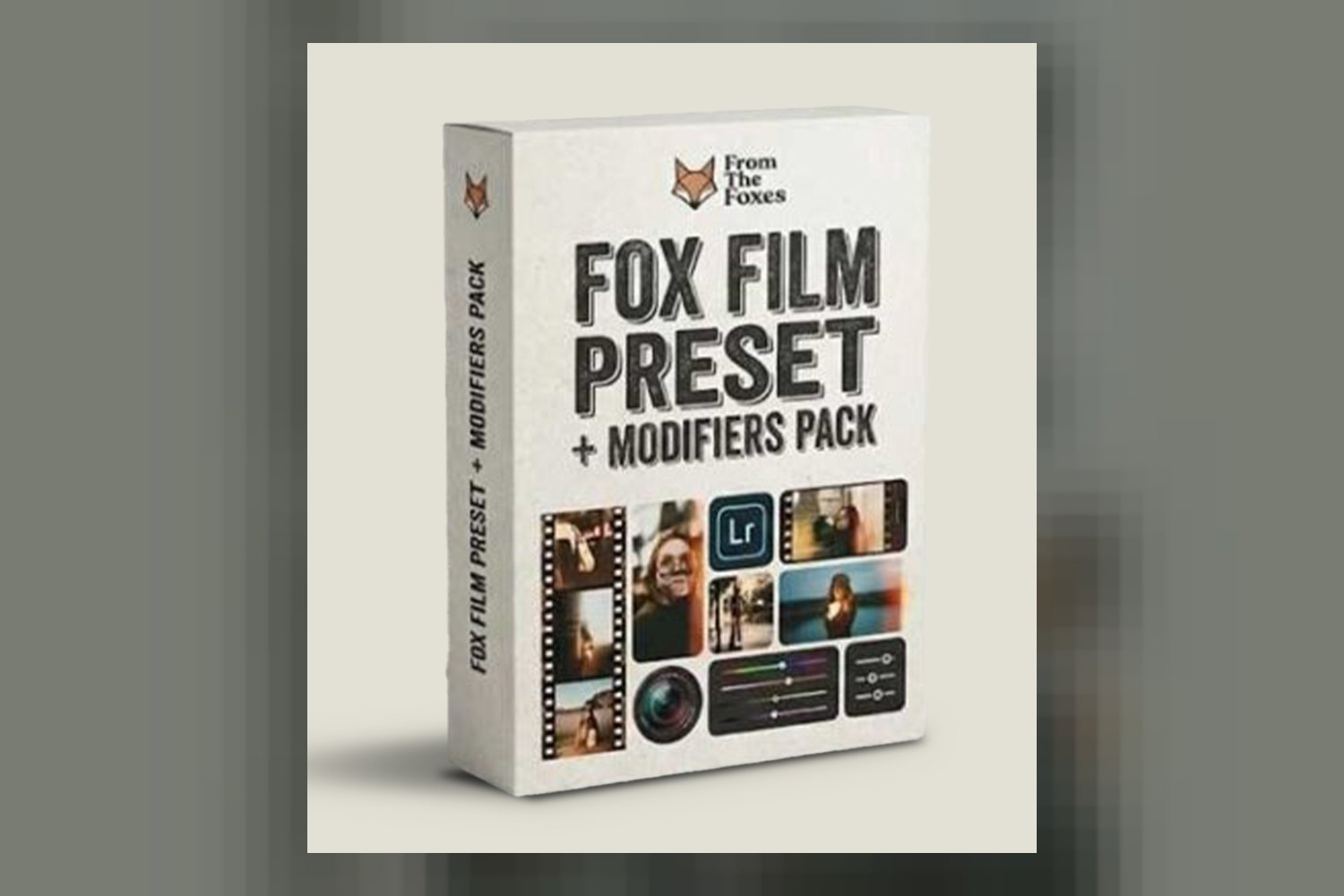
Alright, so you’re asking about the Fox Film Preset Modifiers Pack by From The Foxes. This isn’t just a simple preset pack; it’s designed to give your digital images a very specific filmic, soft, and dreamy aesthetic, especially if you’re a portrait, wedding, or elopement photographer. The main catch right off the bat is that you’ll need an active Adobe subscription for Lightroom Classic, Lightroom CC, or Photoshop to use it, and it won’t work with the free Lightroom Mobile App.
What You Get in the Pack: Presets and Modifiers
On paper, this pack offers a decent amount of flexibility for achieving its stated look. You’re not just getting one-click solutions, which I appreciate. The core of the Fox Film Preset Modifiers Pack by From The Foxes includes 2 base presets: “Fox Film” and “Fox Film Pushed.” Beyond those, you get a substantial set of 13 modifiers designed to fine-tune the look.
The “Fox Film” preset, according to the creators, delivers visuals that are soft but still punchy, with true-to-color fidelity, controlled highlights, and good shadow detail. That sounds like a solid starting point for a film look, where you want to retain detail without crushing blacks or blowing out whites. The “Fox Film Pushed” preset is described as offering an elegant boost of contrast and detail, while crucially maintaining perfect skin tones and warmth. That “perfect skin tones” claim is a big one for wedding and portrait work, as keeping skin looking natural is always a top priority.
The 13 modifiers break down into a few categories. You’ve got a “Golden Globe” Mask, a Vignette Mask, 3 Color Modifiers, 5 Mood Modifiers, and 3 Detail Modifiers. The “Golden Globe” Mask sounds interesting; it’s meant to add drama when you have a clear light source in your photo. That’s a specific tool for a specific situation, which is often more useful than a generic effect. The Vignette Mask is pretty self-explanatory, but a good addition for drawing focus.
The 3 Color Modifiers let you adjust Greens, Blues, and Reds/Oranges either individually or all together. This kind of granular control over specific color ranges is always a strong point in a preset pack because it lets you adapt the base look to different lighting conditions or personal preferences without breaking the core aesthetic. For example, if you shoot a lot of outdoor portraits, being able to tweak greens without affecting skin tones is invaluable. Then there are the 5 Mood Modifiers, which tweak contrast, saturation, and the overall tone’s warmth or coolness. This is where you really dial in the emotional feel of the image. Finally, the 3 Detail Modifiers are for softening images and adjusting grain to get that “filminess” effect. Grain control is pretty essential for a convincing film look; you don’t just want noise, you want a specific texture.
Where This Pack Fits in Your Grading Workflow
Based on the compatibility list, this preset pack is built right into the heart of most photographers’ post-processing workflows. It works with Adobe Lightroom Classic, Adobe Lightroom CC, Adobe Camera Raw (ACR), and Photoshop. This means if you’re already using any of these Adobe products for your editing, integrating these presets should be straightforward. You’ll apply them generally after your initial exposure and white balance corrections, as you would with most creative presets.
The fact that it works with Adobe Lightroom Mobile is a big plus for on-the-go editing, but remember the critical caveat: you need an active Adobe subscription. This isn’t for the free mobile app users. For those who pay for the full Adobe Creative Cloud photography plan, though, it means you can maintain a consistent look across desktop and mobile platforms.
Since these are presets for still images, you’ll be using them as a starting point or a finishing touch within your chosen Adobe photo editing software. They’re designed to be applied and then fine-tuned with the included modifiers, rather than being a “set it and forget it” solution. That approach gives you more control, which is exactly what a colorist would recommend.
What Kind of Footage and Mood It Suits
The creator is pretty clear about the aesthetic here: filmic, soft, and dreamy. And they’ve specifically designed it for portrait photographers, wedding photography, and elopement photography. This makes perfect sense when you look at the standout details.
The pack is explicitly noted to perform well in harsh light with big dynamic range, as well as for sunset portraits. That’s a huge claim for wedding and portrait work, where you often can’t control the lighting and have to deal with strong sun or challenging backlighting. If these presets genuinely help manage those situations while delivering a soft, filmic look, they could be a strong asset. The “Golden Globe” Mask, in particular, sounds like it’s built for those dramatic, backlit sunset shots where you have a clear light source to play with.
The “Fox Film” preset’s promise of soft yet punchy visuals with true-to-color fidelity and controlled highlights/shadows tells me it’s not just a flat, desaturated film emulation. It aims for that sweet spot where you get the character of film but still have modern image quality and depth. The “Fox Film Pushed” preset, with its “elegant boost of contrast and detail” while retaining “perfect skin tones and warmth,” leans into a slightly more dramatic version of that look, which can be great for impactful hero shots or for adding a bit more pop to certain scenes.
The 5 Mood Modifiers, for tweaking contrast, saturation, and warmth/coolness, are what really let you dial in the “dreamy” part of the aesthetic. You can make images warmer for a romantic feel or cooler for something a bit more ethereal. And the 3 Detail Modifiers, which soften images and adjust grain, are key to getting that actual “filminess” and texture that moves away from a digital crispness. If you’re consistently aiming for that soft, romantic, slightly nostalgic feel in your client work, this pack seems engineered for it.
Which Cameras and File Types It’s Built For
This pack has broad compatibility across major camera brands, which is excellent. It explicitly supports Sony mirrorless camera files, Nikon mirrorless cameras, Nikon DSLR cameras, Canon mirrorless cameras, Canon DSLR cameras, Fuji mirrorless cameras, and Fuji DSLR cameras. That covers most professional photographers’ gear choices right now.
What the creator doesn’t publish, however, are specific details about how these presets handle different camera profiles or picture styles. For instance, if you shoot flat profiles like Sony’s S-Log3, or Canon’s C-Log, or Fujifilm’s F-Log in your mirrorless cameras, the creator doesn’t specify if these presets are designed to be applied directly to such flat footage or if you should do a basic conversion first. Most presets are built assuming a “standard” or more neutral camera profile, so if you’re shooting log, you might need an additional step to normalize your footage before applying these for optimal results. If you shoot standard JPEG or RAW with a more “baked-in” camera profile, it’s likely these presets will apply as intended.
The fact that From The Foxes are seasoned professionals who “meticulously finetuned” this pack suggests they’ve put thought into how it performs across different sensor types and color science, but without explicit mention of log profile support, I’d approach it assuming it’s for standard camera output. If you shoot a lot of log footage, you might want to experiment with a basic Rec.709 conversion before applying these presets to see how they truly behave.
Limits and Who Should Skip It
Every product has its limitations, and the Fox Film Preset Modifiers Pack by From The Foxes is no exception. The most significant one, which I mentioned upfront, is that it does not work with the free Lightroom Mobile App. If you’re someone who relies solely on the free mobile version for your editing, then this pack is a non-starter for you. You absolutely need an Adobe subscription to Lightroom Classic, Lightroom CC, or Photoshop to use these presets.
Another limit, which is standard for digital products, is that there are no refunds. This means you need to be confident this aesthetic and workflow fits your needs before you buy. You can’t just try it out and return it if it’s not what you expected.
From an aesthetic perspective, if you’re looking for a super clean, ultra-sharp, high-contrast, or hyper-realistic look, then this pack isn’t for you. It’s designed for a filmic, soft, and dreamy aesthetic. If that’s not your style, or your clients aren’t asking for that, then you’ll likely find these presets push your images in the wrong direction. Similarly, if you primarily shoot subjects other than portraits, weddings, or elopements, like landscapes, commercial products, or fast-action sports, the specific “soft, dreamy” focus and modifier set might not be the most efficient or effective tool for your work. You might find more suitable options in a pack like the Dvlop Cine Presets by India Earl if you’re looking for something with a different photographic vibe.
My Take: Who Should Get It?
If you’re an Adobe subscriber, specifically a portrait, wedding, or elopement photographer who consistently aims for a soft, dreamy, filmic aesthetic, and you’re comfortable with a modifier-based workflow, then the Fox Film Preset Modifiers Pack looks like a solid contender. The claims about performance in harsh light and sunset conditions, combined with the detailed modifier set for color, mood, and grain, suggest a well-thought-out system for that specific look. However, if you’re on the free Lightroom Mobile App, or if your style is far from “soft and dreamy,” then save your money and look elsewhere.
Questions people ask
What camera types are compatible with these presets?
These presets are compatible with Sony, Nikon, Canon, and Fuji mirrorless and DSLR camera files.
What software programs do these presets work with?
They work with Adobe Lightroom Classic, Adobe Lightroom CC, Adobe Camera Raw (ACR), Photoshop, and Adobe Lightroom Mobile (requires an Adobe subscription).
Do these presets work with the free Lightroom Mobile App?
No, these presets do not work with the free Lightroom Mobile App; an Adobe subscription is required for Lightroom Mobile compatibility.
What is the refund policy for this product?
There are no refunds for this product due to the nature of digital product downloads.
Prefer to buy directly from From The Foxes at full price? See the official page.