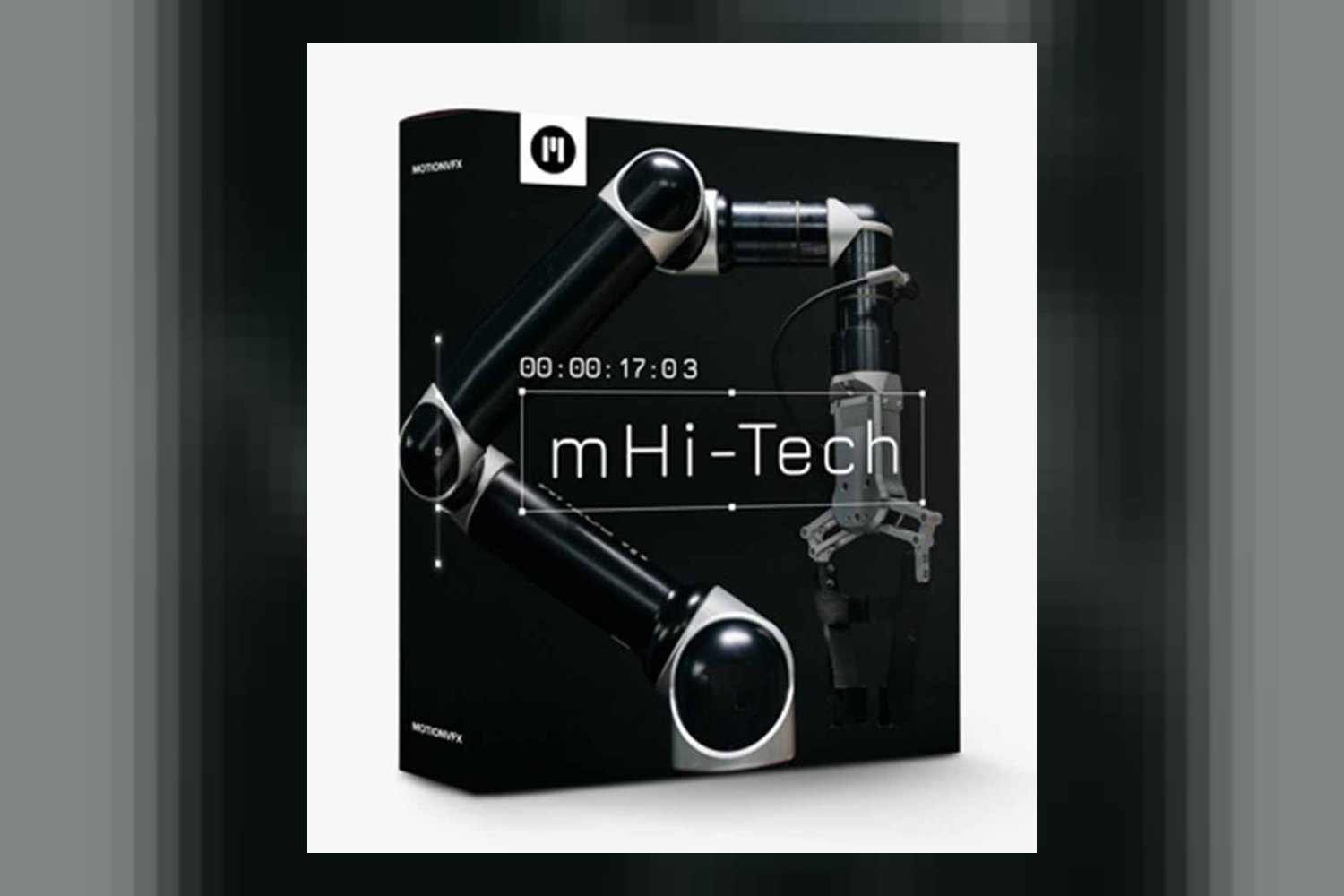
If you’re looking to add a specific high-tech, futuristic sheen to your videos in DaVinci Resolve, then Motionvfx mHi Tech for Davinci Resolve is a collection of titles, effects, and transitions designed to do just that. It’s built for video editors who need that particular aesthetic without starting from scratch, but you’ll want to check your system specs, especially if you’re working in 4K.
What This mHi Tech Pack Actually Does
From what the creator publishes, Motionvfx mHi Tech for Davinci Resolve is all about giving your projects a polished, futuristic look. We’re talking about those sleek, often glowing visual elements you see in sci-fi films, tech explainers, or documentary segments that need to convey data or advanced concepts. On paper, it’s a solid package of pre-designed elements you can drop right into your DaVinci Resolve timeline.
Specifically, the pack includes:
- 52 distinct titles, which is a generous number for varied text presentations.
- 11 effects to apply to your footage.
- 7 transitions to move smoothly between clips.
- Beyond those core numbers, the creator mentions infographics, various tools, placeholders, and overlay effects. These are typically the building blocks or supporting elements that help you customize the main titles, effects, and transitions to fit your content.
A big plus here is the stated drag-and-drop functionality and the fact that elements are customizable. This suggests you won’t be stuck with a rigid look; you can adjust colors, text, and possibly other parameters to match your project’s branding or style. It also supports both horizontal and vertical aspect ratios, which is a real benefit for creators working across different platforms, from traditional cinema to social media.
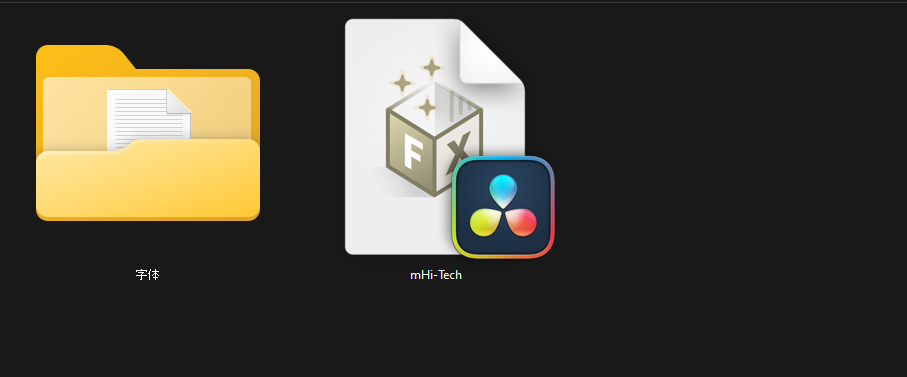
The file size is tiny – 1.9 MB for the DVR version or 2 MB for the DaVinci Resolve version. This isn’t a collection of pre-rendered video files. Instead, it strongly implies these are DaVinci Resolve templates, macros, or OpenFX presets, which means they’re generated within Resolve itself. That’s usually good for customization, smaller project files, and often for performance, as they’re not relying on heavy source media.
Compatibility and System Specs You’ll Need
This pack is specifically built for DaVinci Resolve 19.1. If you’re running an older version, you’ll likely need to update your software to use these effects. It’s available for both macOS and Windows, so most desktop users should be covered.
When it comes to hardware, MotionVFX is pretty clear about the requirements, and this is where you need to pay attention:
- For standard HD edits, you’ll need at least 16GB of system memory (RAM) and 4GB of VRAM (graphics card memory).
- If you’re planning on editing in 4K, those numbers jump significantly to 32GB of system memory and 8GB of VRAM.
These aren’t low-end specs, particularly for 4K. If your machine is older or has less memory, especially VRAM, you’re going to struggle with performance, even though the creator claims it’s “designed for optimal performance.” That optimal performance is always relative to the hardware it’s running on. Installation is handled through their mInstaller, which implies a straightforward process once you’ve met the system requirements.
How MotionVFX mHi Tech Changes Your Editing Workflow
The core benefit of a product like Motionvfx mHi Tech for Davinci Resolve is speed and consistency. If you’re building futuristic interfaces, tech readouts, or stylish transitions from scratch in DaVinci Resolve’s Fusion page, you know it can eat up hours, if not days, of your time. This pack effectively replaces that complex, time-consuming process.
Instead of designing every glowing line, data display, or animated title by hand, you get a library of pre-built templates. The drag-and-drop functionality means you’re spending less time on technical setup and more time on creative placement and customization. It’s about achieving a high-quality, specialized look quickly. The inclusion of “tools” and “placeholders” suggests that beyond just finished elements, it also provides components that can be combined or adapted, giving you a modular approach to building your scenes.
For content creators, especially those with tight deadlines, this means you can inject a professional, specific aesthetic into your videos without needing to hire a dedicated motion graphic designer or become one yourself. It streamlines the post-production phase for a very particular visual style.
Who MotionVFX mHi Tech is Best For
Judging by the contents and style, Motionvfx mHi Tech for Davinci Resolve is really for anyone who frequently needs a modern, high-tech, or futuristic visual language in their video projects. This includes a pretty wide range of creators:
- YouTubers and Content Creators: Especially those in the tech review, science, educational, or gaming niches. If your channel frequently discusses gadgets, future concepts, or needs dynamic on-screen graphics to explain complex information, these titles and effects would fit right in.
- Corporate Video Producers: For explainer videos, product launches, or presentations that need to convey innovation, data, or a current feel.
- Documentarians and Educators: When you need to visualize data, timelines, or abstract concepts with a clean, digital aesthetic.
- Filmmakers: Particularly those working on short films, indie features, or fan projects in the sci-fi genre. These elements can instantly improve your production value without a massive budget for custom VFX.
- Motion Graphic Designers: Even pros can use these as a starting point or a quick solution for common futuristic elements, saving time on repetitive tasks.
The support for both horizontal and vertical aspect ratios makes it especially useful for creators who publish across multiple platforms like YouTube, Instagram Reels, TikTok, and traditional widescreen formats. If you’re regularly producing content that benefits from a sleek, digital, or sci-fi aesthetic, this pack seems designed to accelerate your workflow.
Limits and When to Pass on This Pack
While the Motionvfx mHi Tech for Davinci Resolve offers a lot, it’s not for everyone, and it does have a few specific limitations to be aware of.
First, the most obvious “skip it if” is if your computer doesn’t meet the system requirements, especially for 4K editing. If you’re trying to edit 4K footage with only 16GB of RAM and 4GB of VRAM, you’re going to hit performance bottlenecks. These effects can be VRAM-intensive, and a slow machine will make the editing experience frustrating, even with “optimal performance” claims.
Secondly, consider the aesthetic. If your projects focus on vintage looks, organic textures, natural landscapes, or anything that doesn’t align with a “futuristic” or “high-tech” style, then this pack simply isn’t for you. It’s a specialized tool, not a general-purpose one. You’d be better off looking at other effects packs that align with your specific visual needs.
There’s also a specific functional limitation: “Presets with multiple videos will display only one footage due to current iPad limits.” While the compatibility list only mentions macOS and Windows, this detail implies that if an iPad version of Resolve or a similar setup is used (or becomes available), certain complex presets won’t function as intended. Even if you’re on a desktop, it highlights a potential architectural limit in how some multi-footage presets handle different environments, and it’s something to keep in mind if you’re expecting elaborate multi-screen displays within the templates.
So, should you get it?
If you’re a video editor, content creator, or filmmaker who regularly needs a polished, futuristic, or high-tech visual style for your DaVinci Resolve projects, and your system meets the recommended 4K specs, then Motionvfx mHi Tech for Davinci Resolve looks like a strong contender for speeding up your workflow. However, if your hardware is modest, you rarely work with this aesthetic, or you’re planning on pushing multi-footage presets on an iPad, you might want to pass on this one.
Questions people ask
What are the system requirements for mHi Tech for DaVinci Resolve?
For HD edits, you need 16GB system memory and 4GB VRAM. For 4K edits, you'll need 32GB system memory and 8GB VRAM.
How many titles and effects are included in mHi Tech for DaVinci Resolve?
The pack includes 52 titles, 11 effects, and 7 transitions, along with infographics, tools, placeholders, and overlay effects.
Is mHi Tech for DaVinci Resolve compatible with macOS and Windows?
Yes, it is compatible with DaVinci Resolve 19.1 on both macOS and Windows operating systems.
What is the file size of mHi Tech for DaVinci Resolve?
The file size is 1.9 MB for the DVR version and 2 MB for the DaVinci Resolve version.
Prefer to buy directly from the creator at full price? See the official page.