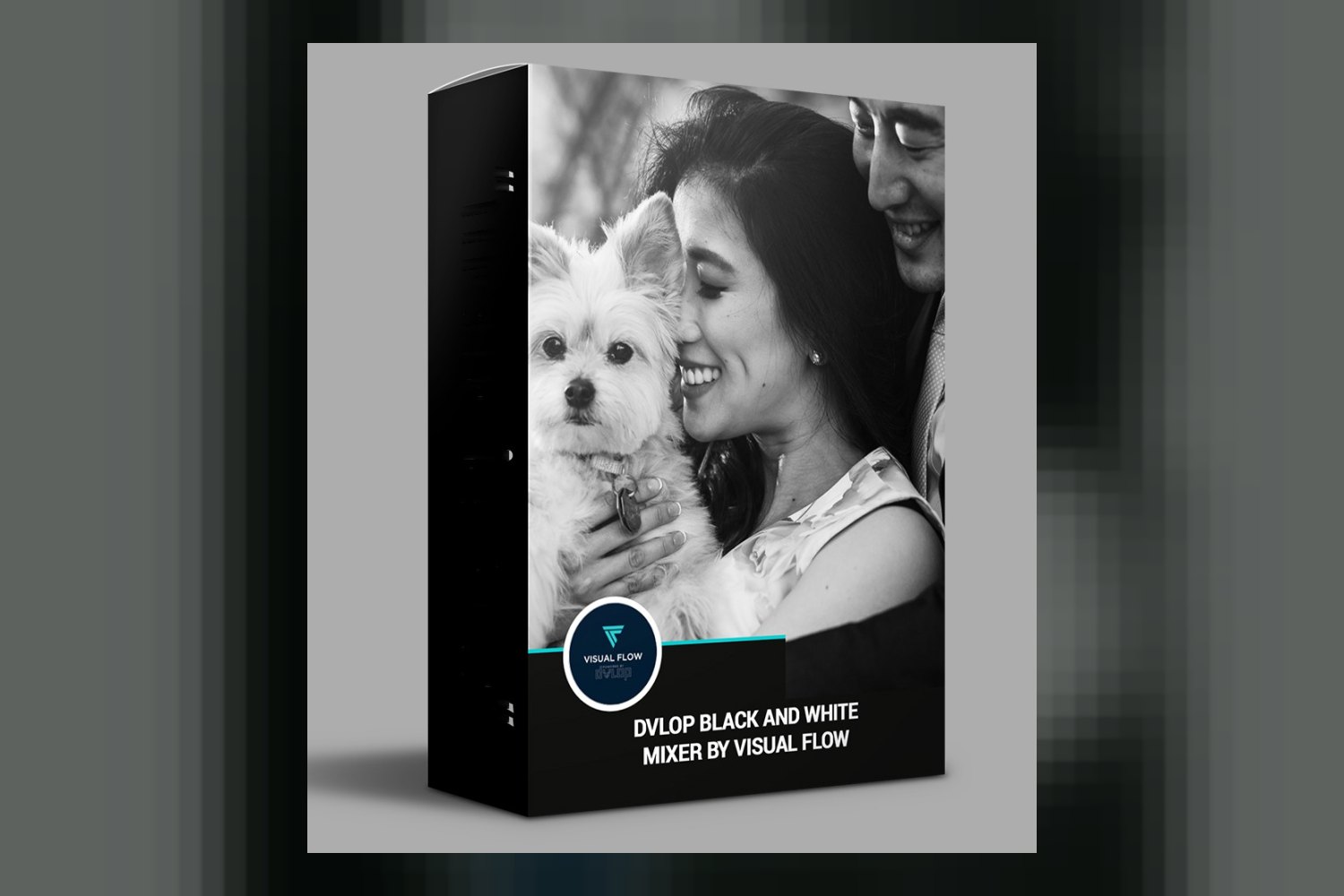
The Dvlop Black and White Mixer by Visual Flow is a preset pack designed to give you black and white editing tools for Lightroom and Adobe Camera Raw. It’s built for anyone from seasoned pros to those just starting their journey into black and white photography, including mobile shooters. But here’s the catch: you absolutely need a desktop version of Lightroom to sync those mobile presets.
Visual Flow, the creator behind this pack, is an acclaimed team with a reputation for color tools, having also created the Dvlop Black and White Mixer with SLR Lounge. They’re definitely not new to this, and this product leverages DVLOP’s innovative camera profile technology.
What’s inside the Dvlop Black and White Mixer pack
You’re getting a focused set of tools here, all delivered via a DVLOP-powered installer. The core of the pack includes:
- 10 One Click Presets for Final Looks: These are your starting points, designed for speed. The creator says these have been “tested over thousands of images,” which suggests they’re solid and versatile across different scenarios.
- Proprietary “VF Mixer” for Intensity Control: This sounds like a key feature. It’s a unique tool that lets you dial in the strength of the presets, giving you more granular control than just applying a preset at 100%. If you’ve ever wanted a preset to be “just a little less,” this is probably how you’d do it here.
- 25 Mixology Presets for Custom Control: This is where the real customization comes in. These presets are designed to let you fine-tune specific aspects of your black and white images, like the tone curve, color grading (yes, even in B&W, color information influences the gray tones), and overall stylization. This combination of one-click solutions and deeper controls is usually a good sign of a well-thought-out system.
Lightroom mobile presets are included, which is great for flexibility, but remember that desktop Lightroom requirement.
Where this pack fits in your grading workflow
This pack is made for still photographers working within the Adobe ecosystem. We’re talking Adobe Lightroom 4 or later (Classic), Adobe Camera Raw CS6 or later, Adobe Lightroom CC Desktop 1.4 or later, and Adobe Lightroom Mobile (Non-Classic). So, if you’re a Capture One user, or you prefer another raw editor, this isn’t for you. This is a look-application tool, meaning it comes into play after your basic exposure and white balance corrections.
One of the standout details is its use of DVLOP’s camera profile technology. What does that mean for you? It means the presets should react consistently across different camera makes and models. If you shoot with a Canon and your second shooter uses a Sony, the black and white conversion should look more uniform when you apply these presets. That consistency is a huge time-saver and makes batch editing much less of a headache. The creators specifically claim it’s “designed to save hours per job with one-click presets,” which, combined with the consistent profiles, sounds plausible for high-volume work.
The inclusion of the “VF Mixer” means you’re not just stuck with a fixed look. You can apply a preset and then adjust its intensity, which is a powerful way to integrate a preset into your existing workflow without it feeling like a sledgehammer. And if you’re a professional photographer or seasoned pro, the 25 Mixology Presets give you the custom control you need to adapt the base looks to specific client tastes or unique lighting situations.
What kind of photography and mood it suits
The Dvlop Black and White Mixer is, naturally, all about black and white. It’s not trying to do everything; it’s focused on delivering specific monochrome aesthetics. The fact that it’s made for “desktop photographers” and “mobile photographers” tells you it’s meant to be versatile in terms of where you edit, but the core output is consistent black and white imagery.
Considering Visual Flow’s background and the detailed control offered by the Mixology Presets, I’d expect these presets to lean towards polished, professional black and white looks rather than overly stylized, grungy, or experimental tones. The mention of “custom control over tone curve, color grading, and stylization” indicates a system designed for a range of moods within the B&W spectrum, from classic and timeless to more contrasty or moody, depending on how you use the Mixology tools.
For example, if you’re a wedding photographer delivering a classic, elegant gallery, the 10 one-click presets could give you a quick, consistent starting point for your black and white images. Then, if you have a dramatic portrait session where you want deeper shadows or a specific tonal separation, the 25 Mixology Presets would let you fine-tune those elements without starting from scratch. It’s built to cover a broad spectrum of black and white needs, from quick edits to highly customized looks.
How DVLOP’s camera profiles work with your camera
This is arguably the strongest part of the Dvlop Black and White Mixer. The product “leverages DVLOP’s innovative camera profile technology.” What this means in practice is that the presets are designed to interpret the raw data from your specific camera model in a consistent way. Instead of a preset reacting differently to a Canon file versus a Nikon file, DVLOP’s profiles aim to normalize that initial color information before the black and white conversion happens.
Visual Flow says this technology ensures “consistent colors regardless of camera make and model.” For black and white, this translates to consistent tonal responses and contrast curves. So, if you shoot with a Sony A7 III and also occasionally use a Fujifilm X-T4, the B&W conversion should ideally be much more uniform across both sets of files than with a standard preset that doesn’t use camera profiles. This is a massive advantage for anyone who works with multiple camera systems or needs absolute consistency across a large body of work.
From what the creator publishes, they don’t list specific camera models or log profiles. However, the DVLOP system is generally designed to work with standard camera profiles. If you shoot a standard RAW file from any major camera brand (Nikon, Canon, Sony, Fuji, Panasonic, etc.), these profiles should theoretically handle it. If you’re shooting with a super niche camera or a very specific log profile that DVLOP hasn’t explicitly supported, there’s no way to tell from the facts if it would have issues, but generally, DVLOP is quite broad in its compatibility for standard RAW files.
Limits and who should skip it
The most significant limitation, and something to be aware of, is the requirement for Lightroom Desktop to sync Lightroom Mobile presets. If you’re purely a mobile photographer who doesn’t use a desktop computer for editing, or if you don’t own Lightroom Desktop, you won’t be able to use the mobile presets effectively. This is a common hurdle for many preset packs, but it’s crucial to highlight.
Another point to note, although it applies only if you purchase this in a bundle with other tools, is that the “AI Retouching Toolkit” is for desktop only. While that specific tool isn’t part of the core Dvlop Black and White Mixer pack, it’s worth considering if you were eyeing a larger Visual Flow bundle. This pack itself is focused purely on black and white conversion and tonal control, so don’t expect any portrait retouching features here.
You should skip this pack if you:
- Don’t use Adobe Lightroom or Adobe Camera Raw at all. This product is tied directly into that ecosystem.
- Are looking for color presets. This is exclusively a black and white tool.
- Are a mobile-only photographer without access to Lightroom Desktop for syncing.
- Need advanced AI retouching capabilities directly within the pack (as mentioned, that’s a separate, desktop-only tool if bundled).
The strongest part of this offering, in my opinion, is the DVLOP camera profile technology. That consistency across different cameras is a big help for pros. The weakest point is probably the lack of clarity on what specific “stylization” or “color grading” means within the Mixology presets for B&W – I mean, how much can you “color grade” a black and white image? It’s about how the original colors translate to tones, but the description leaves a bit of room for interpretation there.
So, should you get it?
If you’re an Adobe Lightroom or Camera Raw user who wants consistent, high-quality black and white conversions across various camera types, and you value both one-click speed and custom control, the Dvlop Black and White Mixer by Visual Flow looks like a solid choice. It’s particularly well-suited for professional photographers or anyone who needs to process a lot of images with a uniform monochrome look. However, if you’re strictly a mobile-only editor without a desktop Lightroom setup, or if you don’t use Adobe products, then this isn’t for you.
Questions people ask
What software is compatible with the Dvlop Black and White Mixer?
It's compatible with Adobe® Lightroom® 4 or later (Classic), Adobe® Camera Raw CS6 or later, Adobe® Lightroom® CC Desktop 1.4 or later, and Adobe® Lightroom® Mobile (Non-Classic).
How many presets are included in the pack?
The pack includes 10 One Click Presets for final looks and 25 Mixology Presets for custom control, plus the proprietary “VF Mixer” tool.
Can I use these presets on my mobile device?
Yes, Lightroom mobile presets are included, but you need Lightroom Desktop to sync them to your mobile device.
What is the 'VF Mixer' tool?
The 'VF Mixer' is a proprietary tool by Visual Flow designed to give you intensity control over the presets, allowing you to dial in how strong they affect your images.
Prefer to buy directly from Visual Flow at full price? See the official page.