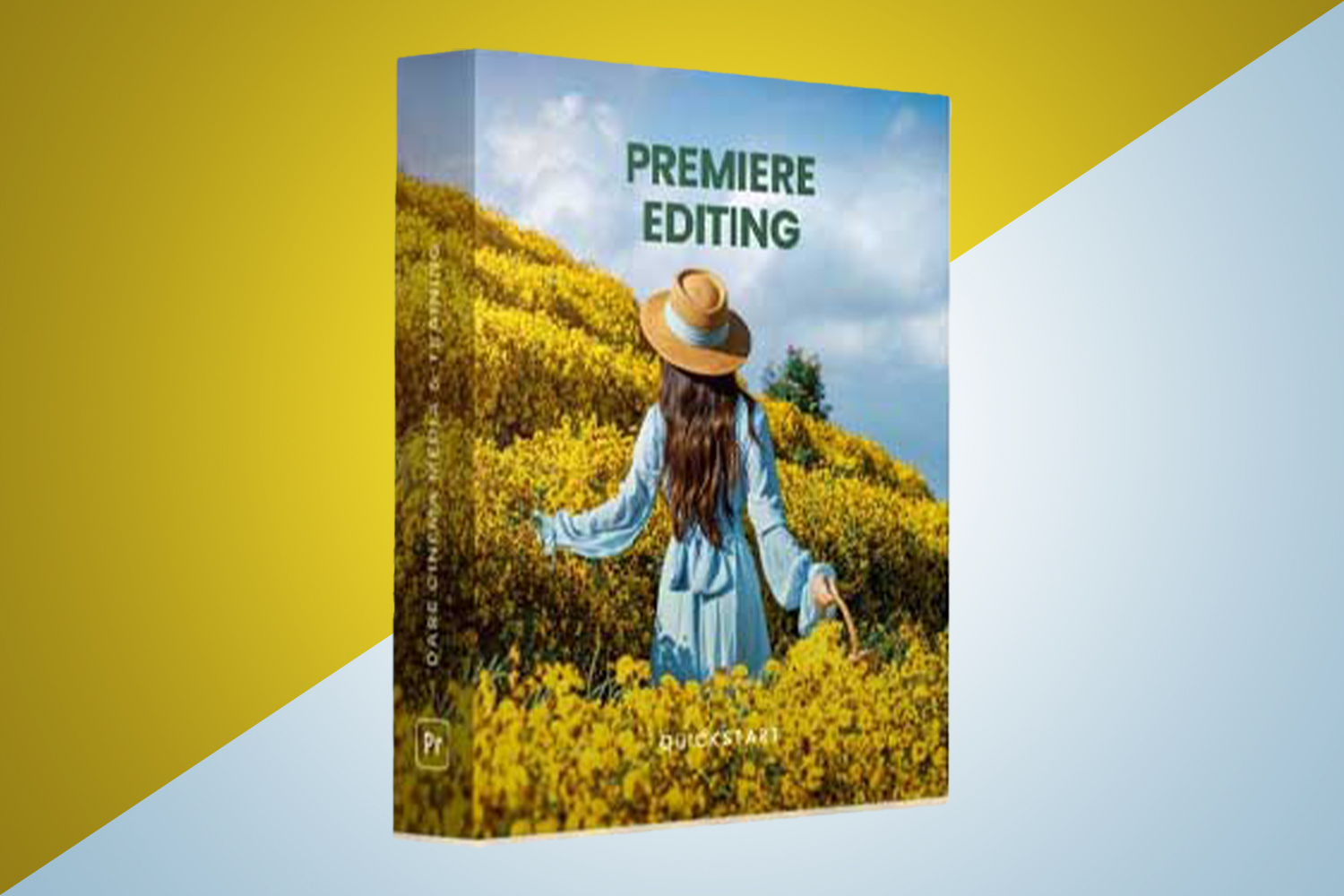

If you’re looking for a quick introduction to video editing in Premiere Pro, the Premiere Editing Quickstart by dare cinema aims to teach you the fundamentals. This course is for absolute beginners, struggling editors, aspiring content creators, and filmmakers on a budget, delivering 2 hours and 17 minutes of content. The main catch is that it explicitly references Adobe Premiere Pro CC 2014, which is an older version of the software.
What the 17 lessons cover
The course kicks off with an “Course Introduction” and “Course Orientation” to get you settled, then moves into the core lessons. It starts right away with practical editing in “Start Editing Now – Part 1” and “Start Editing Now – Part 2.” These initial lessons cover essential actions like linking media, changing clip speeds, stabilizing motion, and adding motion to static clips. You’ll also learn about common elements such as “Adding Transitions” and “Adding Titles,” before finishing up the first segment with “Exporting your files.”
After that initial quickstart, the course shifts to a more structured breakdown of Premiere Pro itself. This is labeled “Part 2” in the curriculum. Here, you’ll learn “How to Create a Project in Premiere” and get “An Overview of the Premiere Interface.” Individual tools get dedicated lessons, like “The Toolbar tools,” “How to Use the Source Monitor,” and “How to Use the Timeline and Program Monitor.” It wraps up the technical side with “How to Use the Export Media Function” again, reinforcing a critical step. The course finishes with “The Importance of Organization” and “In Closing.”
Judging by the module list, the strongest part of this course appears to be its direct, action-oriented approach in the first half, getting you editing quickly. The follow-up section then methodically breaks down the interface and tools. It’s a sensible structure for someone completely new to the software.
What is missing, thin or unclear from the published curriculum
The course title includes “Quickstart,” and the curriculum definitely reflects that. What’s clearly missing is anything beyond the very basics. From what the creator publishes, this course “Does not cover advanced video editing techniques beyond fundamentals.” So, if you’re hoping for lessons on color grading, complex audio mixing, multi-camera editing, motion graphics, or specific editing styles for different platforms, you won’t find them here.
Another specific limitation is the software version. The course is built around “Adobe Premiere Pro CC 2014.” While it also lists “Adobe Premiere Pro” generally in compatibility, the explicit mention of an older version suggests the interface and features demonstrated might not perfectly match the latest versions of Premiere Pro. This could lead to some confusion if you’re using a newer Creative Cloud subscription. The creator doesn’t publish whether project files or practice media are included, which can be a big help for beginners following along.
I’d say the weakest part on paper is the specific focus on Premiere Pro CC 2014. While fundamentals often carry over, software interfaces change, and a course tied to a decade-old version might not be as smooth a learning experience for someone with a modern subscription.
What you need before you start
To take this course, you’ll need two main things: an internet browser and access to Adobe Premiere Pro. Specifically, the course states compatibility with “Adobe Premiere Pro CC 2014” or later versions of “Adobe Premiere Pro.” So, make sure you have that software installed on your computer before you dive in. The lessons are delivered online through a browser, and you can access them on a phone, tablet, or desktop, which is pretty standard and flexible.
Since it’s for “Absolute Beginners,” you don’t need any prior editing experience to start. Just be ready to learn how to open the software and follow along.
Who it is for, and the level it assumes
This course is designed squarely for “Absolute Beginners.” The creator also flags it for “Struggling Editors” who might need to re-learn the basics, “Aspiring Content Creators” looking to get started, and “Filmmakers on a Budget” who need a no-frills intro to Premiere Pro. The “skill level” is explicitly “Absolute Beginners,” so it assumes you know nothing about video editing or Premiere Pro.
If you’ve just installed Premiere Pro and are staring at the interface wondering where to even click, this course is built for you. For example, if you’re a new YouTube creator with a basic camera and you just need to cut clips together, add simple titles, and export, this quickstart could fit your needs perfectly.
Who made it and why that matters for what you will learn
The course was created by “dare cinema,” with Dare Stevens as the instructor. His background is as a seasoned professional “committed to empowering people to tell better stories through their edits.” The creator highlights that Dare “uses unique workflow tricks and fundamental principles to transform complex concepts into understandable actions.”
This background aligns well with a “Quickstart” course for beginners. It suggests that the teaching style will focus on breaking down potentially overwhelming tasks into simple, actionable steps, rather than getting bogged down in theory or overly complex scenarios. You can expect a practical, hands-on approach aimed at getting you comfortable with the basics quickly, leveraging those “unique workflow tricks” to make the process smoother.
Who should skip it
You should definitely skip the Premiere Editing Quickstart by dare cinema if you’re already familiar with the fundamentals of video editing or Premiere Pro. As mentioned, the course “Does not cover advanced video editing techniques beyond fundamentals.” If you’re looking to learn about advanced color grading, audio repair, visual effects, or workflow optimizations for specific professional productions, this isn’t the course for you.
Also, if you’re using a video editing software other than Adobe Premiere Pro, you should skip this. It “Does not cover other video editing software.” If you’re a seasoned editor who uses Premiere Pro daily but wants to learn new, current techniques, this course will likely be too basic for your needs. If you shoot S-Log3 and need to know how to properly grade that footage, this is not the part that matters for you.
So, should you get it?
If you’re an absolute beginner to video editing and Premiere Pro, and you need a fast, straightforward introduction to the very basics without any advanced fluff, this course could be a good fit. It gets you editing quickly and covers all the core functions. However, if you’re already familiar with Premiere Pro, or if you’re using a version significantly newer than CC 2014 and need modern workflows, you’ll likely find this course too limited or potentially outdated in its specifics.
Questions people ask
How do I watch the course?
The course is delivered online through your browser and is accessible on a computer, phone, or tablet.
When does the course start and finish?
The course is self-paced and online, meaning you can start whenever you like and learn at your own speed.
How long do I have access to the course?
You get lifetime access to the course content once you enroll.
What is the refund policy?
The course comes with a 30-day money-back guarantee.
Prefer to buy directly from dare cinema at full price? See the official page.