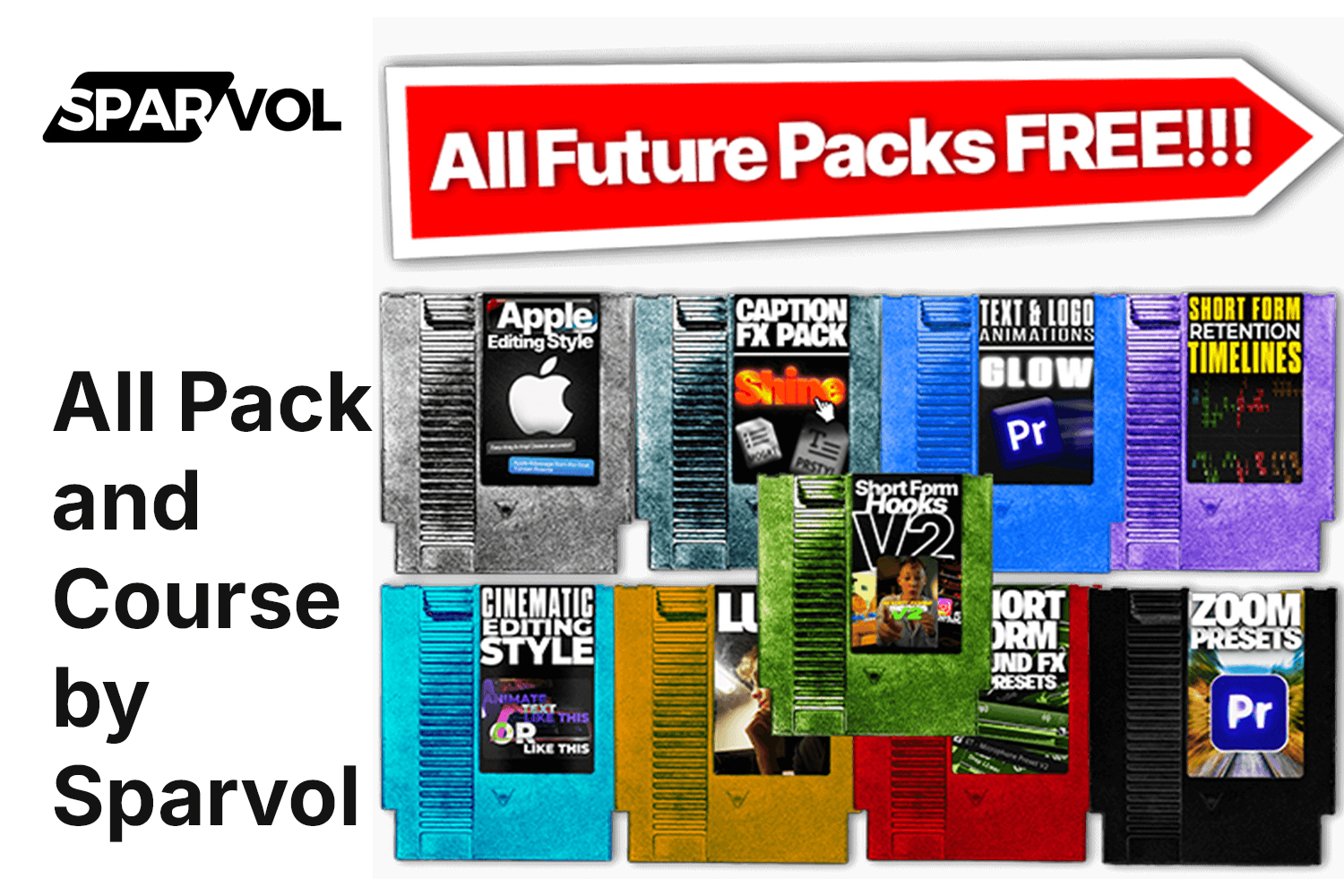
So, you’re looking at the All Pack and Course by Sparvol to see if it’s the real deal for speeding up your video workflow. Here’s the lowdown: this product is an integrated editing system and course, designed for Premiere Pro users, that promises to significantly cut down your video editing time. If you’re a content creator struggling with repetitive tasks and an inefficient process for short-form videos, this is squarely aimed at you. The main catch? It’s strictly for Premiere Pro users, so if that’s not your software, you can skip this one.
What you get with this course and system
The core promise of the All Pack and Course by Sparvol is to help you produce multiple short-form videos in the time it used to take for just one. According to the creator, this system has been used in over 10,000 videos already, which is a pretty solid number. Here’s a breakdown of what’s included:
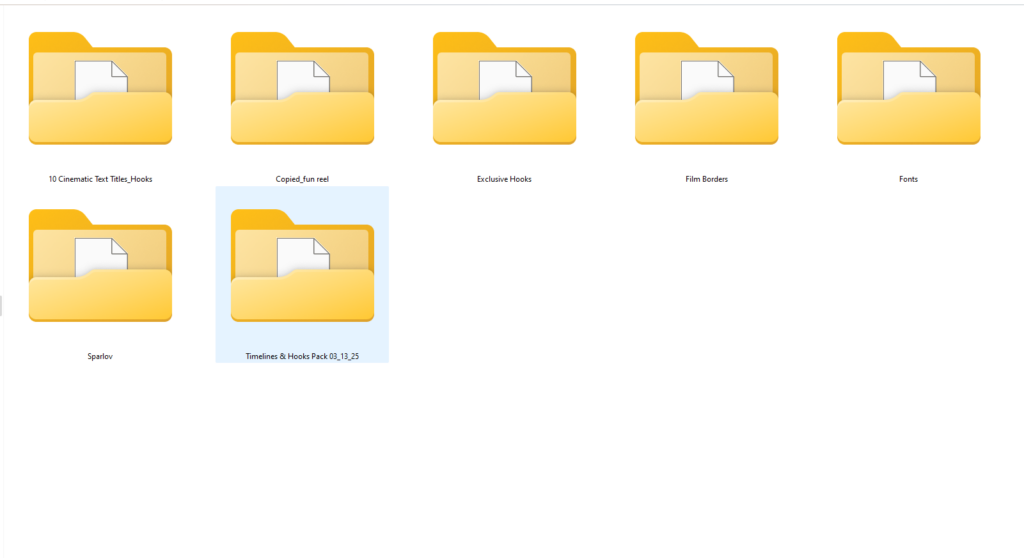
- Lifetime Access to Every Pack Ever (current and future releases): This sounds like a good deal. It means you’re not just getting a snapshot of assets but continued updates. The “packs” are described as having elements like hooks, captions, and animations that flow together for an integrated workflow.
- My Full Short-Form Editing Course: The creator says this is a step-by-step guide on how to cut editing time in half. It also explicitly covers how to utilize the system.
- Export Settings + Custom Template: This can be a huge time-saver. Having optimized export settings ready to go, plus a custom template, means less fiddling around before you upload.
- 5+ Exclusive Hooks: These are meant to drive engagement. The creator, EditingTorsten, personally uses these, which suggests they’re practical and effective.
One of the standout claims is that this system is designed to help users edit 10 videos in the time it used to take for 1. That’s a bold promise, and the course content is structured to teach you how to achieve that kind of efficiency.
What’s not so clear from the curriculum
While the contents list is specific about what you get, a few things are a bit thin on detail. For instance, the “My Full Short-Form Editing Course” has a runtime of “under two hours.” For a course promising to teach you to “cut editing time in half” and provide a “step-by-step guide” for both beginners and experienced editors, under two hours feels pretty brief. It makes me wonder just how deep it goes into advanced editing techniques versus just showing you how to use the included packs.
The description mentions “hooks, captions, and animations” as part of the integrated workflow, but the specific types of assets included in “Every Pack Ever” aren’t detailed beyond the “5+ Exclusive Hooks.” Are these motion graphics templates? Specific sound effects? Transition packs? The creator doesn’t publish a module list for the course or a detailed inventory of what “Every Pack Ever” truly entails beyond the general idea of assets that help with short-form video.
What you need before you start
This part is straightforward and crucial: you need Premiere Pro software. That’s it. The entire system, including the integrated workflow, packs, and course, is built specifically for Adobe Premiere Pro. So, if you’re using DaVinci Resolve, Final Cut Pro, or anything else, this product simply won’t work for you. Beyond that, the course is a digital download, so you’ll need an internet connection to get it, but no specific computer specs are mentioned beyond what Premiere Pro itself requires to run smoothly.
Who this system is built for, and the skill level it assumes
The creator is pretty clear on who will benefit most from this. It’s made for:
- Creators who are tired of repetitive editing tasks and inefficient workflows.
- Anyone who uses Premiere Pro for their video editing.
- Serious content creators looking to scale their output.
- Editors specifically focused on short-form video content.
The course is presented as a “step-by-step guide” and the system itself is designed to be “easy to use for both beginners and experienced editors.” This suggests that even if you’re relatively new to Premiere Pro, you should be able to follow along and implement the system. However, given it’s a Premiere Pro-specific tool, a basic familiarity with the software would certainly make the learning curve smoother, even if the course tries to cover the fundamentals of using its system.
Who made it and why that matters for what you will learn
The product comes from Sparvol, a brand led by EditingTorsten. This creator is described as a “seasoned editor” who has “built the editing system over thousands of hours in Premiere Pro.” What this tells me is that the system isn’t just theoretical; it’s born out of extensive, real-world experience. EditingTorsten personally uses the included hooks to drive engagement, which is a strong indicator that these aren’t just generic templates but tools that have been tested and refined in their own content creation. This background suggests the course and packs are likely very practical, focused on actionable strategies and assets that come from someone who understands the grind of daily video production.
Who should absolutely skip this
This is an easy one. If you don’t use Adobe Premiere Pro, then you should skip the All Pack and Course by Sparvol. It’s a hard requirement, and without it, you can’t use any of the packs or implement the workflow the course teaches. It’s not compatible with any other editing software. Also, if you primarily create long-form content like documentaries, feature films, or even longer YouTube videos that aren’t built around a rapid, short-form publishing schedule, this product’s core promise, editing 10 videos in the time it used to take for 1, might not align with your goals. It’s very much geared towards high-volume, short-form output.
The creator offers a 100% money-back guarantee if the packs don’t save you time, which is a good sign of confidence in the product’s effectiveness.
Should you get it?
If you’re a Premiere Pro user who feels bogged down by short-form video editing and wants to seriously ramp up your output, the All Pack and Course by Sparvol looks like a strong contender. The promise of lifetime updates and a money-back guarantee are reassuring. But if Premiere Pro isn’t your main editor, or if short-form, high-volume content isn’t your game, then this isn’t the solution for you.
Questions people ask
What software is required to use this product?
The All Pack and Course by Sparvol is only compatible with Adobe Premiere Pro software.
Does this product include future updates?
Yes, it includes Lifetime Access to Every Pack Ever, encompassing current and future releases.
Is there a money-back guarantee?
Yes, the creator offers a 100% money-back guarantee if the packs don't save you time.
How quickly can I access the product after purchase?
The product is an instant digital download upon purchase.
Prefer to buy directly from Sparvol at full price? See the official page.