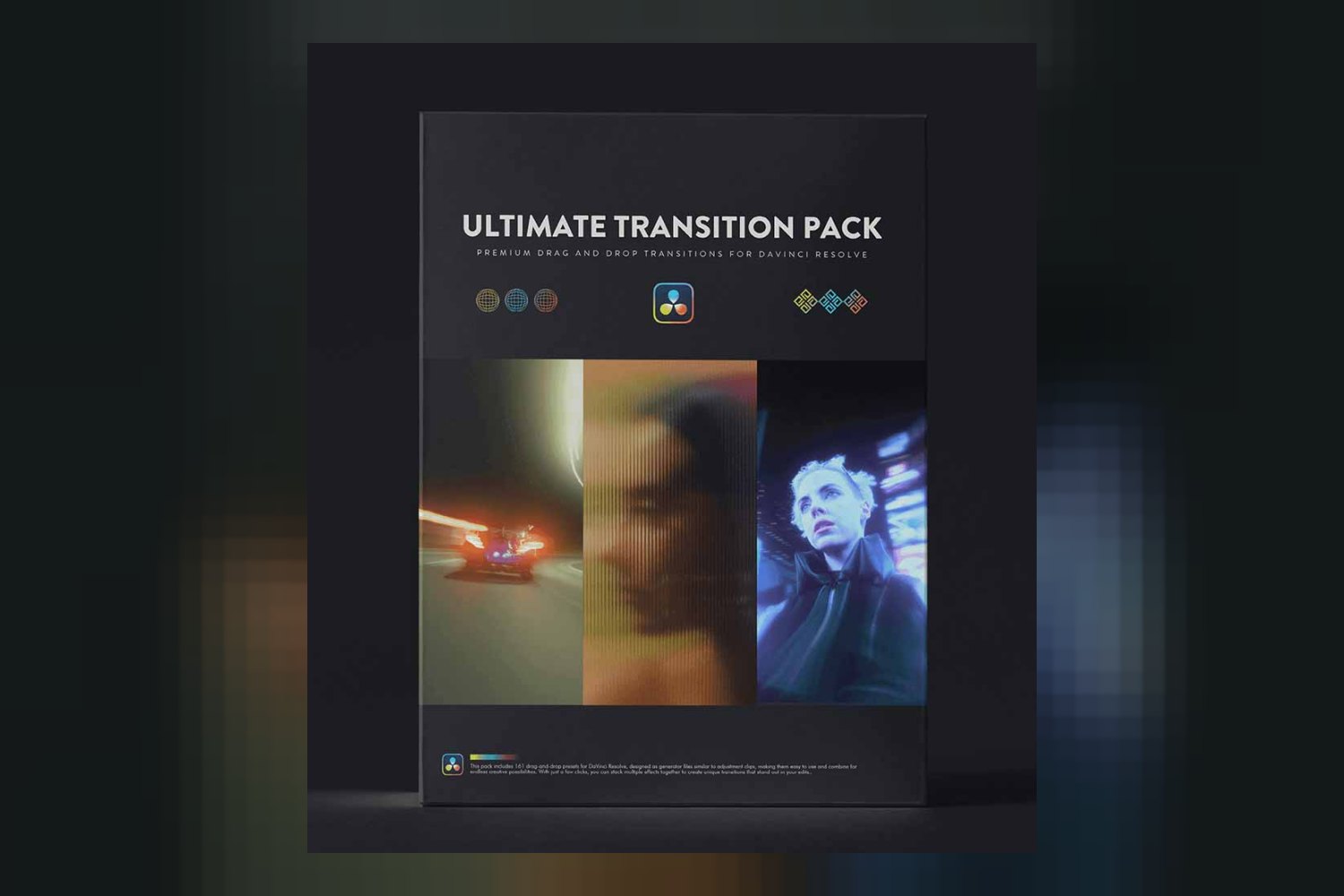
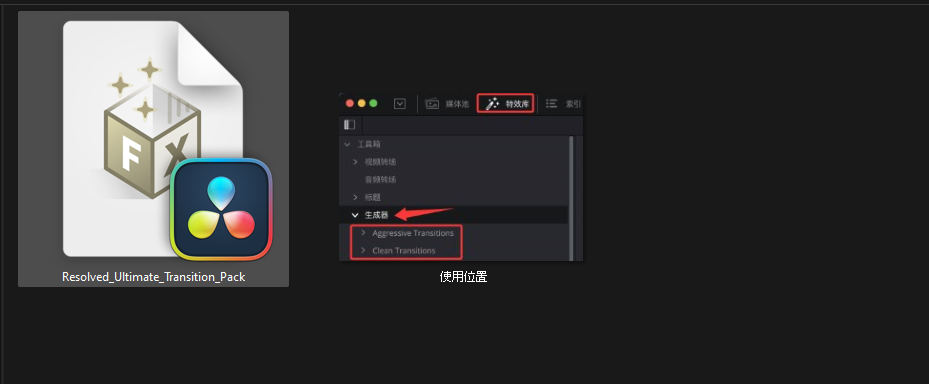
The Ultimate Transition Pack by resolvedtools is a collection of 161 drag-and-drop preset variations designed to speed up your video editing workflow with dynamic transitions. On paper, it’s built for both seasoned professionals and aspiring creators, but there’s a big catch right out of the gate: it only works with DaVinci Resolve.
What the Ultimate Transition Pack does for your video edits
From what resolvedtools publishes, this pack delivers 161 dynamic, drag-and-drop preset variations for video transitions. These aren’t just one-trick ponies; the creator says every preset comes equipped with detailed Inspector controls for customization. That means you can tweak things to fit your project instead of being stuck with a generic look.
The pack functions similarly to adjustment clips, which for DaVinci Resolve users, is a pretty straightforward way to apply effects across multiple shots without nesting or complex timelines. You get generator files that are ready for immediate download once you buy.
The categories cover a good range of looks:
- 3D movements: Things like ‘3D Spin’ and ‘3D Down and In’ suggest spatial shifts.
- Blurs: ‘Angled Blur + Flash’ and ‘Zoom Blur Flash’ are in here, perfect for adding energy or covering up quick cuts.
- Shakes: You’ll find ‘Camera Shake Flash’ and ‘Vertical Shake,’ which are useful for impact or stylized transitions.
- Warps: ‘Bubble Warp’ and ‘Clean Bubble Warp’ imply distortion effects.
- Cuts: ‘Diamond Cut Flash’ and ‘Morph Cut’ sound like more stylized, graphic transitions.
The creator emphasizes that there’s no complicated setup, external installations, or extra steps required. That’s a strong selling point if you’re tired of fiddling with plugins or obscure installation instructions.
Compatibility with DaVinci Resolve, and what’s missing
This is where things get very specific: the Ultimate Transition Pack by resolvedtools is compatible with and requires DaVinci Resolve. Period. If you’re editing in Adobe Premiere Pro, Final Cut Pro, Avid Media Composer, or anything else, this pack simply won’t work for you. It’s a deal-breaker if Resolve isn’t your primary editor.
What the creator doesn’t publish are the specific versions of DaVinci Resolve this pack supports. This is a common gap with third-party tools. You’re left guessing if it’ll work with the latest update of Resolve or if there are minimum version requirements. Similarly, there’s no mention of specific operating systems, though DaVinci Resolve itself runs on Windows, macOS, and Linux, so it’s reasonable to assume the pack follows suit.
Also, it’s worth noting that the product description focuses entirely on video transitions. There’s no mention of audio transitions, so don’t expect any sound design elements to come with this pack.
How it speeds up your video workflow
The biggest time-saver here is the “drag-and-drop” nature and the sheer volume of presets. Manually keyframing complex transitions, especially ones involving 3D movements or warps, can eat up a ton of time in DaVinci Resolve. Having 161 pre-built variations means you can cycle through options quickly to find something that fits your edit without starting from scratch.
Since the transitions function similarly to adjustment clips, you can apply them to your timeline and make global changes or duplicate them easily. This makes it a lot faster than, say, rendering out individual clips with effects applied. The detailed Inspector controls also mean you’re not just dropping in a static effect; you can fine-tune it on the fly, saving trips to other pages or re-rendering.
For someone with tight deadlines, this kind of pack can be a lifesaver. You get immediate download access, so there’s no waiting around for physical media or lengthy processing before you can start using them in a project.
Who gets the most out of these 161 presets
The creator states this pack is for “seasoned professionals” and “aspiring creators,” and I think that’s accurate given what’s on offer.
For seasoned professionals: If you’re a DaVinci Resolve editor churning out content regularly, think corporate videos, YouTube channels, or event highlights, speed is key. This pack offers a massive library of ready-to-go transitions that you can quickly apply and customize. It’s about efficiency and having a consistent, professional look without reinventing the wheel for every project. The one-time payment for lifetime access means you buy it once and use it forever, which is a good deal for professionals.
For aspiring creators: If you’re just getting started with DaVinci Resolve or want to improve your edits without diving deep into Fusion or complex keyframe animation, this pack looks like a great shortcut. The “no complicated setup” and drag-and-drop functionality means you can get professional-looking transitions without a steep learning curve. It lets you focus on storytelling while still adding polished effects.
If you’re a wedding videographer delivering weekly edits on a Sony A7 IV, for example, and you use DaVinci Resolve, having 161 transitions ready to go could save you hours every week.
Limits and who should skip it
The biggest limit, as I’ve said, is the DaVinci Resolve-only compatibility. If you’re not a Resolve user, you should absolutely skip this. There’s no point in buying a tool that won’t integrate with your workflow.
Another point to consider: the creator doesn’t specify which versions of DaVinci Resolve are supported. If you’re running an older version of Resolve, say Resolve 16 or 17, there’s a chance these might not work as intended, or at all. It’s a risk you’d have to accept without more information from the creator.
Also, if you’re looking for audio transitions to go with your video effects, this pack won’t provide them. It’s strictly visual. If your workflow requires tightly integrated audio and video transition packs, you’ll need to look elsewhere for the audio component.
Finally, if you prefer to build all your transitions from scratch, or if you’re looking for a very specific, niche style of transition that isn’t covered by the 161 variations, then this pack might offer more than you need or not enough of what you want. It’s a broad collection, not a hyper-specialized one.
My thoughts on whether you should get it
For DaVinci Resolve editors who want to speed up their workflow with a large library of customizable video transitions, the Ultimate Transition Pack by resolvedtools seems like a solid option. The drag-and-drop functionality and the promise of no complex setup are strong points. However, if you use any other editing software, or if you require specific Resolve version compatibility or audio transitions, then you should definitely pass on this one.
Questions people ask
How many transitions are included in the pack?
The Ultimate Transition Pack includes 161 dynamic, drag-and-drop preset variations for video transitions.
What software is this compatible with?
The Ultimate Transition Pack is compatible with and requires DaVinci Resolve. The creator does not mention compatibility with any other video editing software.
Are the transitions customizable?
Yes, according to the creator, every preset in the pack comes equipped with detailed Inspector controls for customization.
Is there a one-time payment or subscription for the Ultimate Transition Pack?
The creator states it is a one-time payment for lifetime access to the transitions.
Prefer to buy directly from resolvedtools at full price? See the official page.