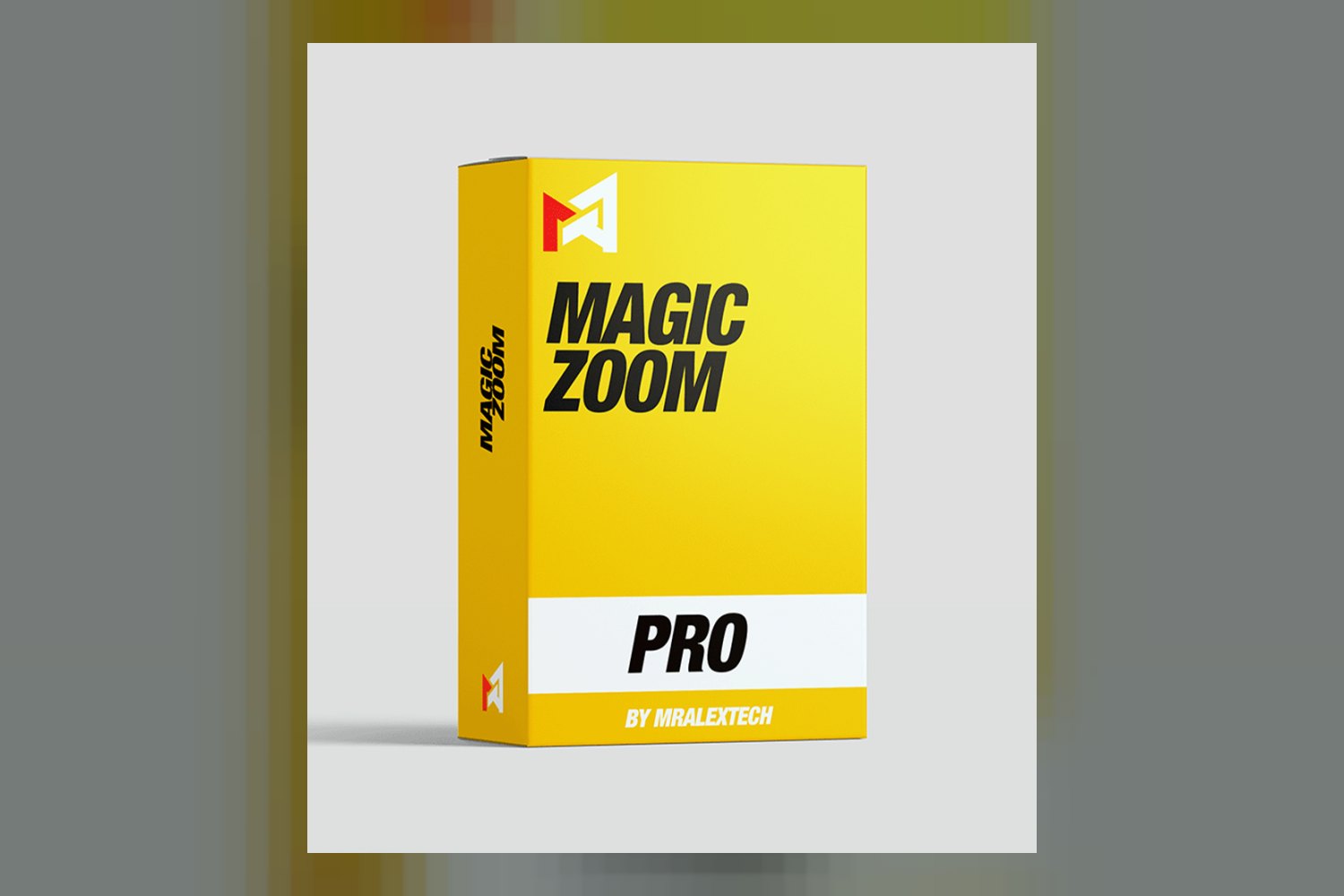

The MagicZoomPro Full Pack is an advanced, dynamic image zoom solution. It’s designed for any e-commerce platform or website that displays products, particularly those where high-quality visuals are key to making a sale. On paper, it looks like it does one thing very well: let customers zoom in on your products. But if your images aren’t already high-resolution, or if your business doesn’t rely heavily on visual detail, you might not get its full benefit.
What the MagicZoomPro Full Pack does
This product is all about letting your site visitors get a really close look at your product images. The creator says it enables users to magnify images with “incredible precision.” Think of it like a sophisticated “magnifying glass effect” built right into your website. It’s not just a basic zoom; it’s designed to show off the finest details of high-resolution images without making them look pixelated.
According to the product’s details, you get various zoom styles. This means you can choose between an internal zoom (where the magnified area appears inside the main image), an external zoom (where it pops up next to the image), or that classic magnifying glass effect. I like that flexibility; it means you can probably match it to your site’s design.
Crucially, it’s engineered for speed and efficiency, which is important for any e-commerce site. Slow loading times kill sales. The creator also highlights its flawless operation across all devices, adapting to any screen size from a desktop monitor down to a tablet or mobile phone. And on touch-enabled devices, it includes intuitive gestures for zooming and panning, which is a nice touch for mobile shoppers.
Where you can use it
One of the strongest points for the MagicZoomPro Full Pack is its broad compatibility. The creator states it works with “all major web browsers” and “any e-commerce platform” or “any website displaying products.” That’s a huge claim, and it’s pretty reassuring if you’re worried about integration.
They also specifically mention compatibility with “popular e-commerce platforms” and “content management systems.” While they don’t list out exactly which ones (like Shopify, WooCommerce, Magento, WordPress, etc.), the general statement suggests you shouldn’t run into too many hurdles no matter what you’re running. This kind of wide-ranging compatibility means less headache trying to make it fit your existing setup.
How it improves your workflow
If you’re in e-commerce, your workflow often involves getting products online quickly and making them look good. The MagicZoomPro Full Pack doesn’t replace your photo editing or product upload process, but it certainly enhances the *presentation* stage. It takes the high-resolution images you’ve already prepared and makes them more interactive and informative for your customers.
Instead of customers having to click through multiple static images or rely on their browser’s built-in zoom (which is rarely good), this tool gives them a smooth, dedicated way to inspect details. This can speed up their buying decision. For businesses that rely heavily on showing off intricate details – like the stitching on a garment or the facets of a gemstone – it streamlines how that crucial visual information is conveyed.
Essentially, it improves the customer’s ability to “touch and feel” your product virtually, reducing uncertainty and potentially cutting down on returns where the product “didn’t look like it did online.”
Who gets the most out of this
This product is clearly made for online businesses where the visual quality of their products is a deal-breaker for customers. If you’re selling anything where people need to see texture, fine lines, small components, or intricate designs, the MagicZoomPro Full Pack is definitely worth considering.
The creator specifically lists these types of businesses:
- Apparel and Fashion Retailers
- Jewelry Stores
- Electronics and Gadget Shops
- Art and Photography Galleries
- Home Goods and Furniture Retailers
Think about it: if you’re selling a diamond ring, customers want to see every facet. If it’s a high-end camera, they want to see the button layout and texture. If it’s a painting, they want to see the brushstrokes. If you run an online store for any of these, and you’re already shooting high-resolution product photos, this tool capitalizes on that investment to give customers the confidence to buy. That’s where its core strength lies.
Skip it if…
While the MagicZoomPro Full Pack sounds powerful, it’s not for everyone, and it won’t solve all your problems. The biggest “skip it if” point is right there in its standout features: it “capitalizes on high-resolution images.” If your product images are low-resolution, blurry, or generally poor quality, this tool won’t magically make them better. In fact, zooming in on a low-res image will only highlight its flaws, which is the opposite of what you want.
Also, if your online business doesn’t heavily rely on customers scrutinizing visual details, this might be overkill. If you sell services, digital downloads, or products where the description and price are far more important than a magnified view, you probably don’t need this extra layer of complexity. For instance, if you’re selling a subscription box where the contents are a surprise, or a plain white t-shirt where the brand and fit are the main selling points, the precision zoom isn’t adding much value.
The creator doesn’t publish details on how much you can customize the look and feel beyond choosing zoom styles. If you need extremely granular control over colors, fonts, or specific UI elements of the zoom interface to perfectly match a unique brand, that’s a detail you’d want to confirm. Its broad compatibility is a strength, but the lack of specific content details (like pre-built templates for specific platforms) might mean some setup work.
My take
The MagicZoomPro Full Pack looks like a solid tool for anyone running an e-commerce site with high-quality product images, especially in visually-driven niches like fashion or jewelry. If you’ve invested in great photography and want to let your customers truly appreciate the details, it’s designed to do just that. However, if your images aren’t top-notch already, or if visual detail isn’t critical for your sales, save your money. It’s a magnifier, not a magic wand for bad photos.
Questions people ask
What zoom styles are included?
The creator states it offers various zoom styles, including internal zoom, external zoom, and a classic magnifying glass effect.
Is it compatible with my e-commerce platform?
The MagicZoomPro Full Pack is compatible with any e-commerce platform, any website displaying products, popular e-commerce platforms, and content management systems.
Does it work on mobile devices?
Yes, it works flawlessly across all devices, adapting perfectly to any screen size from desktop to tablet and mobile, and features intuitive gestures for zooming and panning on touch-enabled devices.
Can I customize the look and feel?
The creator publishes that it offers various zoom styles, but doesn't specify the extent of further customization options for its look and feel.
Prefer to buy directly from the creator at full price? See the official page.