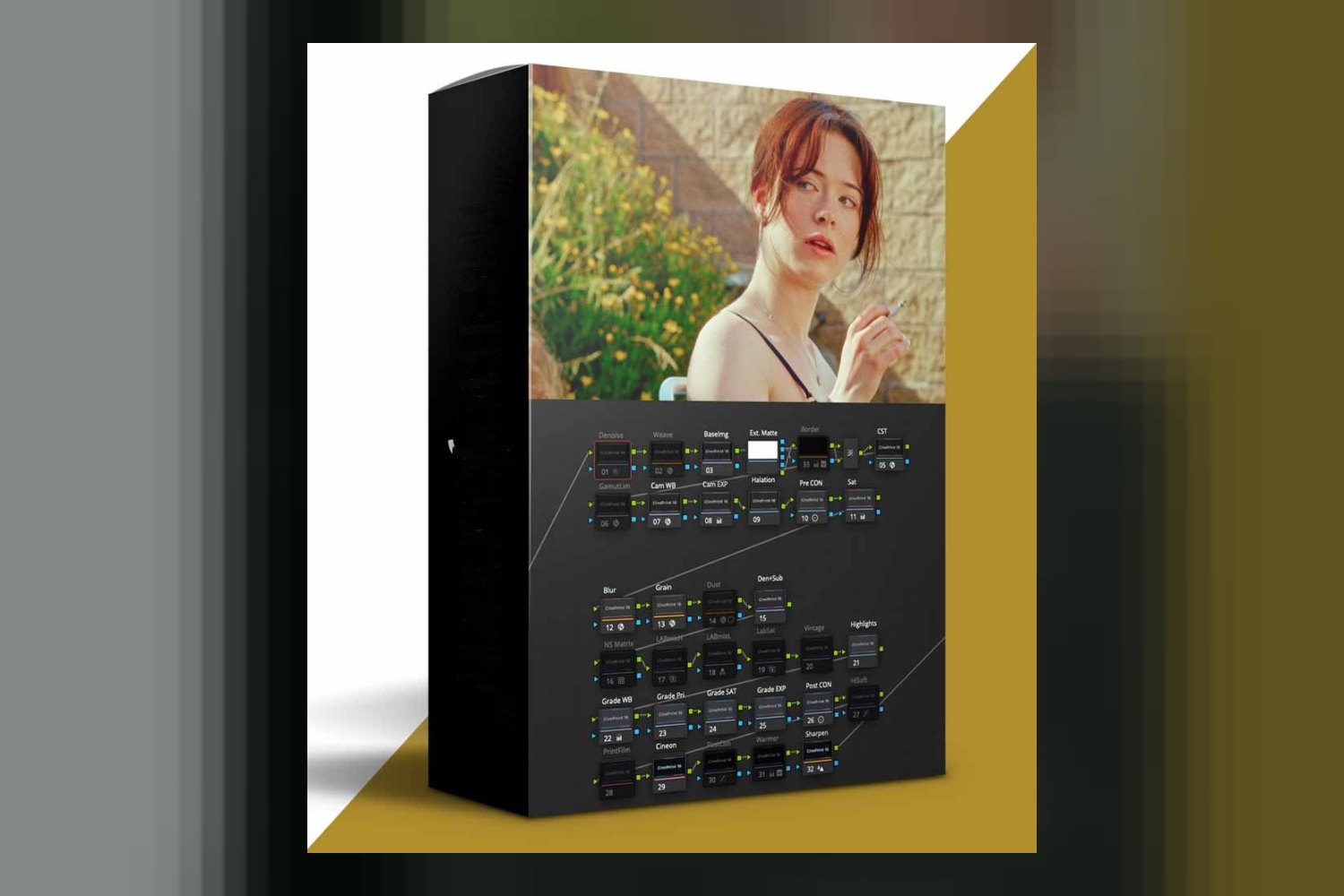
CinePrint16 Stylized Film Looks by tombolles is a stylized film emulation powergrade made for Davinci Resolve. It’s built for discerning filmmakers, video editors, and creators who want a unique, vintage cinematic quality in their projects. The main thing to know upfront is that this product gives you the *original* CinePrint16 stylized look, which means its color science has been updated in a different, newer product called CinePrint35. So, you’re buying into a specific aesthetic rather than the absolute latest technical refinement from Tom Bolles.
What you get with CinePrint16
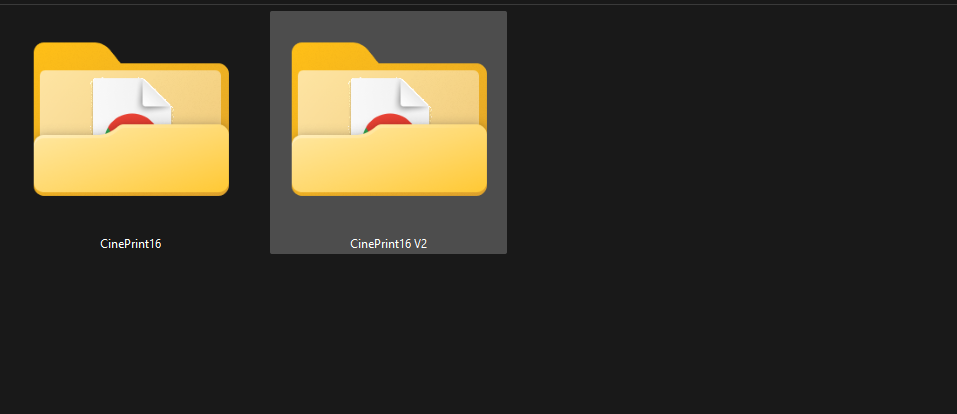
When you download CinePrint16 Stylized Film Looks by tombolles, you’re getting two distinct powergrades and a user guide. Specifically, it includes the original CinePrint16 powergrade and a CinePrint16 v2 powergrade. There’s also a user guide in PDF format to help you get started.
The creator, acclaimed cinematographer Tom Bolles, emphasizes that these aren’t just standard LUTs. They’re powergrades, which means they offer a lot more flexibility and control within Davinci Resolve. If you’ve ever felt limited by a baked-in LUT, you know how much a powergrade can open things up for fine-tuning. On paper, this flexibility is a major strong point. It means you can adjust and adapt the look to your specific footage and creative vision, rather than just applying a one-size-fits-all filter.
According to Tom Bolles, these powergrades meticulously recreate the subtle complexities of film emulsion. That includes unique color shifts, how highlights gently roll off, and the detail in your shadows. It’s designed to give your projects that distinct, vintage cinematic quality.
However, the creator doesn’t publish details on the specific file formats for the powergrades themselves, beyond calling them “powergrades.” Nor do they specify any particular color spaces or technical specifications for how they operate within Resolve. This isn’t a deal-breaker, since Resolve handles powergrades natively, but for someone really digging into the technical side of color management, it’s a detail that isn’t provided.
What cameras and log profiles are these powergrades for?
This is a critical area where the published facts are a bit thin. The creator doesn’t specify which cameras, camera brands, or log profiles CinePrint16 is built for. This is something I’d typically want to know as a colorist. Many film emulation tools are designed with specific camera color science in mind, like Arri LogC, Sony S-Log3, or Blackmagic Film Gen 5.
Without this information, it’s hard to tell if CinePrint16 is designed to be a “one size fits all” base or if it expects a certain type of clean, neutral log footage. If you shoot on a Sony A7S III in S-Log3, for instance, you’d usually want to know if the powergrade has been tested and optimized for that specific gamma curve and color gamut. The absence of this detail means you might need to do more preliminary color management to get your footage to a neutral starting point before applying CinePrint16, or be prepared for more tweaking.
My advice? When a creator doesn’t list specific camera compatibility or log profiles, it usually means you’ll need to do more work to get your footage into a neutral Rec.709 or similar standard before applying the look. It’s not necessarily a bad thing, but it adds a step to your workflow. If you’re hoping for a simple “drag and drop onto your S-Log3 footage,” you might find yourself needing to add a color space transform node first.
What kind of footage and mood it suits
The name “CinePrint16 Stylized Film Looks” pretty much tells you what you’re getting into. This product is for imparting a unique, vintage cinematic quality to your projects. It’s not aiming for hyper-realism or a clean, modern digital look. Instead, it recreates the subtle complexities of film emulsion, including specific color shifts, highlight roll-off, and shadow detail.
So, if you’re working on a documentary that needs a timeless, slightly nostalgic feel, or a narrative short film aiming for a retro aesthetic, this could fit really well. It’s also suitable for content creators who want to differentiate their visuals with a distinct, stylized look that harks back to classic film. Think of projects that benefit from a mood that isn’t just “filmic” but specifically “vintage filmic.”
For example, if you’re making a travel video about an old city, or a music video with a retro vibe, the “unique, vintage cinematic quality” could be exactly what you’re after. However, if your client wants a super clean, modern, crisp image for a corporate video or a brightly lit commercial, this stylized look might be too much. It’s about a specific aesthetic choice, not a general enhancement.
How it fits into a Davinci Resolve workflow
This is straightforward: CinePrint16 is specifically designed for Davinci Resolve. That’s it. If you’re not using Resolve, this product won’t work for you. Since it’s a powergrade, it’s integrated directly into Resolve’s node-based workflow, which gives you more control than a simple LUT. You can place it at any point in your node tree, allowing you to do your primary corrections (exposure, white balance) before applying the film look, or even integrate it into more complex setups.
The fact that it’s a powergrade means you can easily modify its strength, adjust underlying parameters, and combine it with other nodes. This flexibility is a huge advantage over LUTs, which are often “baked in” and harder to adjust. A seasoned editor or colorist will appreciate this control. You can use it as a starting point and then tweak the saturation, contrast, or color balance to perfection, rather than fighting against a rigid look.
For someone who understands Resolve’s node structure, integrating CinePrint16 should be pretty intuitive. You can set up a specific node tree for your primary grade, then add the CinePrint16 powergrade, and follow up with secondary adjustments or film grain emulation if you want. It’s designed to be a foundational look that you build upon, not a final, unchangeable output.
Limits and who should skip CinePrint16
There are a couple of clear reasons why CinePrint16 might not be the right fit for everyone. The most significant limit comes directly from the creator’s own description: the color science has been updated and improved in CinePrint35, which is a different product. This means you’re intentionally choosing the “original stylized look” over what the creator considers their “improved” color science. If you’re after the most technically advanced or accurate film emulation from Tom Bolles, you might want to look at CinePrint35 instead.
So, if you’re a filmmaker who prioritizes the absolute latest in color science and emulation accuracy, judging by the creator’s own words, you should probably skip CinePrint16 and check out CinePrint35. This product is for those who specifically prefer the aesthetic of the *original* CinePrint16, even if newer versions exist with updated color science.
Another obvious limitation is its compatibility: it’s designed *only* for Davinci Resolve. If you’re editing in Premiere Pro, Final Cut Pro, or any other NLE, this powergrade simply won’t work for you. This isn’t a flaw, just a clear compatibility boundary. This also means if you’re looking for a broad solution that works across multiple editing platforms, this isn’t it. You’d need a Resolve-centric workflow.
Finally, as mentioned earlier, the lack of specific camera or log profile recommendations means you might have a bit more trial and error to get the look sitting right on your footage. If you’re a beginner looking for a “one-click” solution without any prior color management, that might be a hurdle. For a similar discussion on powergrades, you might find this helpful: RealFilm PowerGrade by Cine Source Review: What’s Actually Inside.
So, should you get it?
You should consider CinePrint16 Stylized Film Looks if you’re a Davinci Resolve user who specifically wants a distinct, vintage cinematic quality and prefers the original CinePrint16 aesthetic. The flexibility of a powergrade is a strong selling point for anyone who likes to tweak their looks. However, if you’re not on Resolve, or if you’re prioritizing the latest and greatest color science from Tom Bolles, then you should definitely skip this and explore other options, likely CinePrint35.
Questions people ask
What is included in the CinePrint16 package?
The CinePrint16 package includes the original CinePrint16 powergrade, the CinePrint16 v2 powergrade, and a user guide in PDF format.
What software is CinePrint16 compatible with?
CinePrint16 is specifically compatible with Davinci Resolve and is not designed for other software.
How does CinePrint16 compare to CinePrint35?
CinePrint16 offers the original stylized look, but its color science has been updated and improved in CinePrint35, which is a different product.
Is a user guide provided with CinePrint16?
Yes, a user guide in PDF format is included with the CinePrint16 package.
Prefer to buy directly from tombolles at full price? See the official page.