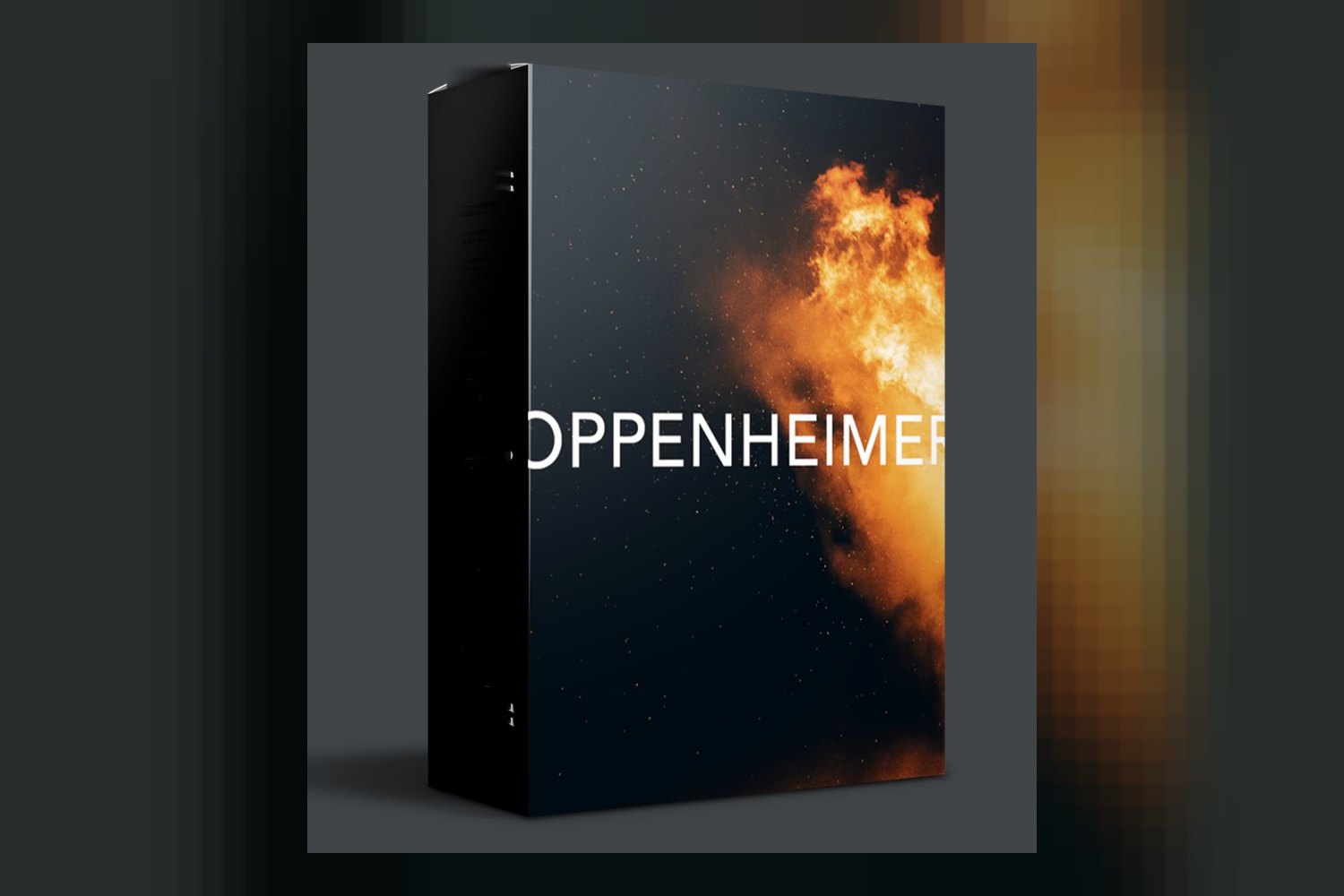

The OPPENHEIMER LUTs by Cinecolor are a collection of 3 distinct LUTs designed to infuse your footage with a signature, filmic aesthetic, directly inspired by the cinematography of the film Oppenheimer. If you’re a filmmaker, videographer, or content creator looking for a specific, sophisticated look, this pack might catch your eye. However, as with many LUT packs, the creator doesn’t publish specific camera or log profile details, which is something to keep in mind when considering its direct application to your raw footage.
What’s in this pack of LUTs
Cinecolor, a creator with a background in developing high-quality color grading tools for professional filmmaking, offers a pack containing 3 distinct LUTs. These aren’t just minor variations; each one is designed to provide a unique aesthetic, all delivered in the widely compatible .cube format.
The first two LUTs focus on enhancing blues and greens, muting overall saturation, and aiming for what the creator calls a large format filmic quality. This sounds like a deliberate move towards a more controlled, perhaps even stark, color palette, rather than something overly vibrant or stylized in a “pop” way.
The third LUT takes a different approach. It specializes in a heavily desaturated palette, yet still manages to retain subtle color information. This isn’t a monochrome look, but rather a very muted one, intended to convey a specific mood through its near-monochromatic feel while keeping just enough color to guide the viewer’s eye or hint at an underlying emotion. On paper, these sound like quite specific creative tools rather than general “fix-it” LUTs.
What cameras and log profiles it’s built for
This is where things get a bit less clear, and it’s a crucial point for any working colorist or creator. Cinecolor doesn’t publish any specific camera compatibility information for these OPPENHEIMER LUTs by Cinecolor. They also don’t mention which log profiles, like S-Log3, V-Log, or ARRI LogC, these LUTs are designed to work with.
Why does this matter? LUTs are essentially mathematical transformations of color values. If a LUT is designed for, say, ARRI LogC footage, applying it directly to a Rec.709 image from a mirrorless camera or S-Log3 footage will likely give you unpredictable or undesirable results. You might get crushed blacks, clipped highlights, or strange color shifts. When a creator doesn’t specify the input color space or gamma, it usually means one of two things: either they are designed to be applied to footage that has already been converted to a standard Rec.709 (or similar) space, or you’re expected to experiment and correct around them.
So, if you’re shooting in a log profile, you’ll almost certainly need to apply a basic conversion LUT first (e.g., S-Log3 to Rec.709) to get your footage into a neutral starting point before you even think about applying these. If you’re hoping for a one-click solution directly from your camera’s log footage, you’re likely to be disappointed. This isn’t necessarily a deal-breaker, but it means an extra step in your workflow that isn’t explicitly addressed by the creator.
What kind of footage and mood it suits
Given the inspiration from the film Oppenheimer, and the descriptions of the LUTs, it’s clear these are not meant for bright, poppy, commercial looks. The goal is a sophisticated, emotionally resonant filmic aesthetic.
The first two LUTs, with their enhanced blues and greens and muted saturation, suggest a colder, perhaps more introspective or dramatic tone. I’d expect them to work well for:
- Narrative films that lean into serious or historical themes
- Documentaries requiring a grounded, slightly somber feel
- Music videos that aim for a moody or artistic atmosphere
- Commercials for products that evoke seriousness, craftsmanship, or a classic sensibility
The third LUT, with its heavily desaturated palette, sounds even more specific. This is for moments where you want to strip away most color distraction and focus purely on form, light, and the emotional impact of near-monochrome. Think flashbacks, intense character moments, or abstract sequences where color is deliberately minimized. It’s a bold choice, and when used correctly, can be incredibly powerful for creating a sense of weight or memory.
This OPPENHEIMER LUTs review indicates this collection is certainly not for every project. If you’re shooting weddings and want vibrant, cheerful colors, these are probably not going to be your go-to. If you’re looking for that specific, dramatic, and somewhat muted “Oppenheimer” vibe, then the creator’s descriptions align perfectly with that.
Where it fits in a grading workflow
The good news here is the file format: .cube. This is the industry standard for LUTs, meaning these will integrate smoothly into almost any professional post-production workflow. Cinecolor explicitly states compatibility with:
- DaVinci Resolve
- Adobe Premiere Pro
- Final Cut Pro
- Avid Media Composer
They also say “virtually all major video editing and color grading software,” which is about as broad as you can get. So, you won’t have any issues getting these files into your software of choice.
As for where they fit in the actual grading process, the creator says they are “designed for smooth integration.” This typically means they’re meant to be applied after your initial technical corrections (like white balance, exposure, and log conversion if applicable) but before any creative secondary adjustments. You’d get your footage looking clean and neutral, apply one of these 3 LUTs for the primary look, and then fine-tune it with curves, secondary corrections, or power windows to taste. That’s a standard workflow for applying any creative LUT. Because of the lack of specific camera or log profile information, I’d strongly recommend always applying your camera’s official conversion LUT to Rec.709 first, then adding these on top. That way, you’re working from a known, predictable color space.
Limits and who should skip it
While the .cube format offers broad compatibility, there are a few gaps in the information provided by Cinecolor that are worth noting. As I mentioned, specific software versions aren’t mentioned. This usually isn’t a huge problem for .cube LUTs, as they’re fairly universal, but it’s something to remember if you’re on very old software. More importantly, specific camera compatibility and specific log profiles are not mentioned. This is the biggest limit in my opinion. If you’re a beginner who expects to drag-and-drop a LUT directly onto untouched log footage and get a perfect result, you’ll need to learn about log conversion first.
Operating system compatibility also isn’t mentioned, but again, .cube files are OS-agnostic; it’s your software that handles them. So, who should skip this pack?
- Skip it if: You’re looking for vibrant, high-saturation looks for projects like weddings, travel vlogs, or upbeat commercials. These LUTs are clearly aiming for a different aesthetic.
- Skip it if: You’re a beginner who relies on one-click solutions and isn’t comfortable with pre-correction steps or understanding log footage.
- Skip it if: You absolutely need explicit confirmation that a LUT is designed for your specific camera’s log profile (e.g., S-Log3, V-Log) and you’re not willing to do extra testing and correction work.
So, should you get it?
If you’re a filmmaker or content creator who specifically wants to achieve a sophisticated, moody, “Oppenheimer-esque” filmic look, and you’re comfortable with the standard workflow of applying technical corrections before creative LUTs, then these 3 distinct LUTs could be a strong addition to your toolkit. The creator’s expertise in professional tools gives me confidence in the quality of the looks themselves. However, if you need explicit camera log profile support or prefer brighter, more contemporary looks, you’ll likely want to look elsewhere.
Questions people ask
What software is compatible with these LUTs?
The LUTs are compatible with DaVinci Resolve, Adobe Premiere Pro, Final Cut Pro, Avid Media Composer, and virtually all major video editing and color grading software.
How many LUTs are included in the pack?
The pack includes 3 distinct LUTs.
What kind of look do these LUTs provide?
The LUTs are inspired by the cinematography of the film Oppenheimer, aiming to deliver a sophisticated, emotionally resonant filmic look, with some enhancing blues and greens, muting saturation, and providing a large format filmic quality, while another specializes in a heavily desaturated palette.
What file format are the LUTs in?
The LUTs are provided in .cube format.
Prefer to buy directly from Cinecolor at full price? See the official page.