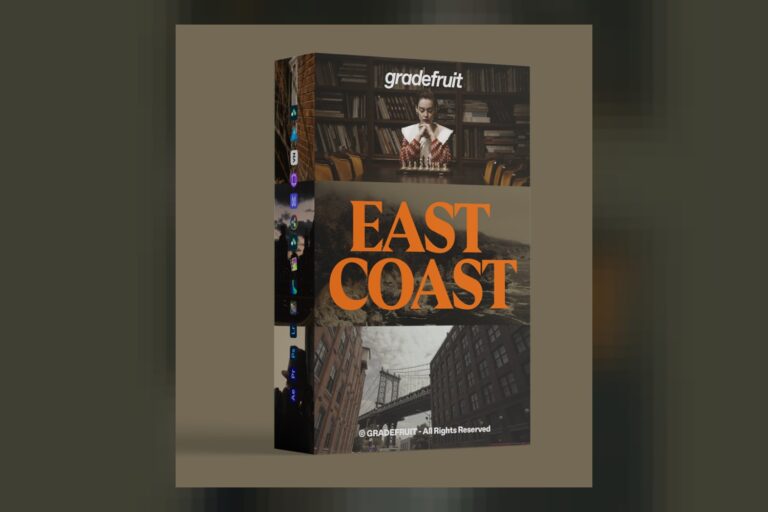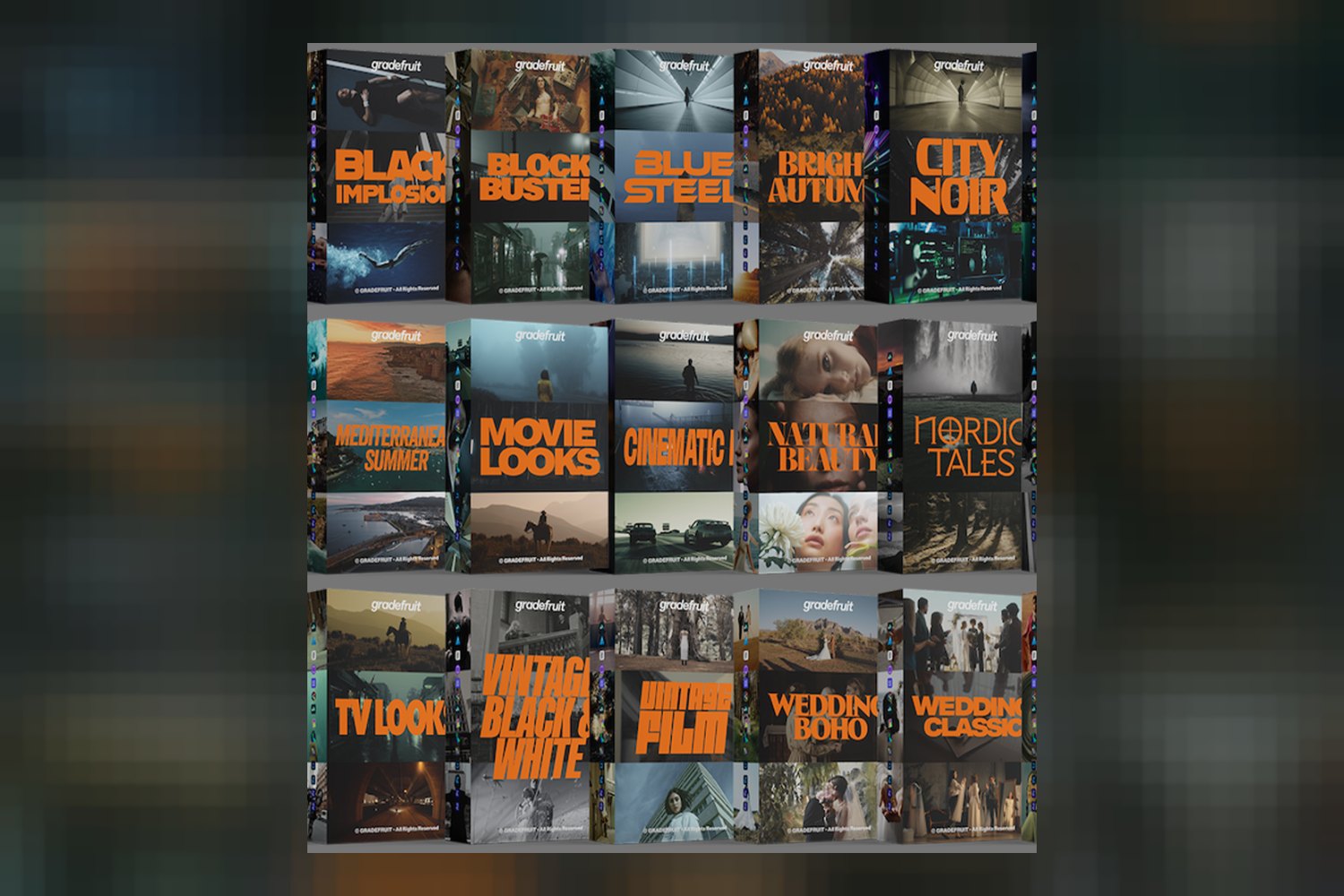
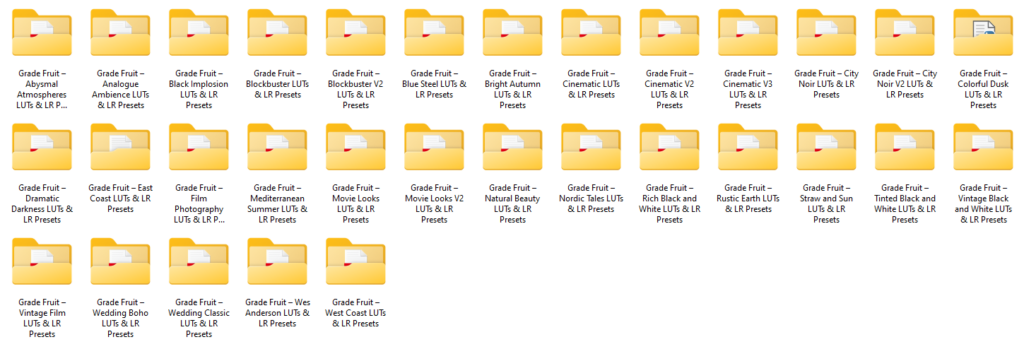
You’re probably here because you’re eyeing the Master Bundle LUTs by GradeFruit, wondering if it’s the real deal or just another collection of oversaturated filters. So, let’s get straight to it: this bundle is a massive collection of 530 cinematic LUTs and 530 Lightroom presets, designed for filmmakers, photographers, and content creators. The main catch, right off the bat, is that you only get 14 days and three downloads per file/device to grab everything. That’s a tight window, so if you’re not on top of your downloads, this Master Bundle LUTs review is going to highlight why that matters.
What You Actually Get with Master Bundle LUTs by GradeFruit
On paper, the sheer volume of assets in the Master Bundle LUTs by GradeFruit is impressive. We’re talking 530 distinct cinematic LUTs for video and another 530 Lightroom presets for photography. That’s a total of 1,060 core looks, which is a lot to sift through, but also a lot of creative options.
Beyond the core LUTs and presets, the creator throws in some interesting bonus editing assets. These aren’t just filler; they sound genuinely useful for adding character to your visuals:
- Halation Preset: This lets you simulate the red-orange glow around bright highlights, a classic film look. What’s cool is that the creator says you get fine control over parameters like brightness threshold, strength, radius, hue, saturation, and directional softness. That level of control is key for making it look natural instead of fake.
- Bloom Preset: Similar to Halation, Bloom adds a soft glow to highlights. Again, you get the same fine-tuned controls, which suggests you can really dial in the effect to match your footage.
- Film Grains: These aren’t just digital noise; according to GradeFruit, they’re high-resolution scans from real film stock. That’s a big deal because scanned film grain usually looks much more organic and authentic than generated grain.
- Camera Gates: This is a unique one. The creator states these are scanned from multiple vintage movie cameras, including one that’s nearly a century old. Camera gates add subtle imperfections and light leaks around the edges of your frame, which can really sell a retro or analog vibe.
When you opt for the full package (LUTs + LR Presets + BONUS), you’re looking at a total of 1,608 files. That’s a serious amount of data. The bundle also includes instructions and video tutorials, which you’ll definitely need given the number of assets. For file formats, you get .cube and .drx for video LUTs, and .dng and .xmp for Lightroom presets. This covers pretty much all the standard bases.
For more professional video work, the bundle includes specialized LOG-converted LUTs and LUTs for color space conversion. This is the part that matters if you shoot S-Log, V-Log, or C-Log on high-end cameras and need to transform that flat footage into something usable before applying a creative look. It tells me the bundle isn’t just for quick phone edits; it’s designed with serious production workflows in mind too.
I think the strongest part of this bundle, judging by the facts, isn’t just the quantity of LUTs, but the quality and detail of the bonus assets. High-resolution scanned film grains and vintage camera gates, plus the fine control over Halation and Bloom, suggest a real commitment to authentic cinematic looks. That’s where a lot of other bundles fall short, just giving you basic presets without the nuanced textures.
How You’d Use These LUTs and Presets Day to Day
The compatibility list for Master Bundle LUTs by GradeFruit is extensive, which means you’ve got a lot of flexibility in how and where you use these looks. For video editors, you can drop the .cube or .drx files into Adobe Premiere Pro, DaVinci Resolve, Final Cut Pro X, CapCut, Vegas Pro, Avid Media Composer, Filmora, or LumaFusion. That covers everything from professional post-production suites to mobile-first editing apps like CapCut and VN App.
If you’re a photographer or photo editor, the .dng and .xmp presets are compatible with Lightroom, Lightroom Classic, Lightroom Mobile, Photoshop, After Effects, Skylum Luminar, and Darkroom. This means whether you’re tethered to a desktop or editing on your phone or tablet, you can access these looks.
Let’s talk about specific situations. Say you’re a wedding videographer shooting on a Sony A7 IV using S-Log. You’d first apply one of the LOG-converted LUTs to get your footage to a standard Rec.709 color space. Then, you could layer on one of the 530 cinematic LUTs to get your desired look, maybe a moody, desaturated vibe or a vibrant, airy feel. Finish it off by adding some subtle scanned Film Grain and a touch of Halation to give it that filmic polish, all within Premiere Pro or DaVinci Resolve.
Or maybe you’re a content creator filming vlogs on your iPhone. You can use CapCut or VN App on iOS or Android, import your footage, and quickly apply a cinematic LUT for a polished look. Then, if you want to take a still from your video, you can pop it into Lightroom Mobile and apply a matching preset. The fact that it works with “any camera” is great for creators with diverse gear, from DSLRs to mirrorless, to action cams and phones.
The inclusion of color space conversion LUTs also means serious filmmakers working with specific color profiles (like ARRI LogC or RED IPP2, though the creator only lists S-Log, V-Log, C-Log explicitly) can integrate these creative LUTs into a proper color-managed workflow. It’s not just a “slap it on” solution; it has tools for more nuanced work.
Who Master Bundle LUTs by GradeFruit is For
Based on the contents and compatibility, the Master Bundle LUTs by GradeFruit really aims to serve a broad audience of visual creators. It’s clearly made for:
- Filmmakers: The LOG-converted LUTs and color space conversion options are a strong indicator here. If you’re shooting on professional cinema cameras that record in log profiles (like Sony S-Log, Panasonic V-Log, or Canon C-Log), these LUTs help you get a consistent starting point. The .cube and .drx formats, along with compatibility for Resolve, Premiere Pro, and Final Cut Pro X, make it suitable for serious video production. The bonus assets like Film Grains and Camera Gates are also fantastic for adding high-end production value.
- Photographers: With 530 Lightroom presets in .dng and .xmp formats, this bundle is just as solid for still imagery. Whether you’re a portrait photographer, landscape shooter, or event photographer, having a vast library of cinematic looks for Lightroom, Photoshop, or even mobile apps like Darkroom and Luminar, gives you a lot of creative freedom.
- Content Creators: This group often bridges the gap between video and photography, and uses a mix of desktop and mobile tools. The bundle’s compatibility with CapCut, LumaFusion, VN App, and Lightroom Mobile makes it incredibly versatile for anyone creating for social media, YouTube, or other online platforms. You get cinematic looks on the go, which is a huge time-saver.
The fact that it works with “any camera” means you don’t need a specific brand or model to use these. If you’re someone who experiments with different cameras or uses multiple devices for content creation, this bundle is designed to be universally applicable to your footage.
Limits and Who Should Skip It
Alright, let’s talk about the downside, because there’s a big one that could be a deal-breaker for some. The creator states that “Download links are available for 14 days and allow three downloads per file/device.” This is, in my opinion, the weakest part of the entire offering. It’s an incredibly restrictive download policy for a product with 1,608 files.
What this means for you is that as soon as you get those links, you need to download and back up every single file within two weeks. If you procrastinate, have slow internet, or forget, you could lose access to parts of or even the entire bundle. “Three downloads per file/device” is also tricky – if you download to your desktop, then your laptop, then try to move it to an external drive, you might hit a limit and be locked out. It requires meticulous organization and immediate action.
So, who should skip it? If you’re someone who often forgets to download digital assets promptly, or if you expect lifetime access with flexible re-downloads, then this product is likely to cause you frustration. You’d be better off looking for bundles that offer more generous download windows or direct access via a cloud library. If you only need a handful of specific looks and aren’t prepared to manage such a large download immediately, 530 LUTs might also be overkill, and a smaller, more focused pack could be a better fit.
The creator doesn’t publish any specific skill level requirements, but given the sheer number of assets and the inclusion of LOG-converted LUTs, some familiarity with color grading basics and your editing software would definitely help you get the most out of it. However, the included instructions and video tutorials should help bridge that gap if you’re newer to the process.
So, Is This Bundle For You?
If you’re a creator who needs a massive library of cinematic looks for both video and photography, across desktop and mobile, and you’re disciplined enough to download and back up 1,608 files within 14 days, then the Master Bundle LUTs by GradeFruit looks like a powerful toolkit. However, if the thought of a strict download limit gives you anxiety, or if you prefer a more “set it and forget it” approach to your digital assets, you might want to consider other options.
Questions people ask
What software is compatible with these LUTs and presets?
The bundle is compatible with Adobe Premiere Pro, DaVinci Resolve, Final Cut Pro X, CapCut, Vegas Pro, Avid Media Composer, LumaFusion, Lightroom, Lightroom Classic, Lightroom Mobile, Photoshop, After Effects, Filmora, VN App, Skylum Luminar, and Darkroom. It also works on Mac, Windows, iOS, and Android.
Will these looks work with my camera?
Yes, the creator states the Master Bundle LUTs work with "any camera," and includes specialized LOG-converted LUTs for S-Log, V-Log, and C-Log footage.
How do I receive and download the files?
Download links are provided, but they are only available for 14 days and allow a maximum of three downloads per file/device. You'll need to download and back up all 1,608 files quickly.
What are the bonus editing assets?
The bonus assets include a Halation Preset, a Bloom Preset (both with fine control over parameters), Film Grains (high-resolution scanned from real film stock), and Camera Gates (scanned from multiple vintage movie cameras, including one nearly a century old).
Prefer to buy directly from GradeFruit at full price? See the official page.