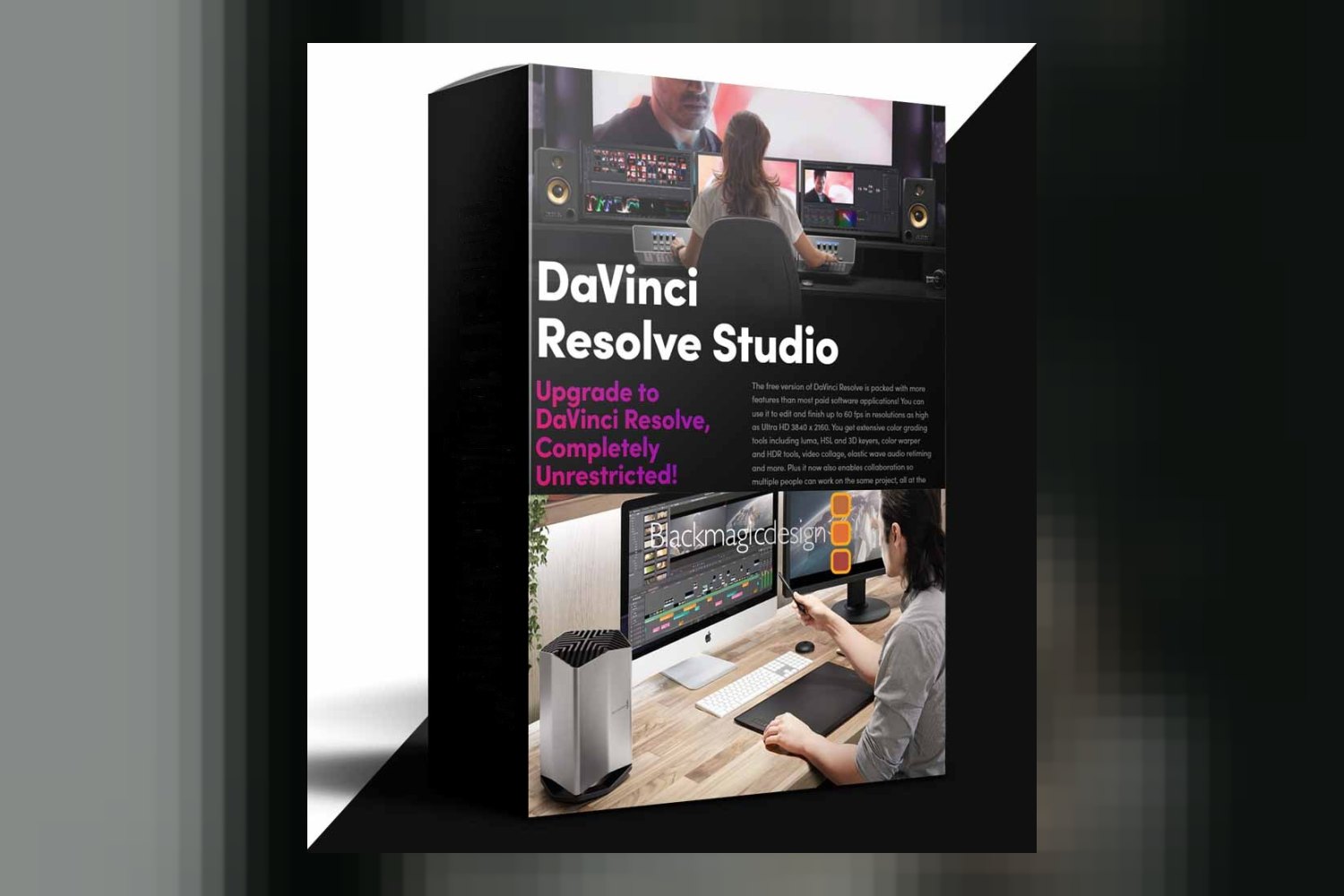

You’re looking into DaVinci Resolve Studio by blackmagic design, and you want to know what you’re getting yourself into. Straight up, this isn’t for beginners. It’s an all-in-one software for professional video editing, color grading, visual effects, motion graphics, and audio post-production, built for advanced users already familiar with the free version of DaVinci Resolve. The main catch? Some of its most advanced features require separate licenses you’ll need to sort out yourself.
What DaVinci Resolve Studio Does
On paper, DaVinci Resolve Studio is the complete post-production package for high-end work. Blackmagic Design is known for creating industry-leading software and hardware that Hollywood professionals and broadcasters rely on, and this product certainly fits that reputation. It packs over 100 advanced features that go well beyond what the free version offers.
You’re looking at serious horsepower for everything from editing to final delivery. For visual effects and motion graphics, it includes features like the DaVinci AI Neural Engine, which powers tools like facial recognition, SuperScale for uprezzing footage, and Speed Warp for high-quality retiming. There are also over 45 additional Resolve FX, covering everything from realistic lens flares and reflections to analog damage effects, sharpening, and even AI UltraNR noise reduction. If you’re doing image restoration, you’ll find tools for dirt removal, dust busting, and de-flickering, plus a patch replacer and object removal plug-in.
For colorists, it’s a beast. You get advanced HDR scopes, GPU accelerated DaVinci Color Transform Language for non-destructive image transformations (which is a big deal compared to traditional LUTs), and full Dolby Vision and HDR10+ grading and rendering capabilities. This means you can master your content for the highest quality display technologies out there.
The audio side is just as beefy, with a full suite of immersive audio tools. We’re talking ground-up Dolby Atmos® Mastering, Ambisonics support up to 5th order, AI voice isolation, a music remixer, and a dialogue separator. It supports 3D panners and a 3D Space View™ display, along with B-chain audio monitoring. For delivery, you can export native IMF Audio Deliverables and Dolby Atmos master files in .damf, .wav, or .mxf formats.
Essentially, DaVinci Resolve Studio is built to handle the most demanding aspects of a professional workflow, ensuring you can take a project from raw footage to a polished, industry-standard final product all within one application.
Operating Systems and Hardware Compatibility
When it comes to getting this software to run smoothly, Blackmagic Design has focused on optimizing for modern hardware across all major operating systems. On Mac, it’s optimized for Metal and takes full advantage of Apple Silicon unified memory GPUs, which means if you’re on a newer Mac, you should see excellent performance. For Windows and Linux users, it supports OpenCL and CUDA, so you can leverage a wide range of graphics cards.
Crucially, DaVinci Resolve Studio is designed to work with multiple GPUs. This is a big deal for professionals who need to maximize processing power for complex effects, high-resolution footage, or intensive rendering tasks. The more graphics cards you can throw at it, the faster it should perform, according to the creator.
For immersive audio, it supports Dolby Atmos 3D channels and buses, ranging from 5.1.2 up to 9.1.6 configurations. It’s compatible with both remote RMU and DAMS for Dolby Atmos, as well as local Dolby Atmos Production Suite setups using AudioBridge. For those working with Digital Cinema Packages (DCP) and Interoperable Master Format (IMF) files, it integrates with Kakadu and Easy DCP for encoding and decoding, and also offers generic, 20th Century Fox, and Netflix IMF presets.
What Parts of Your Workflow It Speeds Up or Replaces
The biggest thing DaVinci Resolve Studio does is consolidate your workflow. As an all-in-one suite, it aims to replace the need to jump between multiple specialized applications for editing, color, VFX, motion graphics, and audio. This alone can save a huge amount of time on complex projects, especially those involving multiple artists.
For collaborative projects, Blackmagic Design highlights its workflow and media asset management integration. This means multiple people can be working on the same project simultaneously, which is essential for studios of all sizes. The remote scripting API, Python and LUA scripting support, and developer APIs further accelerate this by allowing for custom automation and workflow integration plug-ins. If you have repetitive tasks, you can automate them, freeing up valuable time.
The AI Neural Engine features are also big time-savers. Tools like Magic Mask for object isolation and tracking, smart reframe, and scene cut detection can automate tasks that would otherwise be painstakingly manual. Imagine the time saved not having to keyframe a mask for every single frame of a moving object.
Finally, for high-end delivery, the native IMF and DCP encoding and decoding, along with advanced HDR delivery in Dolby Vision and HDR10+ formats, streamlines the final stages of post-production. You’re not relying on external tools or complex export pipelines; it’s all handled within Resolve, up to 32K resolution and 120fps, supporting professional 10-bit formats and hardware acceleration for H.264 and H.265. This is a massive advantage for studios and filmmakers with strict delivery requirements.
Who Benefits Most from DaVinci Resolve Studio
Judging by the feature set, DaVinci Resolve Studio is unequivocally made for professional filmmakers, editors, and Hollywood professionals working on high-end productions. If you’re part of a studio, whether small or large, and need multiple people working on the same project, this software is designed to facilitate that collaborative environment.
The creator explicitly states that it’s for “advanced users who have learned and gained experience with the free version of DaVinci Resolve.” This isn’t a tool for learning the ropes of editing or color. It’s for those who have mastered the basics and are ready to push the boundaries of what’s possible in post-production.
If your projects regularly involve 32K resolution, 120 frames per second, or demand advanced HDR mastering in Dolby Vision or HDR10+, then this is the software you need. The extensive immersive audio tools, including ground-up Dolby Atmos mastering and Ambisonics up to 5th order, make it ideal for audio post-production for feature films or high-end episodic content.
I think the strongest part of DaVinci Resolve Studio is its thorough, high-resolution, high-dynamic-range capabilities, especially for color and delivery. The GPU accelerated DaVinci Color Transform Language and native support for IMF and DCP encoding/decoding are huge for professionals needing to meet specific industry standards without leaving the application.
Limits and Who Should Skip It
While DaVinci Resolve Studio is incredibly powerful, it’s not without its limits, and some of those come with extra costs. If you need advanced Dolby Vision trim controls, you’ll have to get a separate Dolby license. Similarly, supporting encrypted DCP files requires a separate Easy DCP license. These aren’t minor features for high-end productions, so factor in these additional expenses if your workflow demands them.
The biggest “skip it if” factor comes down to your skill level and project needs. If you’re still learning DaVinci Resolve or only work on projects that don’t push beyond Ultra HD (3840 x 2160) resolution at 60 frames per second, then the free version of DaVinci Resolve will likely serve you perfectly well. The Studio version’s advanced features like 32K resolution, 120fps, AI UltraNR noise reduction, stereoscopic 3D tools, or the full immersive audio suite are simply overkill if you’re not actively using them.
If you’re a solo content creator or work on smaller independent projects that don’t require the collaborative features, the developer APIs, or the specific high-end delivery formats like IMF or DCP, then much of what makes Studio powerful will go unused. The weakest part, in my opinion, isn’t the software itself, but the potential for users to overbuy if their projects don’t truly demand this level of professional capability and specific licensing for certain features.
So, should you get it?
If you’re an advanced user who has outgrown the free version of DaVinci Resolve, consistently handles high-end productions, or works in a collaborative studio environment, then DaVinci Resolve Studio is clearly built for you. It’s a powerhouse for those deep in Hollywood-level post-production, especially if you’re dealing with 32K footage, immersive audio, or complex HDR deliverables. However, if you’re a casual editor, still learning, or your projects don’t demand these extreme technical specifications and industry-specific deliverables, save your money and stick with the free version. It’s plenty powerful for most.
Questions people ask
What is the maximum resolution and frame rate supported by DaVinci Resolve Studio?
DaVinci Resolve Studio supports up to 32K resolution and up to 120fps.
Does DaVinci Resolve Studio include AI features?
Yes, it includes the DaVinci AI Neural Engine for features like facial recognition, SuperScale uprezzing, Speed Warp retiming, Magic Mask, and smart reframe.
What immersive audio formats does DaVinci Resolve Studio support?
It supports a full suite of immersive audio tools, including ground-up Dolby Atmos mastering and Ambisonics support up to 5th order.
Can I use DaVinci Resolve Studio for HDR grading and delivery?
Yes, it supports advanced HDR delivery in Dolby Vision and HDR10+ formats, including Dolby Vision grading and rendering and HDR10+ grading and rendering.
Prefer to buy directly from blackmagic design at full price? See the official page.