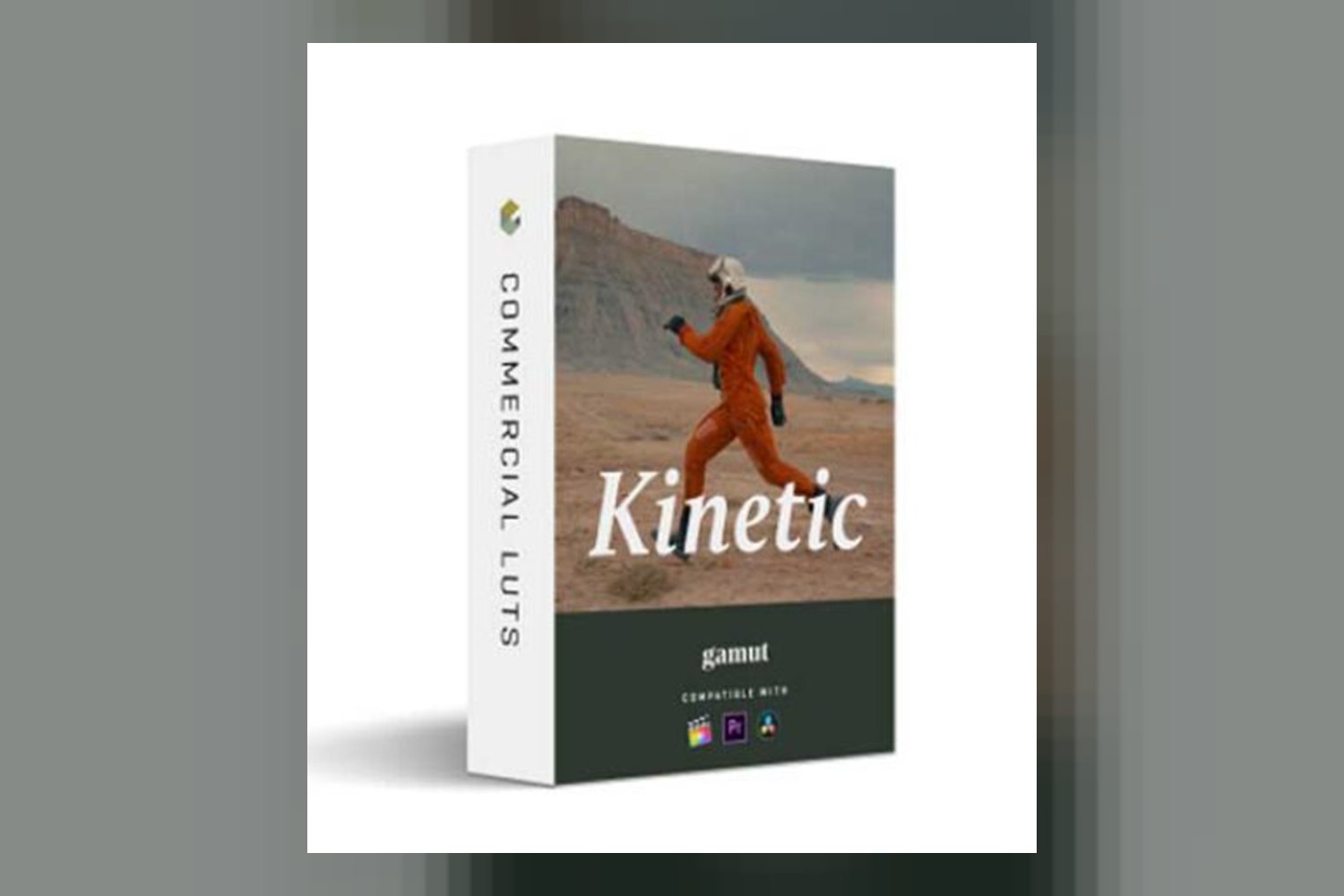
Alright, so you’re eyeing the Gamut Kinetic Luts, wondering if they’re the right fit for your editing bay. Let’s break down what’s actually in this pack. From what the creator, Gamut, publishes, this collection gives you 5 LUTs designed to take your raw footage and push it towards a rich, cinematic look. It’s built specifically for filmmakers and video editors who want to add a particular filmic color palette to their work.
What is in the pack: count, looks, file formats
When you download the Gamut Kinetic LUTs, you’re getting 5 distinct .cube files. These aren’t just minor variations; the creator names them Kinetic 01 through Kinetic 05, suggesting they each bring something unique to the table. On paper, it looks like a curated selection rather than a massive library, which can be a good thing if you’re looking for specific moods.
The standout details tell us a bit about what these 5 looks aim for. For instance, Kinetic 01 is described as offering “ideal contrast,” with a “nuanced blue lean in shadows,” while still keeping skin tones warm. That’s a pretty specific target, and it sounds like it could save you a lot of time dialing in that kind of balance. Then there’s Kinetic 03, which the creator praises for its “blend of cinematic depth and vibrant tonality.” Given Gamut’s background in color-accurate Log-to-Rec709 conversions with their BaseLUTs, I’d expect these 5 LUTs to be well-engineered in terms of their color science.
The fact that they’re standard .cube files means they’re pretty universal across most professional editing and grading software. You get instant download access, so there’s no waiting around once you’ve decided to pull the trigger.
Which cameras and log profiles it is built for, and what happens if yours is not on the list
This is where the Gamut Kinetic LUTs really show their focus. They’re designed for “flawless performance” with footage from a whopping 12 camera brands. That’s a serious claim and covers pretty much the entire spectrum of professional and prosumer cameras out there. We’re talking Apple, Blackmagic Design, Canon, DJI, Fujifilm, Leica, Nikon, Olympus, Panasonic, RED, Sony, and Z CAM. If you shoot on any of these, especially if you’re capturing LOG footage, this is the part that matters.
The LUTs are “optimized for LOG footage.” This is a critical detail. LOG footage is flat and desaturated by design, meant to give you maximum dynamic range for grading. Applying a creative LUT like these directly to non-LOG footage (like standard Rec709) would likely give you wildly oversaturated colors, crushed blacks, or blown-out highlights. So, if you’re not shooting in a LOG profile, think S-Log3 from Sony, V-Log from Panasonic, C-Log from Canon, or ProRes RAW from Apple, then these LUTs aren’t really for you, or at least you’ll need to do some serious color management beforehand to get a usable image.
Now, what if your specific camera isn’t on that list of 12? The creator doesn’t explicitly say. However, if your camera can output LOG footage, there’s a good chance these LUTs could still work. A lot of LOG profiles, while different, share similar characteristics in their “flatness.” You might need to do some more primary correction to get your footage into a neutral starting point before applying the Kinetic LUTs, but it’s not an automatic deal-breaker. Just be aware that “flawless performance” is specifically attributed to those 12 brands, so you might need to experiment a bit more if your gear isn’t listed.
What kind of footage and mood it suits
The core inspiration for the Gamut Kinetic LUTs is the “look of Kodak 2383 film.” If you know your film stocks, you’ll recognize that as a classic cinematic print film, known for its rich, slightly warm, and often dramatic aesthetic. This immediately tells you the kind of mood these LUTs are aiming for: a timeless, filmic quality, not something overly modern or hyper-realistic.
The creator details this further, promising “rich reds, deep blues, and dynamically sculpted shadows.” That’s a very specific palette. If your project involves a lot of natural landscapes, dramatic interiors, or scenes where you want to emphasize specific colors like the red of a sunset or the blue of twilight, these LUTs seem built for that. They’re designed to enhance visual storytelling by adding a strong emotional layer through color.
Judging by these descriptions, these LUTs would be a strong fit for narrative films, music videos, or high-end commercials where a consistent, rich, and slightly stylized look is desired. Imagine a moody short film with deep shadows and vibrant, yet controlled, color accents; that’s the kind of vibe these LUTs appear to be chasing. If you’re shooting weddings on, say, a Sony A7 IV in S-Log3 and want to give your footage a consistent, cinematic feel without starting from scratch on every shot, these could definitely help.
On the flip side, if you’re looking for a bright, airy, high-key, or documentary-style look that prioritizes factual accuracy over artistic interpretation, these probably aren’t your first choice. They’re not “clean” or “neutral” LUTs; they’re creative tools meant to impose a specific, strong aesthetic.
Where it fits in a grading workflow
These LUTs are .cube files, which means they’re compatible with pretty much all major video editing and color grading software. The list is extensive: CapCut, DaVinci Resolve, Final Cut Pro, Premiere Pro, and Vegas Pro. So, no matter your preferred platform, you should be able to drop these in and start experimenting right away.
Now, about workflow. The creator explicitly states that these LUTs are “optimized for LOG footage” and “pairs with Gamut BaseLUTs for Log-to-Rec709 conversions.” This is a crucial piece of information. It strongly suggests that the Gamut Kinetic LUTs are *creative LUTs* meant to be applied *after* your LOG footage has been converted to a standard Rec709 color space. Think of it like this: first, you take your flat LOG footage and convert it to a neutral Rec709 image using a technical LUT (like one of Gamut’s BaseLUTs, or a manufacturer-provided conversion LUT). Once your image looks “normal” but flat, then you apply one of the Kinetic LUTs to add the cinematic color and contrast. This is a standard and solid workflow for professional color grading.
The fact that Gamut, the creator of acclaimed BaseLUTs, made these Kinetic LUTs reinforces this. They understand color science. So, if you’re already using their BaseLUTs, these Kinetic ones are designed to slot right in. If you’re not, you’ll still need to handle that Log-to-Rec709 conversion step yourself before applying these creative LUTs. It’s not an “all-in-one” solution that handles the technical conversion and the creative look in one go. You’ll also be glad to hear that they offer “non-destructive application that does not overwrite original footage.” This means you can apply, adjust, and remove them without any permanent changes to your source files, which is standard for LUTs but always good to confirm.
Limits and who should skip it
While the Gamut Kinetic LUTs sound promising for specific uses, they definitely aren’t for everyone. The biggest “limit,” if you can call it that, is their strong design for LOG footage. If you’re someone who shoots exclusively in Rec709 or other standard profiles, you’re going to have a hard time getting these to look right without significant pre-grading work. They’re not meant to be a one-click fix for any type of footage; they require a specific starting point.
Secondly, the creator doesn’t publish any information about the skill level required. Given that they’re optimized for LOG footage and pair with Log-to-Rec709 conversions, I’d say you need at least a basic understanding of color management and grading workflows. If you’re a beginner just starting out and looking for something super simple to apply to your phone footage, these might be a bit advanced in terms of workflow integration. You’ll need to know how to install .cube files in your software, how to apply conversion LUTs, and then how to apply creative LUTs.
You should probably skip the Gamut Kinetic LUTs if:
- You don’t shoot in a LOG profile and aren’t comfortable converting your footage before applying creative LUTs.
- You’re looking for a very clean, natural, or documentary look rather than a stylized, filmic aesthetic.
- You expect an all-in-one solution that handles technical color space conversion and creative grading simultaneously.
- You have no experience with color grading software or managing LUTs.
My take on the Gamut Kinetic LUTs
On paper, the Gamut Kinetic LUTs look like a solid choice for filmmakers and video editors who work with LOG footage and want to achieve a specific, film-inspired cinematic look. The fact that they come from Gamut, known for their BaseLUTs, gives them a lot of credibility in terms of color science. The strongest part here is the clear focus on emulating Kodak 2383 film and the broad camera compatibility for LOG footage. The weakest part? For some, it might be the requirement to handle your own Log-to-Rec709 conversion, meaning it’s not a complete “start-to-finish” grading solution in one package. If you already have a solid workflow for your LOG footage and just need that final creative push towards a rich, filmic look, these could be a great addition to your toolkit. If you’re a beginner or shoot exclusively in Rec709, you might find them a bit challenging to integrate effectively.
Questions people ask
How do I install Gamut Kinetic LUTs?
The Gamut Kinetic LUTs are delivered as .cube files, which are standard for most video editing and color grading software. You'll typically place these files in a specific folder within your software's library, then access them from the effects or color panel.
Are these LUTs suitable for professional projects?
Yes, according to the creator, Gamut Kinetic LUTs are designed for filmmakers and video editors, aiming to transform raw footage into cinematic visual stories with a rich color palette. They are optimized for LOG footage and compatible with professional software like DaVinci Resolve and Premiere Pro.
Do I need Gamut BaseLUTs to use the Kinetic Collection?
You don't *need* Gamut BaseLUTs, but the Kinetic Collection is "optimized for LOG footage and pairs with Gamut BaseLUTs for Log-to-Rec709 conversions." This means you'll need to perform a Log-to-Rec709 conversion using some method before applying the Kinetic LUTs for the best results.
Will these LUTs overwrite my original footage?
No, the creator states that the Gamut Kinetic LUTs offer "non-destructive application that does not overwrite original footage." They are applied as an effect or adjustment layer in your editing software.
Prefer to buy directly from the creator at full price? See the official page.