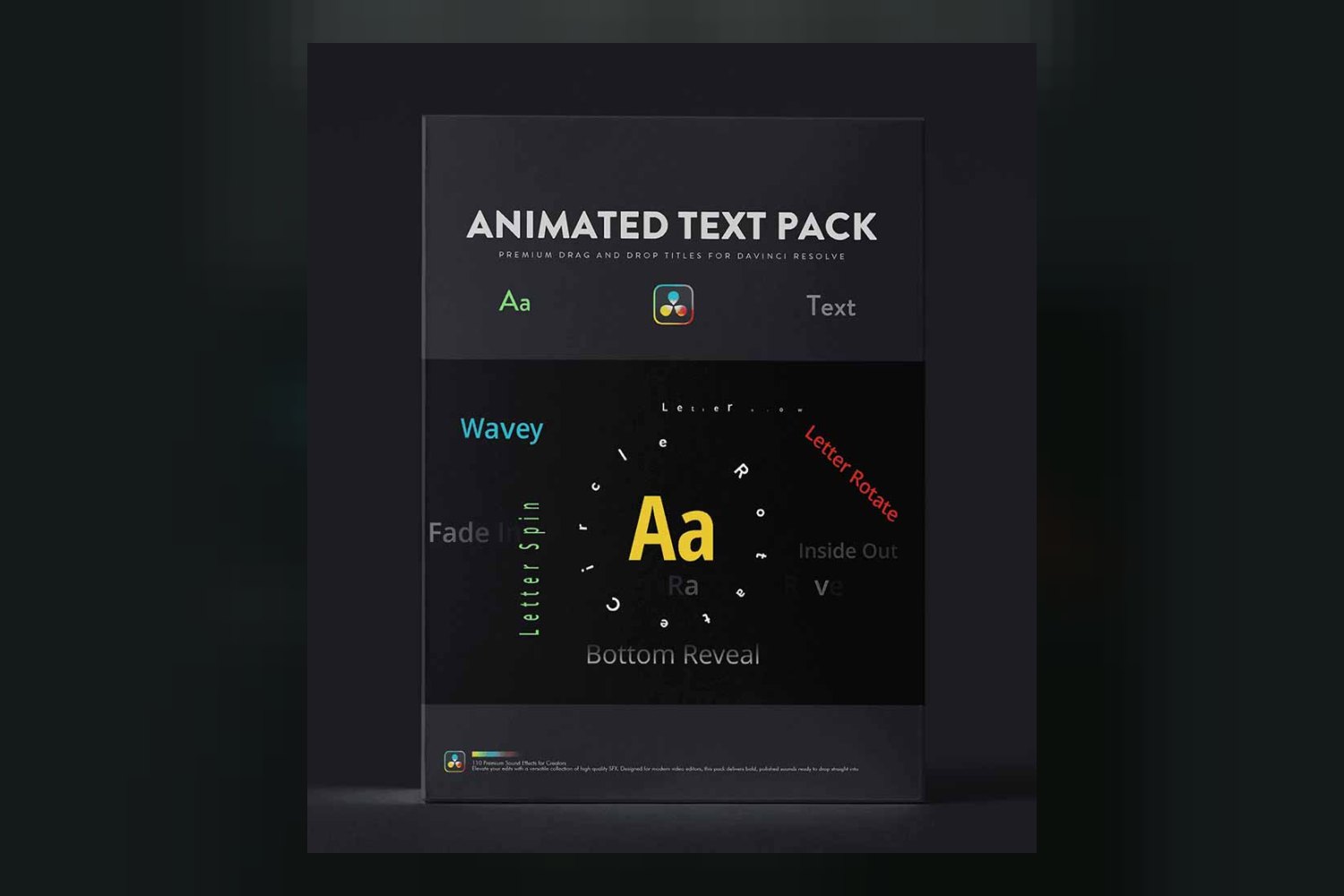
So, you’re looking at the Animated Text Pack by resolvedtools. This is a collection of 101 text animation presets designed to speed up motion graphics work in DaVinci Resolve for creators and editors of any skill level. The main catch? While it promises to simplify text animations, the creator doesn’t publish specific DaVinci Resolve versions or operating systems it supports, which is a big detail to miss for most professional users.
What the Animated Text Pack Does
On paper, the Animated Text Pack is straightforward: it’s 101 professional text animation presets you can drop into DaVinci Resolve. The creator, resolvedtools, focuses on making text animation easier than building it from scratch in Fusion, which is where most of Resolve’s complex motion graphics live. According to the product page, once you’ve got these presets, you get immediate access and can use them for life after a one-time payment.
The core idea here is a “drag and drop workflow.” You pick an animation, drag it onto your text, and then, the creator claims, you can tweak it using the Inspector controls. This means you’re not stuck with a rigid animation; you can adjust things to fit your project’s look and feel. That kind of control is pretty standard for good presets, but it’s good to see it explicitly mentioned.
The pack includes a lot of different styles. Just judging by the list, you get everything from subtle reveals to more dynamic effects. Here’s a look at some of the specific presets included:
- Blur In preset
- Bottom Fade Reveal preset
- Bounce preset
- Constant Hover preset
- Emerge preset
- Fade In Reveal preset
- Flicker preset
- Full Circle preset
- Half Circle preset
- Glow Flicker preset
- Letter Grow preset
- Letter Vertical Grow preset
- Letter Half Spin In preset
- Letter Rotate In preset
- Pop In & Out preset
- Random Letter Reveal preset
- Swipe Title preset
- Middle Reveal preset
- Text Scramble preset
- Wavey preset
- Word By Word Click preset
- Word By Word Grow preset
- Word By Word Stretch preset
That’s a solid collection of effects. The “101 distinct text animation presets” is the strongest part of this product, in my opinion. It means you’re likely to find something that fits most common scenarios, whether you need a quick title reveal or a more stylized lower third. The breadth of options for a single pack is impressive.
What DaVinci Resolve Versions and Systems It Runs On
This is where things get a bit fuzzy, and frankly, it’s a big drawback for professional users. The Animated Text Pack is made for DaVinci Resolve. Period. That’s the only compatibility information the creator publishes. You need DaVinci Resolve software installed, of course.
What the creator doesn’t tell you is which specific versions of DaVinci Resolve are supported. Does it work only with Resolve Studio? Or with the free version too? Is it compatible with Resolve 17, 18, or 19? This is crucial information, especially since DaVinci Resolve updates frequently, and effects or presets can sometimes break between major versions. If you’re running an older version, or the very latest beta, you’re essentially guessing if this pack will work for you.
Similarly, there’s no information on operating system compatibility. While DaVinci Resolve runs on Windows, macOS, and Linux, it’s not stated if the presets are universally compatible across all these platforms. Most Resolve assets are, but not knowing for sure means there’s a small element of risk. If you’re curious about DaVinci Resolve itself, you might want to check out this breakdown: DaVinci Resolve Studio by blackmagic design Review.
To me, the lack of specific version and OS compatibility details is the weakest part of this offering. It puts the burden of compatibility testing on the buyer, which isn’t ideal for a product meant to streamline a workflow.
How It Speeds Up Your Editing Workflow
The primary benefit of the Animated Text Pack is speed. If you’re an editor or creator who frequently needs animated text, this product aims to cut out a significant chunk of production time. Normally, creating custom text animations in DaVinci Resolve means getting into the Fusion page, which has a node-based workflow that can be daunting if you’re not a dedicated motion graphics artist. Building complex motion graphics from scratch in Fusion takes time, skill, and often a lot of trial and error.
This pack, according to resolvedtools, bypasses all that. You get immediate access to the download, and then it’s a matter of finding the right preset, dragging it onto your timeline, and customizing it with the Inspector controls. Think about it: if you’re a YouTuber who needs a consistent intro or outro title animation for every video, or a corporate video editor delivering weekly internal comms, this could save you hours over a month. Instead of spending 30 minutes trying to remember that exact glow flicker effect you built last time, you just grab the “Glow Flicker preset” and adjust the text.
The fact that it’s a one-time payment for lifetime access also means you don’t have an ongoing subscription cost eating into your budget. You buy it once, and those 101 presets are yours forever, ready to be deployed whenever you need them.
Who Should Actually Get This Pack
This Animated Text Pack is clearly made for creators and editors who work in DaVinci Resolve, especially those who need to produce professional-looking text animations quickly and don’t want to get bogged down in Fusion. The creator states it’s for “any skill level,” which makes sense if the workflow is truly drag and drop and customizable via the Inspector.
If you’re a freelancer who takes on a variety of video projects – from social media ads to corporate explainers – and you want a diverse library of text effects at your fingertips without reinventing the wheel every time, this could be a good fit. Similarly, if you’re a content creator who needs to brand your videos with animated lower thirds, intros, or calls to action, having 101 options ready to go means you can keep your style fresh without much effort.
Consider a situation: you’re editing a client project, and they suddenly ask for “some cool animated titles” for a section that’s due tomorrow. If you usually struggle with Fusion, or just don’t have the time, this pack gives you a ready-made solution. It’s for the person who values efficiency and a broad selection of pre-built options over the deep, custom control that building from scratch offers.
Who Should Probably Skip It
First and foremost, if you don’t use DaVinci Resolve, then this product is a non-starter. It’s exclusively built for that software, so if you’re editing in Premiere Pro, Final Cut Pro, or anything else, you should skip it entirely.
You should also probably skip it if you absolutely need to know the specific DaVinci Resolve versions it supports before you buy. As I mentioned, the creator doesn’t publish this information. If you’re on a mission-critical project and rely on a very specific version of Resolve, buying this without knowing if it’s compatible could lead to wasted time or even project delays. It’s a gamble you might not want to take.
Furthermore, if you are a seasoned motion graphics artist who loves building every single text animation from scratch in Fusion, or you have a very niche, highly specialized animation style that 101 generic presets won’t cover, then this pack might not add much value. While the presets are customizable, they are still starting points. If your workflow demands pixel-perfect, completely unique animations for every single project, you might find these too restrictive or too common. It’s designed to *eliminate* the need for complex Fusion work, not necessarily to replace it for someone who thrives on it.
So, should you get it?
If you’re a DaVinci Resolve user who needs a wide array of text animation options to speed up your workflow and reduce time spent in Fusion, and you’re comfortable with the unspecified version compatibility, then the Animated Text Pack by resolvedtools looks like a solid grab. However, if you’re using another NLE, or if knowing the exact supported DaVinci Resolve version is a deal-breaker for you, then you should definitely pass on this one until more details are published.
Questions people ask
How many text animation presets are included?
The pack includes 101 professional text animation presets.
Is this pack compatible with my version of DaVinci Resolve?
The creator states compatibility with DaVinci Resolve software, but doesn't publish information on specific DaVinci Resolve versions supported.
Are the text presets customizable?
Yes, every text preset is fully customizable using Inspector controls within DaVinci Resolve.
Is this a one-time purchase or a subscription?
This product requires a one-time payment and provides lifetime access to the presets.
Prefer to buy directly from resolvedtools at full price? See the official page.